SaaS Procurement Process: How to Build One That Works
Aryan Malik · August 25, 2026
A good SaaS procurement process should control software spend and security without making employees wait weeks for the tools they need. Learn how to build a practical workflow for requests, vendor review, approval, contracts, and ongoing SaaS management.
A SaaS procurement process is supposed to help a company buy the right software without creating another obstacle for employees. In practice, it often ends up somewhere in between. A team needs a tool, the request moves through several approvals, the deadline gets closer, and someone eventually signs up for the software themselves because waiting is more painful than bypassing the process.
That creates a second problem. Now the company has to figure out what was bought, whether it duplicates something already in use, who owns it, what data it can access, and when the contract renews.
A better process doesn't mean putting every purchase through the same level of scrutiny. It means asking the right questions early, increasing the review when the risk is higher, and keeping the software visible after the purchase.
What a SaaS procurement process actually covers
SaaS procurement is more than getting approval for a subscription. It covers how a company identifies a software need, evaluates vendors, checks for existing alternatives, reviews risk, approves the purchase, records the contract, and manages the application after it goes live.
That last part gets missed surprisingly often.
A company can make a sensible decision at the point of purchase and still end up with unnecessary spend a year later because nobody checked usage, ownership, overlapping tools, or renewal terms.
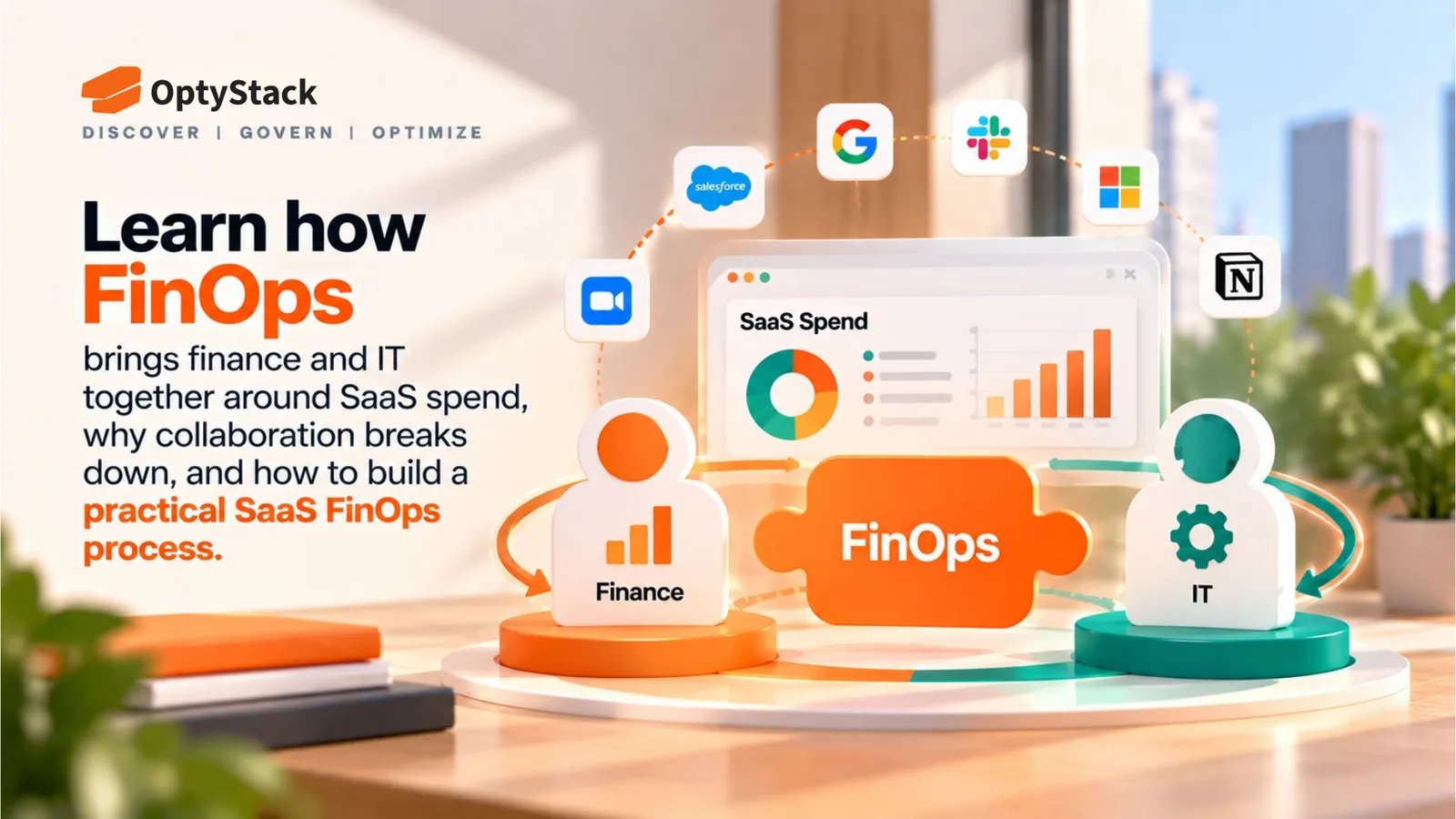
The shift away from centralized IT purchasing makes this harder. Zylo's 2026 research found that IT accounts for just 13% of SaaS applications, while business units account for 53%, with business units controlling 81% of SaaS spend.
SaaS buying is no longer something IT can realistically manage from one central desk. The procurement process has to work across the business.
Why SaaS procurement breaks down
The problem usually isn't a lack of rules. It's a mismatch between those rules and the speed of modern SaaS buying.
An employee needs a tool for a project starting next week. The official process may require a request, several approvals, a security review, and contract work. A self-serve SaaS product can be running before the first meeting gets scheduled.
That gap is where unauthorized buying starts.
There is also the question of ownership. IT may review the technology, Finance may control the budget, Security may assess the risk, and the business team may be the only group that knows whether the software actually solves the problem. When the workflow doesn't clearly assign responsibility, requests either stall or move forward without anyone owning the full decision.
Then there's what happens after the purchase. The first invoice gets paid, the application goes live, and everyone moves on. Months later, nobody remembers who owns it or whether another department is already paying for something similar.
How to Build a SaaS Procurement Process That Works
Start with the problem, not the product
Every request should begin with a simple question:
What are we trying to solve?
A team asking for another project management tool may have a valid reason. It may also be asking for a capability the company already owns somewhere else.
Writing down the use case before comparing vendors keeps the conversation focused on the business requirement. It also makes vendor comparisons more useful because you're evaluating products against a defined need instead of choosing the most impressive demo.
Define the functional requirements, technical constraints, data needs, integrations, and budget before the vendor evaluation starts.
Check the existing stack before approving something new
Duplicate software is one of the easiest ways for SaaS spend to grow without anyone noticing.
Before approving a new subscription, check what the company already has for the same function. An existing platform may cover the requirement, or another department may already be paying for a tool that could be shared.
That doesn't mean every team needs the same application. A specialized tool can make perfect sense when its capabilities justify the overlap. The important part is knowing what already exists before paying for something else.
OptyStack's current platform is designed to surface duplicate tools, unmanaged subscriptions, and software outside the normal procurement process. OptyStack
Keep the initial request short
The first request should give the reviewer enough information to decide what happens next.
At a minimum, ask:
What is the tool? Why is it needed? Who will use it? What will it cost? What data will it handle?
That is usually enough to route a low-risk request without making an employee write a lengthy business case.
More detailed questions can follow when the application involves sensitive data, privileged access, a large contract, or an important business process.
Use risk to decide how much review is needed
A small productivity application and a platform handling customer information shouldn't move through exactly the same workflow.
Look at factors such as:
data sensitivity
system access
integration requirements
contract value
business criticality
number of users
Higher-risk applications can then receive deeper security, legal, and procurement review while routine requests move faster.
Security should be part of the buying decision rather than something added after the software has already been selected. NIST's acquisition guidance recommends incorporating security requirements into technology acquisition and considering security and privacy controls as part of the procurement process.
Assign an owner before the contract is signed
Someone should be accountable for every SaaS application the company buys.
That owner should know why the tool was purchased, which teams use it, whether the subscription still provides value, and what should happen when the contract comes up for renewal.
It becomes much easier to make a renewal decision when a named person understands the application. Without that ownership, a subscription can become permanent simply because nobody is expected to question it.
Record the commercial details while they're still fresh
Don't let the contract disappear into a procurement folder after signature.
Capture the vendor, contract owner, cost, number of seats, contract term, renewal date, notice period, pricing model, and important cancellation terms.
Those details become important later when someone needs to reduce seats, renegotiate pricing, or decide whether the application is still worth keeping.
Give urgent requests somewhere to go
Some purchases genuinely cannot wait for the standard workflow.
An engineering team may need a specialized tool for a project. A short-term initiative may require software that isn't already approved. A new AI service may solve a problem that existing applications don't handle well.
That is where a documented exception path helps.
The employee gets a faster route, while the company still records who approved the exception, why it was needed, and whether the decision should be revisited later.
An exception should be a faster route through the process, not a way around it.
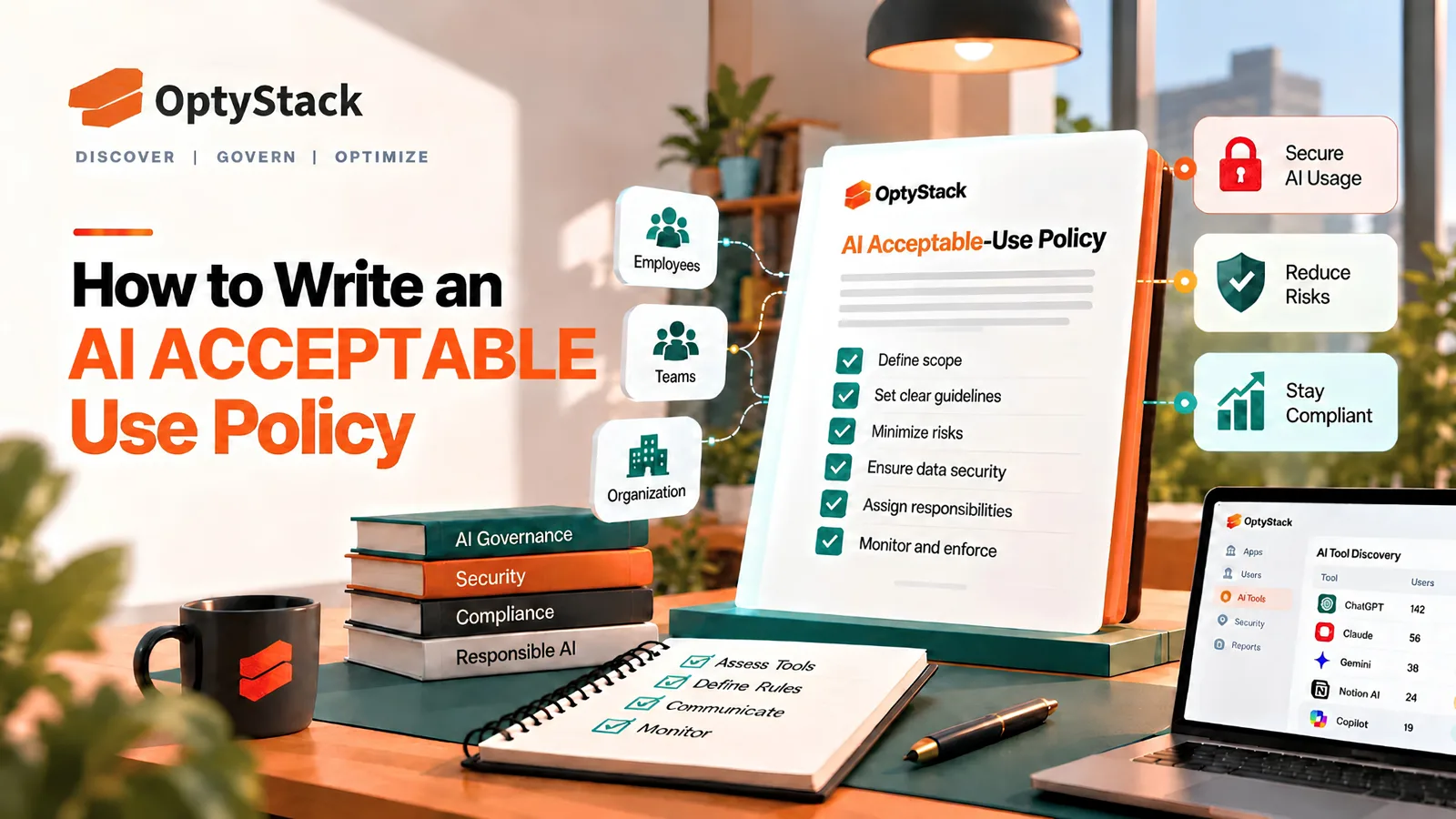
Treat AI as part of SaaS procurement
AI makes self-serve software adoption even easier. An employee can open a browser, create an account, enter a prompt, and connect a tool to work without a conventional software installation.
A procurement process that only covers traditional SaaS can miss a growing part of the software environment.
The policy should make it clear when AI applications require review, particularly when they can access company data, connect to internal systems, or create a new recurring cost.
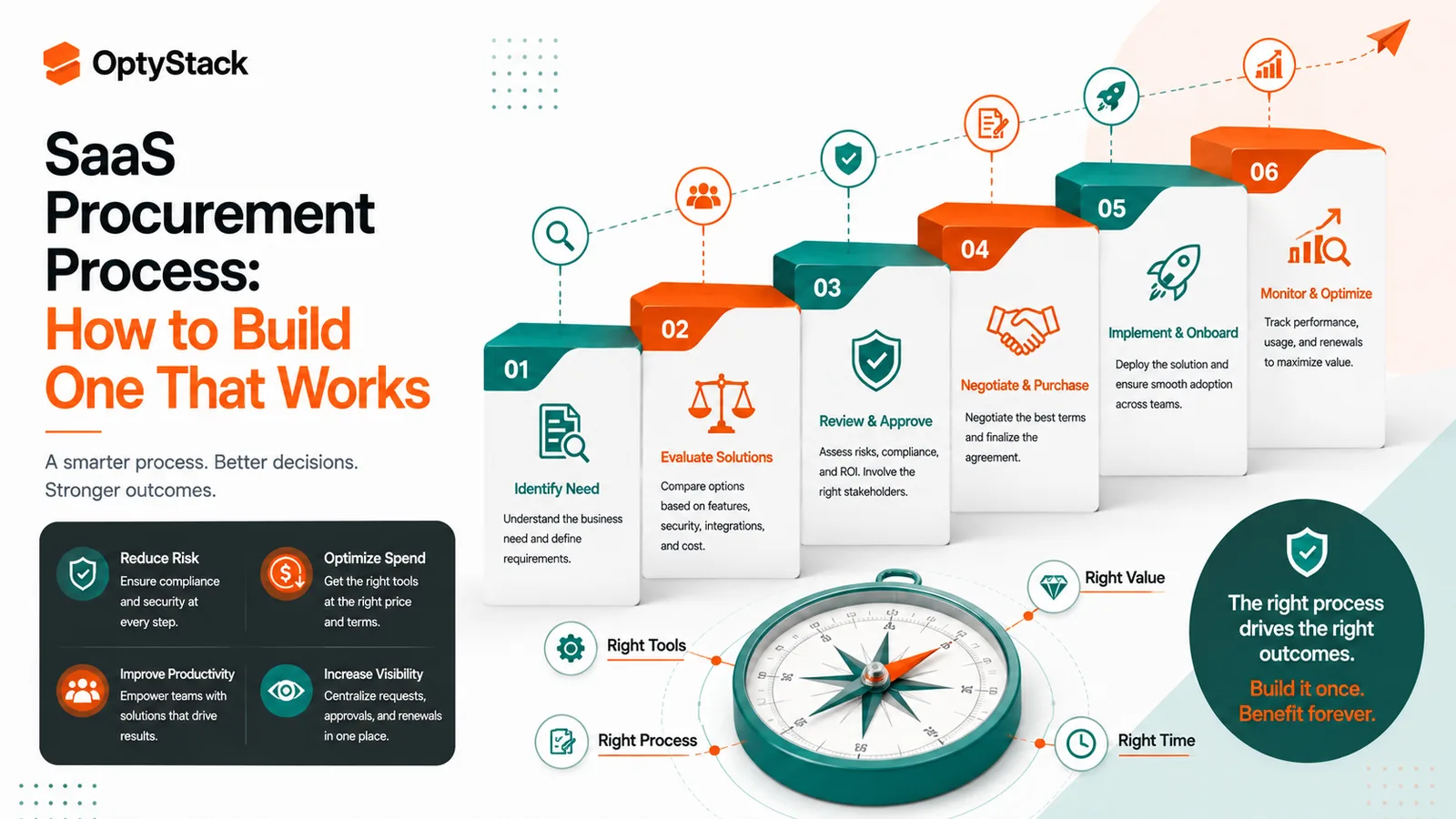
What the Procurement Workflow Can Look Like
A practical process doesn't have to be complicated.
Request: The employee explains the need, intended users, cost, and expected use.
Check: IT or SaaS management looks for existing applications that already cover the requirement.
Review: Security, Legal, Finance, or Procurement gets involved based on risk and value.
Approve: The appropriate owner signs off.
Buy: Contract terms, ownership, and renewal information are recorded.
Monitor: Usage, licenses, spend, and business value are reviewed after deployment.
Renew, change, or retire: The application is resized, renewed, consolidated, or removed based on evidence.
The important part is that the process doesn't end with the purchase.
How to Make Employees Follow the Process
A procurement process becomes a problem when employees see it as something that slows them down without helping them.
Make common requests fast. Low-risk and commonly used software should have a straightforward route.
Show people what already exists. A useful software catalog can answer the “Do we already have this?” question before a new request is submitted.
Explain why a request needs review. Data access, security concerns, duplication, cost, and compliance are very different reasons for delaying a purchase. People are more likely to accept a review when they understand what is being checked.
Keep exceptions visible. Fast-track requests should still have an owner and a record.
Review the process itself. If the same teams repeatedly bypass procurement, that is useful feedback. The workflow may need fixing rather than another rule.
Where OptyStack Fits
The difficult part isn't writing down the procurement process. It is maintaining visibility once software starts entering the company through different teams and different channels.
OptyStack brings spend, identity, usage, and application information into one SaaS management environment. Its platform is designed to discover Shadow IT and Shadow AI, surface duplicate applications and unmanaged subscriptions, and connect those findings with spend and usage data. OptyStack
That information can improve the procurement decision before and after a purchase. Before approval, teams can check whether a similar application already exists. After approval, they can see whether the software is actually being used, whether the license count still makes sense, and whether the application should be revisited at renewal.
OptyStack is free to start and doesn't require a credit card.
Build a SaaS procurement process people can actually follow. Start free with OptyStack and see what is already entering your stack.
Frequently Asked Questions
What is a SaaS procurement process?
It is the set of steps a company uses to identify, evaluate, approve, purchase, and manage SaaS applications. A strong process continues after the purchase so usage, contracts, licenses, and renewals don't disappear from view.
Who should be involved in SaaS procurement?
It depends on the purchase. The requesting team, IT, Finance, Security, Legal, and Procurement may all have a role, but not every application needs all of them. The process should route requests based on cost, risk, data sensitivity, and business importance.
How can SaaS procurement reduce duplicate software?
Check the existing SaaS stack before approving a new purchase. If another application already covers the requirement, the company can reuse it, expand an existing agreement, or make a deliberate decision to add a specialized tool.
Should free SaaS and AI tools go through procurement?
They should at least be visible when they use company accounts, company data, or business workflows. A free application can still create security, privacy, compliance, or data-access concerns.
How often should a SaaS procurement process be reviewed?
At least annually, with earlier reviews when the environment changes significantly. Rapid AI adoption, organizational growth, new compliance requirements, or repeated procurement bypasses are all good reasons to revisit the workflow.
Build Procurement Around How the Business Actually Buys Software
A SaaS procurement process doesn't need to turn every software request into a committee meeting.
It needs a clear starting point, a review path that matches the risk, and enough visibility to know what happens after approval. Employees should be able to get legitimate tools without unnecessary delays, while IT and Finance should still know what is being bought, why it is needed, and what happens after the contract is signed.
That balance matters more than adding another approval step.
Start free with OptyStack and bring visibility to the SaaS applications entering your business.