How to Write an AI Acceptable-Use Policy
Aryan Malik · September 29, 2026
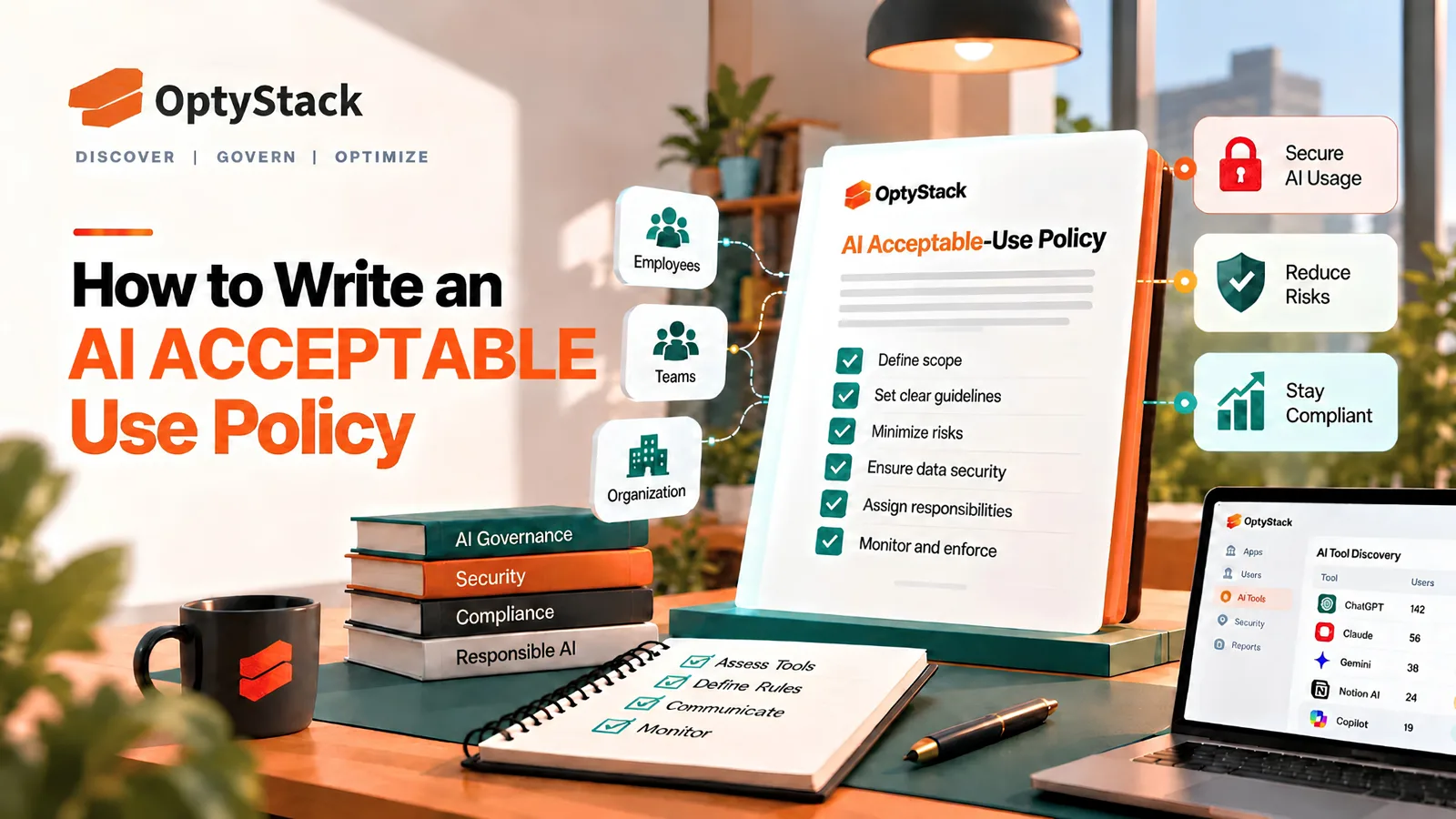
Employees are already using AI tools, whether or not an organization has finished writing its policy. Learn what an AI acceptable-use policy should cover, how to build one step by step, and how to keep it aligned with real-world AI usage.
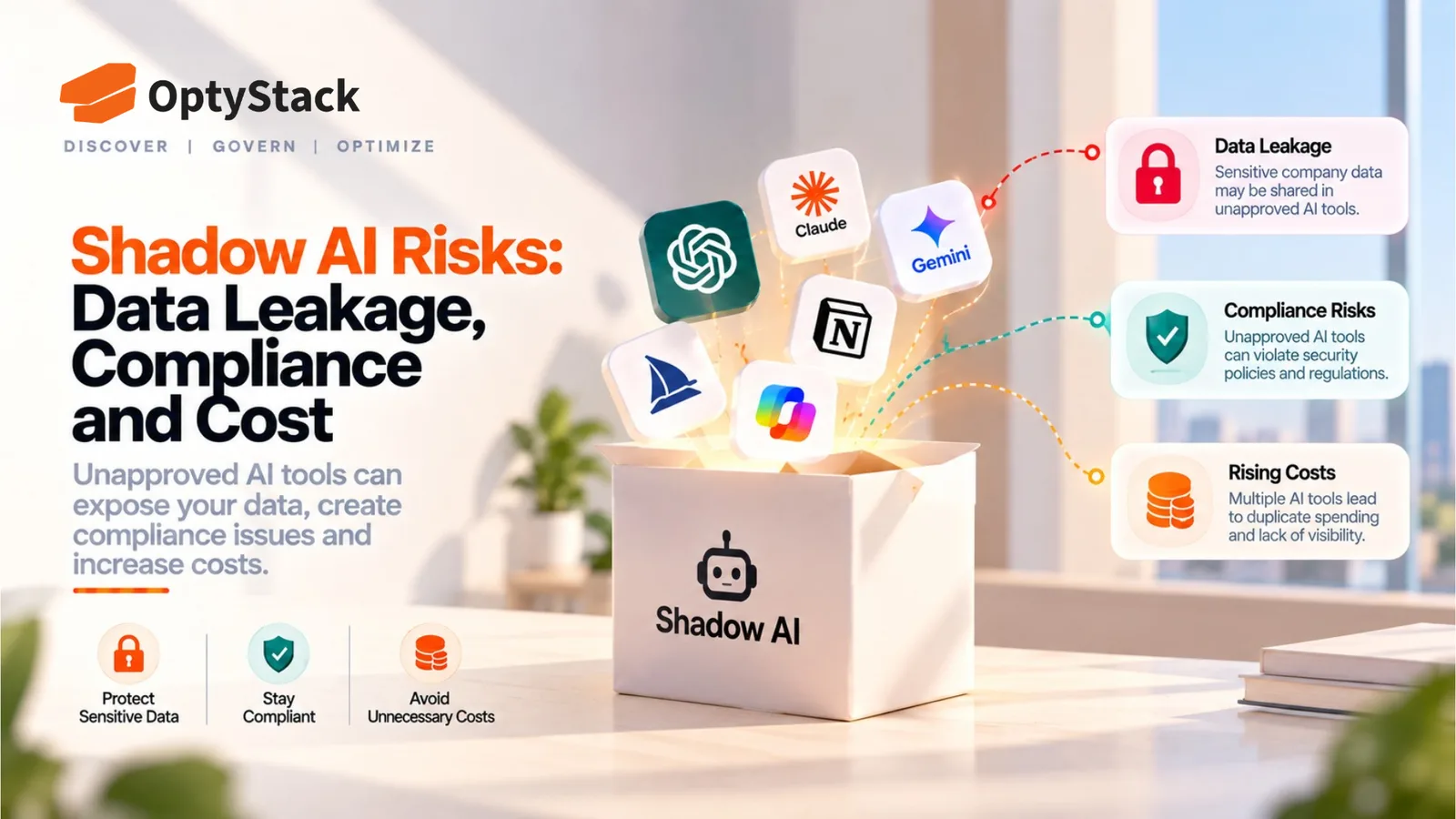
IBM's 2025 Cost of a Data Breach Report found that 63% of the breached organizations it studied either lacked an AI governance policy or were still developing one. Employees don't wait for that to be settled. They use whatever AI tool solves the task in front of them, and a policy that arrives later has to describe what people actually do, not what the company wishes they did.
An AI acceptable-use policy (AUP) is the document that tells employees which AI tools they can use, what data can go into them, and what to do when a situation falls outside those rules. A useful one is short and specific enough that someone can check a tool against it in a few minutes.
What an AI acceptable-use policy needs to cover
Scope. State who the policy applies to (employees, contractors, interns) and what counts as AI. Include standalone chatbots, browser extensions, AI agents, and AI features built into software the company already approved, since that last category is easy to overlook.
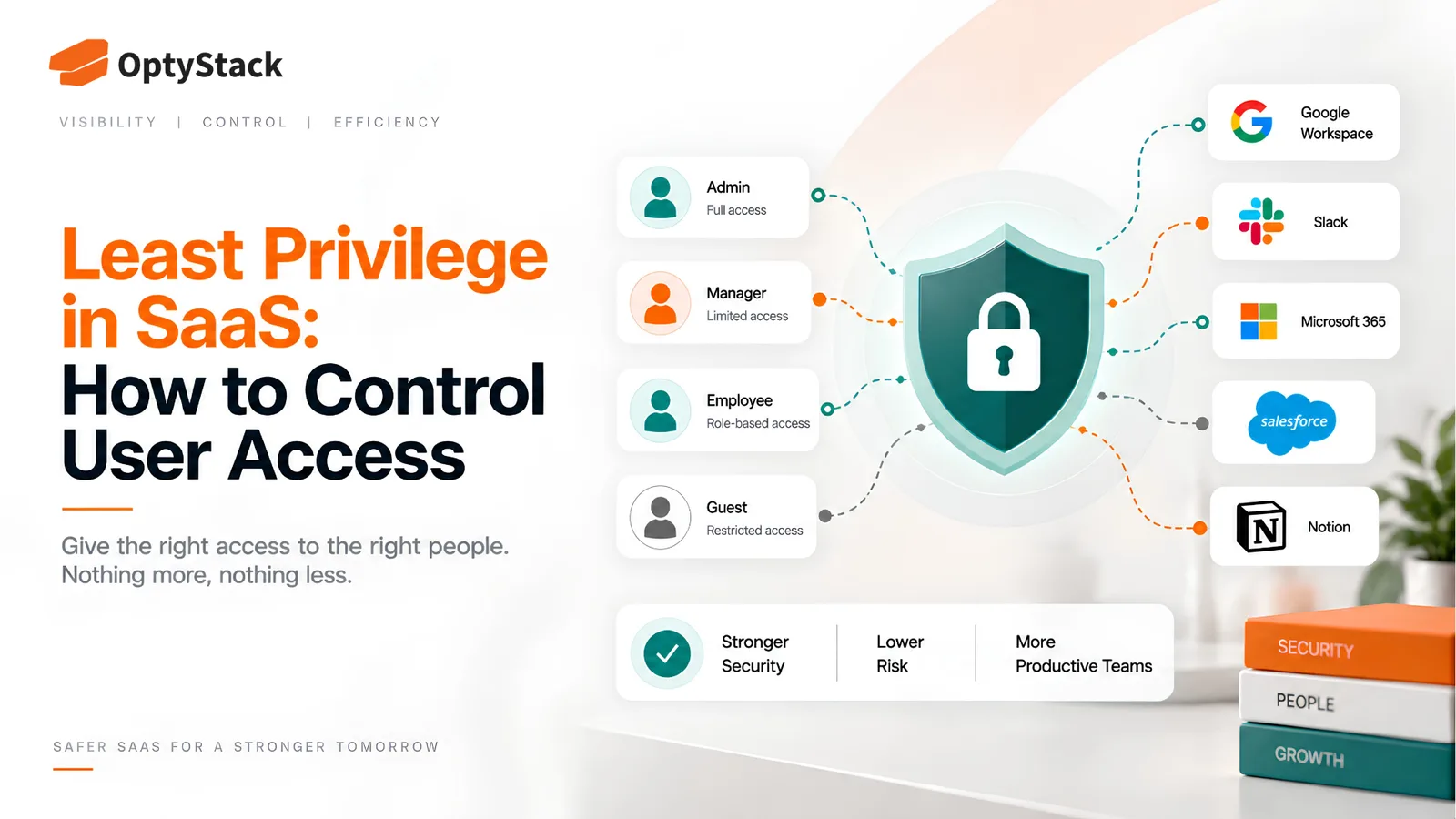
Approved tools and account types. List the tools employees may use, and specify the account tier. The same product may be acceptable on a company-managed account but restricted on a personal one, depending on the provider's terms, configuration, security controls, and the organization's policy.
Data rules. Tie the policy to a data classification your company already uses, or create a simple three-tier version: public, internal, and confidential or regulated. Then say plainly which tiers may go into which tools. Customer personal data, source code, credentials, financial results, and health information usually belong in the "approved enterprise tools only" or "never" categories.
Prohibited uses. Name the specific things that are off limits, such as pasting credentials or API keys into a prompt, or using AI output to make decisions about individuals without human review. Many organizations restrict the second one, and it's worth confirming the right line with legal counsel.
Human review of outputs. Assign accountability for checking AI-generated content before it goes to a customer, into production code, or into a decision. The person who uses the output owns its accuracy.
Intellectual property and disclosure. Decide whether AI-assisted work needs to be disclosed to customers or partners, and how generated code gets reviewed for licensing concerns. These are questions for your legal team, not something to guess at in a policy draft.
A path for requesting new tools. Employees will always find tools the policy didn't anticipate. Spell out who to ask, what information to include, and how long a decision should take.
Incident reporting. Say what an employee should do if they realize they pasted sensitive data into an unapproved tool. A reporting process that encourages employees to report mistakes early can make it easier for security teams to investigate and limit potential exposure.
Enforcement and review schedule. State the consequences for violations in terms HR has approved, and set a date for the next policy review.
How to write it, step by step
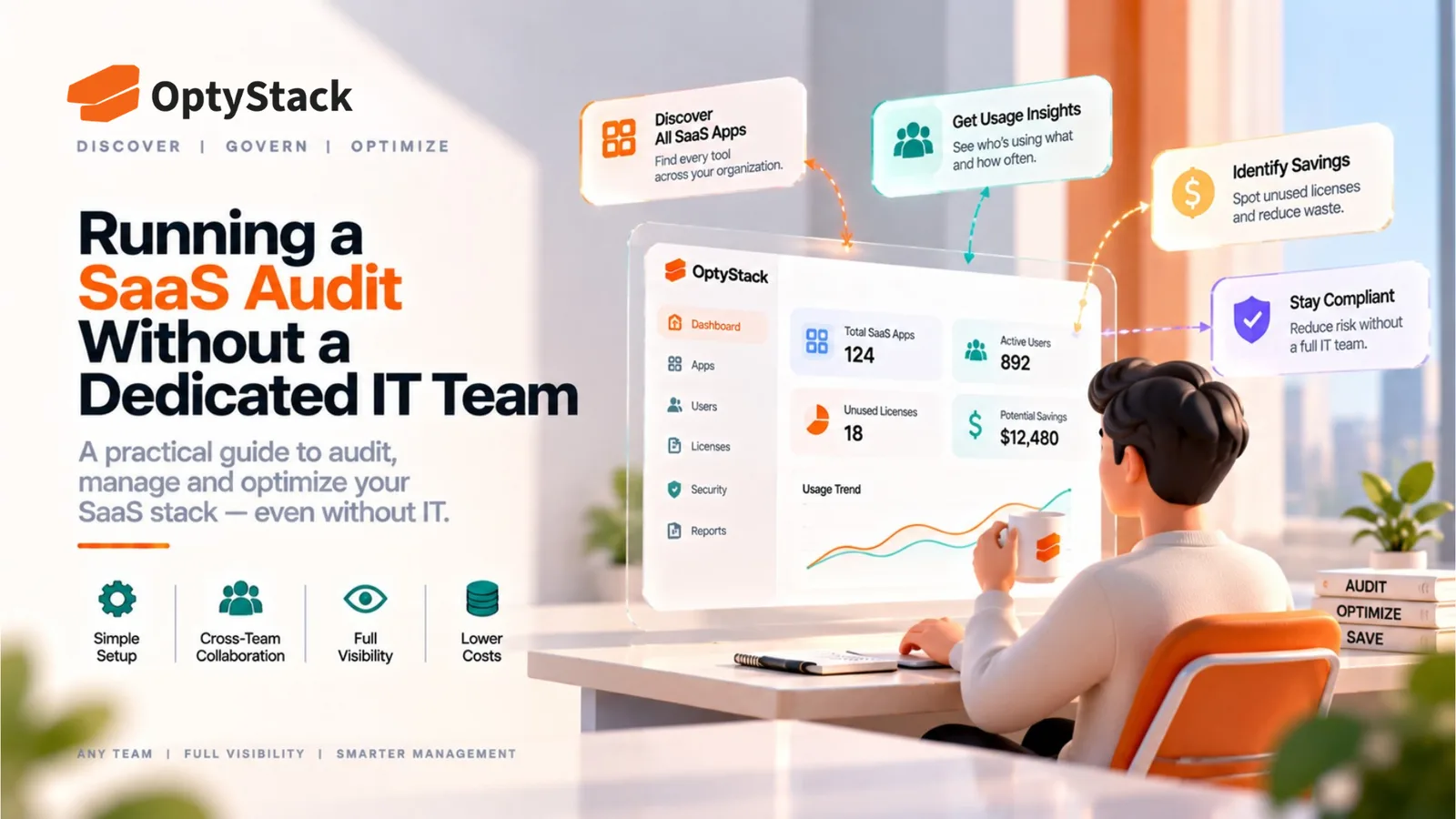
1. Find out what's already in use before drafting anything. A policy that bans the tools employees rely on will be ignored. Build an inventory from expense records, identity and SSO data, and available connected-application or OAuth records in platforms such as Google Workspace or Microsoft 365, then draft the policy around reality. The free SaaS audit toolkit linked below is a reasonable place to start that inventory.
2. Classify data into a few tiers. Three tiers are easier to follow than seven. Employees should be able to place a piece of information in a tier without asking anyone.
3. Decide the default for tools that aren't on the list. "Not approved unless requested" and "allowed for public data only" are both defensible. Pick one, write it down, and apply it consistently.
4. Write for the reader, not the lawyer. For many organizations, two to four pages plus a one-page quick-reference summary with examples of allowed and disallowed uses is a practical target. A policy nobody finishes reading doesn't change behavior.
5. Make the request process faster than the workaround. If getting a tool approved takes weeks and signing up takes five minutes, the policy loses. A fast lane for low-risk tools, with a deeper review only for tools that touch sensitive data, keeps the process usable.
6. Get review from legal, security, and HR. An AUP is an internal policy, and provisions about monitoring and discipline can carry employment-law implications that vary by jurisdiction. Frameworks like NIST's voluntary AI Risk Management Framework and the ISO/IEC 42001 AI management system standard are useful reference points for structure, though neither is a template for an employee-facing policy.
7. Train with examples. A ten-minute walkthrough of real scenarios ("Can I paste this customer email into a chatbot to summarize it?") does more than a link to a PDF.
8. Set a review cadence. AI tools and vendor terms change quickly. Reviewing the policy at least every six months is an editorial recommendation, not a fixed standard, and a review after any significant incident makes sense too.
Common mistakes
A blanket ban with no approved alternative. Employees still have the work to do. Without a sanctioned option, use tends to move to personal accounts and devices, where the company has even less visibility.
Writing it once and filing it. A policy that hasn't been updated since the last wave of new AI products describes a landscape that no longer exists.
Leaving out AI features inside approved software. A tool that passed review last year may have added AI capabilities since. The policy needs a way to catch those changes.
No owner. Someone specific has to maintain the approved list, handle requests, and run the review. A policy owned by a committee is effectively owned by nobody.
No way to tell whether it's being followed. A policy without any visibility into actual tool usage is a statement of intent. Discovery is what turns it into something you can check.
Where OptyStack fits
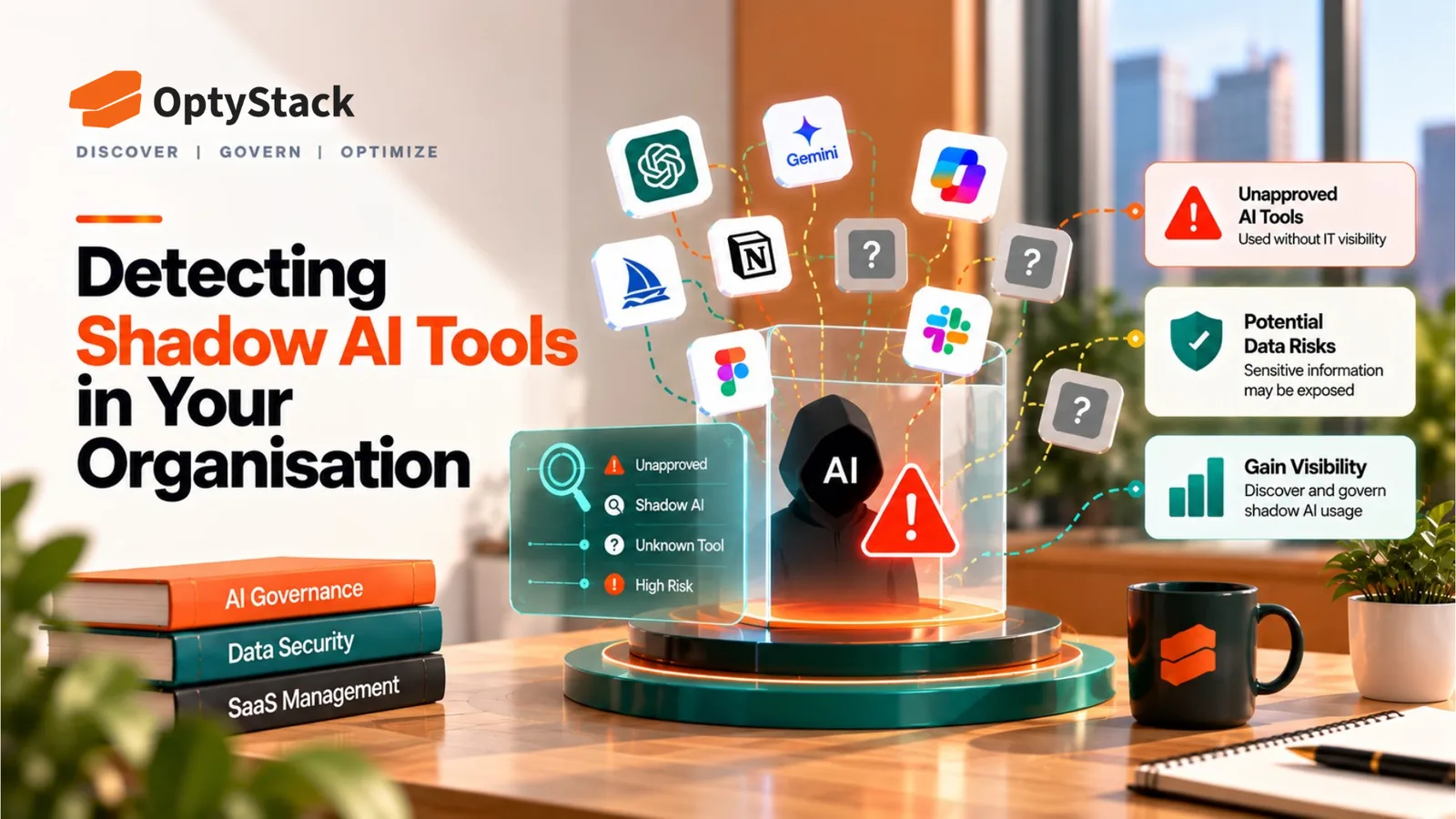
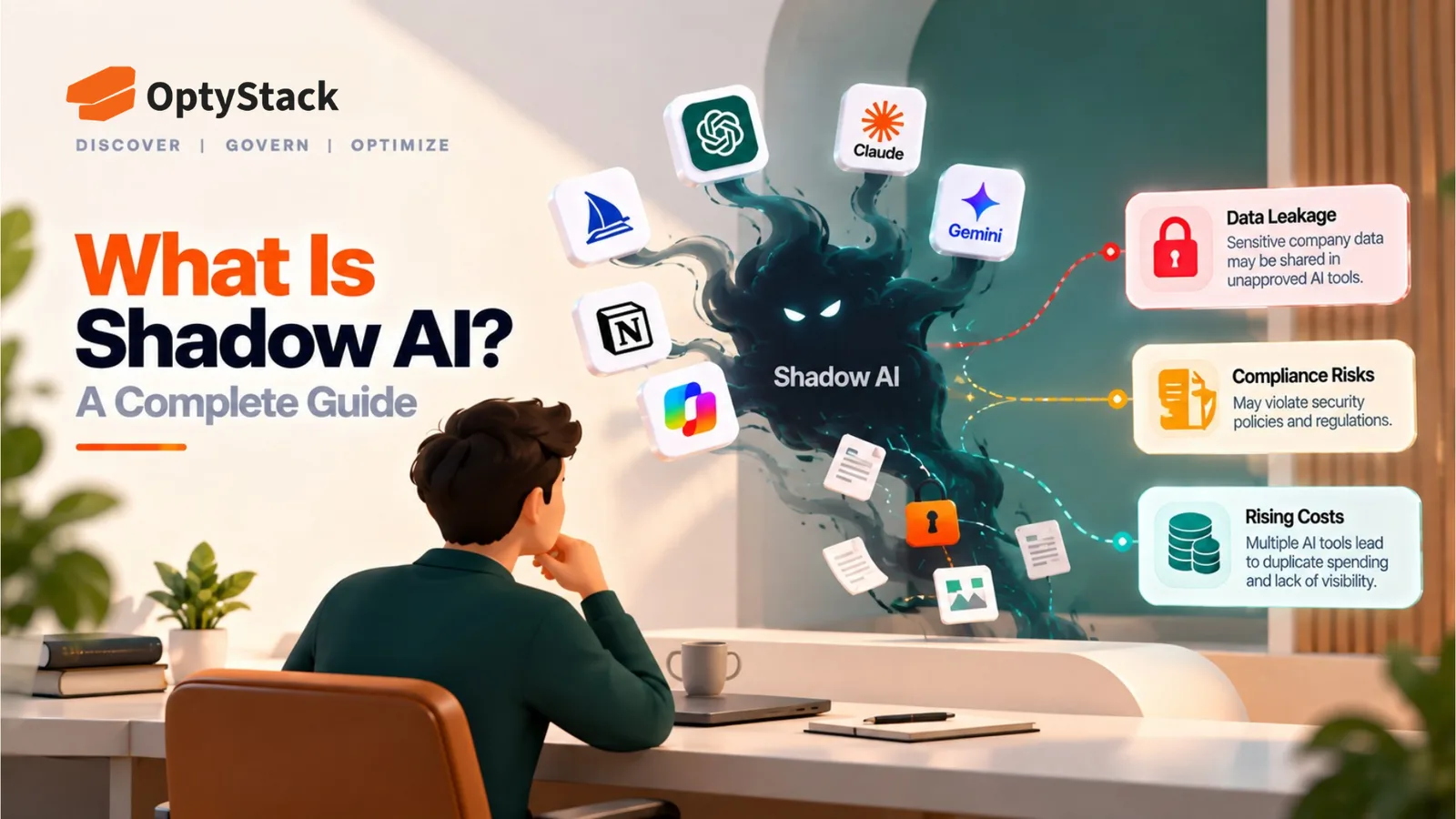
An AI policy is only as accurate as your picture of which AI tools are actually in use. Building that picture by hand from expense reports, login logs, and connected-app lists is slow, and it goes out of date as soon as someone tries a new tool.
OptyStack helps teams surface AI applications across their SaaS estate, including shadow AI tools adopted outside a formal review, so the approved list and the exception process can be based on what employees are really using. It doesn't write or enforce the policy. It supplies the inventory the policy depends on.
It's free to start and doesn't require a credit card.
Start with an inventory of what's already in use. Download the free SaaS audit toolkit, or start free with OptyStack.