Browser Extensions: The Overlooked Security Risk
Aryan Malik · October 1, 2026
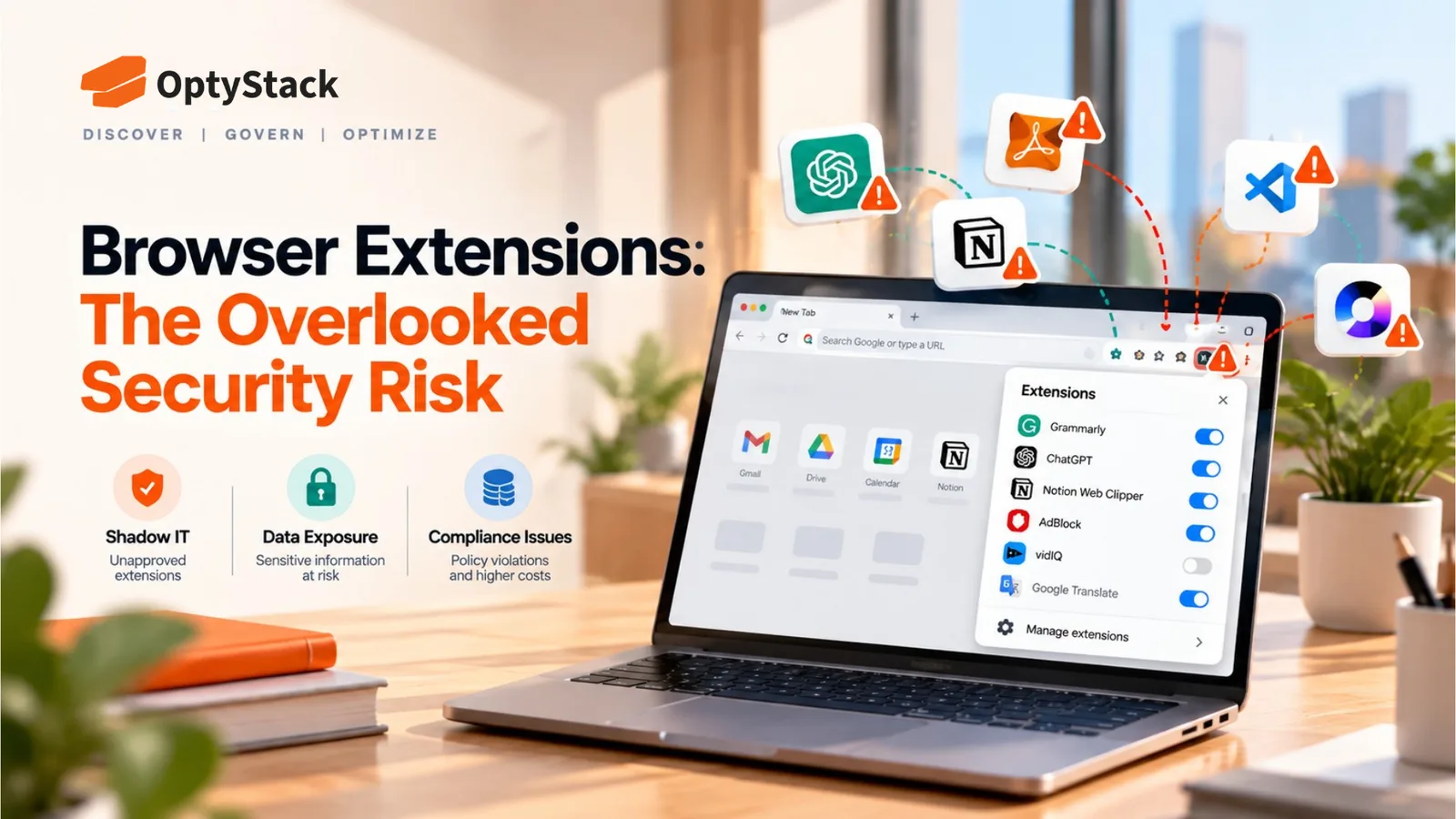
A poisoned VS Code extension compromised a GitHub employee device in 2026, with GitHub saying an attacker's claim of roughly 3,800 exfiltrated internal repositories was directionally consistent with its investigation. Here's why extension security deserves more attention.
On May 20, 2026, GitHub disclosed that an employee's device had been compromised through a malicious VS Code extension, with GitHub saying the attacker's claim of roughly 3,800 exfiltrated internal repositories was directionally consistent with its investigation. GitHub is one of the largest code hosting platforms in the world, with security resources most companies don't have. The compromise began with a poisoned VS Code extension on an employee device.
Browser and IDE extensions sit in an unusual blind spot. They're reviewed less carefully than a SaaS application, they often don't require admin approval to install, and depending on the permissions granted, some extensions can read or modify content across the pages a browser loads, including whatever corporate SaaS tools an employee is logged into at the same time.
Why Extensions Carry More Risk Than Most Companies Assume
The permissions involved are often broader than people realize. LayerX's Enterprise Browser Extension Security Report 2025 found that 53% of enterprise users had installed extensions with high or critical permissions. The report also highlights extensions capable of accessing sensitive browser data, including cookies, passwords, and browsing information.
A legitimate extension can turn malicious without a new install. When an extension receives an update, users may not realize that its behavior has changed. That's the mechanism behind a documented December 2024 incident involving the data security company Cyberhaven, reported by multiple independent security researchers including Sekoia.io and the RH-ISAC. A phishing email impersonating Google tricked a Cyberhaven employee into granting a malicious OAuth application access to the company's own Chrome Web Store publishing account. The attacker used that access to push a tampered version of Cyberhaven's extension, live for roughly a day before being caught, which silently collected cookies and session tokens from users who already had the extension installed, with reporting indicating the stolen data primarily targeted Facebook Ads accounts. The end users never installed anything new. The extension they already trusted simply changed underneath them.
Marketplace vetting provides limited assurance. Extension stores do apply some review, but that review does not guarantee that a legitimate extension will remain safe after publication, particularly if a developer account is compromised or ownership changes. An extension's reputation at the time of installation does not guarantee that its behavior will remain benign after a later update or developer-account compromise. A polished listing and a reasonable install count aren't a strong signal of ongoing safety.
AI-related extensions are a fast-growing subset of this risk. LayerX's 2025 Enterprise GenAI Security Report found that 20.63% of enterprise users had installed a GenAI-enabled browser extension, with 58% of those extensions carrying high or critical permission scopes, and classified 5.6% of GenAI browser extensions as malicious outright.
Why This Risk Tends to Go Unmanaged
Extension installs frequently bypass the review process applied to SaaS applications. A new SaaS tool might go through a security questionnaire or at least a purchasing conversation. A browser extension often installs with a single click from inside the browser itself, without triggering any of the review steps a formal procurement process would apply.
Extensions don't show up in most standard SaaS discovery methods. Identity logs, OAuth connection reviews, and expense records are all built around applications an employee signs up for or authenticates into. A browser extension, particularly a free one installed directly from a browser marketplace, may generate little or none of the procurement, expense, or identity data that traditional SaaS discovery relies on.
Risk scoring based on an extension's category or reputation has real limits. An extension's reputation at the time of installation does not guarantee that its behavior will remain benign after a later update or developer-account compromise.
What a Reasonable Response Actually Looks Like
Use browser admin controls where they're available. Chrome, Edge, and other major browsers offer enterprise policies that can restrict extension installation to an approved allowlist, or at minimum block installs from outside the official store. This is the most direct lever available and doesn't require new tooling if your organization already manages browsers through an endpoint management platform.
Periodically audit what's actually installed across managed devices. A one-time review catches what's accumulated so far. Because extensions can be added or changed through updates over time, a recurring check is what keeps the picture from going stale.
Pay closer attention to permission scope than to an extension's category or install count. An extension requesting access to read and change data on every website deserves more scrutiny than one scoped narrowly to a single site, regardless of how popular or well-reviewed it is.
Build extension awareness into employee security training. Most employees don't realize a browser extension can retain broad access even after it's updated, or that accepting a permissions prompt without reading it can carry consequences well beyond the extension's intended function.
Treat developer and technical endpoints as a distinct, higher-risk category. The GitHub incident involved a VS Code development extension, showing why extension governance shouldn't stop at the browser.
Where OptyStack Fits
Browser and IDE extensions sit outside what identity logs, OAuth reviews, and expense records typically capture, which means they're a gap worth addressing specifically, generally through browser-level admin controls and endpoint management rather than SaaS inventory tools alone.
Where OptyStack helps is in the surrounding picture: surfacing the SaaS applications and AI tools across your estate, so during an incident, teams already have a clearer picture of which SaaS and AI applications the compromised extension could potentially reach.
It's free to start and doesn't require a credit card.
Start with a real inventory of what's already in your stack. Download the free SaaS audit toolkit, or start free with OptyStack.