How to Find Out Which AI Tools Employees Use
Aryan Malik · October 1, 2026
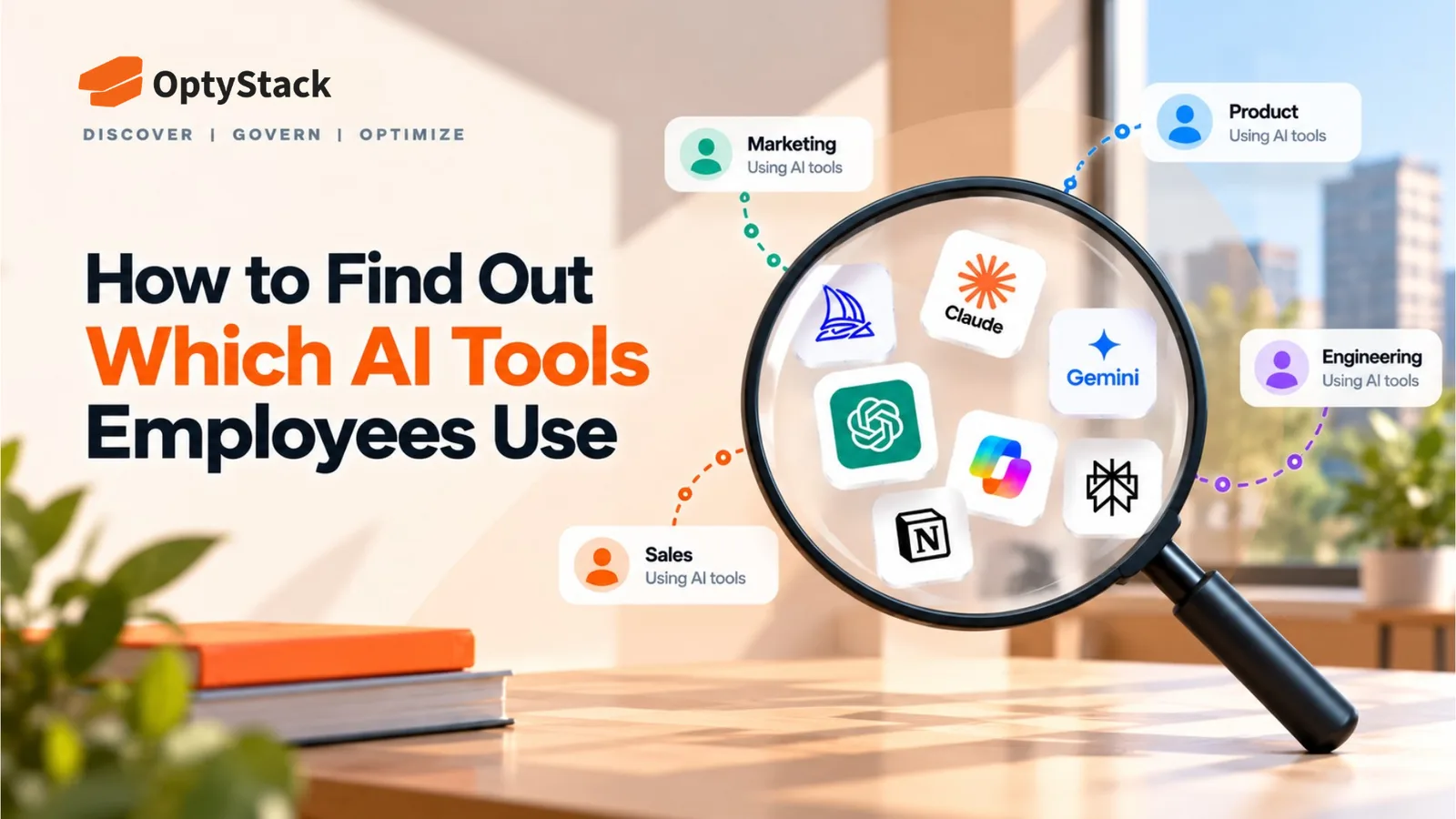
A 2025 global study found that 57% of employees hide their AI use or present AI-generated work as their own. Here's how to get more honest answers and combine employee surveys with independent usage data.
Asking employees directly can produce an incomplete picture, and not because people are being deliberately unhelpful. A 2025 KPMG and University of Melbourne study of 48,340 people across 47 countries found that 57% of employees said they hide their AI use and present AI-generated work as their own. Separately, Slack's Workforce Index research found that 48% of desk workers would feel uncomfortable telling their manager they used AI for at least one common workplace task. Finding out which AI tools employees actually use means accounting for that gap, not just sending a survey and taking the results at face value.
Why direct questions alone fall short
Competence concerns drive a lot of the concealment. Research reported alongside the KPMG findings and echoed in other 2026 surveys points to a consistent theme: employees worry that admitting AI use makes them look less capable, less original, or more replaceable, not that they're trying to hide wrongdoing. A ResumeBuilder survey of 1,000 full-time U.S. workers found that 60.7% had used AI to take on tasks previously done by a coworker. Among those respondents, 62.8% said they had not disclosed AI's role to their manager.
Unclear expectations push the behavior further underground. When there's no clear signal about whether AI use is expected, welcomed, or prohibited, employees tend to default to not mentioning it, on the reasonable assumption that silence is safer than guessing wrong. Research from Slack and other workplace studies suggests that clearer AI-use expectations can reduce uncertainty around disclosure and adoption.
A survey framed like a compliance check gets compliance-check answers. Where an AI usage question sits, next to a general feedback survey versus next to an expense policy or disciplinary procedure, signals to employees what category their answer falls into, and shapes how honestly they respond.
How to ask in a way that actually gets honest answers
Make the survey anonymous, and say so clearly. A question tied to someone's name or a tool that can be traced back to an individual response will get a more cautious answer than one where anonymity is genuinely structural, not just promised.
Separate the question from anything that reads as disciplinary. A question about AI tool usage sitting next to questions about policy violations invites a defensive answer. The same question framed around understanding workflow needs and informing better tool decisions tends to get a more candid one.
Ask what problem the tool solves, not just which tool it is. "What AI tools do you use for X" and "do you use any unapproved AI tools" produce very different response rates, even when asking about the same underlying behavior. The first framing treats the answer as useful information. The second treats it as a confession.
State explicitly what will and won't happen with the answer. Employees who don't know whether an honest answer leads to a consequence will reasonably default to a cautious one. A clear statement that the purpose is understanding adoption and improving tool access, not identifying individual violations, removes some of that uncertainty.
Lightweight data checks that don't require security tooling
Self-reported answers are more useful when checked against at least one independent data source, since the two tend to reveal different gaps.
Review expense reports for AI-related vendor charges. Some AI tool adoption happens through individual or team expense claims rather than a formal procurement process, and this requires no specialized tooling to check, just a pass through twelve months of transactions.
Review connected third-party applications in Google Workspace or Microsoft 365. These platforms provide administrative visibility into different types of application connections and permissions, including OAuth-based access, although the exact information available depends on the platform, configuration, and connection type.
Look at which AI features are active inside tools you already pay for. Many SaaS platforms have added AI capabilities to existing products since their original adoption, which means an approved tool can carry new AI functionality nobody specifically reviewed, even without anyone signing up for anything new.
Ask department leads a more specific question than the general survey. A direct conversation with a team lead, framed around a particular workflow, "how is your team handling first drafts of X," often surfaces detail a company-wide survey misses, since it's grounded in a concrete task rather than an abstract category.
Combining what you learn
Treat gaps between self-reported and data-based findings as useful signal, not contradiction. If expense records show AI subscriptions nobody mentioned in the survey, that's worth a direct, low-pressure follow-up with the relevant team, not an assumption of dishonesty.
Use what you find to shape policy and tool provisioning, and say so. Research on this topic consistently points to the same fix: disclosure improves when employees see that honest answers lead to better sanctioned tools, not just tighter restrictions. Closing that loop visibly tends to improve the next round of findings.
Repeat the process periodically rather than treating it as a one-time survey. AI tool adoption changes quickly, and a single survey, however well designed, describes a moment in time that's already shifting by the time results come in.
Where OptyStack fits
A survey answers what employees are willing to report. Expense records and connected-app data answer part of what's actually happening. Reconciling both by hand, across every department, is a significant ongoing effort without a way to keep the data current automatically.
OptyStack helps surface AI and SaaS application usage across your estate by bringing identity, usage, and spend data together, giving you an independent data source to check self-reported survey answers against, reducing the need to rebuild that picture manually every time you want to review AI and SaaS usage.
It's free to start and doesn't require a credit card.
Start with a real inventory of what's already in use. Download the free SaaS audit toolkit, or start free with OptyStack.