Why Employees Keep Buying Unauthorized SaaS
Aryan Malik · August 21, 2026
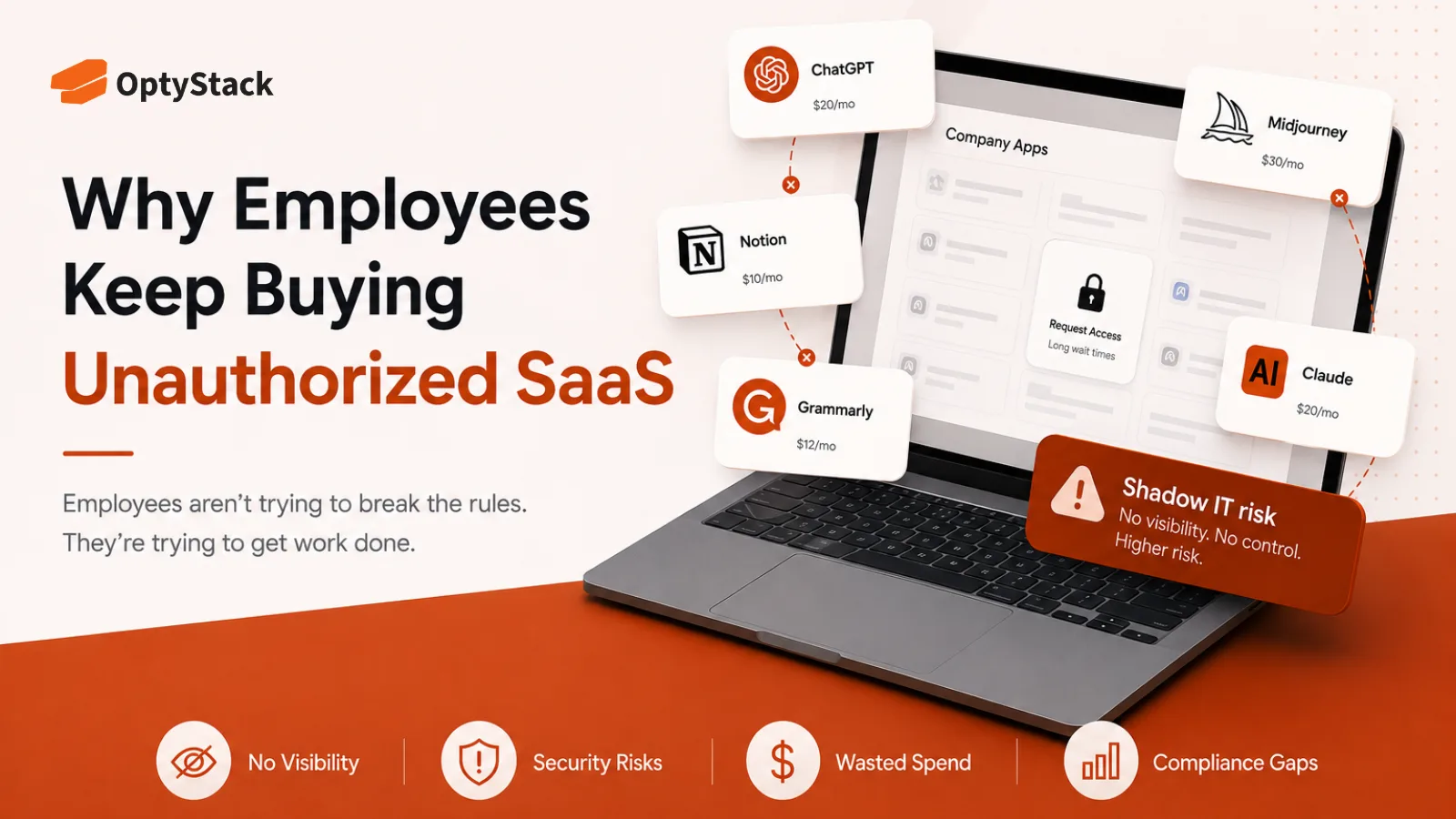
Employees don't set out to create shadow SaaS — they're routing around a procurement process that's slower than the problem they're trying to solve. Here's what drives unsanctioned software purchases, what they cost, and how to close the gap without adding more red tape.
Employees usually buy unauthorized SaaS because the approved process feels slower, harder, or less useful than simply signing up for the tool they need. Most aren't deliberately trying to bypass IT—they're trying to solve a real problem quickly, and modern SaaS makes that possible in minutes.
Ask employees why they use an unapproved application, and you're unlikely to hear, "I wanted to violate company policy."
You'll hear: "I needed it today." "The approved tool didn't do what I needed." "I didn't know I needed permission." Or simply, "It's free."
That's what makes unauthorized SaaS difficult to eliminate. The behavior often starts with a legitimate business need. The problem is the route employees take to solve it.
What counts as unauthorized SaaS?
Unauthorized SaaS is software that employees or teams adopt or purchase without going through the organization's approved IT, security, procurement, or purchasing process.
It's a subset of the broader Shadow IT problem. Shadow IT can include unauthorized hardware, cloud services, file-sharing platforms, and other technology. Unauthorized SaaS specifically refers to cloud software adopted outside the company's established controls.
The distinction matters because SaaS is unusually easy to acquire. An employee can create an account, enter a payment method, and start using a business application before IT knows the purchase happened.
Why do employees buy unauthorized SaaS?
1. Speed beats the approval process
The most obvious reason is also one of the strongest: employees need to get their work done.
Imagine a marketer who needs a data-cleaning tool before a campaign launches tomorrow. The approved software request might involve a form, manager approval, security review, procurement, and a contract.
A self-serve SaaS product can be up and running in minutes.
When the business problem is immediate and the official process is slow, convenience wins.
That doesn't necessarily mean employees dislike IT. It means the approval process is competing with the speed and accessibility built into modern SaaS.
2. Employees want to avoid friction
Even when employees know approval is required, they may avoid the process because the perceived effort isn't worth it.
They may expect questions about why they need the tool, how long they'll use it, whether an existing application can solve the problem, or whether the purchase fits the budget.
For someone trying to solve a specific problem, answering those questions can feel like more work than buying the software.
This creates a predictable pattern: the more friction employees encounter, the stronger the incentive to work around the process.
The answer isn't to remove controls. It's to make the approved path proportionate to the risk.
3. Nobody expects anyone to notice
Unauthorized SaaS can be surprisingly easy to hide inside normal business activity.
A subscription may appear as an expense reimbursement. A team may pay through a corporate card. An employee may use a free tier without creating a traditional procurement record.
And even when the purchase is visible somewhere, it may not be obvious to the team responsible for managing software.
Zylo's 2026 research found that 45% of applications in the average SaaS portfolio are purchased through employee expense channels, while those applications account for only 3.7% of total SaaS spend. That gap illustrates how software can enter the organization at a much larger scale than the spend data alone would suggest.
The result is a visibility problem: employees can adopt software faster than the organization can identify, review, and govern it.
4. The employee has a legitimate business need
This is where companies often get the problem wrong.
An employee buying unauthorized software doesn't necessarily mean the purchase is unnecessary. The employee may have identified a genuine gap in the company's existing toolset.
A designer may need a specific creative feature. A salesperson may want a better meeting-transcription tool. An engineer may need a specialized testing utility.
The problem isn't always what the employee bought. It's how the organization finds out about it.
Treating every unauthorized purchase as employee misconduct can discourage people from reporting useful tools. A better approach is to understand the problem the employee was trying to solve and determine whether the application should be approved, replaced, or rejected.
5. AI makes unauthorized adoption even easier
AI has made this behavior harder to control because many AI products look and feel like consumer applications.
An employee can open a website, create an account, enter a prompt, and immediately use the tool. There may be no traditional software installation, procurement conversation, or IT ticket.
The line between a "personal productivity tool" and a business application has become increasingly blurry.
IBM-sponsored research found that 80% of U.S. office workers use AI in their roles, but only 22% rely exclusively on employer-provided AI tools—often turning to other platforms when company-provided tools don't meet their needs.
Thomson Reuters' 2026 Future of Professionals report found a similar pattern in its survey of over 1,800 professionals across law, tax, audit, accounting, compliance, and global trade: 34% reported using AI tools their organizations hadn't approved.
That creates an uncomfortable reality for IT teams: employees may adopt AI because the organization hasn't provided a tool that solves the problem quickly enough or effectively enough.
What does unauthorized SaaS cost the company?
The cost isn't limited to the subscription itself.
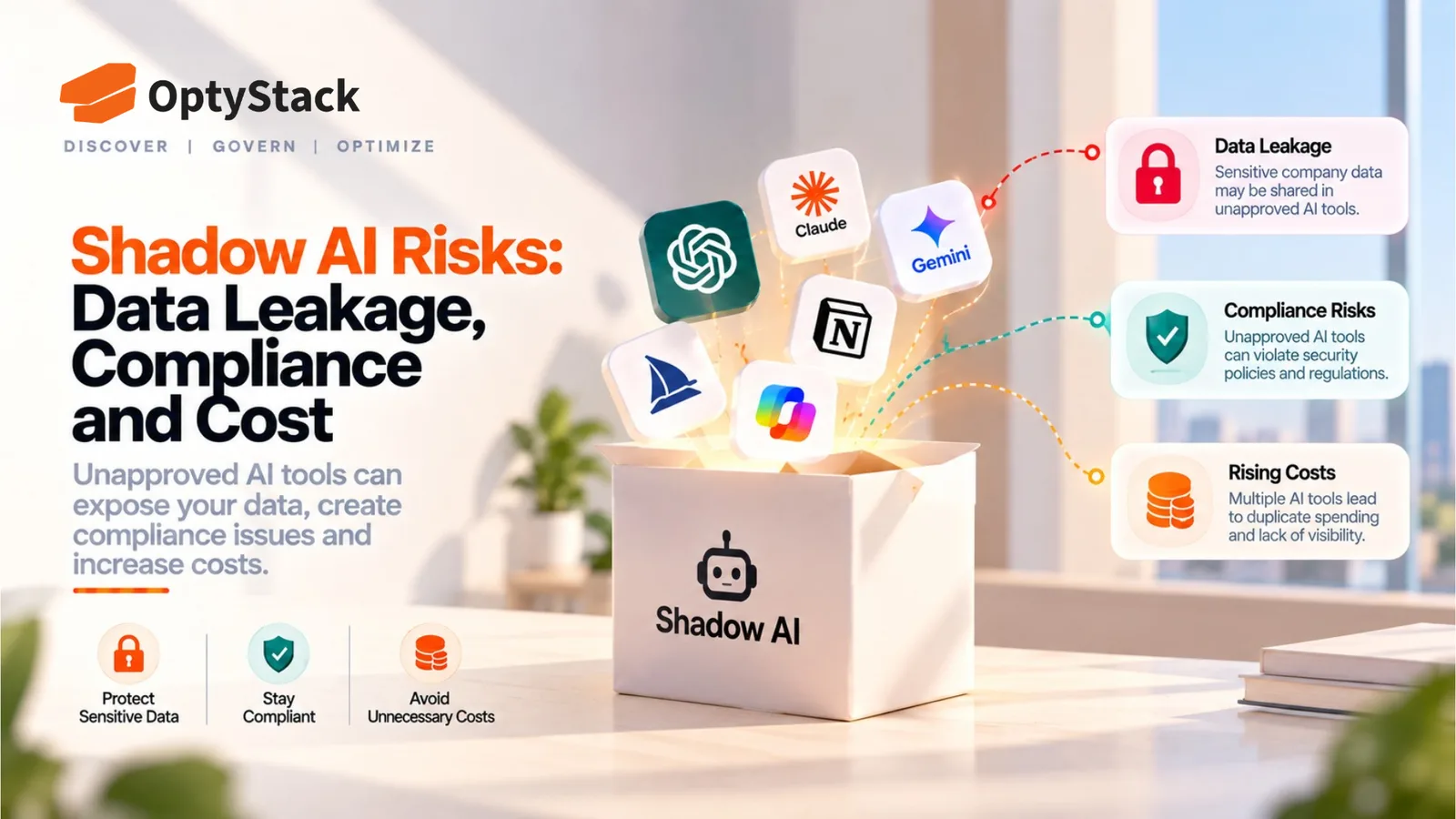
Unauthorized applications can create duplicate spend, introduce unknown vendors, and make security and compliance harder to manage. The risk becomes more significant when employees connect those tools to company information.
IBM's 2025 research found that one in five organizations studied reported a breach due to Shadow AI, and organizations with high levels of Shadow AI saw average breach costs about $670,000 higher than organizations with low or no Shadow AI.
Even when an unauthorized tool creates no security incident, it can still leave the company paying for another subscription that overlaps with an approved application — a quieter but steady drain on the budget.
An application that looks inexpensive at the point of purchase can therefore create much larger costs when nobody knows what data it can access or how the vendor handles that information.
How to reduce unauthorized SaaS
The goal shouldn't be to eliminate employee initiative. It should be to make the safe, approved path easier.
1. Make common requests fast
Not every software request needs the same level of review. Low-risk, commonly used applications should have a lightweight path employees can complete quickly.
2. Give employees approved alternatives
If employees know which applications are already approved for writing, design, analytics, meetings, AI, and other common tasks, they're less likely to search for alternatives themselves.
3. Explain why restrictions exist
"Not approved" isn't a useful explanation by itself. Employees are more likely to follow policy when they understand whether the concern is data privacy, security, cost, compliance, or duplication.
4. Create a safe exception path
Some legitimate business needs won't fit neatly into the standard software catalog. Give employees a clear way to request an exception rather than forcing them to choose between waiting and going around IT.
5. Discover unauthorized tools without immediately blaming employees
Detection should be about visibility first. When IT discovers an unapproved application, the first question should be:
What problem was the employee trying to solve?
That answer can reveal gaps in the existing software stack and help prevent the same behavior from happening again.
Where OptyStack fits
The challenge isn't simply telling employees not to buy unauthorized SaaS. IT also needs a reliable way to discover what employees are already using.
OptyStack helps provide visibility into the SaaS environment by bringing software, spend, and usage information into a centralized view. This can help teams identify applications outside the approved stack, understand where SaaS spend is going, and prioritize software that needs review.
That visibility lets IT respond based on evidence rather than waiting for an expense report, renewal, or security incident to reveal an application. Instead of trying to prevent every unauthorized purchase at the source, teams can continuously understand what is entering the environment and decide what should stay, change, or go.
OptyStack is free to start and doesn't require a credit card, giving teams a low-friction way to begin getting visibility into their SaaS estate.
Frequently asked questions
What is unauthorized SaaS?
Unauthorized SaaS is software adopted or purchased by an employee or team without going through the organization's approved IT, security, procurement, or purchasing process.
Why do employees buy unauthorized SaaS?
The most common reasons are speed, convenience, process friction, lack of awareness, and a legitimate business need that isn't adequately addressed by the organization's existing software.
Is unauthorized SaaS the same as Shadow IT?
Not exactly. Unauthorized SaaS is a form of Shadow IT specifically involving cloud software applications. Shadow IT is the broader category that can include unauthorized hardware, cloud services, file-sharing tools, and other technology.
Why is unauthorized SaaS risky?
IT may not know what data the application can access, who controls the account, how securely the vendor handles information, or whether the subscription should continue. This can create security, compliance, and unnecessary-spend risks.
How can companies reduce unauthorized SaaS?
Make approved software easier to request, provide clear alternatives, create low-friction exception paths, explain the reason behind restrictions, and continuously monitor the SaaS environment for applications that fall outside the approved stack.
Stop chasing unauthorized SaaS after it appears
Employees will always look for better ways to do their jobs. The goal isn't to stop that behavior—it's to make sure innovation doesn't create an invisible software stack alongside the one IT knows about.
Start by understanding what employees are using, why they're using it, and where your current approval process creates unnecessary friction.
Start free with OptyStack and see what's actually entering your SaaS environment—before an unauthorized tool becomes a budget, security, or compliance problem.