Detecting Shadow AI Tools in Your Organization
Aryan Malik · September 29, 2026
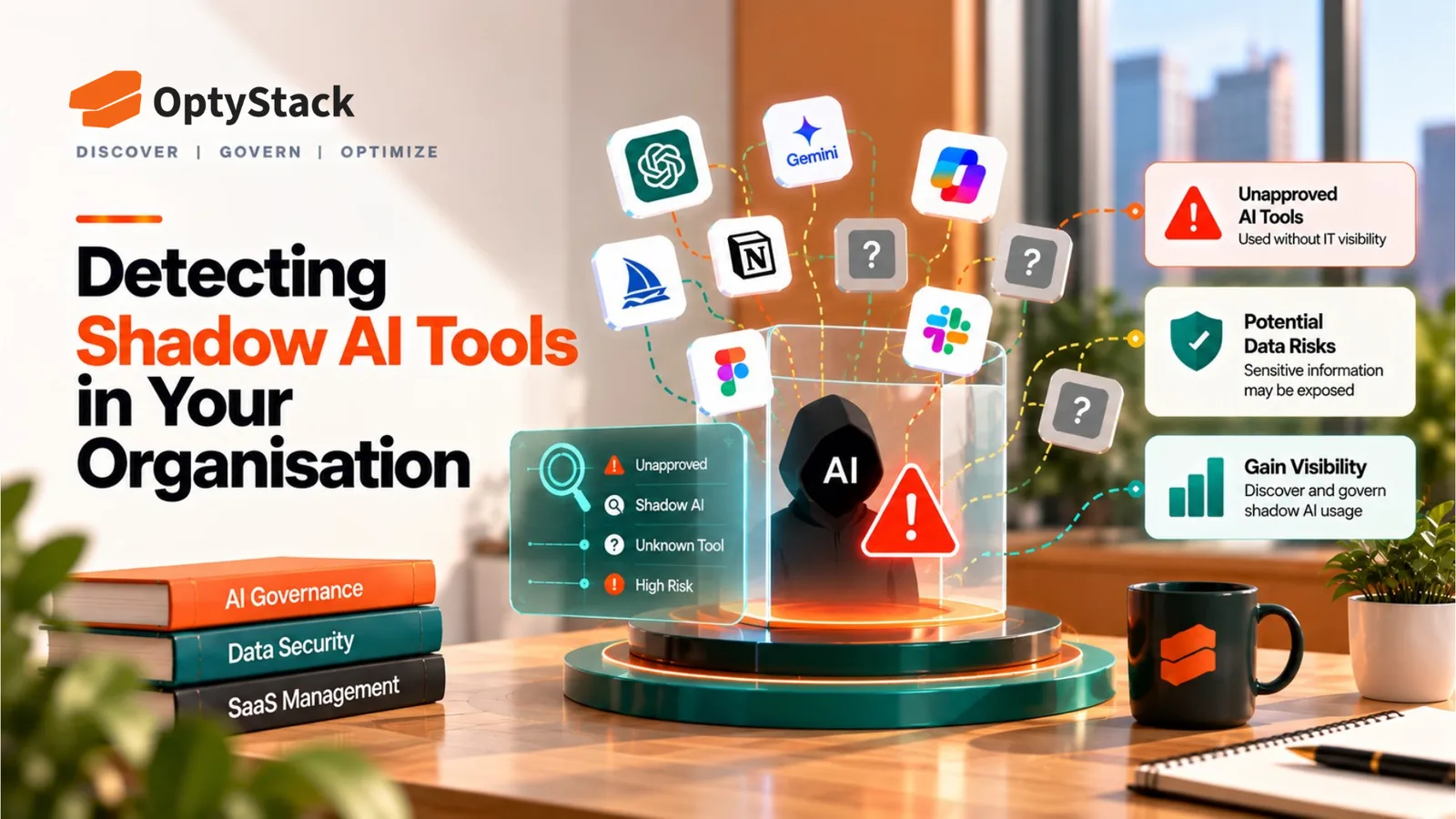
New generative AI applications are being released faster than any single detection method can track. Here's how to combine identity logs, OAuth records, expense reviews, and other data sources into a working shadow AI detection process.
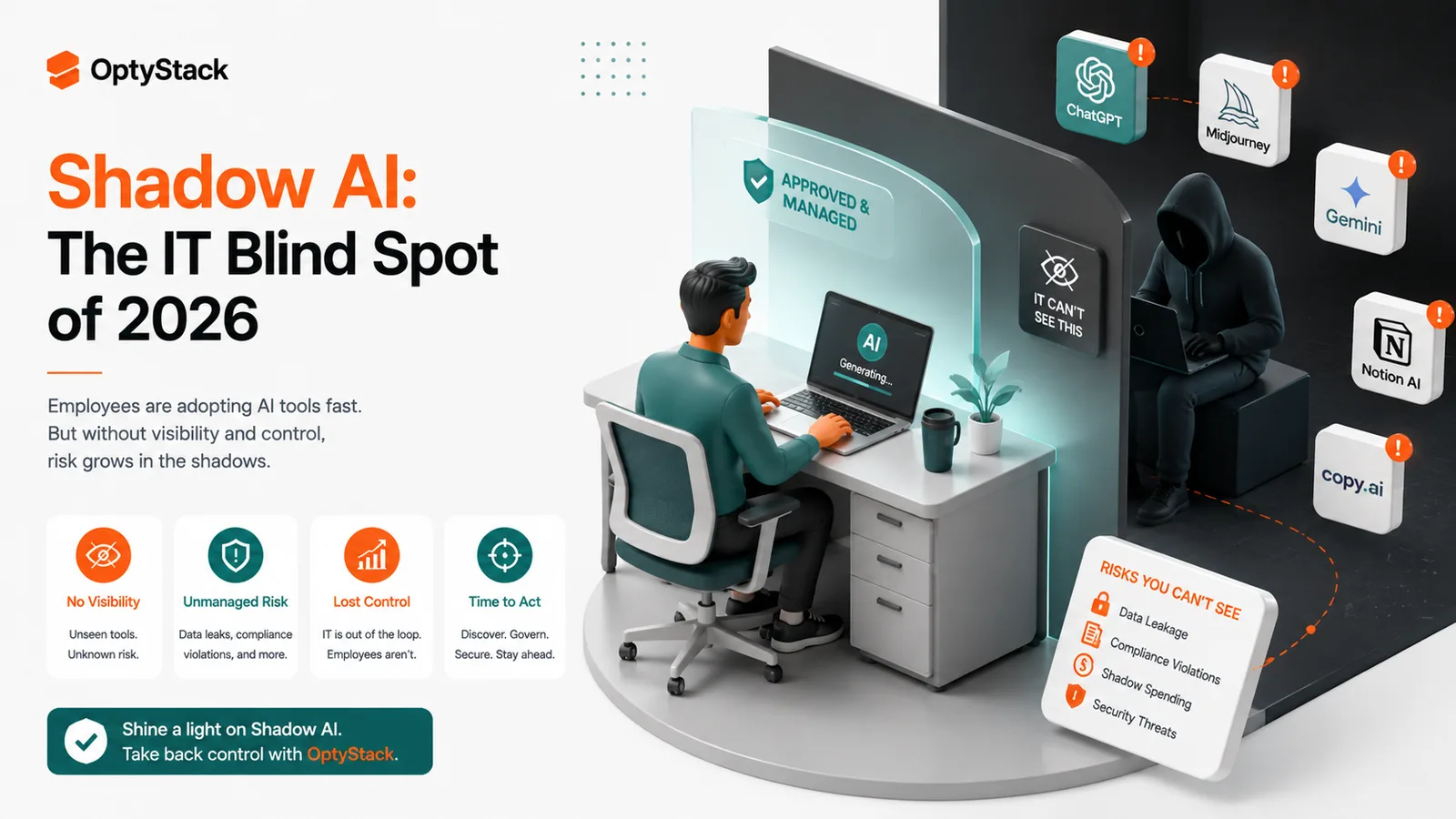
Most companies don't lack a shadow AI problem. They lack a way to see it. Netskope's 2026 Cloud and Threat Report found that the number of distinct generative AI applications it tracks across its customer base grew from 317 to more than 1,600 in a single year, even as the average number of AI apps used within any one organization rose more modestly, from about 6 to 8. New AI tools are entering the market fast enough that "just ask employees what they're using" is an unreliable way to keep up.
Why shadow AI is harder to detect than typical shadow IT
A traditional unsanctioned SaaS tool usually requires a deliberate signup, sometimes an expense claim, sometimes an admin setup. Many AI tools need only a browser tab and a free account, and a growing share of usage happens inside tools a company already approved, as AI features get added to existing SaaS products after the original security review. A detection process built only around "new applications appearing" will miss AI capability quietly showing up inside software that's already on the approved list.
The data sources that actually surface shadow AI
Identity and SSO logs. Any AI tool that offers enterprise single sign-on will show up in your identity provider's logs, giving a reliable, if partial, view of usage for tools built with enterprise customers in mind.
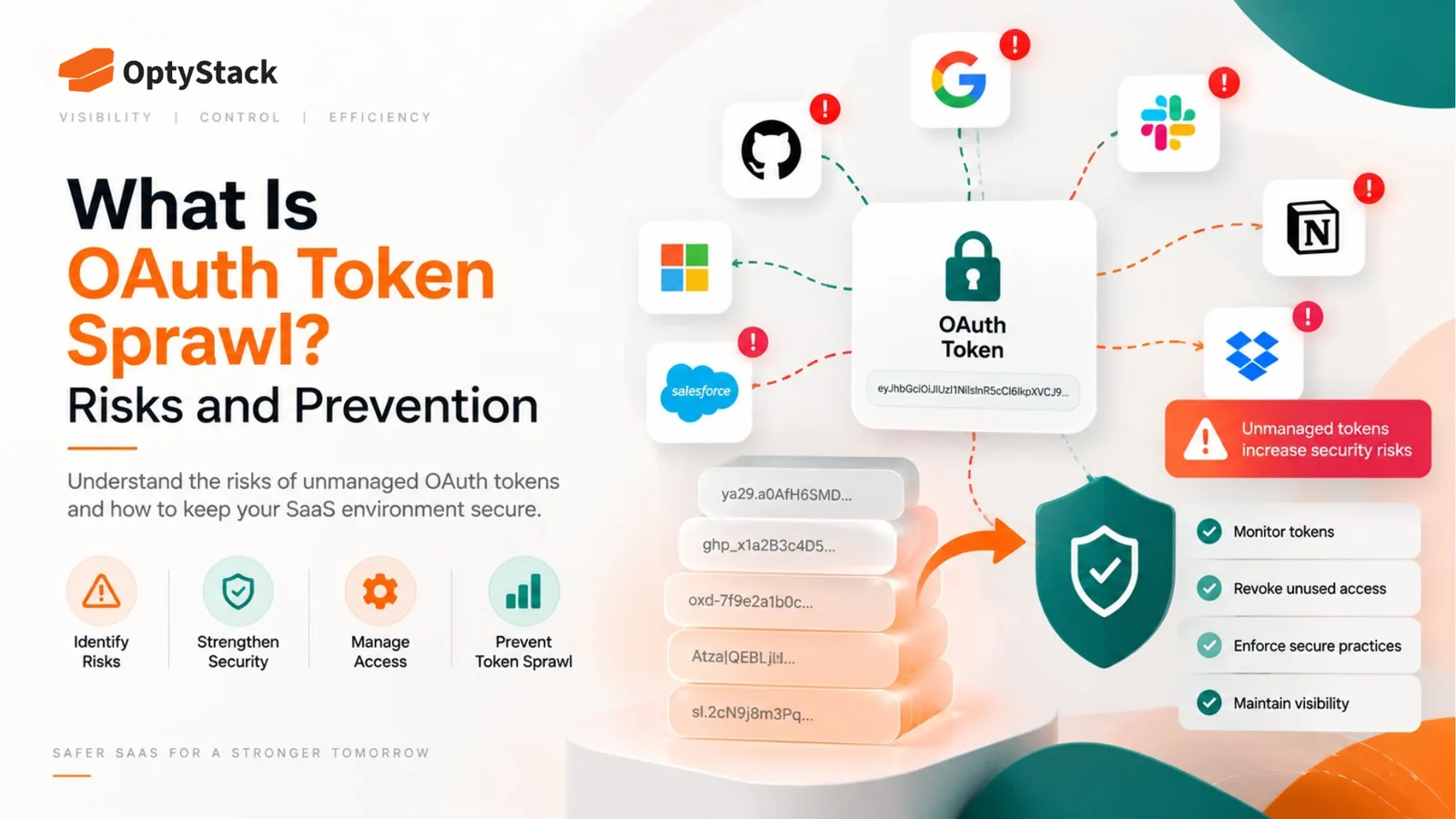
OAuth and connected-application records. Google Workspace and Microsoft 365 provide administrative visibility into various third-party application connections and OAuth grants, depending on the platform, configuration, and connection type. Where available, this can reveal a meaningful slice of AI tool adoption, though it only covers connections made through those two ecosystems specifically.
Expense reports and corporate card statements. AI subscriptions can also appear on individual or team expense claims rather than through central procurement. Reviewing twelve months of transactions for AI-related vendor names is one of the more direct ways to surface tools nobody formally requested.
Network and API traffic monitoring. Security teams with network-level visibility can watch for traffic to known AI provider domains and APIs, which catches usage that never touches SSO, an OAuth grant, or an expense report at all, including free-tier tools accessed directly.
Browser and endpoint telemetry. Deployed on managed devices, this can identify AI tools accessed through a direct login rather than any of the channels above. Coverage is limited to devices where it's installed and active, so personal devices, unmanaged endpoints, and mobile access typically fall outside its reach.
Data loss prevention (DLP) tooling tuned for AI traffic. Traditional DLP was generally built to catch structured data movement, email attachments, file transfers, and isn't well suited to catching sensitive information typed into a prompt in real time. Some vendors now offer DLP capability specifically aimed at generative AI usage, which can close part of that gap where deployed.
Direct conversations with teams. A short, specific conversation with department leads, asking what AI tools they use for particular tasks rather than a general "do you use unapproved software," surfaces context automated methods can miss, particularly for niche tools with a narrow use case.
Anonymous employee surveys. An anonymous survey can provide another source of self-reported usage and may surface tools that automated discovery does not capture.
Building these into a working process
Start with what you already have access to. Identity logs and connected-app records in your existing platforms require no new tooling to check, and they're a reasonable first pass before considering anything more specialized.
Add expense review as a recurring practice, not a one-time pull. New AI subscriptions appear on expense reports continuously, so a quarterly review catches new adoption far more reliably than a single historical pull.
Treat any single detection method as partial, not complete. A company relying only on SSO logs will have a clean picture of sanctioned-adjacent usage and effectively no visibility into free-tier tools accessed with a direct login. Combining sources is what closes the gaps any one method leaves open.
Prioritize what you find by data sensitivity, not just by tool count. A newly discovered AI tool used only for internal brainstorming is a different priority than one an employee is using to summarize customer records. Sorting discoveries by what data they touch focuses limited review time where it matters most.
Make detection an ongoing cadence, tied to your broader SaaS discovery process. A single audit becomes less representative as employees adopt new AI tools and existing applications add new AI capabilities.
What to do once a tool is found
Confirm what it's actually being used for before deciding anything. An employee using an unapproved tool has often found a genuine gap in what the company provides, and understanding the underlying need shapes whether the right response is approving the tool, offering an alternative, or restricting it.
Assess data exposure specifically, not just whether the tool exists. What has already been shared with it, and does that data include anything sensitive, are more useful questions than simply logging that the tool was found.
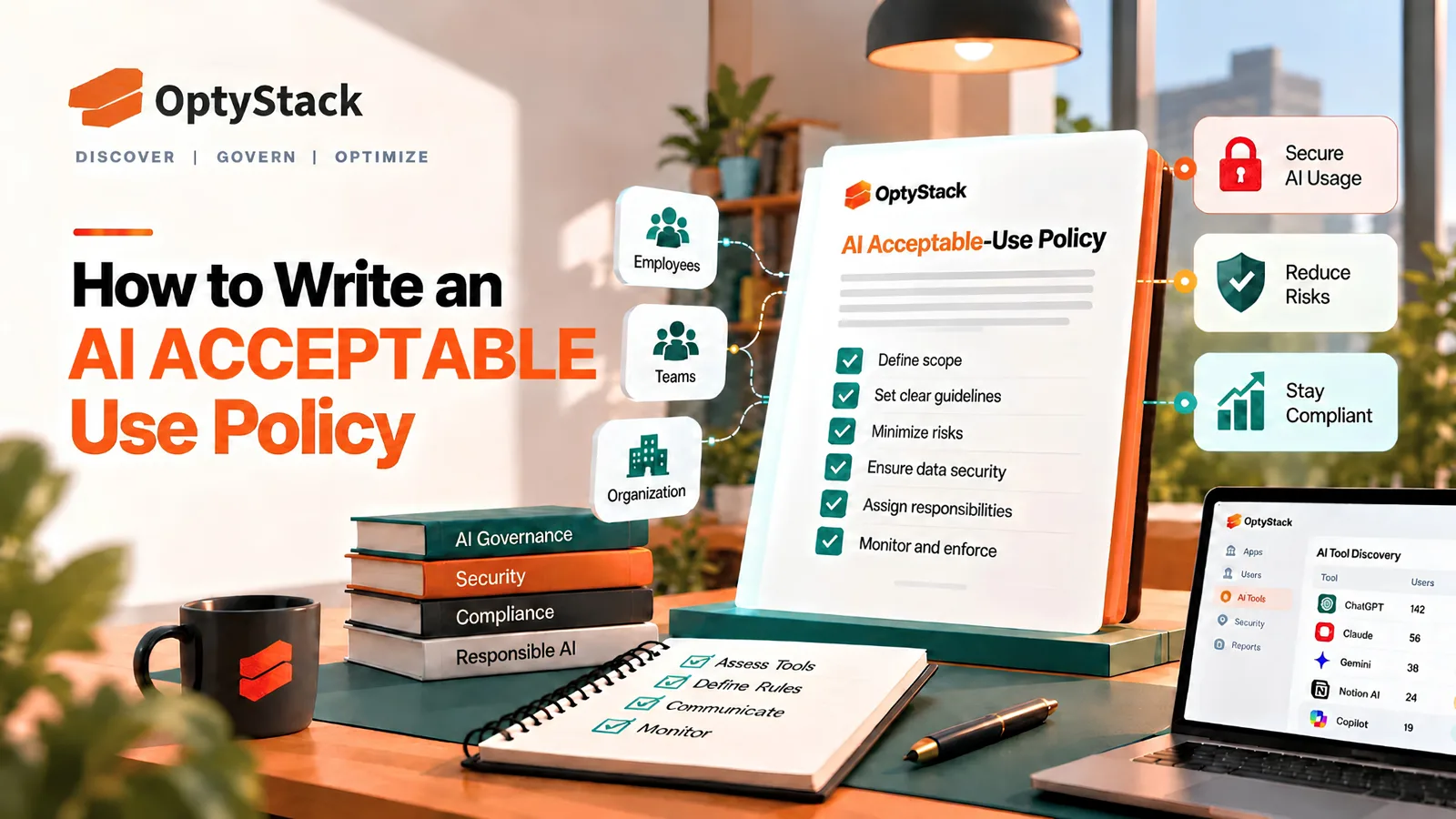
Route the decision through whatever approval or review process your acceptable-use policy defines, rather than making an ad hoc call each time. Consistent handling is part of what makes a policy credible to employees over time.
Where OptyStack fits
Pulling together identity logs, OAuth records, and expense data, then reconciling all of it into one view, is realistic to do once and difficult to sustain manually as new AI tools continue to appear.
OptyStack helps teams surface AI applications across their SaaS estate by bringing identity, usage, and spend signals together, so new AI tool adoption is easier to catch without a separate manual pull across each individual data source every time.
It's free to start and doesn't require a credit card.
Start with a real inventory of what's already in use. Download the free SaaS audit toolkit, or start free with OptyStack.