Running a SaaS Audit Without a Dedicated IT Team
Aryan Malik · September 25, 2026
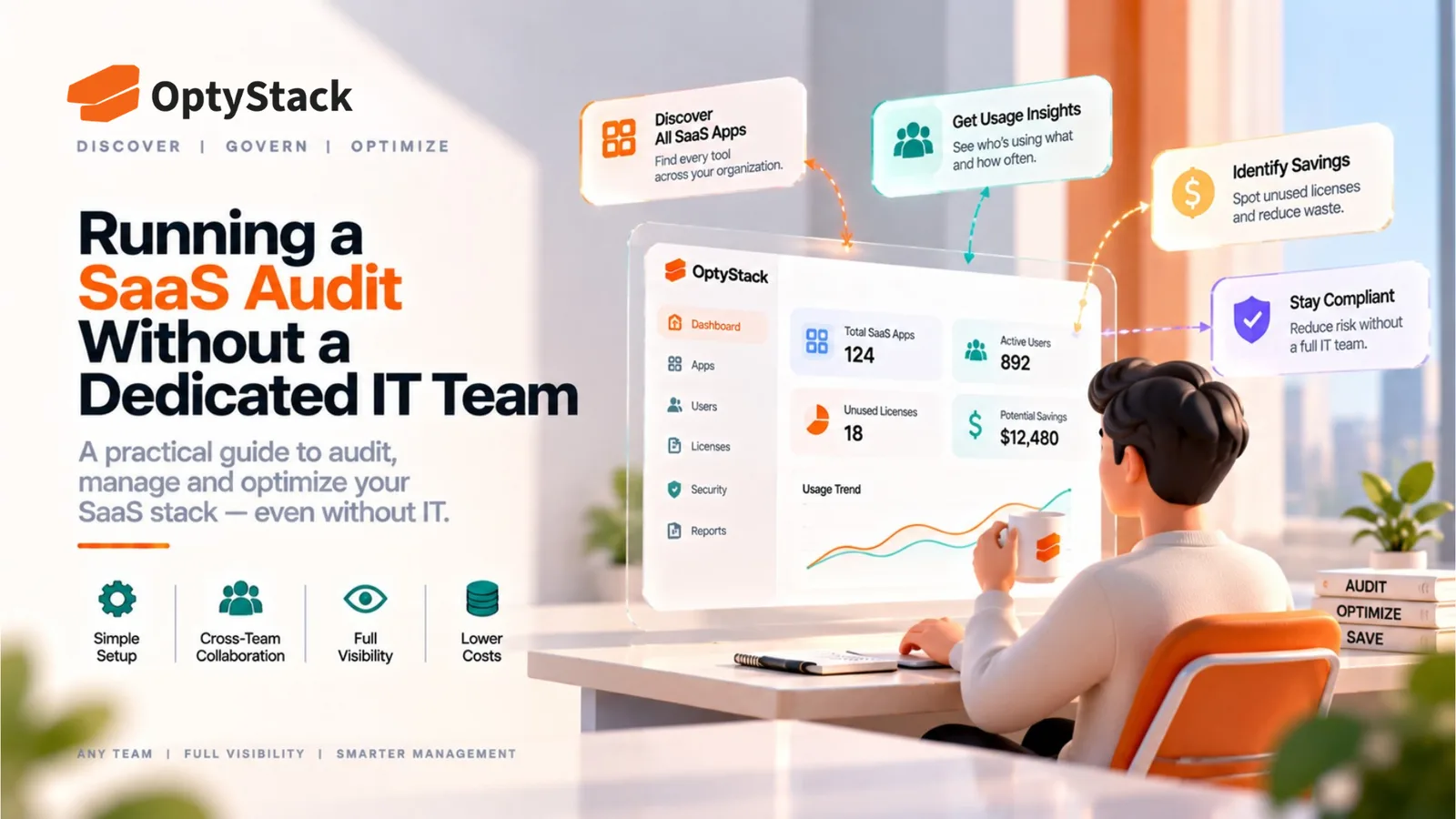
Running a SaaS audit doesn't require a dedicated IT department. Here's a practical approach for small teams using financial records, available identity data, team input, and a lightweight process that can be maintained over time.
Most SaaS audit guidance assumes a company has an IT department to execute it: someone with admin access to every system, dedicated time to investigate findings, and security expertise available when something looks risky.
Many smaller companies don't have that structure. The person responsible for the audit may be a founder, finance lead, operations manager, or someone already handling several other responsibilities.
The audit still needs to happen. It just needs to be designed around the resources the company actually has.
What Changes When There's No Dedicated IT Function
Access is more limited by default. Without a centralized IT team, administrative access to individual tools is often spread across whoever originally signed up for them—a founder, an operations lead, or a department manager. Getting a complete picture can therefore mean tracking down access across several people rather than pulling everything from one central system.
Time is the scarcest resource, not expertise. The person running the audit is usually doing it alongside an existing role in finance, operations, or management. A process designed around dedicated IT bandwidth is unlikely to remain sustainable when the person responsible only has limited time available each week.
Formal identity infrastructure may not be fully in place. Single sign-on may cover only some of the company's core applications, while other tools use separate credentials. That changes which discovery methods are realistic and means financial and team-level checks may be more important.
The smaller estate can also be easier to manage. A company without a dedicated IT function is often operating with fewer applications and fewer people than a large enterprise. The challenge is having limited resources, but the scope may still be manageable with a focused process.
A Realistic Approach, Scaled to Available Time
Start with financial records. For many small companies, bank and corporate card transactions are a practical starting point. Reviewing the last twelve months of transactions can help identify recurring software charges, annual subscriptions, unfamiliar vendors, and applications that never appeared in a formal procurement record.
If the company doesn't use corporate cards consistently, combine whatever financial information is available, including invoices, expense reports, accounts-payable records, and subscription receipts.
Add whatever identity data you do have, even if it's partial. If you use Google Workspace or Microsoft 365, their administrative consoles can provide visibility into many third-party applications and account connections. The exact information available depends on the platform, configuration, licensing, and type of connection, so this should be treated as one discovery source rather than a complete inventory.
Checking these connections can reveal applications that a financial review would not identify, particularly where employees have connected external services to organizational accounts.
Ask a short, specific set of people rather than the whole company. A focused conversation with whoever handles finance, the person responsible for core product or engineering tools, and department leads who purchase software independently can help surface applications that don't appear in the other sources.
Specific questions usually work better than a broad “What software do you use?” Ask what tools a team uses for customer research, design, recruiting, reporting, collaboration, or other recurring workflows.
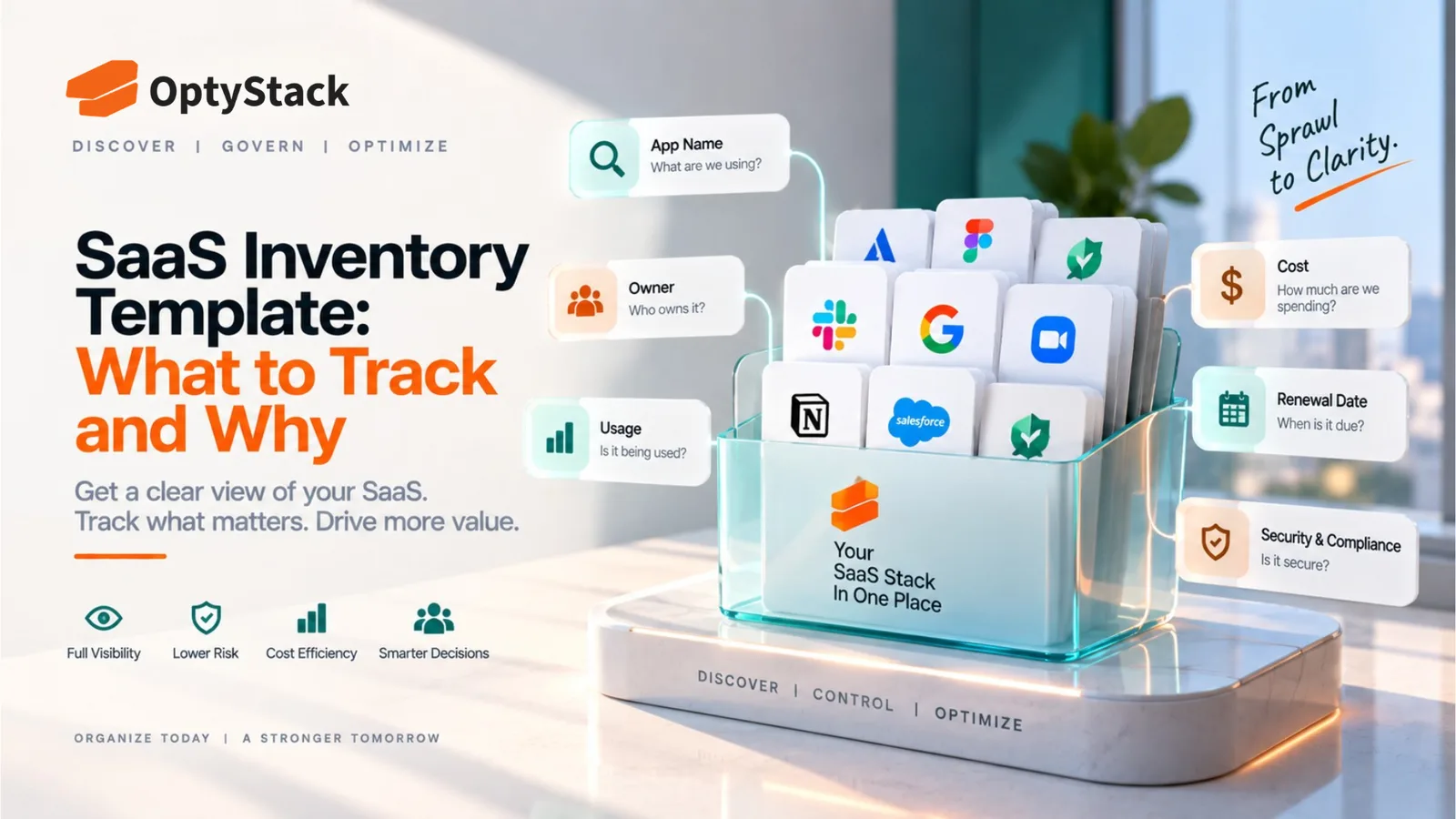
Build the inventory in a spreadsheet if that's genuinely all you need. A simple spreadsheet with application name, owner, annual cost, renewal date, and usage information can cover the essentials without requiring a dedicated system.
At this stage, the goal is visibility. A simple inventory that stays current is more useful than an elaborate system nobody maintains.
Prioritizing What Actually Needs Attention
With limited time, not every application deserves the same depth of review. A practical way to prioritize is to start with the areas where a problem would have the greatest financial or operational impact.
Prioritize by cost first. The applications representing a significant share of total software spend deserve close attention. Reviewing the largest contracts first can help identify meaningful opportunities without requiring an exhaustive investigation of every small subscription.
Then prioritize by data sensitivity. An inexpensive application handling customer information, financial records, or employee personal data may deserve more scrutiny than a higher-cost internal utility with little sensitive-data exposure.
Consider business criticality as a third filter. A low-usage application may still support an important workflow. Understanding what would happen if the tool were removed helps prevent utilization data from being interpreted without context.
Everything else can receive a lighter review. Small, low-risk applications with minimal spend generally don't need the same depth of investigation as high-cost or business-critical tools.
What to Actually Check for Each Flagged Tool
Is someone still using it? A quick conversation with the application's owner or primary users can confirm whether the tool remains relevant or has quietly fallen out of use.
What does it actually cost? Record the full expected cost, including recurring charges and any usage-based or overage fees where applicable. Looking only at a base subscription price can miss part of the actual spend.
Who owns it? Assign a named individual rather than only a department. Someone should be able to explain why the tool exists, who relies on it, and what happens when the contract comes up for renewal.
When does it renew, and what notice is required? Record the contract end date and any applicable advance-notice requirement. The relevant action date may come before the contract's expiration.
What data does it handle? A simple low/medium/high classification can help determine whether the application needs further security or access review.
Are there overlapping tools? Two departments may be paying for applications with similar capabilities. Identifying overlap creates an opportunity for a broader review without assuming that one tool should automatically be removed.
A Simple SaaS Audit Checklist for Lean Teams
Check | Suggested Source | Priority |
|---|---|---|
Identify recurring software charges | Bank/card records, invoices | High |
Review connected applications | Identity/admin console | High |
Confirm application owner | Team input | High |
Verify annual spend | Invoices/contracts | High |
Check renewal date and notice terms | Contract | High |
Review obvious low-use accounts | Usage information | High |
Identify duplicate or overlapping tools | Inventory + team review | Medium |
Classify sensitive-data applications | Application owner/security review | High |
Record unknown applications for investigation | Combined discovery sources | Medium |
This gives a small company a repeatable process without requiring an enterprise-scale governance program.
Making This Sustainable Without Dedicated Headcount
Set a recurring, low-effort check-in rather than aiming for a perfect one-time audit. A short recurring review of financial records and available administrative data can help surface new applications before they remain unnoticed for a long period.
The exact cadence should match the size and rate of change of the SaaS estate. A company adding tools rapidly may need more frequent checks than a stable organization with a small, well-known stack.
Keep the process as simple as the company's size requires. A ten-person company does not need to reproduce the governance structure of a large enterprise. Start with a manageable inventory and a small number of high-value checks, then add complexity only when the SaaS estate actually demands it.
Bring in outside expertise when something genuinely sensitive appears. If an application handles sensitive customer or financial information and the team cannot determine whether the security posture is appropriate, involve whatever legal, security, or technical expertise the company can access, whether internally or through an external advisor.
Where OptyStack Fits
Manually pulling transaction data, checking administrative consoles, confirming ownership with individual teams, and reconciling the results can work for a small SaaS estate. As the number of applications grows, repeating that process becomes increasingly difficult for someone who already has a full-time role.
OptyStack brings application, spend, identity, and usage signals together across your SaaS estate, reducing the manual effort involved in gathering and reconciling the information needed for ongoing SaaS visibility.
That gives lean teams a more current view of their applications, spending, access, and usage without requiring them to rebuild the same picture manually every time they review their software stack.
It's free to start and doesn't require a credit card.
Get visibility into your SaaS stack without a dedicated IT team. Start free with OptyStack.