What Is Shadow AI? A Complete Guide
Aryan Malik · September 27, 2026
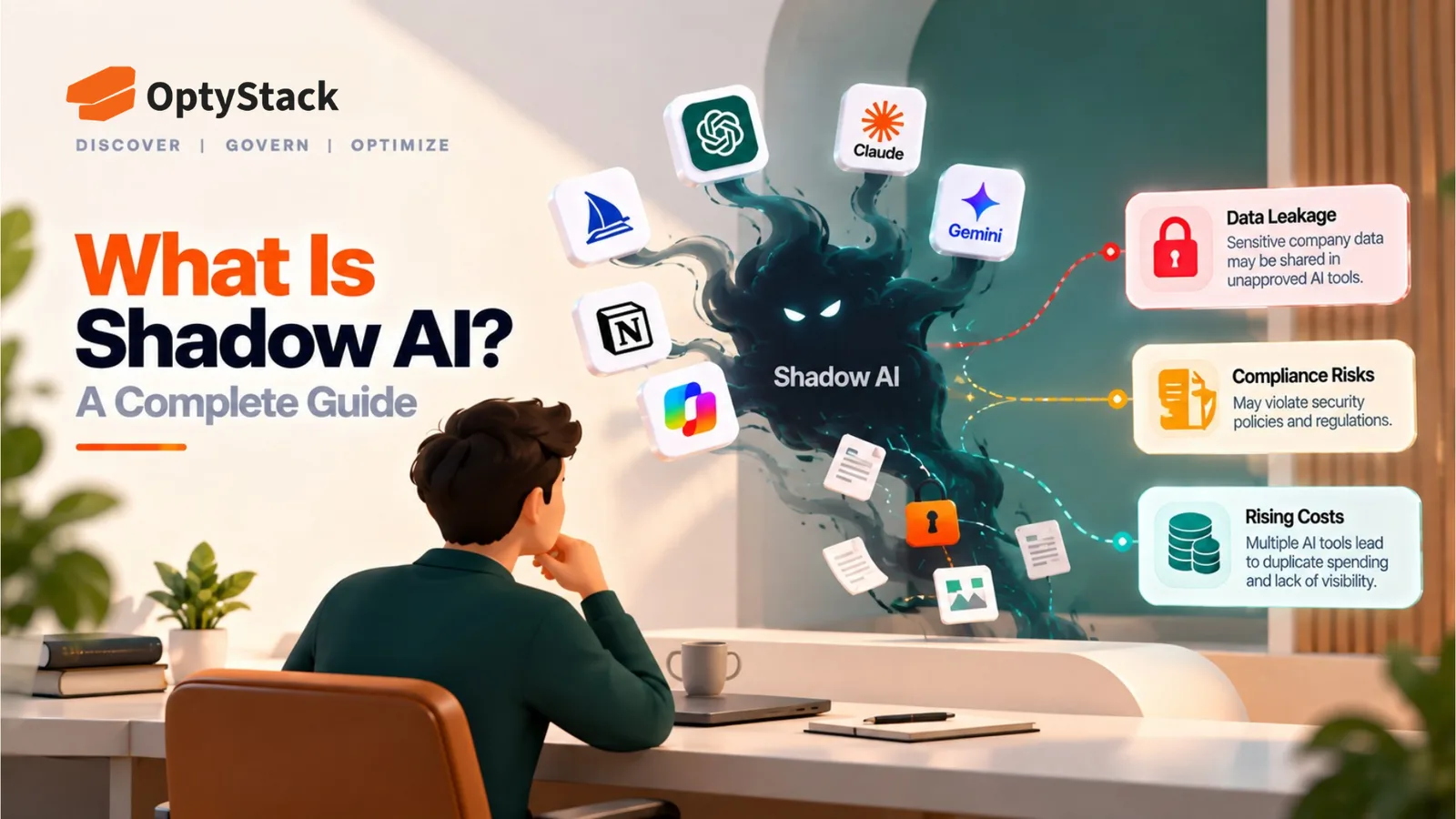
Shadow AI is workplace AI use that falls outside an organization's approved visibility or governance. Learn why it is growing, the risks it creates, how to detect it, and how companies can manage it without blocking legitimate AI use.
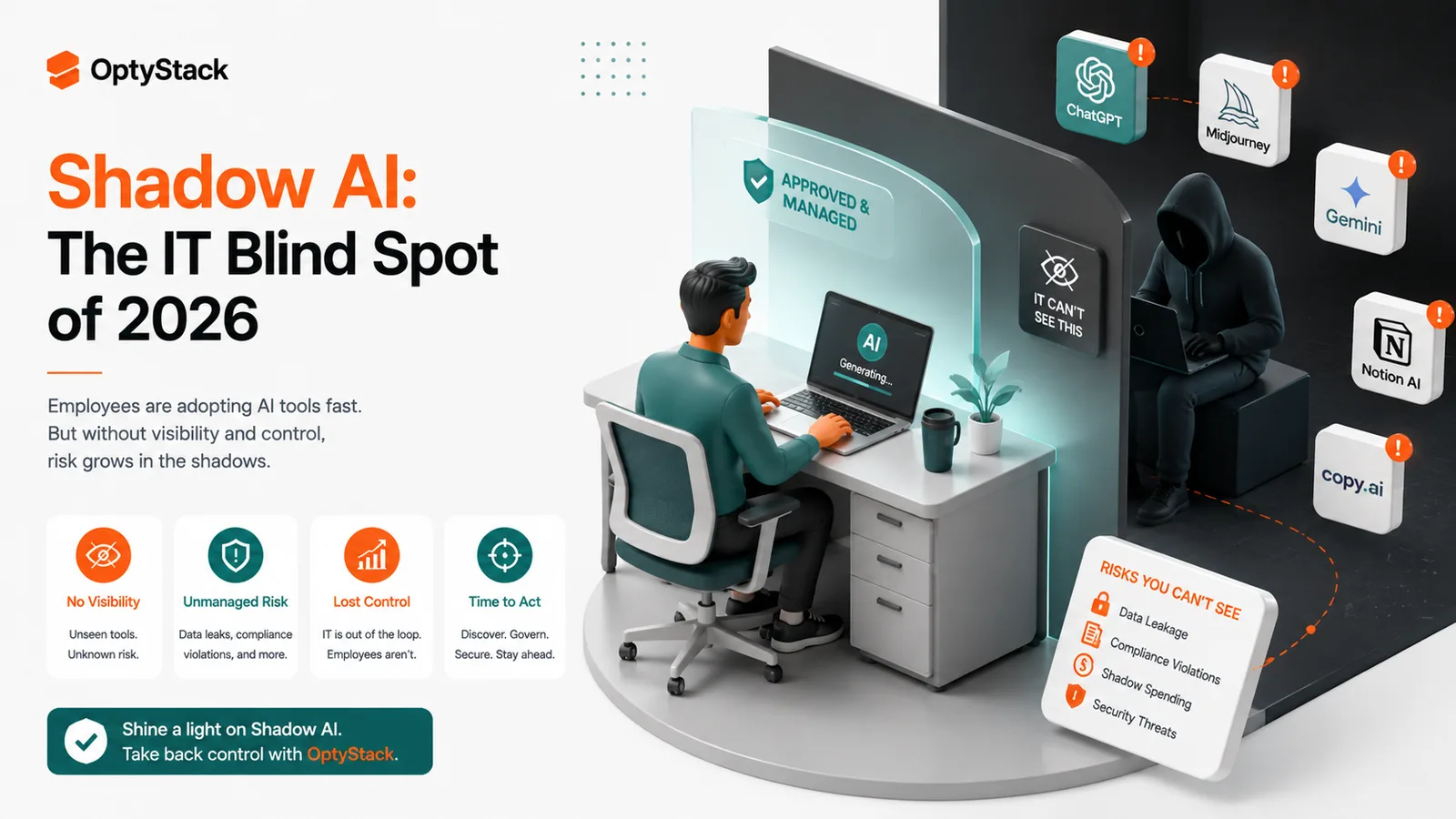
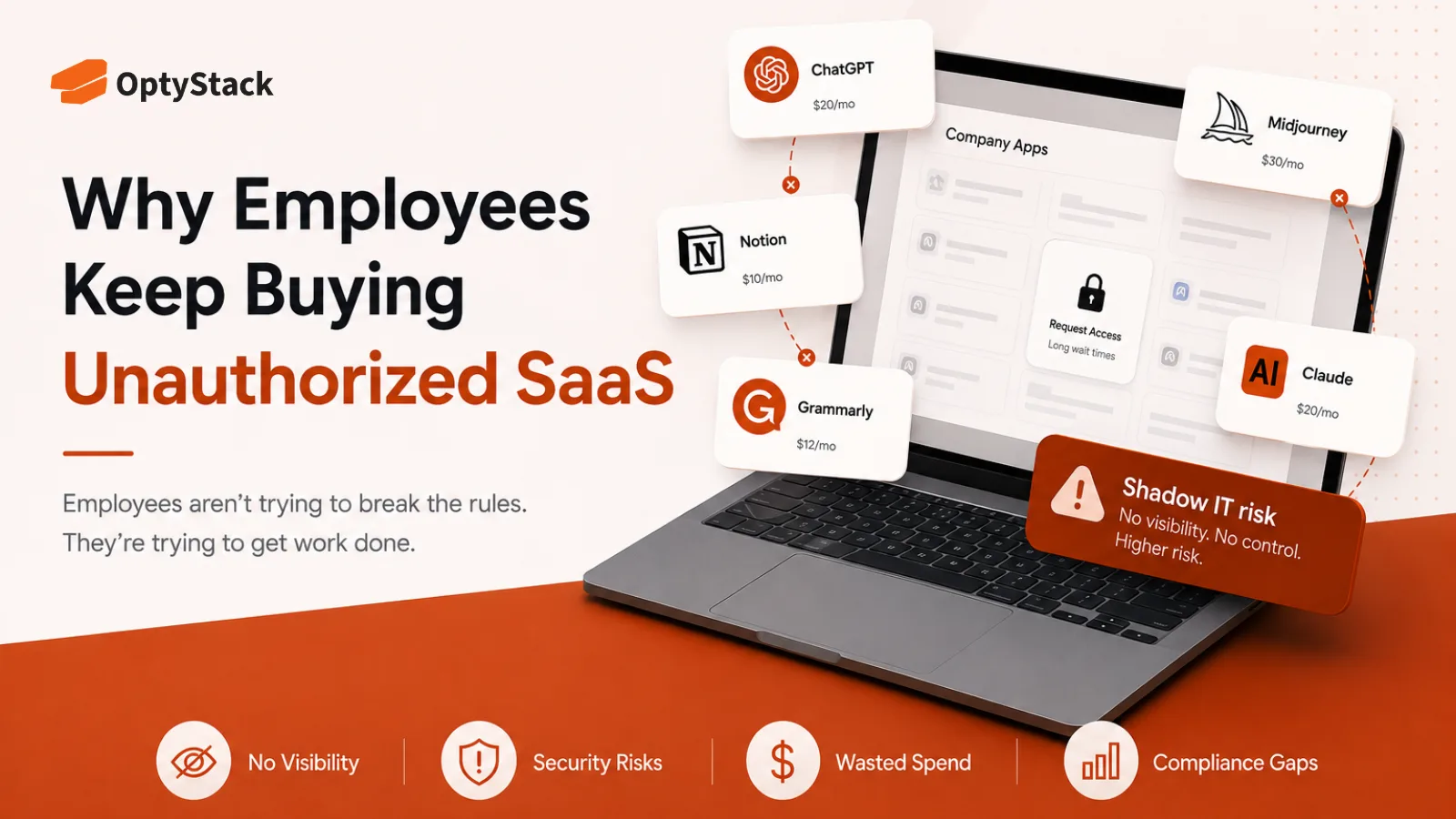
Shadow AI is the use of AI tools, applications, or features for work without the organization's knowledge, approval, or appropriate oversight. The concept sits within the broader shadow IT problem, but AI introduces a faster adoption cycle and new governance questions because employees can access powerful AI services with little setup.
The scale of workplace AI use is already significant. Gartner's 2025 survey of 302 cybersecurity leaders found that 69% of organizations suspected or had evidence that employees were using prohibited public generative AI tools. (Gartner)
That makes shadow AI less about whether employees will use AI and more about whether organizations can maintain enough visibility and governance around how it is being used.
What Makes Shadow AI Different From Shadow IT Generally
Shadow IT has existed for years. Employees have always found software that helps them work faster without necessarily going through a formal procurement or IT process.
Shadow AI has some characteristics that make the problem harder to manage.
The barrier to adoption is extremely low. An employee can open an AI service in a browser, create an account, and start using it within minutes. There may be no installation, procurement request, or IT ticket involved.
AI can process sensitive information directly. Employees may use AI to summarize documents, analyze customer information, write code, review contracts, or generate internal content. This means an unapproved AI service can become relevant to data governance even when the employee never intended to create a security problem.
AI is increasingly embedded inside other applications. Shadow AI isn't limited to standalone chatbots. AI capabilities can appear inside productivity, development, marketing, analytics, and other SaaS products, making it harder to define exactly where the organization's AI footprint begins and ends.
Why Shadow AI Has Grown So Quickly
AI tools are already part of everyday work. ISACA's 2026 AI Pulse Poll, based on responses from more than 3,400 digital trust professionals globally, found that 90% believed employees were using AI within their organizations. (ISACA)
That level of adoption makes completely informal or manual oversight increasingly difficult.
Employees don't always rely exclusively on employer-provided tools. An IBM-sponsored study found that 80% of U.S. office workers surveyed use AI in their roles, while only 22% said they rely exclusively on tools provided by their employers. (IBM)
This does not mean every use of a personal AI service is unauthorized. It does show that workplace AI use extends beyond the tools organizations officially provide, creating an area that companies need to understand and govern.
Approved tools may not always meet the user's immediate need. An employee who needs a particular coding, research, writing, design, or analysis capability may turn to another service if the approved option doesn't provide it or is difficult to access.
AI products feel personal. A consumer AI account may be something an employee already uses outside work. That can blur the distinction between personal experimentation and business use, particularly when the same account is used for both.
The Specific Risks Shadow AI Introduces
Sensitive data exposure through prompts. Depending on the provider, account type, configuration, and applicable data-handling policies, information submitted to an AI service may be retained or processed in ways the organization has not reviewed. This creates a governance problem when employees submit customer information, proprietary code, internal documents, or other sensitive material to an unapproved service.
Intellectual property exposure. Employees may submit source code, product information, research, or other proprietary material to AI services without understanding the applicable retention or data-use controls.
Compliance and privacy exposure. An AI service handling personal, financial, health, or other regulated information may require appropriate contractual, privacy, security, or access controls. Using an unreviewed service can make it harder to establish whether those controls are in place.
Uncontrolled access and account sprawl. Employees can create multiple personal and business AI accounts, making it difficult to determine which services are being used, who owns them, and what happens to those accounts when an employee changes roles or leaves.
Unreviewed AI-generated output. Shadow AI is also an operational issue. AI-generated code, summaries, analysis, or customer-facing content can enter business workflows without a defined review process. The appropriate level of human review depends on the use case and its consequences.
How Shadow AI Is Evolving in 2026
Shadow AI isn't simply disappearing as companies introduce managed AI tools.
Netskope's 2026 AI Report found that the shift from personal, unmanaged AI applications toward organization-managed applications plateaued around March 2026 and then began moving slightly in the opposite direction. At the time of the report, 56% of AI users used only organization-managed AI applications, 14% used both managed and personal applications, and 30% used only personal applications. (Netskope)
Netskope also reports that shadow AI discovery is expanding beyond personal accounts to include AI agents, MCP servers, and local AI infrastructure. (Netskope)
This changes the discovery problem. Organizations aren't only trying to find employees using personal ChatGPT or other consumer AI accounts. They increasingly need to understand where AI capabilities, agents, integrations, and other AI infrastructure exist across the broader technology estate.
How to Detect Shadow AI in Your Organization
No single discovery source provides a complete picture. A practical approach combines several signals.
Check identity and SSO data. AI applications that use organizational authentication can appear in identity-provider data. This can help identify applications connected to formal accounts, but it won't reveal services accessed exclusively through personal credentials.
Review OAuth and third-party application connections. Google Workspace and Microsoft 365 administrative controls can provide visibility into many connected applications and account relationships, depending on configuration and the type of connection. These records can reveal services that employees have connected to organizational accounts.
Cross-reference expense records. Corporate cards, expense reports, invoices, and accounts-payable records can reveal paid AI subscriptions that never entered the formal software inventory.
Review browser or endpoint signals where available. Browser and endpoint telemetry can help identify AI services that don't use SSO and don't generate a company expense, including some free-tier services.
Ask teams directly. Automated discovery is valuable, but conversations with application owners and department leads can provide context about why a tool is being used and whether it has become part of a business workflow.
The objective isn't to assume that every discovered AI application is a problem. The objective is to determine what it is, who uses it, what data it can access, whether its use is permitted, and whether it requires further review.
How to Reduce Shadow AI Without Banning AI Outright
Provide sanctioned alternatives that meet real needs. If employees cannot accomplish legitimate work with approved tools, some will look elsewhere. Approved options need to be practical enough for the workflows employees actually have.
Make low-risk approval proportionate. A simple AI application with limited data access may not need the same review as an application processing sensitive customer or financial information. A tiered review process can help organizations distinguish between the two.
Define what employees can and cannot submit. Clear guidance around customer information, credentials, source code, confidential documents, personal information, and other sensitive data gives employees something more useful than a generic instruction to “use AI responsibly.”
Review both standalone AI and embedded AI. AI governance shouldn't focus exclusively on chatbots. AI capabilities are increasingly appearing inside applications employees already use, so software reviews should consider where AI functionality exists within the broader SaaS estate.
Keep discovery continuous. AI tools, agents, and integrations change quickly. A one-time audit can establish a baseline, but ongoing visibility is needed to identify new applications and changing usage patterns.
Where OptyStack Fits
Finding shadow AI across identity, usage, and spend signals—and keeping that picture current as employees adopt new tools—is difficult to sustain through separate manual reviews.
OptyStack brings application, identity, usage, and spend signals together across your SaaS estate to help surface shadow IT and shadow AI applications. This reduces the blind spots that can remain when discovery depends on a single source and gives teams more context for investigating what an application is, who is using it, and how it fits into the organization's software environment.
It's free to start and doesn't require a credit card.
Get better visibility into the AI already being used across your SaaS estate. Start free with OptyStack.