How to Find & Eliminate Unused SaaS Licenses (Step-by-Step)
Hemant Wadhwani · July 2, 2026
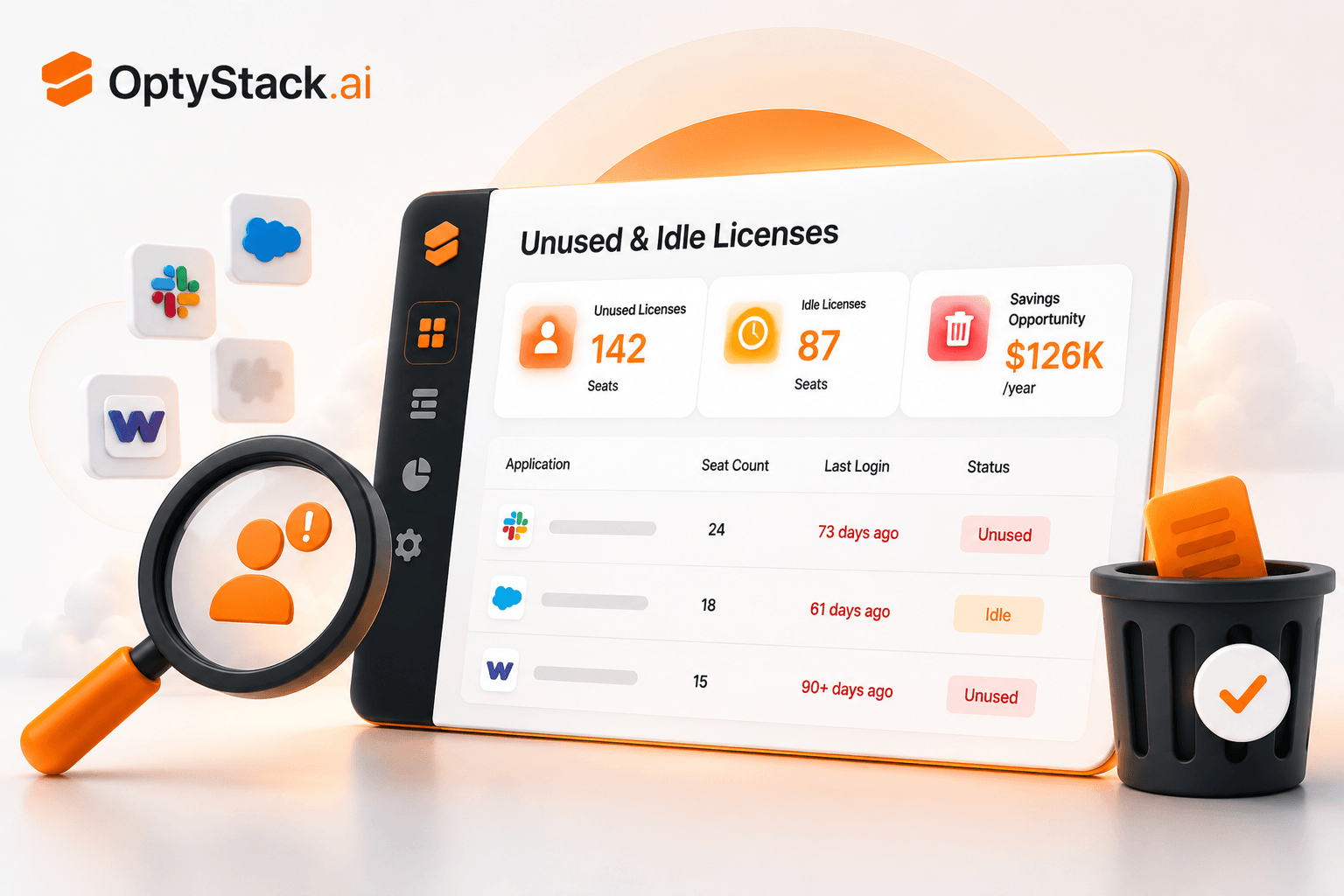
Up to half of every SaaS license a company buys goes unused — paid for, assigned, and never touched. This step-by-step guide shows you exactly how to find unused and zombie licenses, prove they're dead weight, and reclaim the spend without disrupting anyone.
How to Find & Eliminate Unused SaaS Licenses (Step-by-Step)
Quick answer: To find unused SaaS licenses, pull a complete list of every tool and seat you pay for, layer in last-login data from each app, and flag any seat with no activity in 30–60 days plus any account tied to someone who has left. Then reclaim, downgrade, or reassign those seats before the next renewal. Most companies find a surprising amount on the first pass — often enough to fund tools people actually use.
Unused licenses are the lowest-risk, highest-return cleanup in all of SaaS spend management. You're not taking tools away from people who need them. You're reclaiming seats that, by definition, nobody is using. This guide walks through exactly how to find them, prove it, and reclaim them — step by step.
Why this is worth your time first
Of all the ways SaaS budget leaks, unused licenses are the most common and the easiest to fix. The numbers are stark: across 2025–2026 research, somewhere between a third and half of all SaaS licenses purchased go unused. One widely-cited figure puts it at 53% of licenses showing no use within 30 days of purchase. The average enterprise loses roughly $18 million a year on licenses nobody touches.
You almost certainly have your own version of this number sitting in your stack right now. The good news: finding and reclaiming it is straightforward, repeatable, and low-risk. Start here before anything else, because it's where the fastest savings live.
First, understand what "unused" actually means
"Unused" isn't a single thing. There are a few distinct flavors, and naming them helps you find them:
Idle licenses — seats assigned to a real, current employee who simply hasn't logged in for a meaningful stretch (30, 60, or 90 days). The person exists; the usage doesn't.
Zombie accounts — the worst offenders. These are seats tied to people who have left the company, changed roles, or moved off a project — but whose license was never deactivated. They're paying for ghosts. Zombie accounts also carry a security angle: a former employee whose account is still active is an access risk, not just a cost.
Over-provisioned seats — you bought 50 seats, you use 32. The extra 18 were "growth seats" for a team that never grew, or a vendor minimum you were forced into. Real tool, real usage, just too many seats.
Premium-tier waste — you're on the enterprise plan for a couple of features nobody actually uses, when the mid-tier would do. The seats are used; the tier is over-bought.
Each type hides in a slightly different place, but all of them show up the same way: a gap between what you pay for and what gets used.
The usage signals that prove a seat is dead weight
Before you reclaim anything, you need evidence — not a hunch. "I think nobody uses this" doesn't survive a conversation with the team that owns the tool. "This seat has had zero logins in 74 days" does. Here are the signals that constitute proof:
· Last login date — the single most powerful signal. No login in 60+ days is a strong reclaim candidate.
· Login frequency — someone who logs in once a quarter may not need a full-time seat.
· Feature usage — logging in isn't the same as using the tool. Depth of usage separates active users from tourists.
· Employment status — cross-referencing against your HR or identity directory instantly surfaces zombie accounts tied to departed staff.
· Seat count vs. active users — the simple ratio that exposes over-provisioning at a glance.
The strongest evidence combines signals: a seat with no login in 60 days, tied to someone who changed roles three months ago, is an unarguable reclaim.
Step-by-step: the unused license cleanup
Here's the actual process, start to finish.
Step 1 — Build the seat-level inventory
Go beyond "we pay for Tool X." You need seat-level detail: how many seats you're paying for in each tool, and who each one is assigned to. Pull this from each app's admin console and your billing records. If a full sweep is daunting, start with your top 10 tools by spend — that's usually where most of the wasted seats sit.
Step 2 — Layer in last-login and usage data
For each seat, get the last-login date and, where available, usage depth. Connecting your SSO and the admin consoles of major tools is the fastest way to get this. The goal is a single view where, for every seat, you can see who it's assigned to and when they last used it.
Step 3 — Cross-reference against your people directory
Pull your current employee list from HR or your identity provider and match it against assigned seats. Every seat assigned to someone no longer at the company — or no longer in the role that needs the tool — is a zombie account. Flag them all. These are your fastest, safest wins, and they close a security gap too.
Step 4 — Flag by rule
Apply simple rules to flag candidates:
· No login in 60+ days → idle, reclaim candidate
· Assigned to a departed employee → zombie, reclaim immediately
· Seat count exceeds active users by a wide margin → over-provisioned, downsize at renewal
· Premium tier with low feature usage → downgrade candidate
Step 5 — Reclaim without disruption
This is where care matters. Zombie accounts (departed employees) can be deactivated immediately — there's no one to disrupt. For idle seats tied to current employees, give the owner a heads-up: "this seat hasn't been used in 70 days, we're planning to reclaim it — shout if you still need it." Most won't. The few who do reveal a genuine need you'd have wanted to know about anyway. Over-provisioned seat counts and premium tiers are best adjusted at renewal, when you can change the contract cleanly.
Step 6 — Make it continuous
Here's the part that separates a one-time cleanup from real savings: this can't be an annual event. Licenses go idle every month — someone changes roles, a project ends, a team restructures. If you only check once a year, you pay for up to twelve months of waste before catching it. Run a light monthly check so seats get reclaimed in the month they go idle, not the year after.
Why licenses go unused in the first place
It's worth understanding why seats go idle, because it tells you where to look and how to prevent the next round. Unused licenses aren't random — they come from a few repeatable causes.
Onboarding over-provisioning. When someone joins, they often get a bundle of tool access "to be safe" — including tools their specific role doesn't actually need. Those extra seats are idle from day one.
Role changes without seat changes. Someone moves teams or gets promoted, and their tool needs change — but their old licenses follow them, unused, because nobody reclaims on internal moves the way they (sometimes) do on exits.
Project endings. Tools bought for a specific initiative outlive the initiative. The work ends; the seats don't.
Vendor seat minimums. You needed 15 seats, the vendor's plan required 50, so 35 sit empty by design — over-provisioning baked into the contract.
Offboarding gaps. The big one for zombie accounts. When someone leaves, deprovisioning their SaaS access is often incomplete — IT handles the obvious tools but misses the ones bought outside official channels. The seat keeps billing.
"Just in case" buying. Seats bought in anticipation of growth or need that never materialized. Optimism, billed monthly.
Spotting which cause dominates in your company tells you where to focus — and points to the prevention step (tighter offboarding, reclaiming on role changes, right-sizing at renewal) that stops the same waste recurring.
Which licenses to tackle first
When your first audit surfaces a long list of reclaim candidates, the instinct is to start at the top and work down. Better to prioritize by impact and ease, so you bank the biggest, safest wins first and build momentum.
A simple way to rank: score each candidate on value (how much it costs) and safety (how confident you are nobody needs it). That gives you four groups:
· High value, high safety — expensive seats with clear evidence of zero use (especially zombie accounts of departed staff). Do these first. Biggest savings, lowest risk, no disruption.
· High value, lower safety — expensive seats that look idle but belong to current employees. Worth a quick confirmation before reclaiming, but high payoff.
· Lower value, high safety — cheap, clearly-dead seats. Easy cleanup, modest savings — batch them.
· Lower value, lower safety — small seats with ambiguous usage. Lowest priority; handle at renewal rather than spending effort now.
Working in this order means your first week of effort produces the headline savings number — the one that justifies the whole exercise to leadership — rather than getting bogged down in low-stakes edge cases.
Unused licenses and renewals are deeply linked, and timing them together multiplies the savings. The worst outcome is letting a contract auto-renew at its current seat count when a third of those seats are idle — you've just locked in a year of known waste. The best outcome is walking into each renewal with fresh usage data, downsizing to the seats you actually use, and using that same data as leverage to negotiate. Always run your unused-license check before a renewal, never after.
A quick way to size your own number
You don't need a tool to get a rough sense of what this is costing you. Take one of your bigger SaaS tools. Find the number of seats you pay for and the number that have logged in this month. The gap, multiplied by the per-seat cost, multiplied by twelve, is your annual waste on that one tool. Now imagine that across your whole stack. For most companies, the first honest look is genuinely surprising — which is exactly why it's worth doing.
Where OptyStack fits
Doing all of this manually — pulling seat data from every tool, cross-referencing against HR, tracking last logins, repeating it monthly — is real work, and it's the part that quietly falls apart after the first enthusiastic cleanup.
OptyStack automates the whole loop. It identifies unused, underutilized, and duplicate licenses across your stack by unifying usage, identity, and billing signals — so idle seats and zombie accounts surface automatically, with the last-login evidence already attached. It flags them continuously, not once a year, and ranks them so you act on the biggest savings first. You reclaim seats and cut spend without disrupting the people who actually need their tools. And because it ties usage to renewals, you walk into every contract knowing exactly how many seats you really need.
If you want to see the number before doing anything else, OptyStack is free to start and surfaces your first reclaim candidates in under ten minutes.
Frequently asked questions
How do I find unused SaaS licenses?
Build a seat-level inventory of every tool you pay for, layer in last-login data from each app, and cross-reference assigned seats against your current employee directory. Flag any seat with no login in 60+ days and any account tied to a departed employee. Those are your reclaim candidates.
What is a zombie account?
A zombie account is a paid SaaS license still assigned to someone who has left the company, changed roles, or stopped using the tool — but whose seat was never deactivated. They waste money and create a security risk, since departed employees may retain access.
How much can reclaiming unused licenses save?
It varies, but since research shows a third to half of all SaaS licenses go unused, most companies find meaningful savings on the first pass. The average enterprise loses roughly $18 million a year on unused licenses, so even a partial cleanup often funds the tools people actually use.
Will reclaiming licenses disrupt my team?
Done carefully, no. Zombie accounts (departed staff) can be deactivated with zero disruption. For idle seats tied to current employees, a quick heads-up before reclaiming catches the rare genuine need while clearing the rest. The key is reclaiming based on usage evidence, not guesswork.
How often should I check for unused licenses?
Monthly. Licenses go idle continuously as people change roles and projects end, so an annual check means paying for up to a year of waste before catching it. A light monthly review reclaims seats in the month they go idle.
See your idle and zombie licenses now. Start free with OptyStack — first reclaim candidates in under 10 minutes, no credit card required.
Related reading: [The Complete Guide to SaaS Spend Management in 2026](https://optystack.ai/blogs/complete-guide-saas-spend-management-2026) · [How Much SaaS Spend Is Wasted?](https://optystack.ai/blogs/how-much-saas-spend-wasted-2026)