How to Conduct a SaaS Audit: Step-by-Step
Aryan Malik · August 22, 2026
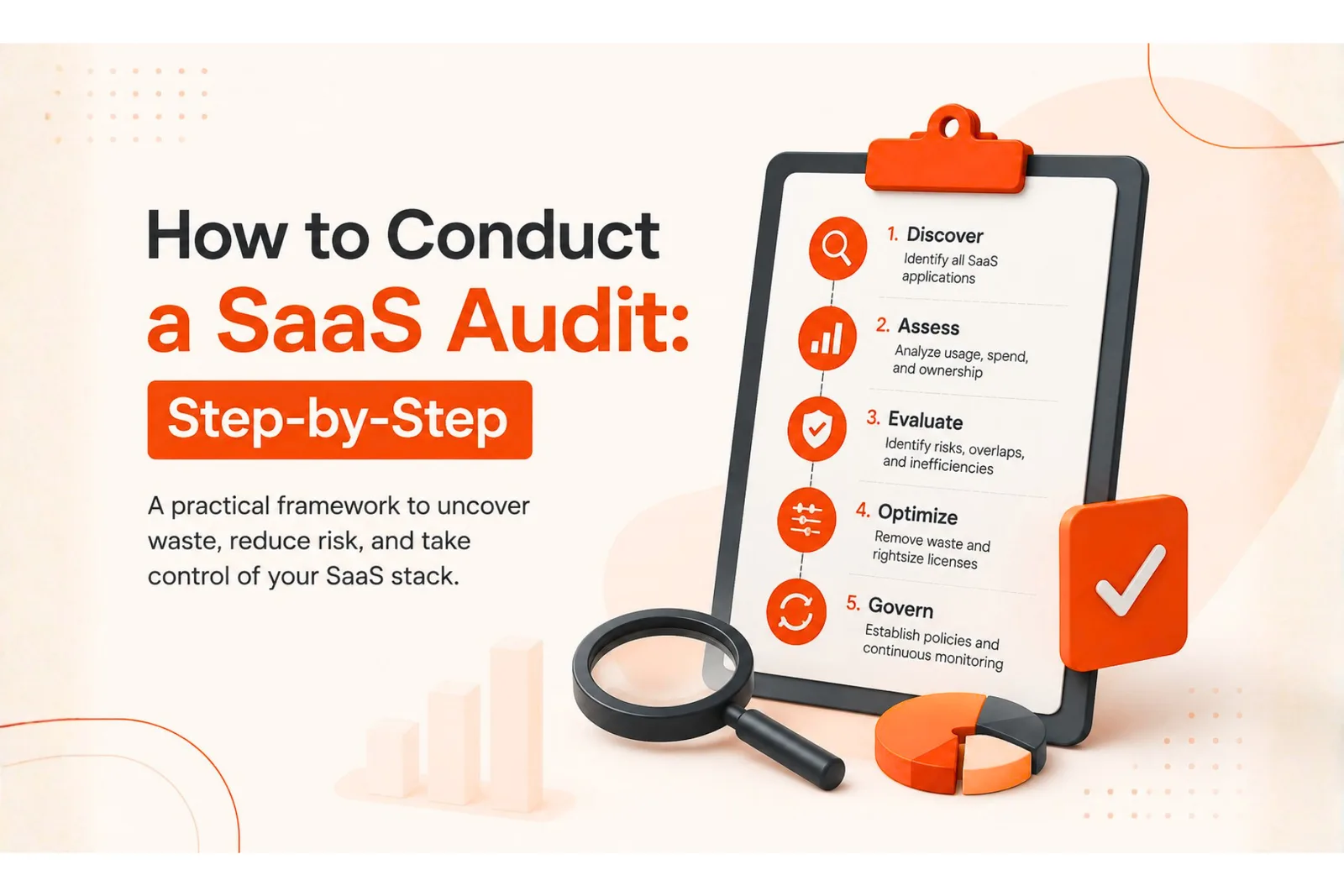
Most companies underestimate how much software they're actually running by nearly two times. Here's the exact step-by-step process to audit your full SaaS stack, find the waste hiding in it, and turn those findings into real savings.
Most companies don't actually know how much software they're running. Zylo's 2026 SaaS Management Index found that organizations typically underestimate their own SaaS application count by 1.7 times, and IT is responsible for purchasing only 13% of the applications actually in use. Everything else gets bought by individual teams, on individual cards, without anyone centrally tracking it.
A SaaS audit closes that gap. Use the following SaaS audit checklist to work through the process step by step, from pulling the raw data to turning findings into decisions someone actually acts on.
What a SaaS audit actually involves
A SaaS audit is a systematic review of every software subscription your company pays for, cross-checked against who's using it, how much it costs, and whether it's still needed. The reason most companies avoid doing it well is that the information doesn't live in one place. Finance has the invoices. IT has the sanctioned tool list. Individual departments know about the subscriptions they signed up for themselves. None of those three groups has the full picture on their own.
A proper audit pulls all three together into a single source of truth, which then becomes the foundation for cutting waste, catching security gaps, and making renewal decisions based on evidence instead of guesswork.
Step 1: Pull every source of spend data
Start with the money. Go through twelve months of records across corporate card statements, expense management software, accounts payable and ERP systems, procurement records, and direct vendor invoices, and pull out every line item that looks like a software subscription. This step alone usually surfaces tools nobody remembered buying.
Don't stop at the obvious recurring charges. Look for one-time annual payments, free trials that quietly converted to paid plans, and anything billed under a vague vendor name that doesn't immediately register as software.
Step 2: Cross-reference with identity and login data
Spend data tells you what you're paying for. Identity data tells you who's actually using it. Pull login activity from your single sign-on provider and any tools with their own admin dashboards, and match that against the subscription list from step one.
This is usually where the first real gaps show up. A subscription with an active monthly charge and zero visible logins in the last ninety days is a strong candidate for investigation, not an automatic cut. It might be a tool used rarely by design, like a compliance archive or a disaster-recovery platform, so confirm what it's actually for before assuming it's dead weight.
Step 3: Find the tools nobody told you about
Spend records and login data still won't catch everything. Tools bought on a personal card and expensed later, free-tier apps that don't touch your billing system at all, and browser extensions connected to company email through OAuth can all sit completely outside both sources above.
Check OAuth and third-party app connections in your Google Workspace or Microsoft 365 admin console. Talk to a few team leads directly and ask what they're using day to day. It's a slower method than the first two steps, but it's usually where the more surprising discoveries turn up, since these are the tools least likely to have gone through any kind of review.
Step 4: Build the master inventory
Once you've pulled data from all three sources, consolidate it into one list. For every application, record the owner, department, business purpose, vendor, cost, number of active versus assigned licenses, contract status, renewal date, and last login activity.
This inventory is the actual deliverable of the audit. Everything after this step is analysis and decisions built on top of it.
Step 5: Flag the waste
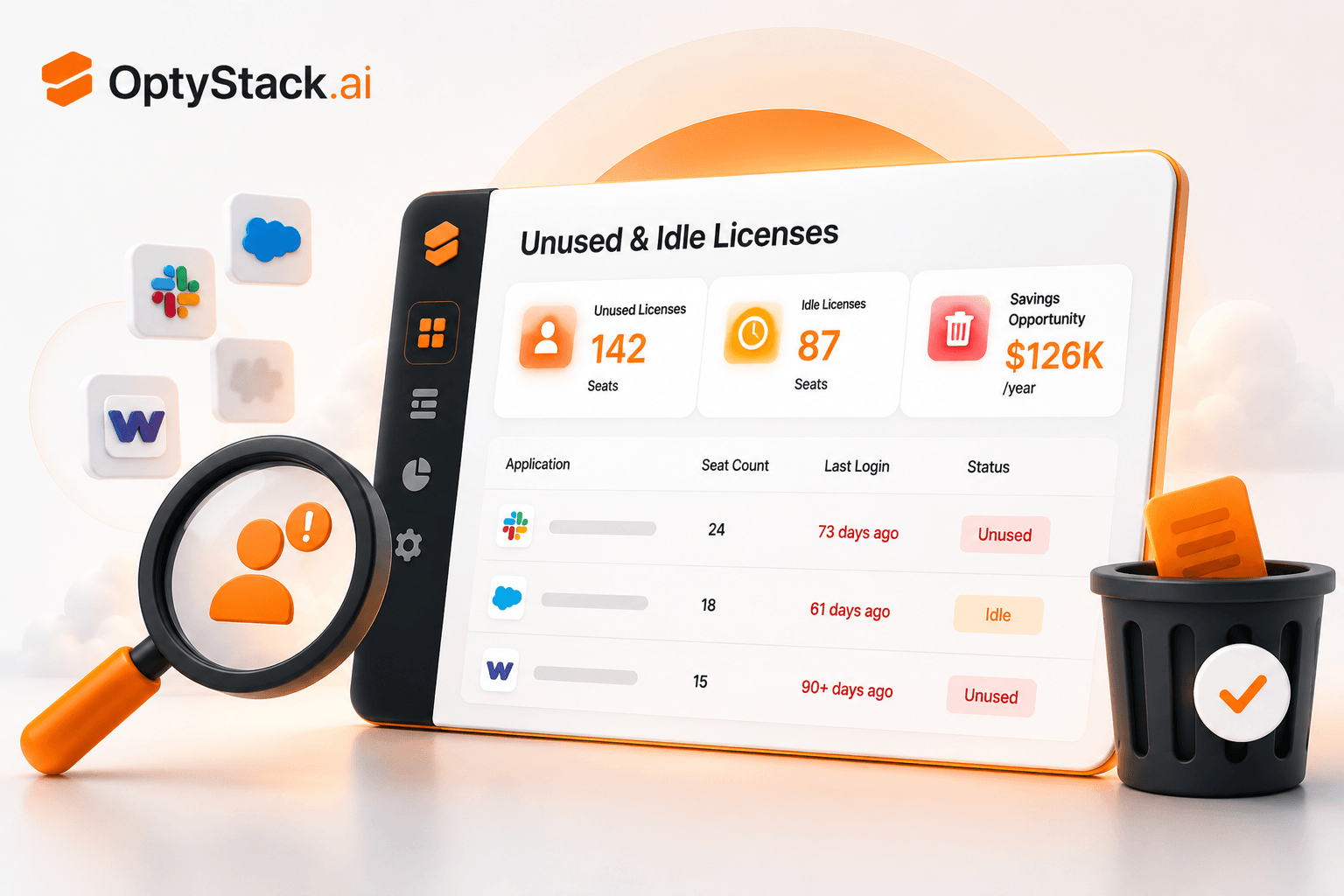
With the inventory built, three categories of waste tend to jump out immediately. Unused licenses are seats nobody has touched in months, often tied to employees who've left or switched roles. Duplicate tools show up when two or more departments are independently paying for software that does the same job. Underutilized plans are subscriptions where the company is paying for a premium tier but only using features available on a cheaper one.
Flag each of these separately, because the fix for each is different. Reassigning a license is a five-minute task. Consolidating two overlapping tools is a bigger conversation that usually needs input from both teams using them.
Step 6: Classify every application
Give each tool in the inventory a clear status: Keep it as-is, Optimize the plan or seat count, Consolidate it with an overlapping tool, Cancel it outright, or Investigate further before deciding.
This turns a long spreadsheet into something a team can actually act on in a meeting, instead of a wall of data nobody quite knows what to do with.
Step 7: Check ownership and renewal dates
For every tool that isn't marked for cancellation, confirm who's the named owner accountable for it and when the contract renews. A tool with no clear owner is one that will drift back into the same unmanaged state within a few months, no matter how thorough this audit was.
Renewal dates matter just as much. A tool worth keeping at its current terms might not be worth renewing at a price increase, and that decision should be made deliberately, well before the auto-renewal clause makes it for you.
Step 8: Turn findings into action
An audit that ends in a spreadsheet nobody opens again wasn't worth running. Every finding should end with a decision, an owner, a deadline, and an expected financial impact. "Cancel the unused Figma seats" is a finding. "Cancel 12 unused Figma seats, owner: design lead, done by end of month, saves $2,400 a year" is something that actually happens.
How often to repeat the process
An annual full audit is a useful baseline, but higher-growth organizations, or those adding tools and headcount quickly, may benefit from quarterly or even continuous reviews instead. A lighter quarterly check on your highest-cost tools, paired with a full audit once a year, keeps the estate from drifting back into the same state you started from.
Where OptyStack fits
Everything above is doable manually, but it takes real time to pull data from three or four disconnected systems and reconcile it by hand, which is exactly why most companies only get around to it once a year, if that.
OptyStack automates much of the discovery and cross-referencing work by unifying billing, identity, and usage data into a single inventory, so unused licenses, duplicate tools, and orphaned subscriptions surface on their own instead of requiring a manual sweep. It flags renewal dates ahead of time and keeps ownership current as tools change hands, so the audit becomes something that's always current instead of a project you run once and let go stale.
It's free to start and doesn't require a credit card, so you can see what a full SaaS inventory looks like for your own company in under ten minutes.
Start free with OptyStack and see your full SaaS estate mapped out automatically, without running a manual audit by hand.