SaaS License Optimization: How to Stop Overpaying for Seats
Aryan Malik · September 2, 2026
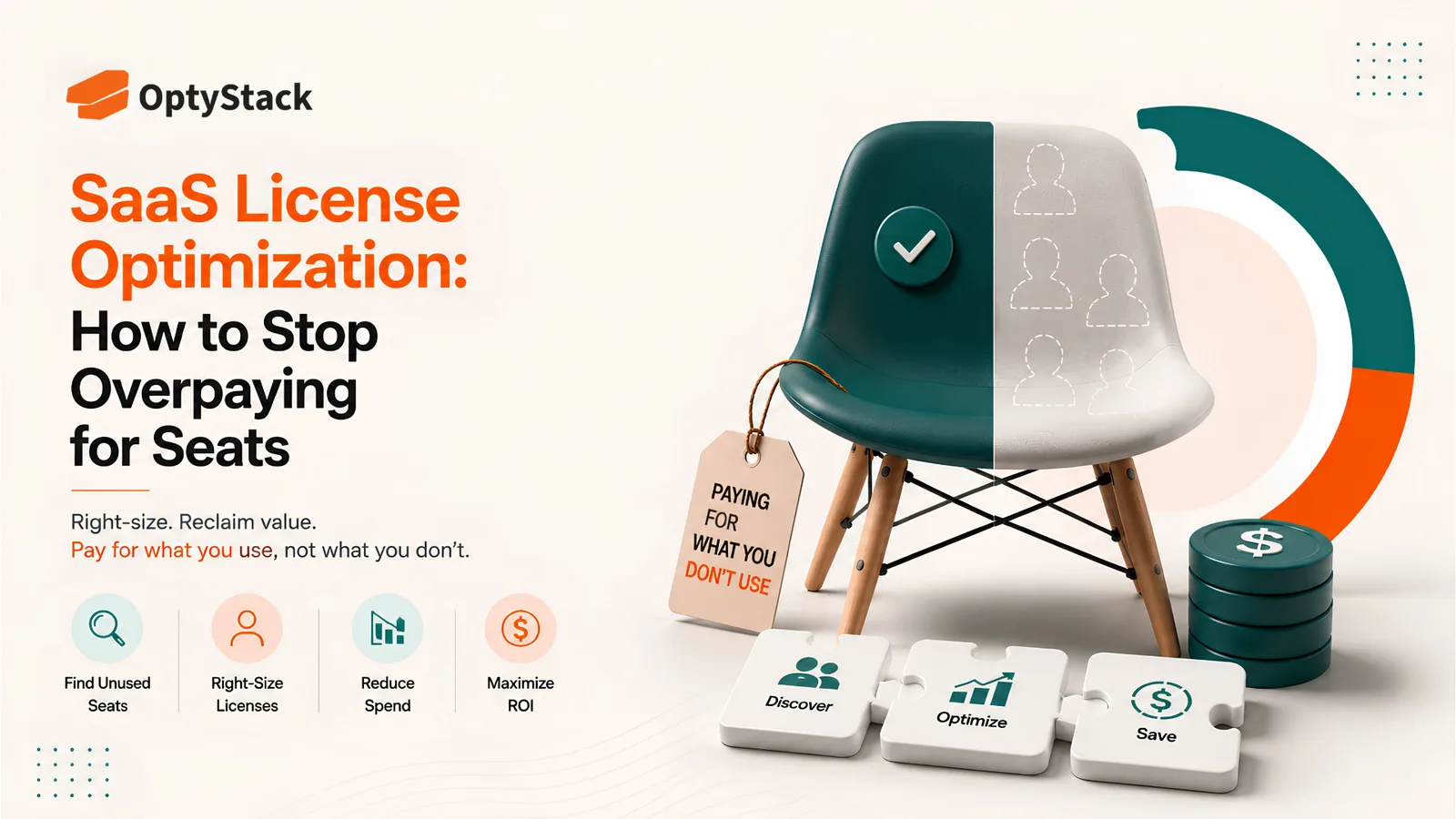
Most companies overpay for SaaS because seat counts and plan tiers are set once and rarely revisited. Here's a practical, step-by-step guide to matching every licence to how it's actually used, without cutting access someone genuinely needs.
Right-sizing is the process of matching every SaaS licence, its seat count and its plan tier, to how the tool is actually used. Unused seats get removed. Underused seats get downgraded to a cheaper tier that still covers what the person genuinely needs. It sounds simple, and the concept is, but most companies still overpay because they've never systematically gone through the exercise.
The reason it gets skipped isn't complexity. It's that most teams confuse "provisioned" with "active," and a licence that was assigned to someone is not the same thing as a licence that person is actually using.
Why right-sizing gets missed
Seat counts are set once and rarely revisited. A team buys 200 seats to cover growth projections, headcount changes, and 65 people are actively using it a year later. Nobody goes back to ask whether the original number still makes sense, because the contract is signed and attention moves elsewhere.
Nobody's checking feature usage against plan tier. A department on an Enterprise plan for the SSO or advanced analytics features might have ninety percent of its users touching nothing beyond the basic feature set. Unless someone specifically compares feature usage against what the tier actually offers, that mismatch stays invisible.
Departed employees keep their seats. Offboarding checklists often miss the tools that aren't managed through a central identity provider, so a licence tied to someone who left months ago keeps renewing on the same terms as everyone still using it.
Bulk purchases outlive the reason they were made. A team buys extra seats "in case we hire," hiring slows down, and the surplus becomes a permanent, unquestioned cost nobody traces back to its original justification.
How to measure usage properly
A login count alone doesn't tell you whether a seat is right-sized. A useful framework splits usage into three tiers:
Active means the user logged in and performed meaningful actions within the last 30 days.
Underused means fewer than a handful of logins in the past 30 days, or logins with no engagement of the tool's core features.
Inactive means no logins at all over an extended period, typically 60 consecutive days or more.
Each tier points to a different action. Inactive seats are candidates for removal. Underused seats are candidates for a tier downgrade, not necessarily a cancellation, since the person is still using the tool, just not the parts that justify the price.
The right-sizing process, step by step
Pull usage data from your identity provider first. Single sign-on logs give you a baseline view of who's actually authenticating into a tool, even before you look at feature-level detail. For tools that sit outside SSO entirely, a per-app usage export from the vendor's own admin panel fills the gap.
Compare feature usage against the plan tier for every app. For each tool, line up what the paid tier actually includes against what people are using day to day. A premium seat that only ever touches basic features is a clear downgrade candidate, regardless of how the seat was originally justified.
Sort every seat into one of two buckets. No activity means remove the seat entirely. Active but shallow usage means downgrade the tier rather than cutting access outright. Treating both the same way either wastes a good downgrade opportunity or risks cutting access someone genuinely still needs.
Check for legitimate exceptions before finalizing any cut. Not every inactive-looking seat is safe to remove. Some tools are used infrequently by design, a compliance archive, a disaster-recovery platform, a role that only logs in quarterly. Keep a short exception list with a reason and a review date attached, so an exception doesn't quietly become permanent, unreviewed waste of its own.
Watch for role-based tier needs before downgrading an entire team. If one editor genuinely needs premium features that the rest of the team doesn't, downgrading everyone to save money on that one edge case usually backfires. The better move is a mixed tier assignment, premium for the person who needs it, standard for everyone else, rather than a blanket downgrade.
Time every change to the contract's renewal date. Seat counts and tiers are almost always negotiable at renewal and considerably harder to change mid-term. Group your remove-and-downgrade list by contract and act just before each renewal, when the vendor is actually willing to revisit the terms.
Making right-sizing stick
A right-sizing pass done once and never repeated drifts back to the same waste within a year, since usage shifts constantly as teams grow, shrink, and change how they work. Revisiting the process on a quarterly cadence, or at minimum tying it to each contract's renewal date, is what keeps the savings from eroding.
Give every application a named owner accountable for periodically checking whether its seat count and tier still match reality. Without that accountability, right-sizing tends to happen once during a cost-cutting push and then quietly stop.
Where OptyStack fits
Pulling usage data, comparing it against plan tiers, and tracking which seats are safe to downgrade across a hundred-plus applications is realistic to do by hand for a handful of tools. It stops being realistic well before most companies' actual SaaS estates.
OptyStack brings usage data and plan details into one view for every application, so underused and inactive seats surface automatically instead of requiring a manual comparison tool by tool, contract by contract.
It's free to start and doesn't require a credit card.
Find out which licences are ready to right-size. Start free with OptyStack.