Who Pays for the Tokens? A Simple AI Cost Allocation Model for Growing Companies
Anurag Trivedi · October 27, 2026
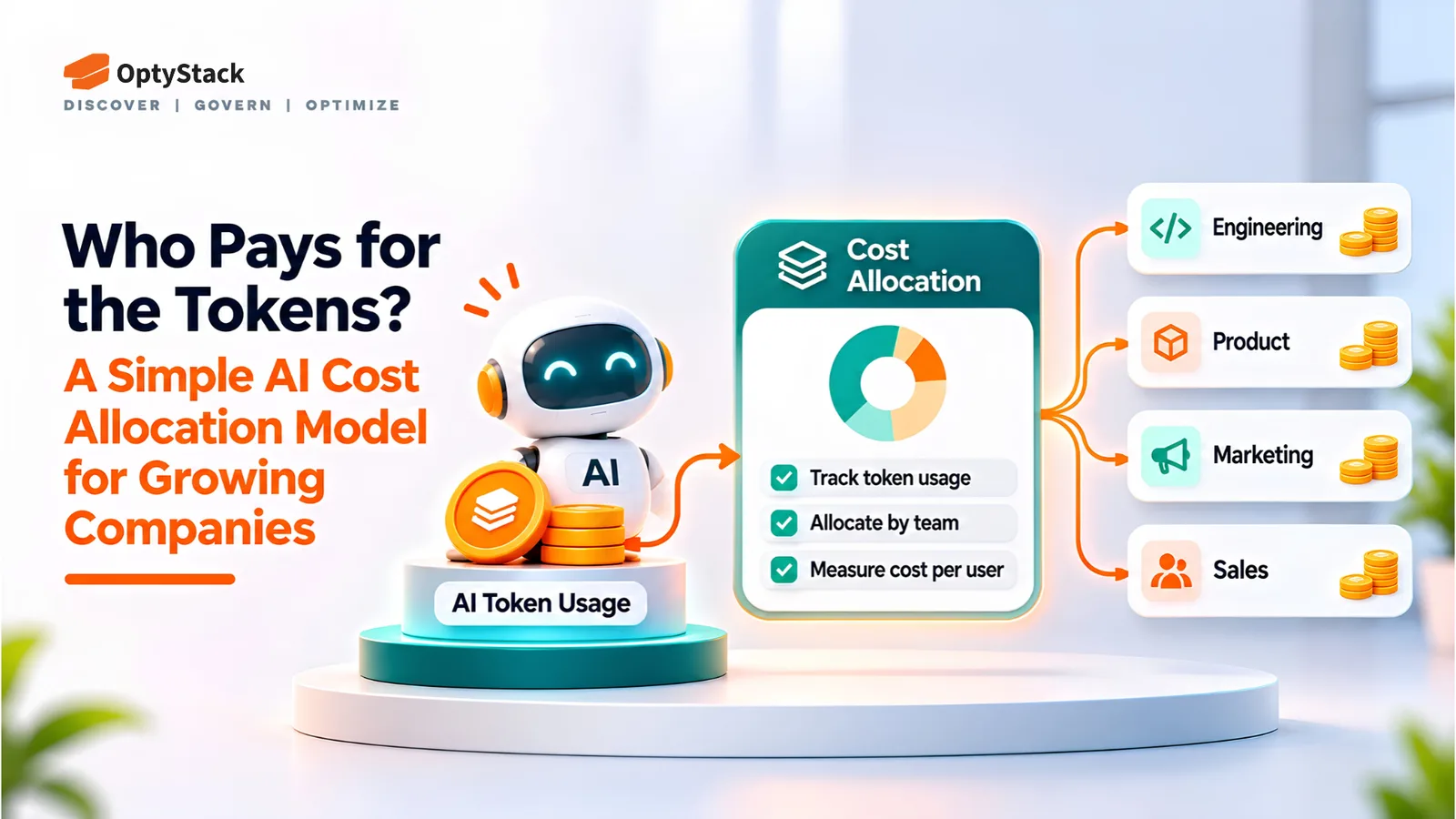
Seat counts no longer explain AI bills. Learn how to inventory AI tools and agents, assign owners and budgets, track usage against spend, and bring better cost visibility into contract renewals.
Why AI Spending Needs a Different Allocation Model
For years, a software bill could be explained with a headcount. You counted the people with logins, multiplied by a price, and the total was roughly right. AI spending breaks that model. A single employee can run a workflow that costs more than a dozen seats, while an agent can make thousands of calls a day without a new login appearing in your identity system.
Finance teams are feeling the pressure. In its fifth US AI Pulse Survey, published in July 2026, EY found that 82% of senior leaders at organizations investing in AI said their organizations were concerned about AI token usage and related costs. Yet only 64% said their organizations actively monitored token usage and had clear budget guardrails. The gap between concern and control creates room for unexpected bills.
The survey also found that 98% of respondents whose organizations were investing in AI and using token-based tools said token usage and related costs had caused them to reconsider their approach. That does not mean every company is cutting AI investment. It means leaders are reassessing how they deploy it, where they spend, and how they measure returns.
Growing companies do not need a complex chargeback system to improve control. They need a repeatable allocation model: identify what exists, assign responsibility, report usage against spend, and review the results before renewals.
Source: EY US AI Pulse Survey, July 2026
Why Seats No Longer Explain the Bill
Traditional SaaS pricing often links costs to seats, subscriptions, or fixed tiers. Token-based AI pricing links costs to consumption. The bill can change with prompt length, model choice, output volume, repeated requests, and the number of automated tasks an application performs.
The FinOps Foundation's guidance on token economics highlights the budgeting challenges created by variable usage, opaque billing, and limited native cost allocation. Two teams using the same AI product can generate very different bills because their workflows and consumption patterns differ.
The wider FinOps trend reinforces the need for better controls. The FinOps Foundation's 2026 State of FinOps report found that 98% of respondents managed AI spend, up from 63% in 2025. However, managing spend does not automatically mean that costs are fully visible or accurately allocated. Practitioners continue to identify AI cost visibility, allocation to business units, and measuring business value as important challenges.
The implication is straightforward: companies need to connect AI consumption to the teams, workflows, and business outcomes responsible for it.
Source: FinOps Foundation, State of FinOps 2026
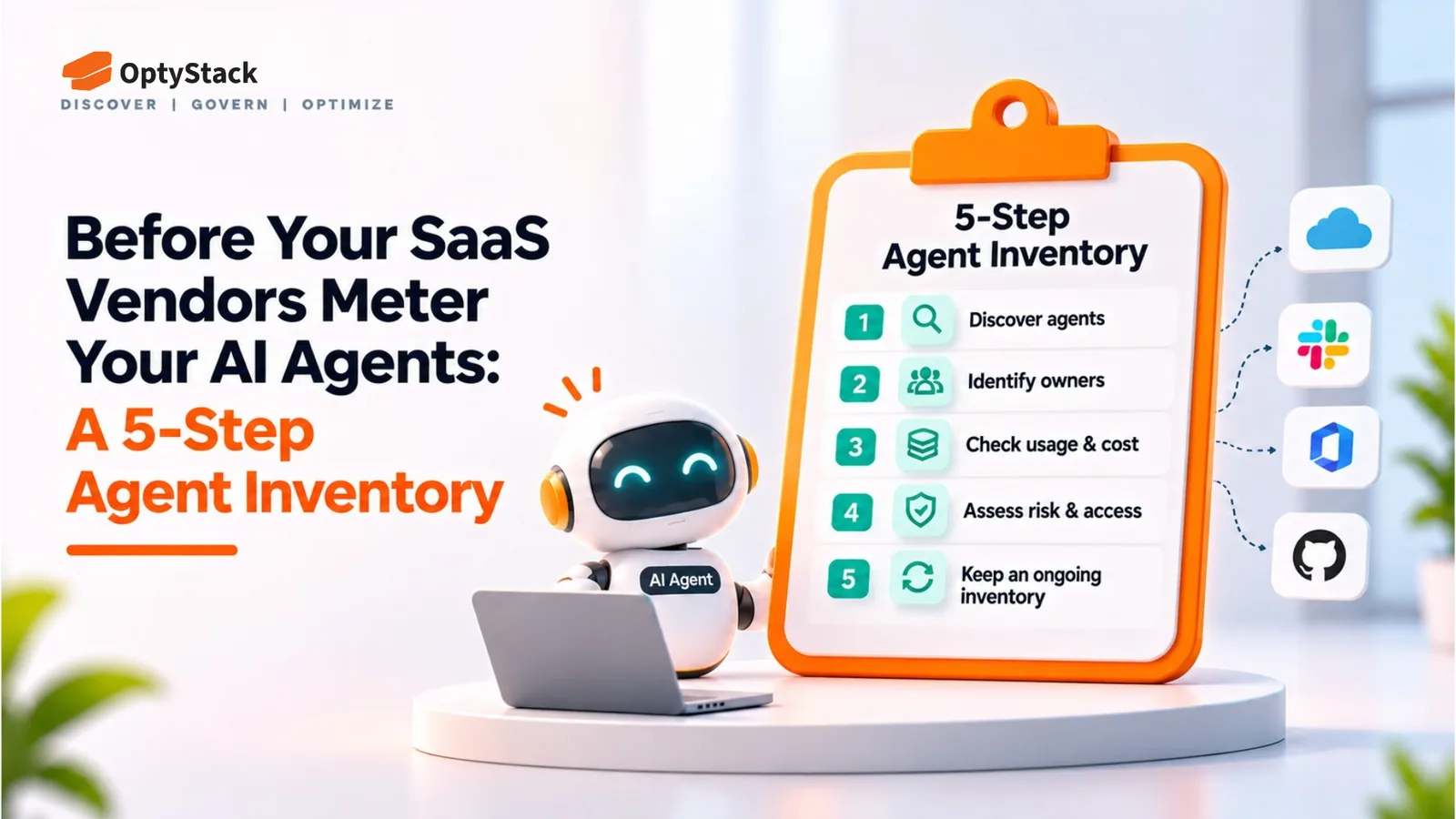
Step 1: Find Every AI Tool and Agent
Cost allocation starts with an inventory. A budget cannot be assigned to a tool the company does not know exists.
Your inventory should include IT-approved AI products, subscriptions purchased on company cards, and personal purchases later submitted as expenses. It should also cover less visible connections: OAuth grants to productivity platforms, API keys used in scripts and pipelines, and Model Context Protocol (MCP) connections that allow assistants and coding tools to interact with internal systems. Browser and desktop agents that operate through employee sessions belong on the list, too.
Use the signals already available. Identity logs can show which applications employees access. Expense and accounts-payable records can reveal subscriptions that were never reviewed. Browser telemetry can help uncover tools that do not appear in the approved application list.
Treat these signals as a discovery baseline, not a complete cost ledger. Reconcile them with AI provider accounts, API keys, projects, and available billing exports to identify where consumption actually occurs.
The FinOps Foundation recommends starting with an inventory of provider accounts and API keys. This creates a foundation for understanding where AI usage originates and which cost records can be associated with it.
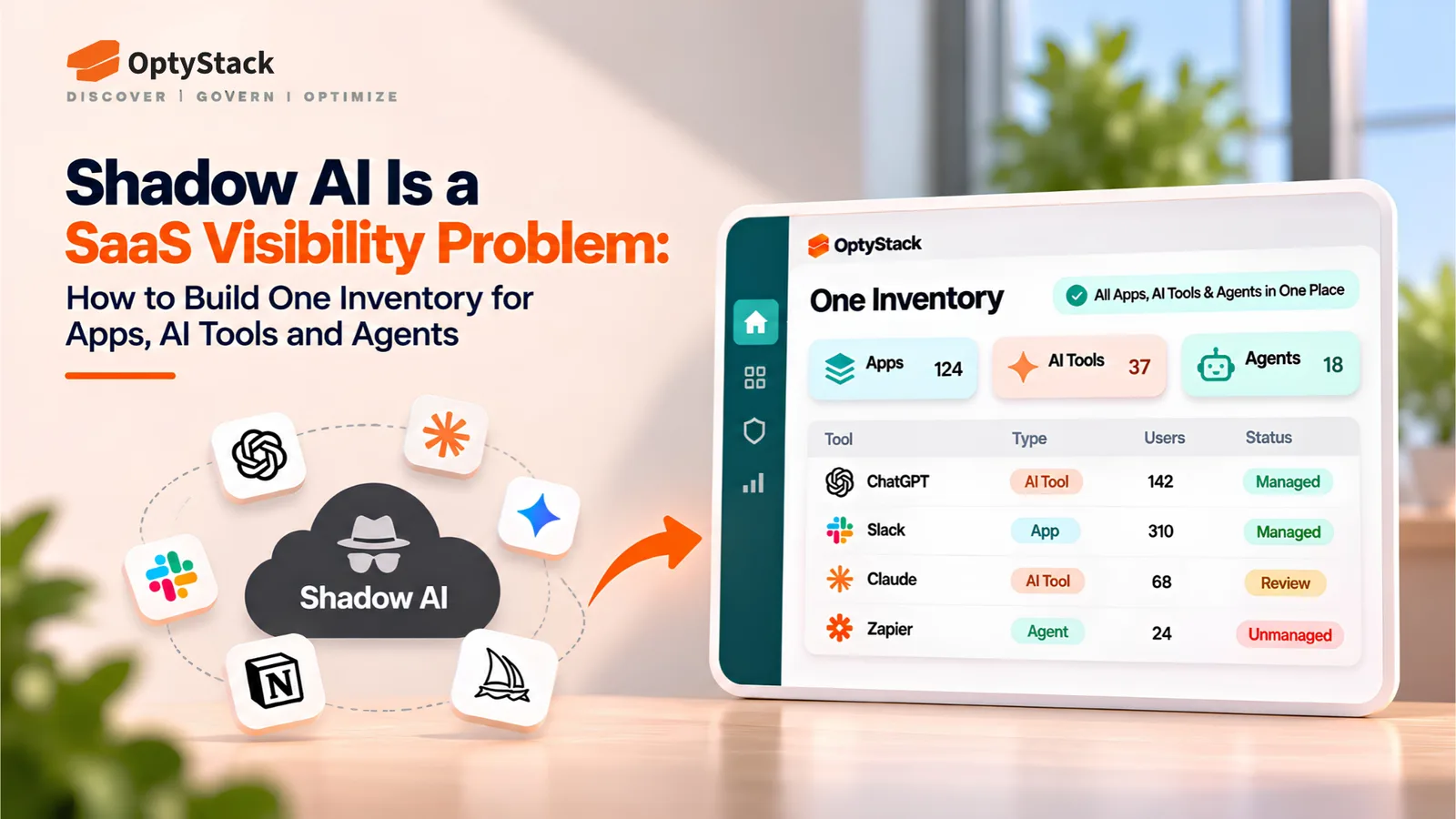
The outcome should be one inventory that identifies each tool or agent, its business purpose, its owner where known, and the available evidence of its usage and spend.
Step 2: Give Each One an Owner and a Budget Line
Every item in the inventory needs two things: a named owner and a budget line.
The owner is the person responsible for approving access, reviewing costs, and deciding whether the tool should continue. If nobody claims a tool, treat that as a governance finding. An unowned agent represents spending and potential risk without clear accountability.
The budget line defines the unit against which usage and spending will be reported. Most growing companies can start with one of three approaches:
By team: Best for shared tools, such as writing assistants or coding assistants used across a department.
By workflow: Best for automated processes, such as ticket triage or report generation, with a defined business purpose.
By agent: Best for a specific autonomous tool performing a defined task with identifiable credentials or usage records.
Choose a consistent approach within each category. Mixing teams, workflows, and agents indiscriminately in the same report makes totals harder to interpret and can lead to double counting.
Agent-level allocation works best when each agent has a distinct usage identity or its application records consumption against a known cost center. Otherwise, report at the narrowest level supported by the available billing data.
Keep the model simple. Assign each budget line to one accountable owner, set a monthly spending ceiling, and document the expected business outcome. A budget without a purpose is difficult to defend when renewal decisions arrive.
Step 3: Report Usage Against Spend Every Month
The monthly report is where allocation becomes useful. Finance needs a consistent view showing usage and spend side by side for each budget line.
At a minimum, include:
Spend: Total costs for each line, including consumption charges and overages.
Usage: Business-relevant units, such as tickets handled, documents processed, or pull requests reviewed, alongside raw token or credit counts where available.
Month-over-month change: Variations in cost and usage, with an explanation for significant increases.
Owner sign-off: Confirmation from the accountable owner that the figures have been reviewed.
Business outcome: A practical measure of what the expenditure delivered, where one can be established.
Not every provider exposes the same level of detail. Some report usage by account, project, or API key rather than individual application or agent. Document these limitations instead of presenting estimated allocations as exact measurements.
Set a review threshold for each budget line. For example, a forecast that exceeds the monthly ceiling by 20% could trigger an investigation. Adjust the threshold to the workflow's volatility and business importance, and review sudden spikes earlier when they suggest a runaway process or unexpected usage.
Be careful with blunt fixes. Caps and rate limits can restrict productive work along with waste. Use the report to identify which spending produces value before reducing access or imposing tighter limits.
Step 4: Fold It Into Renewals
Renewals are where the allocation model becomes a procurement advantage. Before a contract comes up for review, aim to have several months of usage and spending data for the budget lines associated with it.
For each renewal, decide what to do before the contract rolls over:
Right-size: Reduce the commitment to match observed usage while retaining a reasonable buffer for growth.
Consolidate: Combine overlapping tools where doing so reduces duplication without sacrificing essential capabilities.
Cap: Negotiate usage limits, predictable pricing, or appropriate overage terms when consumption costs are difficult to forecast.
Start the review at least 90 days before the contractual notice deadline, or earlier if the agreement requires more lead time. Check whether the proposed contract introduces usage-based fees, bundled credits, minimum commitments, or agent-registration requirements that did not exist when you signed the previous agreement.
Bring finance, IT, procurement, and the business owner into the decision. A lower bill is not necessarily a better outcome if it removes a tool that delivers measurable value. The goal is to align spending with actual usage, business results, and the company's risk tolerance.
Where Optystack Fits
This model depends on knowing what exists before trying to control what it costs. Optystack helps organizations discover SaaS and AI tools using signals from spending, single sign-on (SSO), and browser activity. Its Shadow IT and Shadow AI capabilities help surface tools adopted outside formal IT processes, while its contract and renewal features help teams connect applications with ownership, spending context, and upcoming deadlines.
That visibility gives IT, finance, and procurement a shared starting point for reviewing applications, assigning responsibility, and prioritizing renewals.
There is an important distinction: Optystack does not meter vendor tokens or allocate AI consumption costs line by line. Use provider usage exports, billing records, and appropriate application-level instrumentation for that. Optystack helps establish where tools are being used, what spending and contracts are associated with them, and when renewal decisions need attention.
To explore your software inventory, start a free trial or learn more about contract renewal tracking.
The Bottom Line
AI cost allocation does not have to start with a sophisticated chargeback platform. Start by identifying the tools and agents in use, assigning accountable owners, reporting consumption alongside spending, and reviewing the evidence before renewals.
As AI adoption expands, seat counts alone will not provide enough visibility to manage the bill. Companies that connect usage, ownership, cost, and business outcomes will be better positioned to control waste without restricting valuable AI work.