Shadow AI Is a SaaS Visibility Problem: How to Build One Inventory for Apps, AI Tools and Agents
Satvik
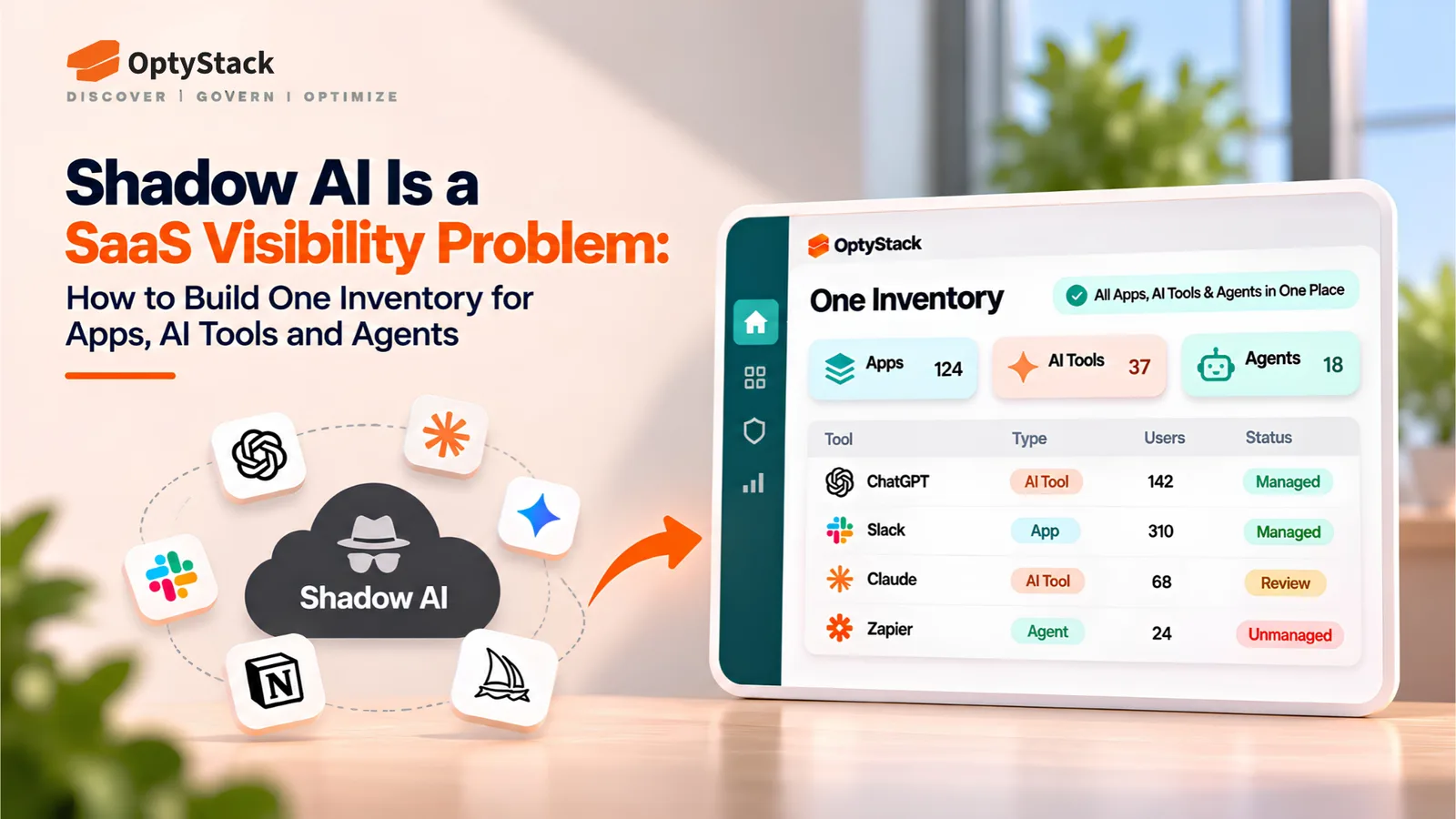
Shadow AI extends beyond chatbots into browser extensions, laptop agents, MCP servers, and OAuth-connected applications. Learn how to build one inventory for ownership, data access, cost, and lifecycle management.
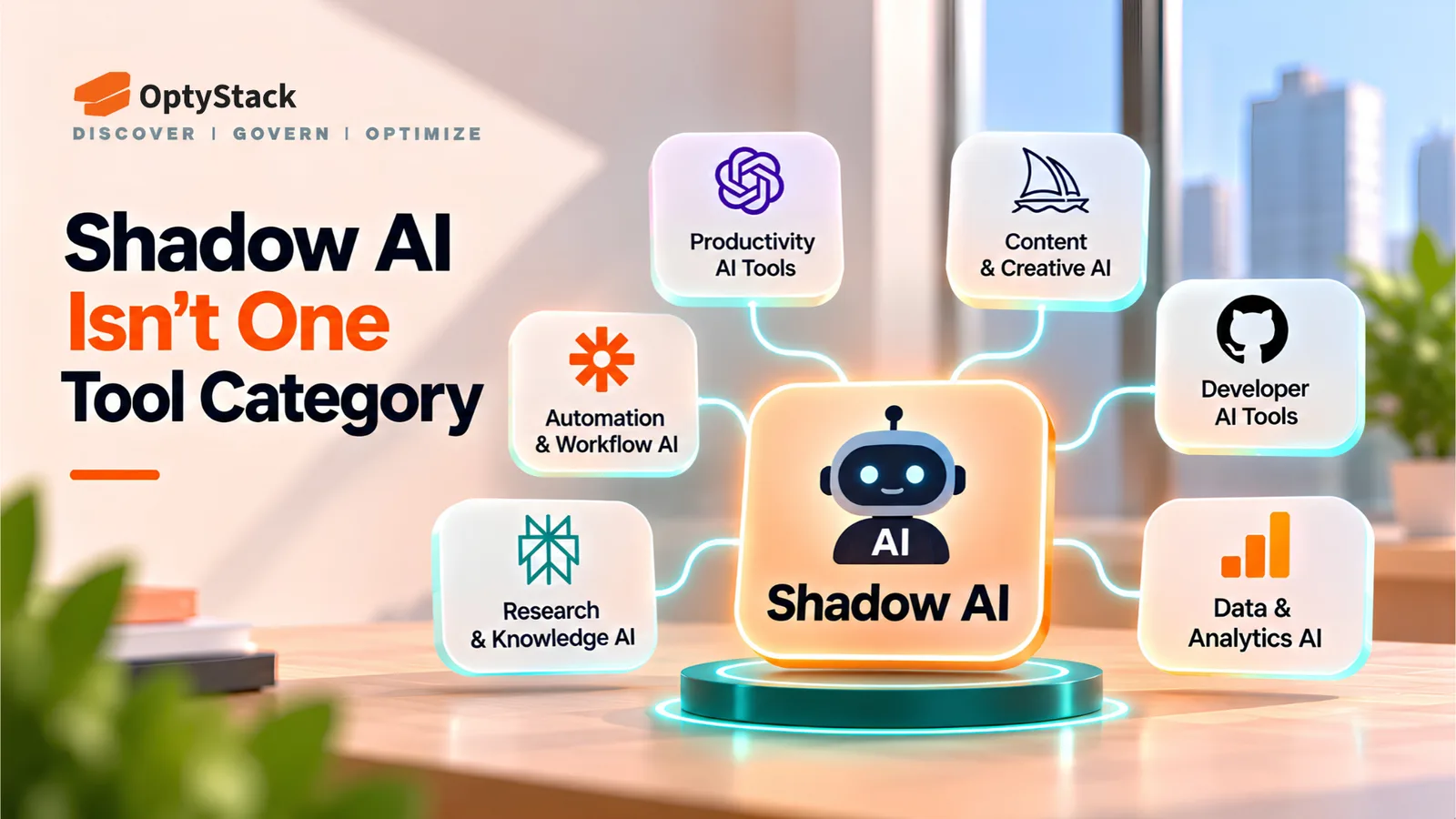
Shadow AI is often treated as a list of unauthorized chatbots. That view misses the bigger problem: organizations may not know which AI tools employees use, what data those tools can access, who owns them, or how much they cost.
According to WatchGuard's 2026 Cybersecurity Hygiene Report, published on July 14, 2026, 64% of surveyed employees admitted to using unauthorized AI tools for work. Fewer than 30% believed their organization maintained an accurate inventory of software in use.
The findings came from an independent online survey of 684 employees at organizations with 50–500 employees across eight countries. Conducted in April 2026, the survey measured self-reported employee behavior. WatchGuard also reported that 39% said their company lacked full visibility into the applications employees used.
These findings point to a broader visibility gap. Shadow AI is not simply an AI policy problem; it is a SaaS discovery and inventory problem.
Why Shadow AI Is a Symptom of Poor SaaS Visibility
Employees can adopt an AI tool in minutes, often without procurement approval or a formal security review. They may use a public chatbot, enable an AI feature inside an approved application, install a coding assistant, or connect an agent to company data.
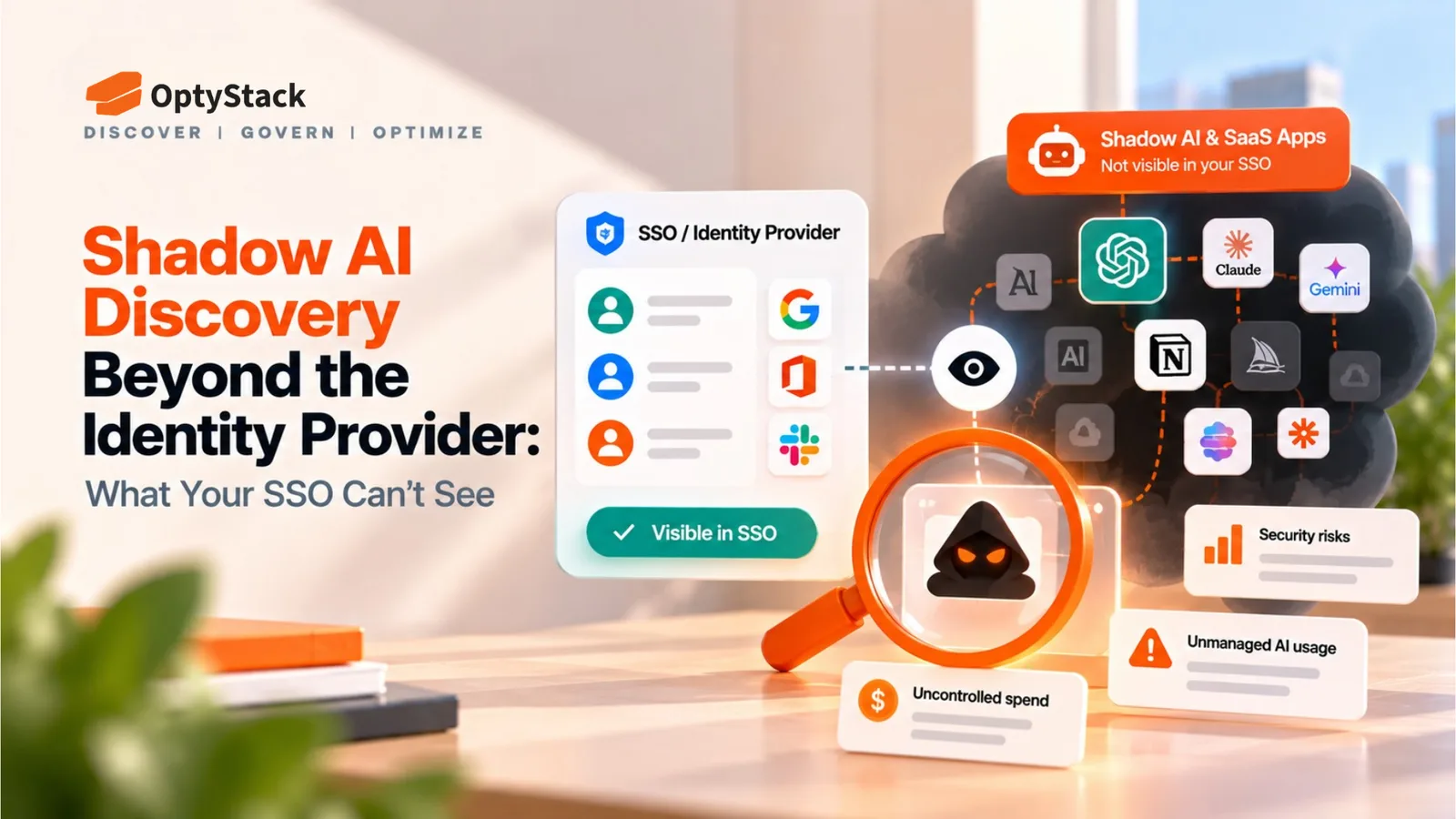
Traditional software inventories can miss these changes because they often focus on purchased licenses, approved applications, or software provisioned through single sign-on (SSO).
A useful shadow AI inventory connects discovery evidence with ownership, data access, cost, identity, and lifecycle status. It also distinguishes confirmed findings from areas where monitoring coverage is incomplete.
Four Places Shadow AI Hides
1. SaaS applications and embedded AI
AI is increasingly built into productivity, design, customer support, analytics, and project management software. Employees may activate these features inside applications the organization already approves.
Review existing SaaS products for AI capabilities, changes to data processing, and additional charges. An approved application does not automatically mean every AI feature within it has been reviewed.
2. Browser extensions and plugins
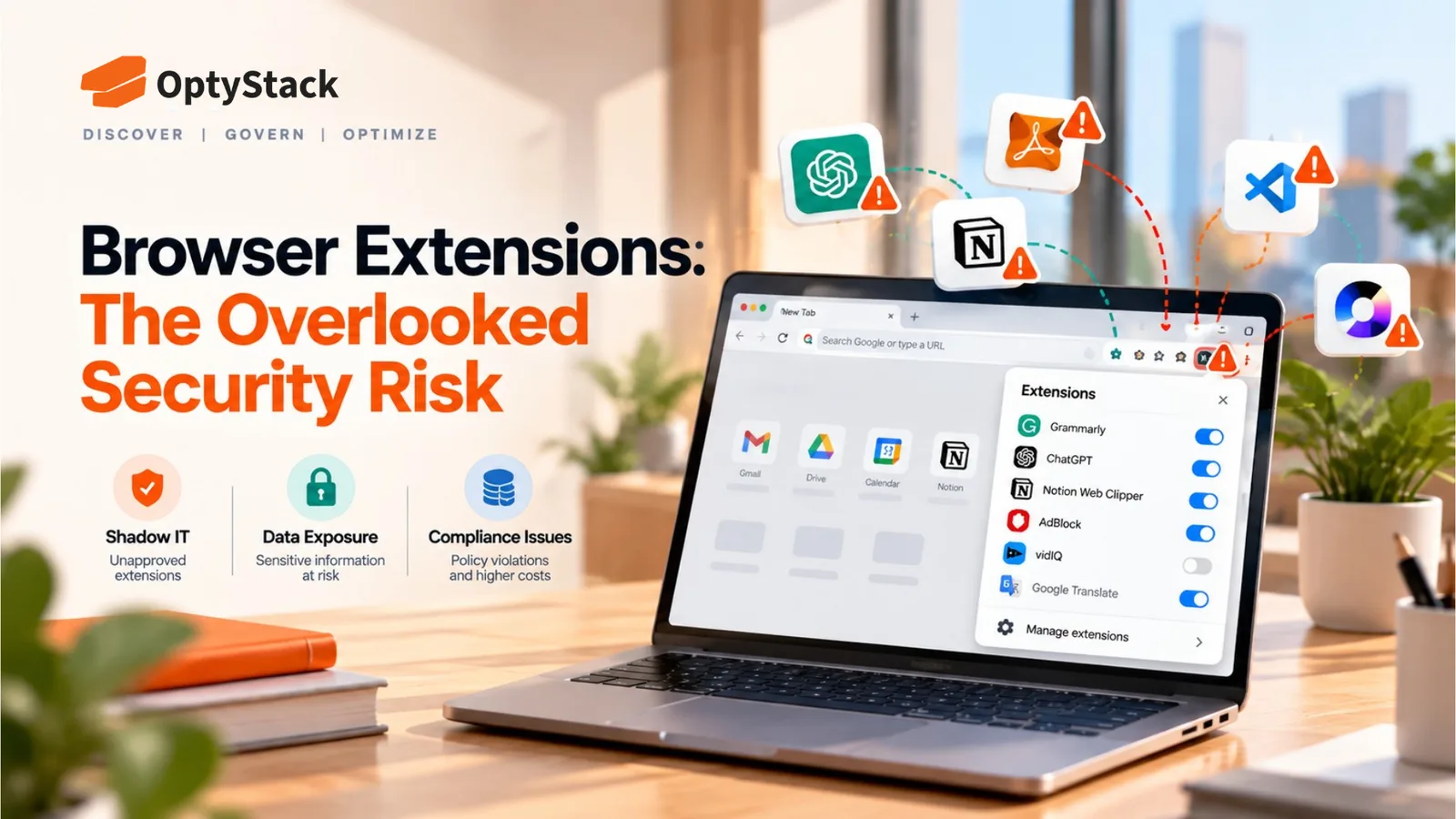
AI browser extensions can summarize webpages, rewrite content, capture information, or connect to external services. Employees may install them through personal accounts or browser profiles that corporate SSO does not cover.
Discovery may require managed-browser inventories, endpoint telemetry, and relevant web activity signals. Record the extension's publisher, permissions, associated user, and business purpose.
3. Laptop agents and MCP servers
AI coding assistants, desktop agents, local models, and Model Context Protocol (MCP) servers can operate beyond ordinary browser-based SaaS.
An agent may connect to local files, developer tools, databases, or other services through configured tools and credentials. Use endpoint-management and developer-environment data to identify installed tools and MCP configurations. Detailed agent behavior may require dedicated endpoint or agent-security controls.
4. OAuth-connected agents and applications
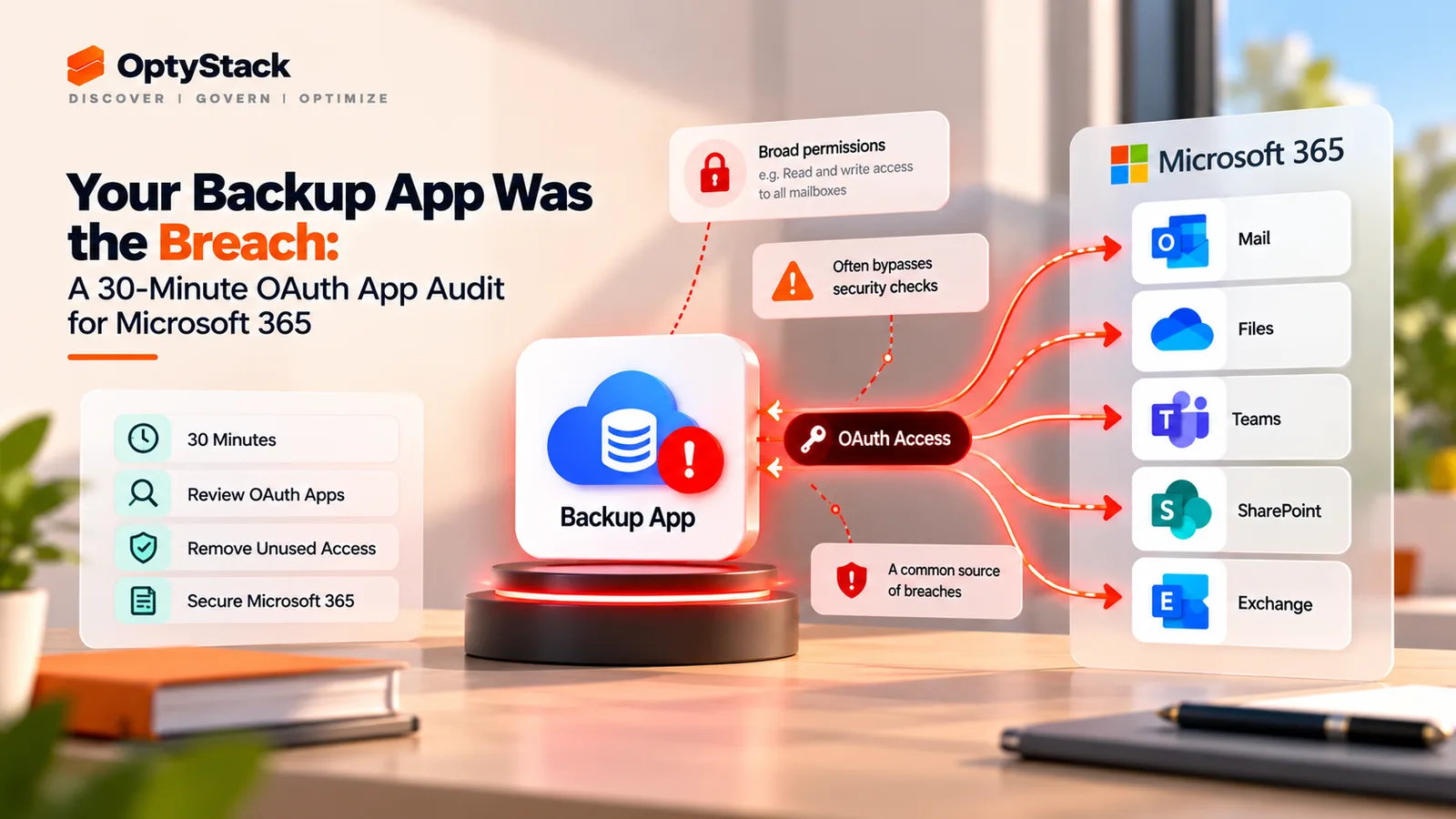
An employee may authorize an AI application to access email, calendars, documents, or other corporate resources through OAuth.
That connection can give an application permission to access company data. Review connected applications, granted permissions, owners, and recent activity through the relevant identity platform. Prioritize broad permissions and integrations without a clear business owner.
What a Single AI Inventory Should Record
A single inventory does not require every discovery signal to come from one product. It requires findings from different systems to be normalized into a shared record that teams can review and act on.
For every AI tool or agent, record:
Owner: Tool name, provider, business purpose, accountable owner, and department.
Data access: Connected applications, permission scope, and sensitive resources potentially accessible.
Cost: Subscription fee, department allocation, available usage costs, and renewal terms.
Identity: Human user, service account, application identity, or agent identity.
Lifecycle: Discovery date, approval status, last review, renewal date, and retirement status.
Also record the discovery source, evidence date, and confidence level. For agents, include connected tools, technical owner, and references to associated credentials. Never store raw secrets or access tokens in an ordinary inventory spreadsheet.
Example inventory record
Field | Example |
|---|---|
Tool | AI meeting assistant |
Owner | Sales Operations |
Data access | Calendar and meeting transcripts |
Cost | $30/user/month; verify actual billing |
Identity | Human user plus OAuth-connected app |
Status | Under review; permissions not yet verified |
This illustrative record shows the type of information needed to make a decision. The team would next verify the actual permissions, business need, and contract terms before approving or restricting the tool.
Manage AI Tools Through Their Full Lifecycle
Onboarding: Require a business owner, documented purpose, acceptable data-use conditions, and access review before an AI tool or agent connects to sensitive systems.
Ongoing review: Reassess permissions, ownership, usage, and cost when an application adds capabilities or an agent's responsibilities change. Review high-risk tools more frequently than low-risk applications.
Offboarding: When employees leave or change roles, identify AI tools, OAuth grants, API keys, service accounts, scheduled workflows, and agents associated with their work. Transfer legitimate ownership, revoke unnecessary access, and rotate shared credentials where appropriate.
Removing an employee's SSO account alone may not revoke every independent API key, OAuth grant, or service credential. Offboarding must explicitly cover non-human identities.
A 30-Day Plan for a 200–2,000 Person Company
Days 1–7: Establish the baseline
Assign an owner from IT or security and involve Finance, procurement, and department representatives. Gather existing SaaS inventories, SSO records, application integrations, expense data, and available endpoint or browser inventories.
Deliverable: One shared register, a named program owner, and a documented list of discovery sources and coverage gaps.
Days 8–14: Discover and classify
Identify AI applications, embedded AI features, browser extensions, agents, MCP configurations, and OAuth-connected applications using available sources. Classify findings by data sensitivity, permission scope, business criticality, and approval status.
Target: Assign a preliminary risk and confidence level to at least 90% of discovered high-priority items.
Days 15–21: Assign owners and remediate
Investigate unapproved tools, excessive permissions, duplicate subscriptions, and agents with unclear ownership. Approve legitimate use, restrict unnecessary access, or retire tools through a documented process.
Target: Assign accountable owners to 100% of high-priority findings and review all identified privileged OAuth grants. Record a decision or remediation plan for each.
Days 22–30: Establish governance
Introduce an intake process for new AI tools, a recurring inventory review, and a joiner-mover-leaver checklist covering agents and credentials.
Target: Publish an inventory review schedule, establish a documented offboarding procedure, and assign an owner and due date to every unresolved high-priority finding.
These are recommended internal targets, not industry benchmarks. At day 30, document what is covered, what remains invisible, and which additional endpoint, identity, or security controls may be needed.
Where OptyStack Fits
OptyStack helps teams centralize SaaS application, spending, usage, and identity-related information. Its Shadow AI discovery capabilities can help identify AI applications, connect findings with user and spending context, and prioritize applications that need review.
This supports the inventory workflow in three ways:
Find gaps: Compare discovered applications with the existing inventory and investigate tools without a clear owner.
Prioritize reviews: Bring application, user, spending, and available usage context together to help IT and Finance decide which findings need attention first.
Support lifecycle reviews: Use application and renewal information to identify subscriptions and integrations that require ownership checks or follow-up.
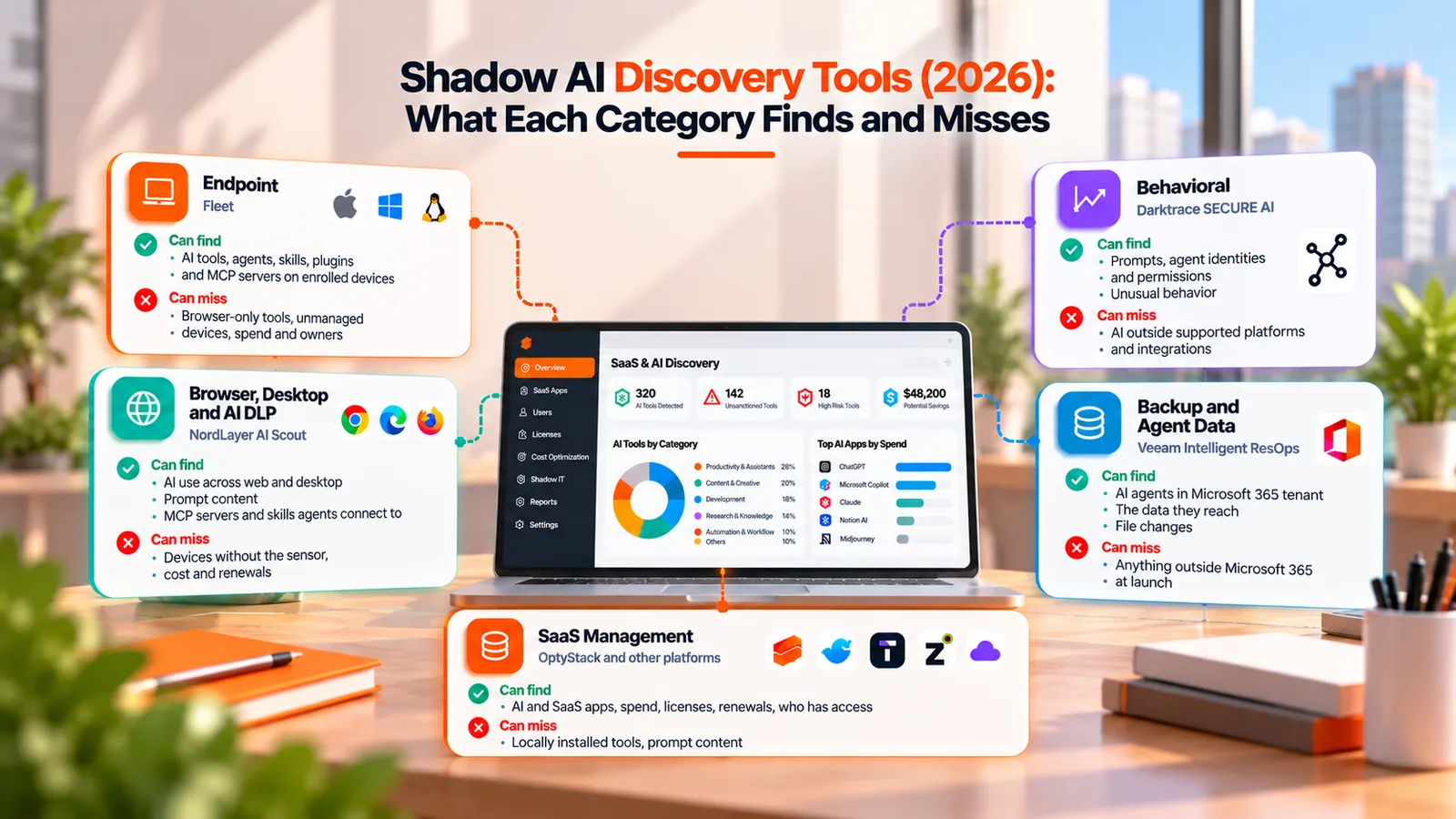
A SaaS inventory is not complete endpoint or runtime visibility. Local agent configurations, every MCP server, prompt content, and token-level activity may require additional tools and data sources. Teams should document these gaps rather than assume that undiscovered activity does not exist.
Explore OptyStack's SaaS management platform or use the SaaS Audit Toolkit to begin organizing your application inventory and governance review.
Build One Inventory Before Shadow AI Spreads Further
Shadow AI becomes harder to govern when applications, agents, identities, permissions, and costs are tracked in separate systems. A shared inventory gives IT, security, and Finance a consistent starting point for investigating risk and making informed decisions.
Start with the evidence you already have, assign owners, record data access and cost, and include AI agents in onboarding, review, and offboarding.
The objective is not simply to count AI tools. It is to know who owns them, what they can access, what they cost, and whether they still belong in your environment.