AI Agent Offboarding: A Joiner-Mover-Leaver Checklist for People and Bots
Aryan Malik · October 14, 2026
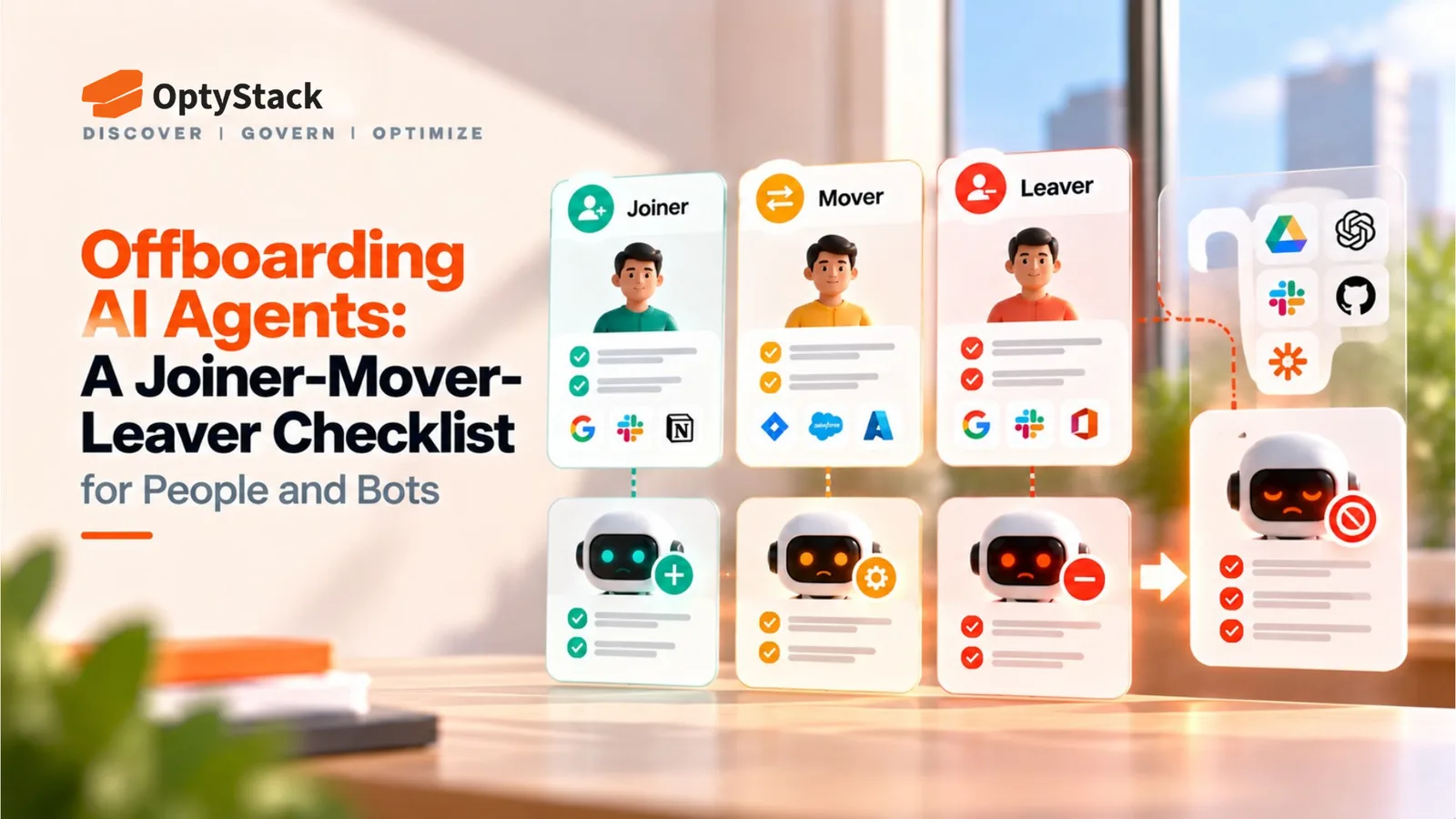
Workday’s deal for C1.ai and reported bank-regulator questions about AI agent limits and shutdowns show how seriously agent lifecycle is being treated. Here’s a joiner-mover-leaver checklist for registering, re-scoping and retiring AI agents alongside people.
On October 13, Workday signed a definitive agreement to acquire C1.ai, an identity platform for people and AI agents. Workday says it wants to give each person and agent the right access from the day they join to the day they leave. Terms weren’t disclosed, and closing is expected in the fourth quarter of Workday’s fiscal 2027.
The same day, Reuters reported, citing six people familiar with the matter, that the Fed, OCC and FDIC are questioning banks of all sizes about AI agents: what limits they operate under, how their actions are monitored and approved, whether their decisions can be audited, and whether banks can rein in or stop them. The agencies declined to comment and are reportedly gathering information, not setting requirements.
Neither item shows that any company has lost control of an agent. Together they show how seriously AI agent lifecycle management is being treated, and you don’t have to be a bank to use those questions as a test. OWASP’s Non-Human Identity Top 10 (2025) ranks improper offboarding first: identities that aren’t deactivated when no longer needed stay active beyond their intended use. Non-human identity offboarding follows the same joiner-mover-leaver logic used for employees.
Joiner: register the agent before it gets access
AI agent access management starts at registration. An agent usually appears because someone connects a tool, creates an API key or approves an OAuth consent screen, and by the time IT hears about it, access already exists. Record these at the start:
A named owner and a backup. A person, not a team, who answers for the agent.
A purpose and a principal. What the agent is for, and which person or team it works on behalf of.
The systems and data it can reach. List them explicitly, including connected tools and MCP servers.
Minimum access. Grant only what the purpose requires, and prefer scoped OAuth grants or short-lived credentials over shared, long-lived keys. OWASP lists overprivileged and long-lived credentials as separate risks.
A review or expiry date. Set it at creation so the agent doesn’t persist by default.
Mover: re-scope access when the person changes role
Many agents work for someone. A sales operations lead’s agent reads CRM and email. When that person moves to finance, the agent’s access doesn’t change unless something triggers it, so it keeps the old role’s permissions while possibly reaching the new role’s data too.
Tie the trigger to the same HR event that already starts a mover review for people. Then decide for each agent whether to reassign it, narrow its scope to the new role, or retire it, and re-confirm its purpose in the same step. How an agent’s delegated access works varies by platform, so check whether it follows its principal’s current entitlements or holds its own.
Leaver: revoke everything when the agent or its owner goes
There are two leaver cases, and each needs a runbook.
The agent is retired. Revoke its OAuth grants, API keys and tokens, remove SSO and provisioning assignments, disconnect tool and MCP connections, and delete credentials embedded in code or pipelines. Then check the logs for activity after revocation.
The owner leaves. Disabling the owner’s account may not revoke every OAuth grant tied to it, depending on the platform. Look up what that person authorized or created, and reassign or retire each item before their last day.
Keep the lifecycle record in both cases: who approved the agent, what changed, and when access ended.
A 10-point checklist for people and bots
Inventory. List the agents you know about, and look for ones nobody registered.
Owner. Assign a named person and a backup.
Purpose. Record what it’s for and who it works for.
Scope. Grant the minimum access, with scoped or short-lived credentials where possible.
Expiry. Set a review or end date at creation.
Review cadence. Review on a schedule and after any change in owner or purpose. Quarterly for agents with sensitive access is an editorial suggestion, not a standard.
Mover trigger. Re-scope agents when their owner changes role.
Leaver runbook. Revoke grants, keys, SSO and tool connections, then confirm no activity afterward.
Kill switch. Name who can disable an agent immediately, how fast, and how you’d test it.
Audit log. Keep agent actions and lifecycle events: approvals, changes and revocations.
Frequently asked questions
What is AI agent offboarding?
AI agent offboarding is the process of ending an agent’s access when it is retired, replaced or no longer needed, or when its owner leaves and it has no new owner. It covers revoking OAuth grants, API keys and tokens, removing SSO and provisioning assignments, disconnecting tool connections, and recording what was revoked and when. It is one stage of AI agent lifecycle management, alongside registration and re-scoping.
What happens when an AI agent’s owner leaves?
It depends on how the agent was set up. If the agent uses its own OAuth grant, API key or service account, disabling the owner’s user account may not end its access. Before the owner’s last day, list what they created or authorized, then reassign each agent, narrow its scope or retire it.
Can SaaS management tools revoke AI agent credentials?
Discovery and inventory are not the same as revocation. A SaaS management tool can show which applications exist, who uses them and what they cost, which helps you find what needs offboarding. Revoking an OAuth grant, rotating an API key or disabling a service account normally happens in the system that issued the credential, such as your identity provider, the platform’s admin console or a secrets manager. Some products can trigger those actions through integrations, so ask any vendor which credential types it can revoke directly and which it can only flag.
Where OptyStack fits
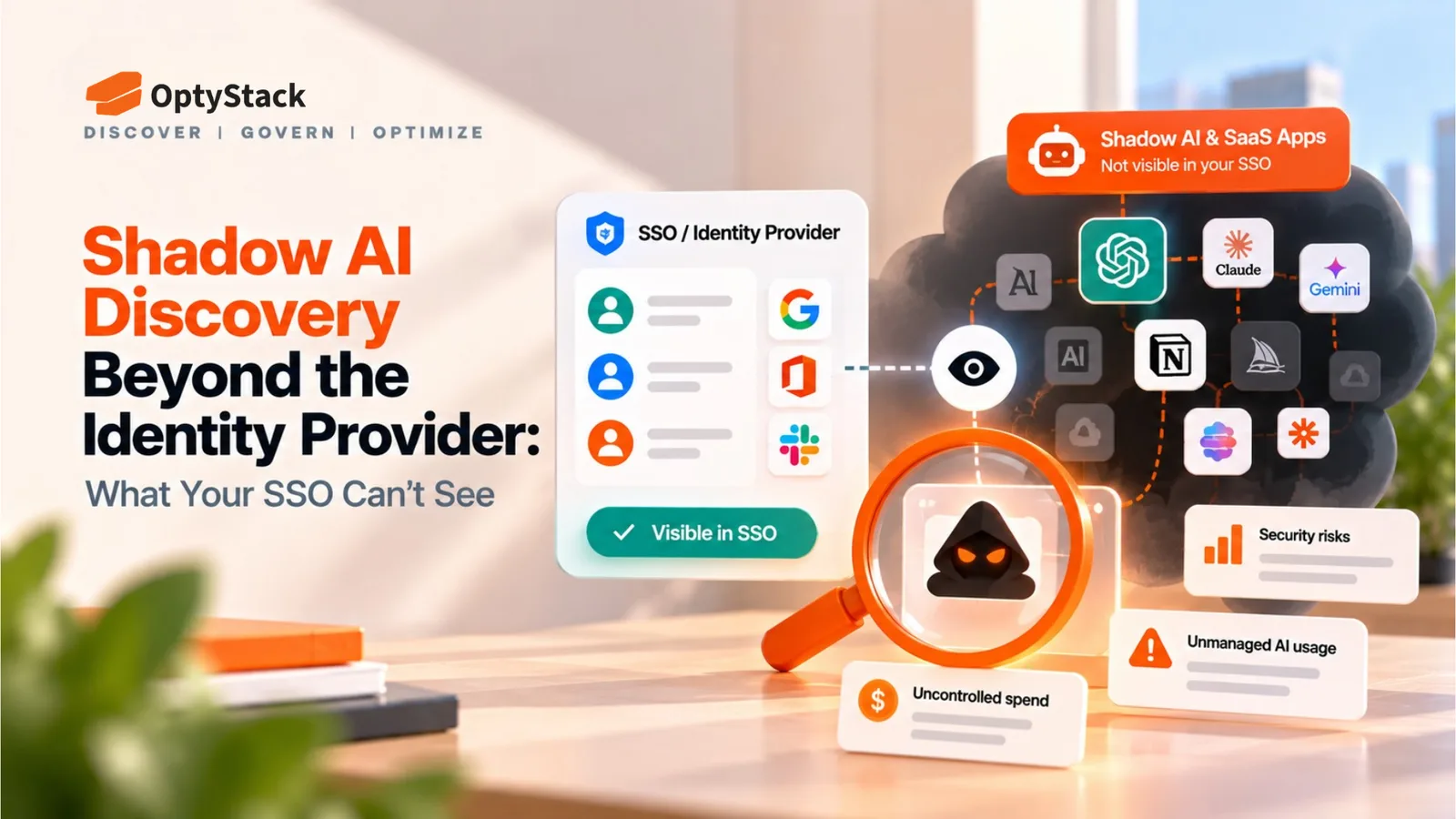
Finding agents nobody registered usually starts with finding the AI applications behind them. OptyStack helps teams surface SaaS and AI applications across their estate by bringing identity, billing and usage signals into one inventory, which can show AI tools your team may be missing. That is application-level visibility. A full inventory of each agent’s identity, credentials and actions comes from your identity provider, secrets manager and the platforms that run the agents. OptyStack also offers user lifecycle management for people who join, move or leave.
OptyStack is free to start with no credit card, and the pricing page shows which plan includes shadow AI app discovery and user lifecycle management.
Find the AI applications your team may be missing. Start free with OptyStack.