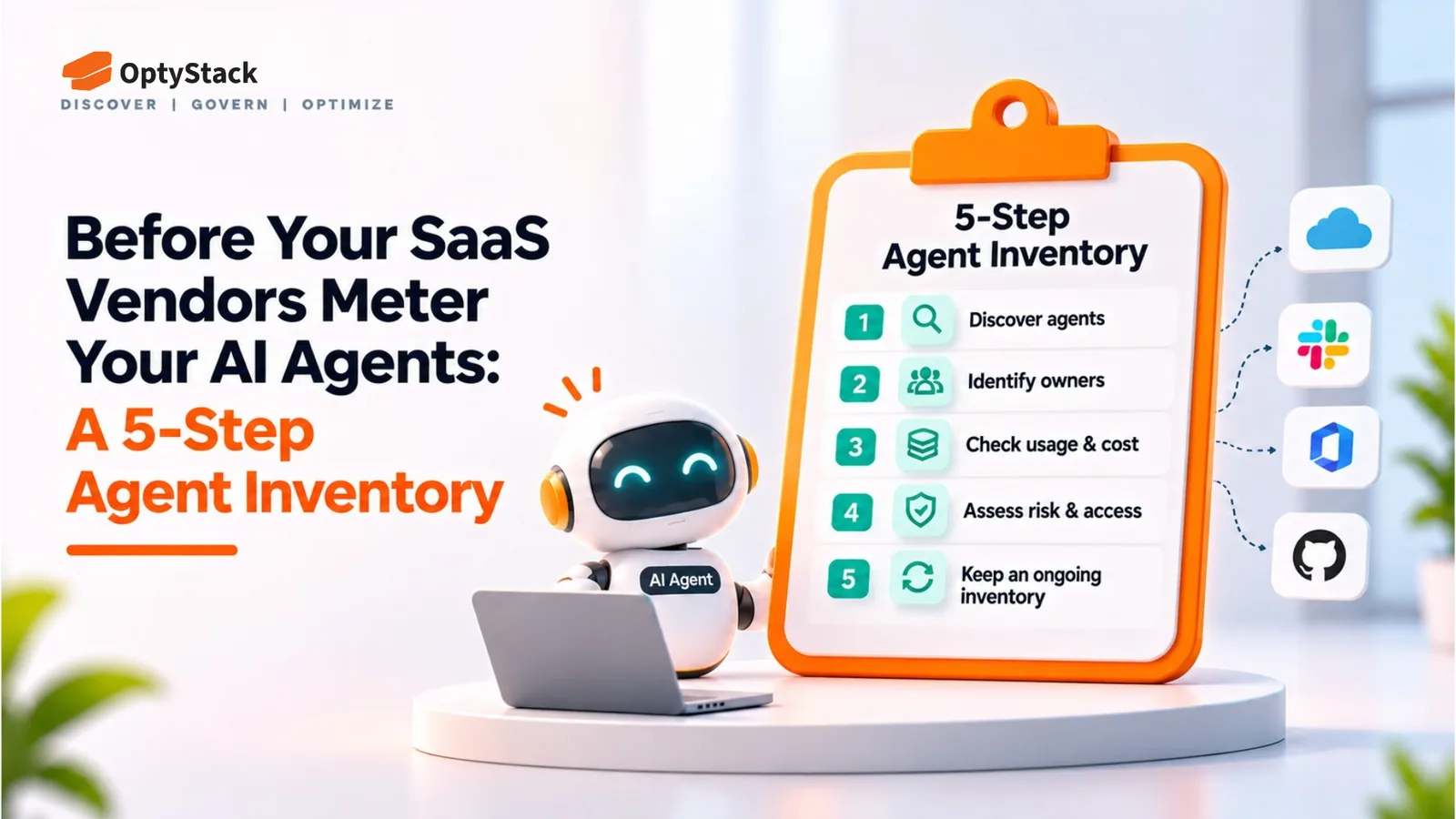
Before Your SaaS Vendors Meter Your AI Agents: A 5-Step Agent Inventory
Vinay Rathore · October 26, 2026
Salesforce has announced plans to meter registered AI agents' calls through Flex Credits. Other SaaS vendors may introduce similar usage-based models. This five-step guide helps you identify agents, assign owners, review credentials, and prepare for potential billing changes.
For most of the software era, SaaS bills were based largely on seats. Vendors counted users with logins, and companies paid for those seats. AI agents change that model. An agent can make thousands of API calls in a day without creating a new human login, so vendors need another way to measure usage.
Salesforce has announced a billing model that moves in this direction: registered agents' interactions with its platform will consume Flex Credits. Other SaaS vendors may introduce similar models as agent-driven activity grows. Companies that prepare early will have an advantage. They will know which agents exist, who owns them, which credentials they use, and which contracts could expose them to new usage charges.
What Changed at Salesforce?
On September 17, 2026, Salesforce published its Help article, “Understand AIforce Impact”, describing planned billing changes for agents using its platform.
Under the announced model, successful calls made by registered agents through the Model Context Protocol (MCP) or direct APIs count as Headless Platform Interactions (HPIs) and consume Flex Credits. Agent registration gives an agent its own identity and a defined permission set rather than relying on a person's login.
Three details matter for planning:
The interaction multiplier is listed as TBA. The published rate card does not yet provide the multiplier needed to calculate a per-interaction cost.
Production usage is the focus of metering. Salesforce's published guidance excludes sandbox, scratch-org, and Developer Edition environments from HPI metering. Confirm the current terms before budgeting.
Registration deadlines depend on the applicable notice and contract. Salesforce's guidance describes a three-month registration window following notice that Agentic Identity is available for relevant MCP and API-based agents. Existing customers with API-based agents may need to register and migrate at renewal.
Salesforce has also described a November 2026 target for the registration and billing release, with 30 days' notice before metering starts. Treat this as a planned timeline, not a guaranteed launch date. Check the official Salesforce Help article for the latest requirements before making a financial commitment.
The broader issue is not limited to Salesforce. Any vendor that charges for API calls, actions, or conversations could introduce agent-specific usage measures. Your inventory should help you identify which agents interact with each platform and who is accountable for their usage.
Step 1: Find Every Agent and MCP Connection
You cannot govern, register, or budget for agents you have not identified. Start by listing AI tools and integrations that access company systems or perform actions on behalf of users.
Include:
OAuth grants: Applications authorized to access productivity suites and business systems, especially integrations that may have broader permissions than originally intended.
API keys and personal access tokens: Credentials used by scripts, CI pipelines, internal services, and AI-powered workflows.
MCP connections: Connections between AI assistants, coding tools, and internal systems or business applications.
Browser and desktop agents: Tools that interact with SaaS applications through employee sessions, including software installed outside normal procurement.
Service accounts and dedicated agent identities: Non-human accounts used to authenticate integrations and automated workflows.
Use multiple sources to build the inventory. Review your identity provider's connected applications, OAuth grants, SSO records, developer configuration, expense data, and vendor-specific agent registries.
Application discovery alone will not reveal every credential or MCP connection. An AI tool may appear in an expense record without exposing its underlying API keys, while an agent built into a development workflow may not appear in ordinary SaaS usage reports.
For each discovery, record the application or agent name, purpose, connected system, discovery source, and date first observed. Mark uncertain findings for investigation rather than assuming the inventory is complete.
Step 2: Map Each Agent to an Owner and Credential
An inventory becomes useful when every important entry has an accountable owner and a known access path.
For each agent, record:
Owner: A named person responsible for approving access, reviewing usage, and arranging decommissioning.
Credential type: A dedicated agent identity, service account, OAuth grant, API key, or a human's personal login.
Systems and permissions: The applications and data the agent can reach, plus the actions it is allowed to perform.
Business purpose: The task the agent performs and the team that benefits from it.
Review date: When its owner and permissions were last checked.
Agents using employees' personal credentials are particularly difficult to govern. Their activity may appear to belong to a human, and the agent could continue operating if its credentials or tokens remain valid after the employee leaves.
Where supported, move agents to dedicated identities with scoped permissions. A reporting agent, for example, may need read access to CRM records but not permission to change customer data or administer users.
This mapping also helps finance connect vendor usage to a business owner. Without it, a metered invoice may show a growing number of interactions without revealing which workflow generated them or whether the usage is justified.
Step 3: Flag Renewals in the Next Two Quarters
Review contracts and subscriptions renewing over the next six months. Identify vendors that have announced agent registration, new usage metrics, or changes to their billing model.
For each relevant contract, check:
Whether agent usage is included in the existing subscription or billed separately.
Whether the contract permits usage-based charges or overages, and how those charges are calculated.
Whether usage caps, reporting, or spending alerts are available.
When the vendor can change pricing and how much notice it must provide.
Whether renewal is an opportunity to negotiate usage visibility, rate protection, or an agreed spending limit.
Do not assume a vendor will introduce agent metering simply because Salesforce has announced it. Use the vendor's published terms or written confirmation from your account representative.
Add confirmed changes and potential exposures to your renewal calendar, assign an owner to each contract, and document the next action. Early visibility gives finance and IT time to ask questions before a renewal locks in new terms.
Step 4: Review and Revoke Idle Agent Credentials
Once you have an inventory, identify credentials that no longer have a clear purpose. An unused token can still be a security risk if it remains valid and accessible to an attacker.
The 2025 Salesloft Drift incident demonstrates the potential consequences of compromised OAuth credentials. According to Google Threat Intelligence Group's analysis, attackers used compromised tokens associated with the Drift integration to access Salesforce customer instances and steal data.
Separately, a September 2026 report by The Hacker News described AI-service session tokens and API keys found in infostealer logs. Such credentials can expose accounts or services if they remain valid and can be replayed. Read the infostealer report for its findings and limitations.
Review credentials for these warning signs:
No recorded use in the last 60–90 days, where that period is appropriate for the credential's purpose.
An owner who has left the company or changed roles.
A completed project or discontinued workflow.
Excessive permissions or a long-lived credential with no expiry or rotation plan.
Unknown ownership or an inability to explain why the credential still exists.
Do not revoke credentials solely because they are quiet: some legitimate jobs run infrequently. Confirm ownership and business need first, then revoke unnecessary access, rotate retained credentials where appropriate, and document the process. Set review and expiry requirements based on the sensitivity of the systems involved.
Step 5: Decide What to Register, Consolidate, or Retire
Before a vendor's registration deadline or billing change takes effect, decide what should happen to each agent.
Register: Keep agents with a clear purpose, accountable owner, and justified access. Where supported, give each agent a dedicated identity and scoped permissions. Establish a usage baseline, such as interactions per completed task, so you can estimate costs once the vendor publishes its rates.
Consolidate: Identify agents performing overlapping work. Compare reliability, permissions, business value, and usage before choosing which ones to keep. Retire redundant workflows only after confirming that essential tasks will continue to run.
Retire: Disable agents with no owner, no current business purpose, or access that cannot be justified. Revoke their credentials, remove OAuth grants and MCP connections where applicable, and confirm that scheduled jobs or dependent workflows will not recreate the access.
Verify the vendor's registration requirements before assuming a retired agent is exempt. A decision to retire an agent should be followed by actual decommissioning and documented confirmation that its access has been removed.
The result should be a reviewed inventory that identifies what stays, what goes, who is responsible, and which vendor billing changes need further action.
Where OptyStack Fits
Preparing for agent-related billing changes starts with visibility into the SaaS and AI tools your organization uses.
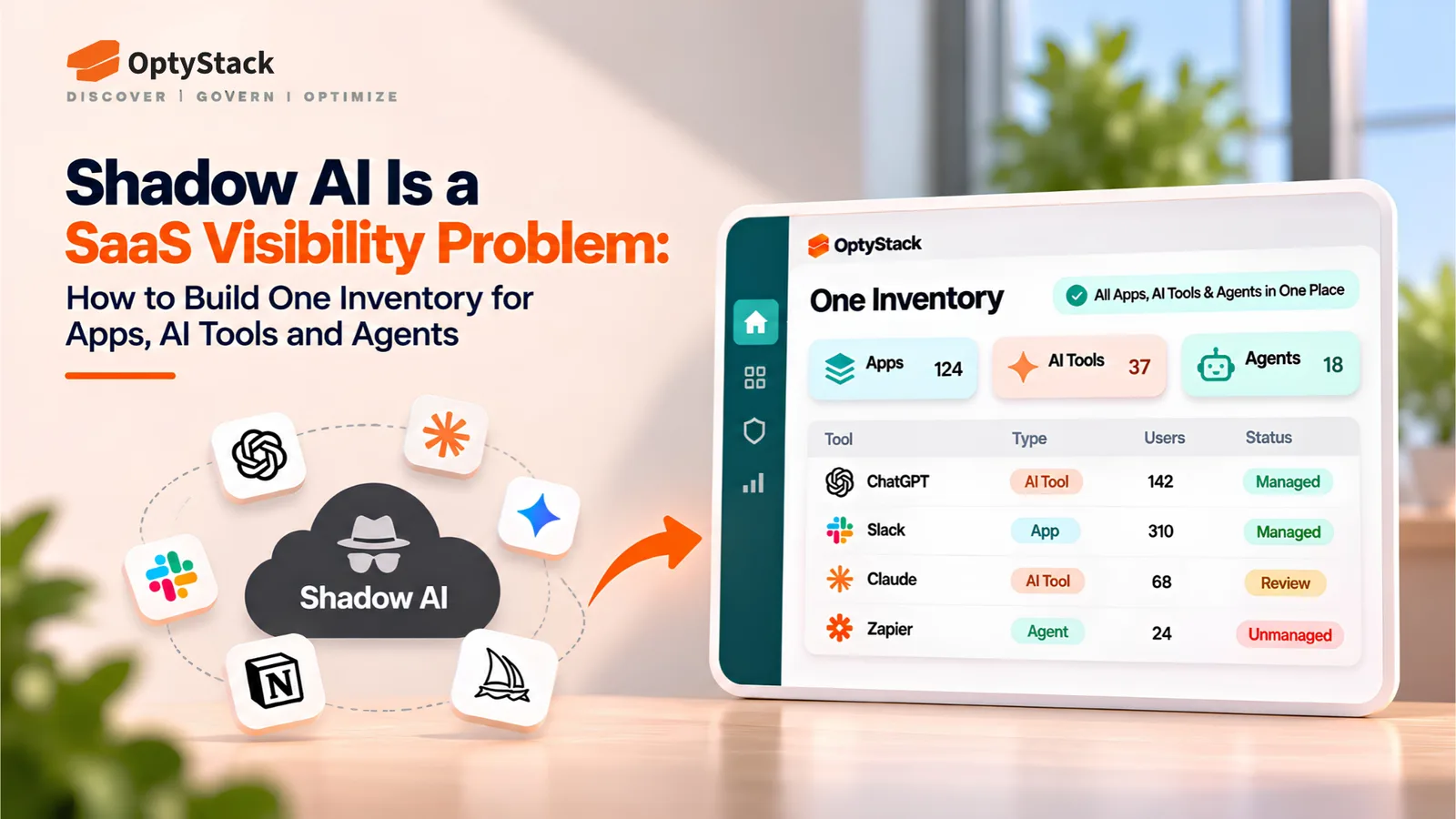
OptyStack discovers SaaS and AI applications through spend, SSO, and browser-activity signals. This helps IT and finance identify tools adopted outside normal procurement processes, prioritize findings by risk, and track contract renewal dates.
Application discovery is only one layer of agent governance. You should separately inventory MCP connections, API keys, OAuth grants, service accounts, and the permissions assigned to individual agents. OptyStack does not register agents with vendors or meter their API calls, and application-discovery signals should not be treated as a complete inventory of agent credentials.
Use OptyStack to improve visibility into your SaaS and AI-tool footprint, then combine that view with identity-provider records, developer configuration, and vendor-specific agent inventories.
You can start a free trial, review contract renewal tracking, or explore shadow IT discovery.
Prepare Before Usage Becomes a Budget Problem
Agent-related billing introduces a new question for SaaS buyers: which automated workflows are consuming vendor resources, and who is accountable for that usage?
A five-step inventory gives IT and finance a practical starting point. Find the agents and connections, assign owners, review credentials, check upcoming renewals, and decide which workflows to keep. Then revisit the inventory when vendors announce changes to their registration requirements or pricing.
You do not need to predict every vendor's next billing model. You need enough visibility to identify exposure, verify the terms, and make informed decisions before new charges appear.