The Vendor Credential Behind the MoEngage Incident: Third-Party Access Is Identity Risk
Rohit Kumar · November 23, 2026
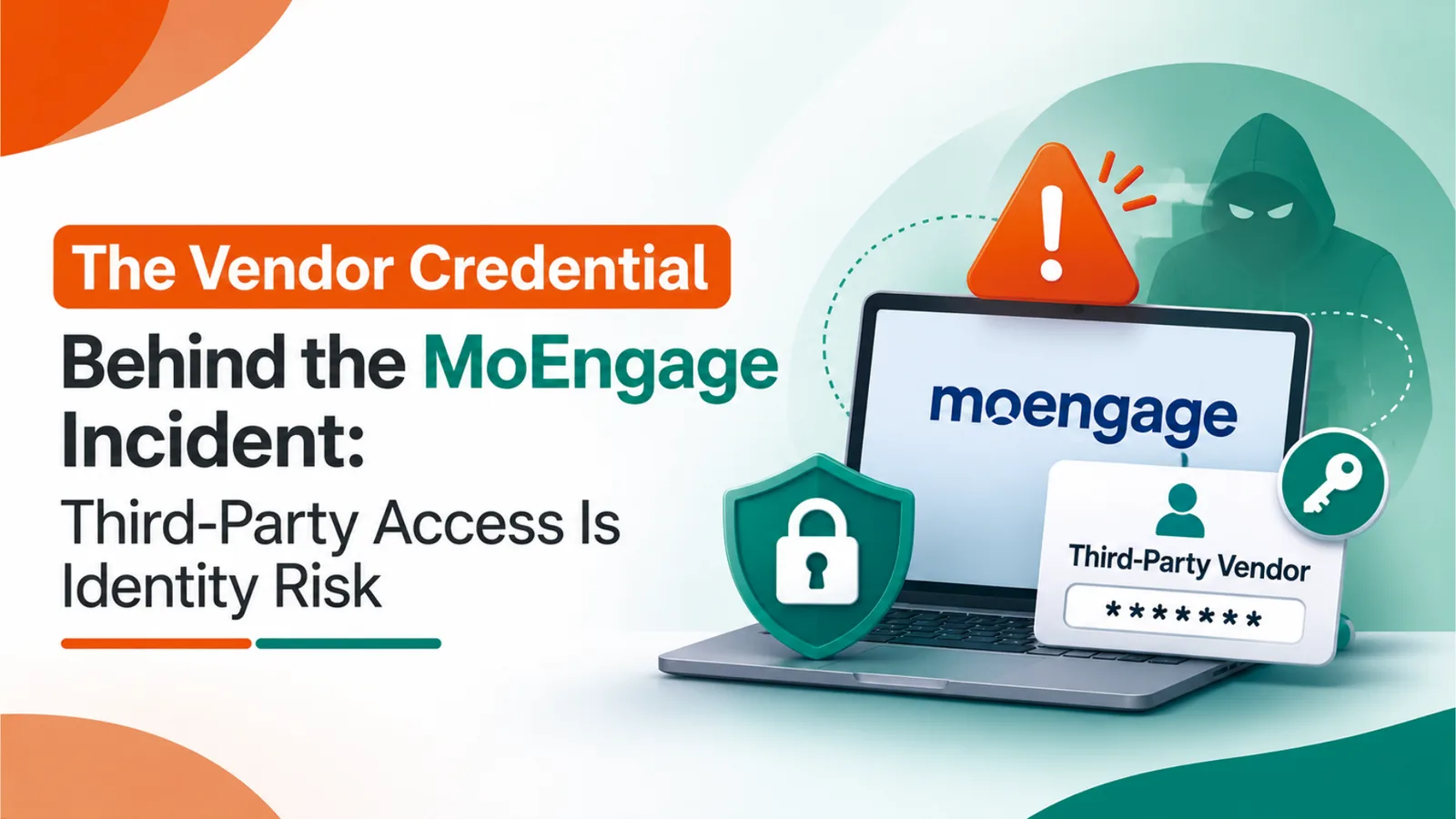
MoEngage says a third-party provider's credentials were compromised, disrupting service for nearly a week. ZebPay says some of its customers' data was taken in the same incident. Vendor and service accounts often sit outside SSO and offboarding. This guide explains why and gives a five-step third-party access governance checklist.
In November 2026, MoEngage, a customer engagement platform, said that a third-party provider's credentials had been compromised. The attack disrupted service for some customers for almost a week. According to a NewsBytes report on MoEngage's update, some customers regained access by November 19, and MoEngage said no customer data had been accessed.
Other companies that use MoEngage have since reported their own findings. On November 21, crypto exchange ZebPay told its customers that some of their data had been taken in the same incident. According to crypto.news's report on ZebPay's notice, ZebPay said MoEngage had told it that an unauthorized party used compromised credentials to reach MoEngage's cloud infrastructure. ZebPay's notice listed contact details, online and device data, and recent account activity as the categories involved.
The two accounts differ on whether customer data was accessed. This article does not resolve that difference. Both statements are on the record, and both point to the same lesson: a credential belonging to a provider reached customer data.
What Has Been Reported
MoEngage's position is that no customer data was accessed. ZebPay's notice describes some of its customers' data as taken. Economic Times, as cited by crypto.news, reported that MoEngage traced the incident to compromised credentials at one of its own service providers, and that some businesses could not access the platform for nearly a week.
The public record does not yet show how the provider's credentials were obtained, or which systems were reached. Those questions are still open. The lesson for other companies does not depend on the answers. The pattern is common: a credential held by a provider was enough to cause disruption and, according to one party, to reach customer data.
Similar incidents have affected Indian companies. In October 2026, crypto exchange CoinDCX said that unauthorized access to its messaging vendor Plotline had exposed customer names, email addresses, and linked bank names during two periods that month. According to crypto.news's report, CoinDCX said its trading systems and customer funds were not affected. In late 2025, CoinDCX also said some user data was exposed in a breach at its analytics vendor, Mixpanel. In each case, the company's own core systems were not the reported entry point, and the vendor's access was.
Why Vendor and Integration Accounts Slip Past SSO and Offboarding
Most access reviews focus on employees. Vendors and integrations often sit outside that review, for four reasons.
They are not employees. A vendor's service account does not appear in the employee directory, does not go through joiner-mover-leaver processes, and does not come up in manager reviews.
They do not sign in the usual way. Integrations often use API keys, client secrets, or OAuth tokens. Multi-factor authentication and single sign-on protect people who log in, so they are not in the path when a service authenticates with its own credential.
They outlive the relationship. An integration set up for a project can keep running after the project ends. The contract may have expired, and the account may still be active.
They have broad reach. A messaging platform or analytics tool may hold access to customer contact data, event streams, or account records. One credential can reach far more than the vendor's function requires.
When a provider's credential is compromised, the impact depends on what that credential can reach and how quickly you can cut it off. Both are governance questions, not only security questions.
A Five-Step Third-Party Access Checklist
1. Inventory vendor and service accounts. List every vendor, integration, and service account with access to your systems or data. Include API keys, OAuth grants, client secrets, webhooks, and shared accounts that vendors use. For each one, record the system it reaches, the data it touches, and the date it was created.
2. Assign an owner to each. Every vendor account needs a named internal owner who approves its access and answers for it, and a vendor contact who can explain how the credential is protected. Disable any account with no owner until someone claims it.
3. Apply conditional access where the platform supports it. Restrict vendor and integration access by IP address, device, and geography where the platform allows it, so a credential used from an unexpected network or region is denied. Conditional access will not stop a credential an attacker already holds on an allowed network, so pair it with rotation and expiry.
4. Review OAuth grants and tokens. For each grant or token held by a vendor, check its scopes, its last-used date, and whether it still matches a current business need. Remove grants that are unused or broader than necessary. Ask vendors for the same information about the credentials they hold on your behalf.
5. Expire unused access automatically. Set a rule that revokes access unused for a fixed period, such as 60 to 90 days, unless the owner renews it. Make expiry the default, not a reminder. Renewals should require a named owner and a current business reason.
The five steps are our recommended practice, not a regulatory standard. They reflect controls that would reduce the impact of incidents like this one.
Test the Revocation Path
A checklist is only as good as its test. Pick one non-critical vendor and time how long it takes to cut off every credential that vendor holds: API keys, OAuth grants, service accounts, and webhooks. If it takes days, it is not yet a control. Record the steps and gaps, and fix them before a real incident forces the test.
Ask your key vendors three questions. Which of their own suppliers hold credentials that reach your data? How do they store and rotate those credentials? How quickly would they notify you if one were compromised? Their answers will show how far your access reaches beyond their product.
Where OptyStack Fits
OptyStack helps with the discovery and access visibility parts of this checklist. It finds SaaS and AI tools using signals from spend, SSO, and browser activity, and it maps each tool to the people who sign in to it. That gives you a starting inventory of the applications connected to your business, with an owner for each where one can be identified.
For sign-in control, OptyStack acts as the identity provider for connected third-party apps, according to its identity management page. It imports users from Google Workspace, Microsoft, or Okta, and applies IP address, device, and region conditions to sign-ins for those apps.
OptyStack does not manage vendor-held credentials, rotate keys inside a vendor's platform, or revoke every credential for one vendor in a single action. Confirm in a demo whether its lifecycle and access workflows cover vendor and service accounts, and whether they show every identity, human or not, in one view.
To see the apps, AI tools, and identities connected to your business, you can start a free trial.