OptyStack LogoOptyStack Logo
Product
Features
Cost OptimizationCut SaaS waste with discovery, usage-backed rightsizing, and renewal leverage—often up to ~30% savings.Shadow IT DiscoveryDiscover unsanctioned SaaS, shadow AI, and unmanaged subscriptions in one place.License ManagementFind unused seats, eliminate zombie accounts, and automate renewals with usage-backed data.Contract Renewal TrackingOne renewal calendar with notice windows, usage context, and negotiation-ready briefs.Seamless App IntegrationsConnect Microsoft 365, Google Workspace, SSO, and 100+ SaaS brands into one live inventory.Identity Management with Zero Trust SecuritySingle sign-on and conditional access by IP, device, and region for your SaaS apps.
ROI Calculator
Resources

Support

  • Support
  • Knowledge Base
  • SaaS Directory
  • Partners

Content

  • SaaS Inflation Index
  • 2026 SaaS Audit Toolkit
  • Blogs
  • Success Stories
  • Events
PricingAboutContact
Start Free Trial
Book Demo
← All postsSaaS Governance

Cross-Tenant Sync Offboarding: What Microsoft’s Known Issues Mean for Your Checklist

Abhishek Sharma · November 13, 2026
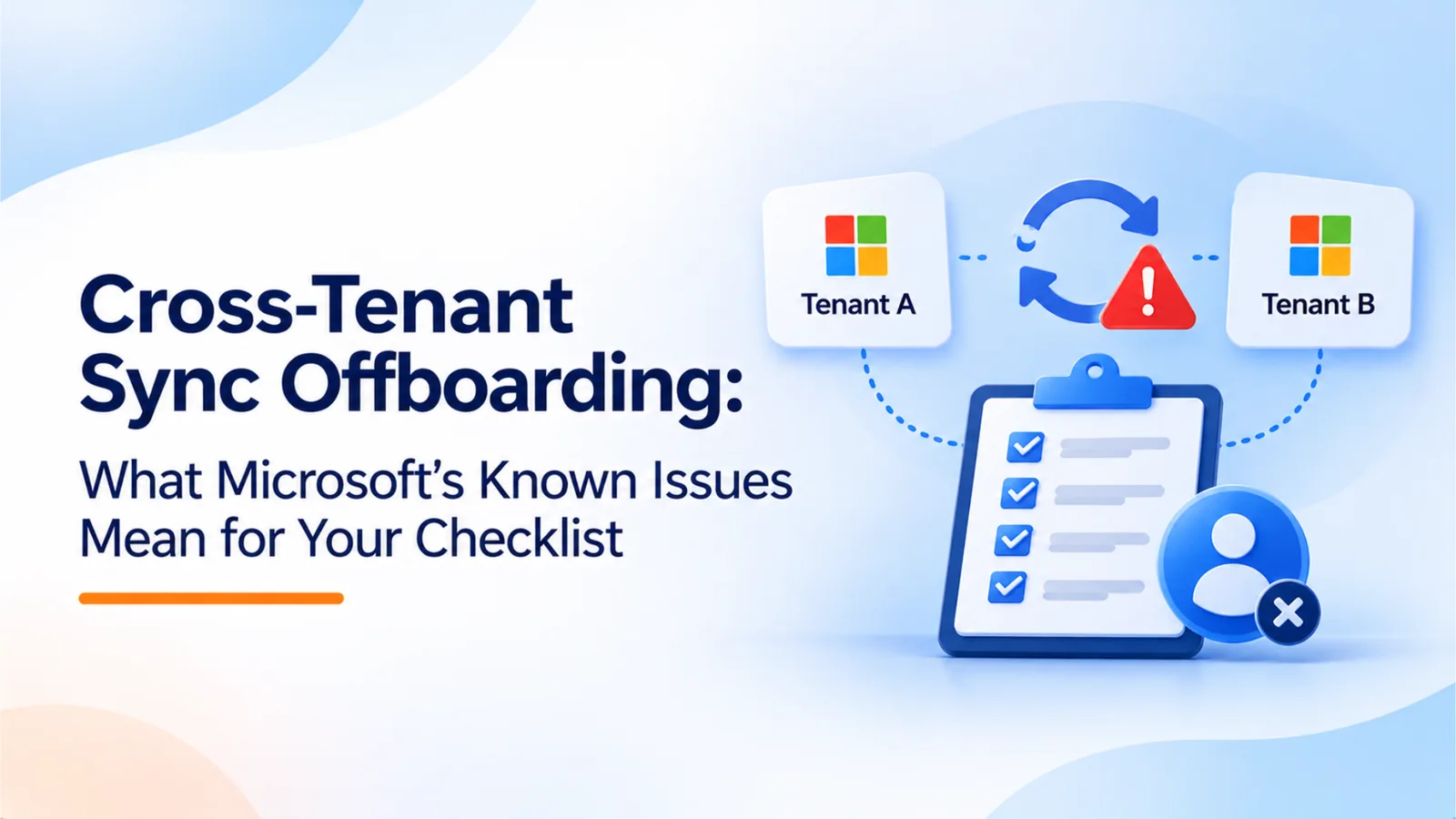
Simple 3D cybersecurity infographic illustrating Microsoft Cross-Tenant Sync offboarding challenges, featuring connected Microsoft Entra ID tenant icons, user identity removal, sync arrows, and a security shield highlighting key steps IT teams should follow to ensure proper access revocation.
Share
LinkedInX

Cross-tenant sync removes only the users it provisions, and deletion behavior depends on a setting many admins miss. This guide explains Microsoft’s documented limits, adds a Microsoft 365 offboarding checklist, and covers the February 2027 SMS and voice MFA retirement to plan for now.

When an employee leaves, most Microsoft 365 teams disable the account and remove the license. That covers the home tenant. It may not cover a partner tenant where the same person was synchronized. Cross-tenant synchronization keeps those partner accounts current, but its documented limits matter when someone leaves.

Microsoft’s known issues for provisioning and its multitenant organization limitations describe conditions under which a departure may not reach the partner tenant. This article explains those conditions, gives an offboarding checklist, and covers an authentication change to plan for now.

Related reading

Explore related guides and continue your SaaS optimization research:

  • Your AI Vendor’s AI Vendor: What the Fireworks-Notion Breach Teaches About Shadow AI Sub-processors
  • BluePhishing: Why AI Agent Consent Is the New OAuth Blind Spot (and 7 Checks for Your Entra Tenant)
  • Your Vendor’s App Is an Identity Too: 5 Lessons from the MSP Process Breach
  • Shadow AI Discovery: Browser vs Endpoint vs SSO/OAuth vs Spend Data

What Cross-Tenant Sync Provisions

Cross-tenant synchronization copies users from a source tenant into a target tenant. The source tenant configures the rules. Microsoft’s known-issues page states that only internal member users from the source tenant can be provisioned into the target. External users from the home tenant and internal guest users cannot be provisioned by this process. Accounts in a partner tenant that were created by other means are not managed by the sync.

Two other limits apply:

  • Users enabled for SMS sign-in are skipped. Microsoft states that users enabled for SMS sign-in cannot be synchronized through cross-tenant synchronization.

  • The target can turn it off. Configuration must be done in the source tenant, and the target administrator can turn off cross-tenant synchronization at any time. If the target stops syncing, departures in the source tenant no longer reach the partner account.

Why Deletion Settings Matter Most

The most important offboarding control is the deletion behavior of the sync job itself. Microsoft’s multitenant organization limitations page states that, by default, when provisioning scope is reduced while a synchronization job is running, users fall out of scope and are soft deleted. The setting that controls this is Target Object Actions for Delete. If it is disabled, users taken out of scope are not deleted in the target tenant.

The same page notes that SkipOutOfScopeDeletions works for application provisioning jobs but not for cross-tenant synchronization. To avoid soft deletion of users taken out of scope, Microsoft recommends setting Target Object Actions for Delete to disabled.

Check this setting before you rely on the sync for offboarding. Your departure process depends on what the job does when a user leaves its scope, not only on the source account being disabled.

Why a Removed User Can Still Be in the Partner Tenant

Based on Microsoft’s documented behavior, four causes stand out:

  1. Synchronization was turned off or changed by the partner. The target administrator can stop cross-tenant synchronization at any time, so departures no longer reach the partner account.

  2. Scope was reduced, and deletion was not enabled. If Target Object Actions for Delete is disabled, a user who falls out of scope is not removed from the target tenant.

  3. The account is a guest or external user. Cross-tenant sync provisions only internal member users from the source tenant. Guest and external accounts must be removed directly in the partner tenant.

  4. The user is an SMS sign-in user. Users enabled for SMS sign-in cannot be synchronized, so the account may have been created or managed by another process.

In each case, the home tenant looks clean. The partner tenant still holds an account, group membership, or resource access. Check the partner tenant directly.

Offboarding Checklist for Microsoft 365

Work through these steps each time someone with cross-tenant access leaves.

  1. Identify every tenant where the person has an account. Search the source tenant for synchronized users, and check each partner tenant for the same identity. Include guest accounts and invitations.

  2. Confirm the sync status for each partner. Check whether cross-tenant synchronization is active, which user scope applies, and whether Target Object Actions for Delete is enabled.

  3. Disable the account at the source and confirm the change reaches the target. Do not rely on the sync alone. Verify that the partner account shows as disabled or removed within the expected time.

  4. Remove accounts the sync did not provision. For each guest, external user, or account created outside the sync, remove the account directly in the partner tenant. Record who did it and when.

  5. Revoke access and sessions. Revoke sign-in sessions, remove group memberships, and review access to shared channels and partner resources.

  6. Check licenses and apps. Remove any licenses assigned in the partner tenant, and review third-party apps that the person authorized.

  7. Record the result. Keep a record of each tenant checked, the action taken, and the time it was completed.

Test the process after the first few changes. Pick a test account, remove it at the source, and check whether the partner tenant reflects the change within the time you expect. If it does not, review the sync scope and deletion setting before the next real departure.

Plan Now for the February 2027 MFA Change

Add an onboarding item to your checklist. Microsoft is retiring its native SMS and voice multifactor authentication in Entra ID. Under message center item MC1426371, passkeys become the default sign-in method starting September 1, 2026, and Microsoft-provided SMS and voice MFA are retired on February 1, 2027. Microsoft’s retirement FAQ sets a later date of July 1, 2027 for Global Administrators and external users, but plan for February regardless.

Users whose only MFA method is SMS or voice will be prompted to register a passkey before they can continue. Customers using a telecom provider configured through the Microsoft Security Store are not affected by the native retirement, but most organizations should not depend on that.

Register passkeys first, then retire SMS and voice methods for users who have them. Include new hires in that process from day one. Also review self-service password reset, because the retirement covers it too. Good practice is to finish this before the February date, not on it.

Where OptyStack Fits

OptyStack’s discovery and access features cover the inventory side of this checklist. It finds SaaS and AI tools using signals from spend, SSO, and browser activity, so applications a departing employee used appear in one list with their owners. Its Pro plan includes user lifecycle management and unused license reclamation, which help remove access and paid seats when someone leaves.

OptyStack does not manage cross-tenant synchronization or change settings in partner tenants. Confirm in a demo whether its lifecycle workflows cover accounts in partner tenants and guest access, because that is the gap this article describes.

To start an inventory for your own environment, you can start a free trial.
Unlock visibility. Slash SaaS waste.

Get real-time SaaS spend insights, discovery, and optimization in OptyStack Hub—start free, no credit card required.

Sign up for OptyStack Hub
PreviousYour AI Vendor’s AI Vendor: What the Fireworks-Notion Breach Teaches About Shadow AI Sub-processors

Related articles

  • Your AI Vendor’s AI Vendor: What the Fireworks-Notion Breach Teaches About Shadow AI Sub-processors
    SaaS Governance

    Your AI Vendor’s AI Vendor: What the Fireworks-Notion Breach Teaches About Shadow AI Sub-processors

    A breach at AI infrastructure provider Fireworks exposed some Notion AI chat transcripts, and Notion turned off its Insights feature. Notion says its zero data retention promise did not cover that feature. This guide explains the lesson for AI vendor risk and gives a five-step sub-processor inventory.

    Nov 13, 2026

  • BluePhishing: Why AI Agent Consent Is the New OAuth Blind Spot (and 7 Checks for Your Entra Tenant)
    SaaS Governance

    BluePhishing: Why AI Agent Consent Is the New OAuth Blind Spot (and 7 Checks for Your Entra Tenant)

    Proofpoint’s BluePhishing research shows that one consent to a malicious AI agent blueprint can create up to 250 agent identities in a Microsoft Entra tenant. Those identities skip the controls built for people. This guide explains the proof of concept and gives seven checks for your tenant.

    Nov 12, 2026

  • Your Vendor’s App Is an Identity Too: 5 Lessons from the MSP Process Breach
    SaaS Governance

    Your Vendor’s App Is an Identity Too: 5 Lessons from the MSP Process Breach

    Stolen app secrets from MSP Process reportedly reached customer Microsoft 365 tenants with no user sign-in and no MFA prompt. This guide explains why MFA and SSO did not help, and gives a five-step third-party app permissions audit covering scopes, owners, secrets, and alerts.

    Nov 11, 2026

  • Shadow AI Discovery: Browser vs Endpoint vs SSO/OAuth vs Spend Data
    SaaS Governance

    Shadow AI Discovery: Browser vs Endpoint vs SSO/OAuth vs Spend Data

    Shadow AI discovery tools start from different places: the browser, the endpoint, SSO and OAuth grants, or spend data. Each one catches something and misses something. This guide compares the four methods and shows how OptyStack combines SSO, OAuth, browser, and finance signals.

    Nov 10, 2026

  • Password Resets Don't Offboard AI: How to Revoke AI Tokens, Agent Configs, and App Connections
    SaaS Governance

    Password Resets Don't Offboard AI: How to Revoke AI Tokens, Agent Configs, and App Connections

    Researchers found 2,539 secrets exposed through Claude Code settings files and infostealer logs holding AI tokens that survive password resets. This guide explains why disabling a user at the identity provider leaves live tokens behind, and gives a five-step AI offboarding checklist.

    Nov 10, 2026

Keep reading

More guides on SaaS visibility, spend, and governance—jump between topics without leaving the blog.

View all posts →
  • Torii Alternatives and Freshservice SaaS Management Compared
    SaaS Optimization

    Torii Alternatives and Freshservice SaaS Management Compared

    Freshworks has agreed to acquire Torii and extend Freshservice into SaaS and AI spend management. This guide compares Torii alternatives side by side and sets out what to ask vendors about roadmap, pricing, AI spend coverage, and India support.

  • What the AU Small Finance Bank Leak Teaches Indian Companies About Third-Party SaaS Risk
    Vendor Management

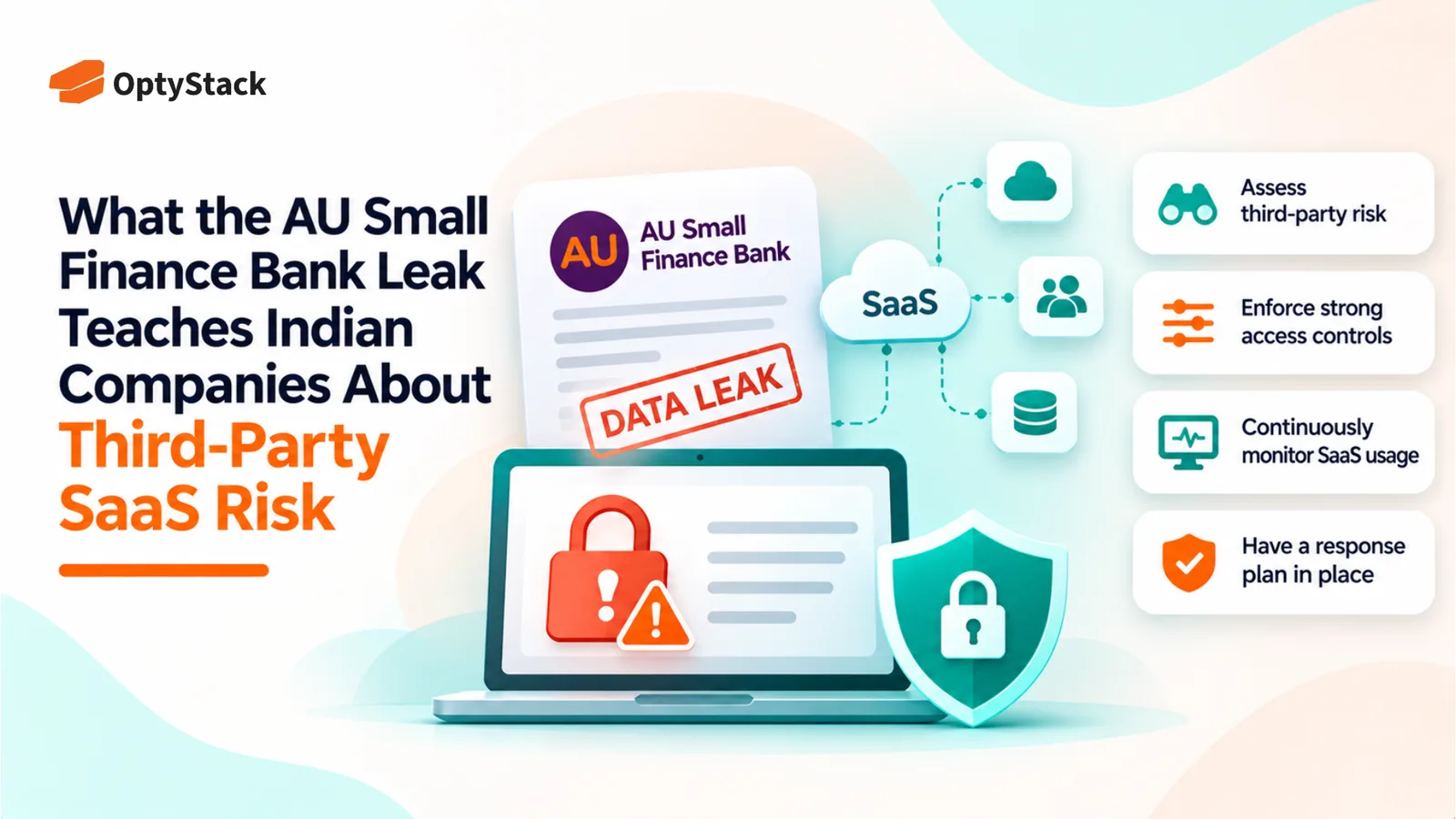
    What the AU Small Finance Bank Leak Teaches Indian Companies About Third-Party SaaS Risk

    The AU Small Finance Bank data leak investigation highlights the risks of relying on third-party SaaS platforms. Explore the November 2 disclosure, five essential security checks, and a practical 30-day plan to strengthen SaaS visibility, access controls and vendor risk management.

  • Stolen AI Keys Are the New Shadow AI Bill

    Stolen AI Keys Are the New Shadow AI Bill

    Stolen AI API keys can turn hidden security gaps into unexpected bills. Explore the October 2026 AI platform breaches and learn how to inventory AI tools, assign key ownership, monitor spending, and revoke exposed credentials before costs escalate.

  • How to Offboard an Employee's AI Agents: A Checklist for IT Teams
    Best Practices

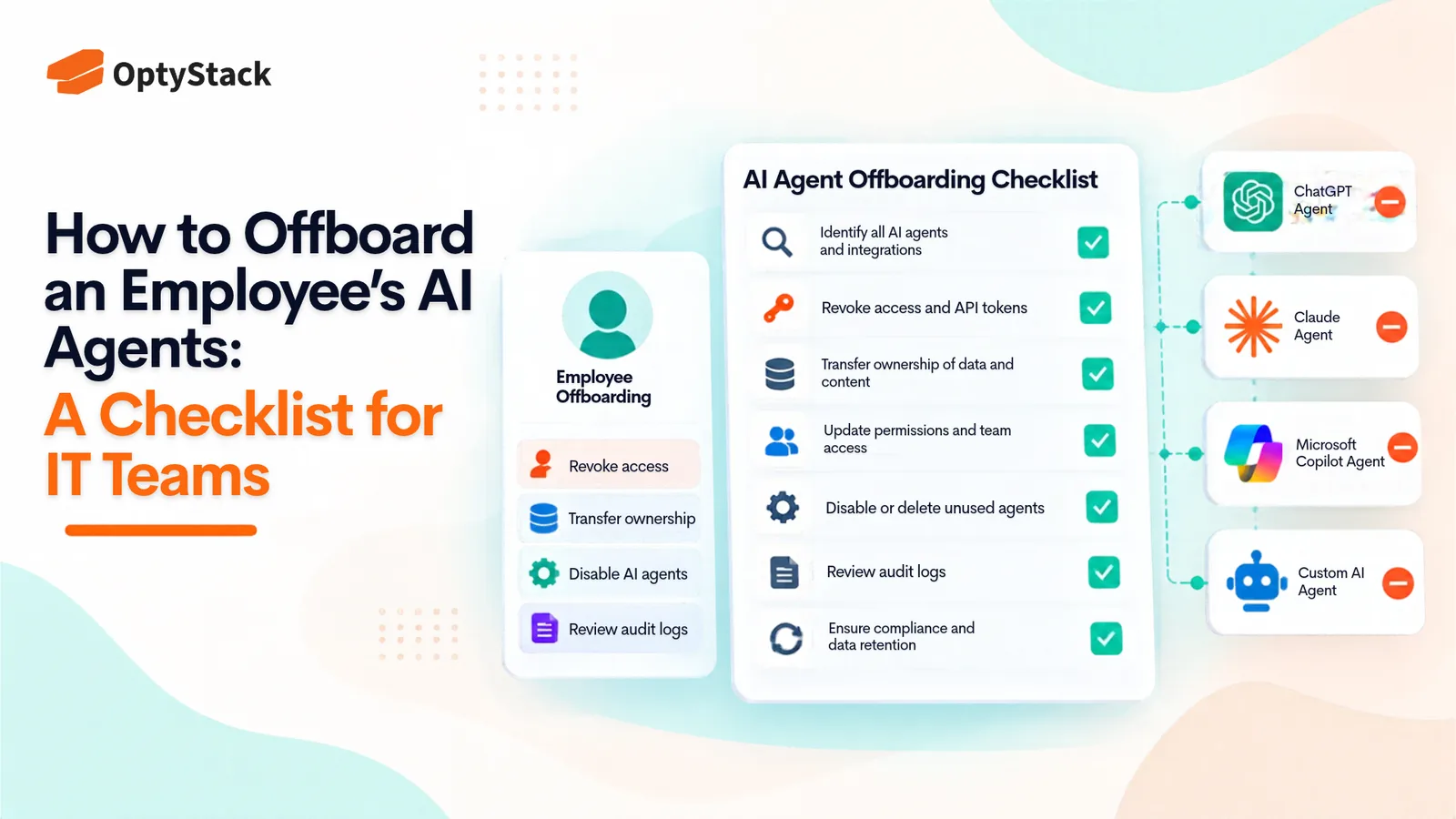
    How to Offboard an Employee's AI Agents: A Checklist for IT Teams

    Employees leave, but the AI agents they created and connected can keep running with active credentials. This checklist helps IT teams find every agent, OAuth grant, and API key tied to a departing employee, reassign or retire it, revoke access, and reclaim unused licenses.

  • AI Security Checklist for Businesses: How to Assess AI Features in SaaS Tools
    Vendor Management

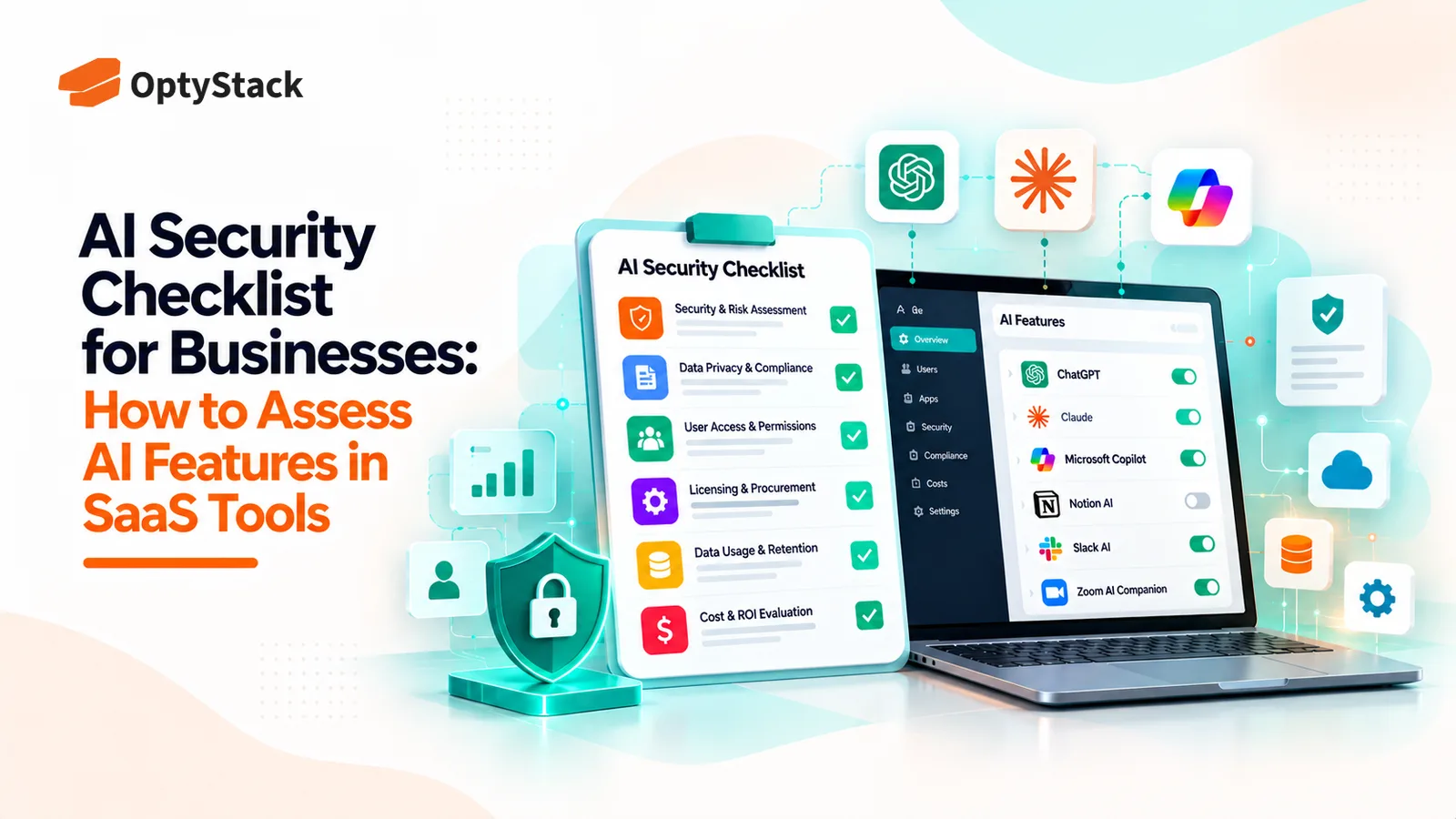
    AI Security Checklist for Businesses: How to Assess AI Features in SaaS Tools

    AI features are appearing inside the SaaS tools businesses already use. Before enabling them, review what data they can access, how vendors process information, which controls are available, and whether the feature introduces new costs or risks.

  • How to Track AI Spend Per User Across GitHub Copilot, Claude, and ChatGPT
    Cost Management

    How to Track AI Spend Per User Across GitHub Copilot, Claude, and ChatGPT

    Seat counts no longer explain every AI bill. GitHub Copilot, Claude, and ChatGPT offer different usage reports and spending controls. Learn how to combine vendor billing data, identity logs, and expense records into one per-user view.

Ask the smartest LLMs about OptyStack

ChatGPTGeminiClaudePerplexityGrokCopilot
OptyStack LogoOptyStack Logo

The complete SaaS spend visibility and optimization platform. Connect, analyze, and optimize your entire software stack.

Product

  • Features
  • Integrations
  • Pricing
  • API

SaaS Directory

  • Browse All Apps
  • Slack
  • Microsoft 365
  • Salesforce
  • Zoom
  • Zoho One

Features

  • Cost Optimization
  • Shadow IT Discovery
  • License Management
  • Contract Renewals
  • App Integrations
  • Identity & Zero Trust

Tools & Resources

  • ROI Calculator
  • Knowledge Base
  • SaaS Inflation Index
  • Compare Tools
  • Getting started with OptyStack

Company

  • About
  • Blog
  • Success Stories
  • Events
  • Careers
  • Contact
  • Review us on G2

Stay updated

Get the latest insights on SaaS optimization

© 2026 OptyStack. All Rights Reserved.

LegalPrivacy PolicyTerms of Service