2,800 Ex-Employees Still Had AI Accounts: Why Offboarding Now Has to Include AI Agents
Aryan Malik · November 19, 2026
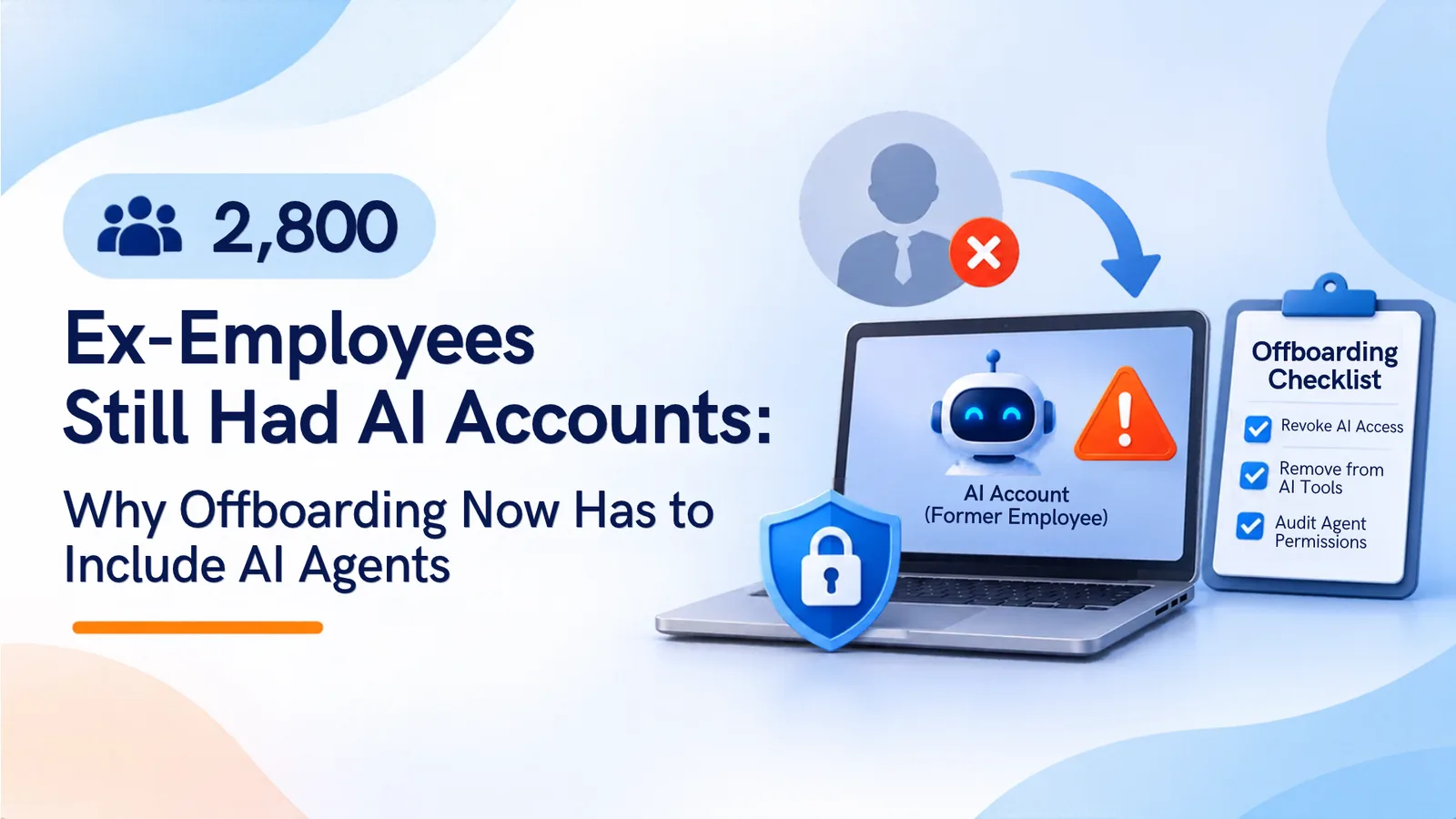
Oleria found more than 2,800 AI tool accounts held by former employees at one Fortune 500 company, plus about 800 unowned access points. Disabling the identity account does not end AI tool access or agent tokens. This guide explains why, how Microsoft’s agent inactivity policy helps, and gives a leaver checklist for SaaS and AI.
A Fortune 500 company that ran a full access review found something most offboarding processes miss. In a November 18, 2026 release, identity governance vendor Oleria said it found more than 2,800 AI tool accounts held by people who had left the company, plus about 800 unowned access points that let AI assistants act inside company systems. Those accounts were not in the identity provider’s offboarding path, and they kept working.
The finding comes from one company, not a survey. It still shows where the gap sits. Offboarding was designed for people who sign in through the directory. AI tools and agents often sign in another way, and they keep their own access after the person is gone.
Why Disabling the Identity Account Is Not Enough
When someone leaves, the usual steps are to disable the directory account, revoke sessions, and remove licenses. Those steps stop the person from signing in. They do not necessarily reach everything the person connected.
Three paths stay open:
AI tools outside SSO. Many AI products are used through a personal login, a local password, or a magic link. They never pass through the identity provider, so disabling the directory account does not affect them.
OAuth grants. An employee who connected an AI assistant to mail or files granted an OAuth consent. That grant belongs to the app, and it can keep reading data after the employee leaves. Material Security’s OAuth risk report analyzed 22,332 OAuth-connected apps across 21 Google Workspace environments. It found that 91% of AI and automation apps had appeared in the previous 16 months, mostly through individual connections rather than IT rollouts.
Agent tokens. An agent that runs with its own credentials does not need the person’s password to keep working. If it holds a valid key or token, it keeps acting after its owner leaves.
The problem is wider than one company. A Sagiss survey of 1,000 former U.S. employees, conducted in September 2026, found that 24% could still use a company AI tool or assistant after leaving. The survey is self-reported and did not establish which kinds of accounts were involved. A separate Sagiss finding reported in November 2026 found that 64% of former employees could still access sensitive company information.
The Agent Twist: Agents Need a Human Owner and an Exit Path
Agents change the offboarding question. An agent is software, but it acts on someone’s authority. When that person leaves, the agent’s authority does not automatically end.
Microsoft is building a backstop. Its default Agent ID inactivity policy, which is in preview, is described in Microsoft’s documentation. It notifies owners and sponsors when an agent has been inactive for 60 days. It starts a 30-day grace period, disables the agent at 90 days if no one acts, and deletes it at 455 days. Admins cannot change those timings, and sponsors cannot re-enable a disabled agent. Only an owner or administrator can.
That policy covers inactivity. It does not cover a leaver’s agent that is still running. An agent that runs every night never reaches 60 days of inactivity, even after its sponsor has left. The owner relationship has to be checked when someone leaves.
HYPR, an identity security vendor, argues that every agent needs a verifiable identity bound to a named human owner, with a time-bounded delegation model. That is the same principle. When the owner leaves, the agent’s access has to be reviewed and reauthorized, or removed.
Ownership gaps are common. SailPoint’s research, published in a sponsored CIO.com article, found that 75% of machine identities have no designated owner. JumpCloud’s Agentic IAM Pulse Report found that 83% of organizations have no designated security leader or clear accountability for what AI agents do.
A Leaver Checklist for SaaS and AI
Use this checklist whenever someone leaves, changes role, or stops owning a tool or agent.
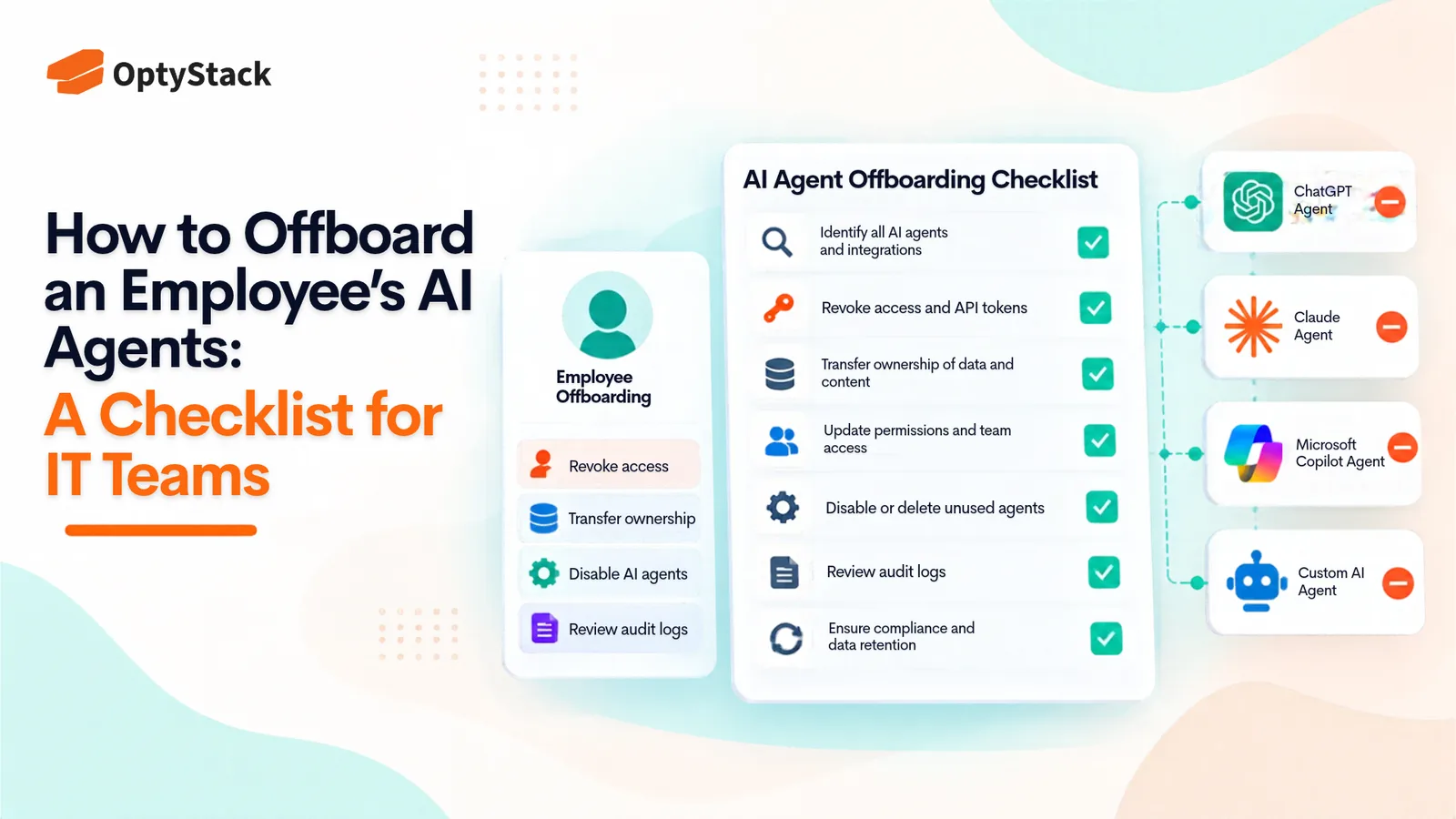
1. Discover every app, grant, and agent tied to the leaver. Start with the identity provider’s list of connected apps and the leaver’s OAuth grants in Google Workspace or Microsoft 365. Add AI tools signed in with a personal login, browser-based tools, and agents or automations the person set up. Check expense data for AI subscriptions in the leaver’s name. Ask the manager for a list of automations the person ran.
2. Map owners and sponsors. For each item, record who owns it now. If the leaver was the owner or sponsor, assign a replacement before changing access. Anything without an owner should be disabled until someone claims it.
3. Revoke tokens, keys, and grants. Revoke active sessions and refresh tokens. Revoke OAuth grants at both the app and the identity provider. Deactivate agent connections so they cannot request new tokens. Rotate any key the leaver’s tools or agents used, and record the time of each action.
4. Verify the revocation. Test each revoked credential against the real service. A token that still works after revocation means the offboarding is incomplete. Check the agent’s runtime, its secret store, and any tool it can still reach. Disabling a user account does not confirm that the agent has stopped.
5. Reclaim licenses and credits. Remove seats and credit allocations tied to the leaver in each AI tool’s admin console. Confirm that the removal stops the next charge. Check whether unused credits return to the pool, expire, or stay attached to the account.
6. Record the outcome. Keep a record of each item found, its owner, the revocation and rotation times, the seat removal, and the verification result. Attach it to the leaver’s offboarding ticket. An auditor or incident responder will need it.
Test the process once a quarter. Pick a recent leaver’s known tools, revoke their access, and check that each one stops working. A process that has never been tested is not yet a control.
Where OptyStack Fits
OptyStack covers the discovery and ownership steps of this checklist. It finds SaaS and AI tools using signals from spend, SSO, and browser activity, so AI tools adopted outside the directory appear in one list. It maps each tool to the people who sign in to it, flags shadow AI, and ranks each finding by risk. That shows which AI accounts belong to people who may have left.
For lifecycle, the Pro plan includes user lifecycle management and unused license reclamation, which help remove access and paid seats when someone leaves. OptyStack also acts as the identity provider for connected third-party apps, according to its identity management page. It applies IP address, device, and region conditions to sign-ins for those apps.
OptyStack does not manage agent identities inside Microsoft Entra, rotate keys in your repositories, or revoke tokens that a vendor issued. Confirm in a demo whether its leaver workflows cover AI tools and agents, and whether they revoke OAuth grants and seats in the same flow.
To see the AI accounts connected to your organization, including any that belong to people who have left, you can start a free trial.