How to Track AI Spend Per User Across GitHub Copilot, Claude, and ChatGPT
Ronit Singh · October 29, 2026
Seat counts no longer explain every AI bill. GitHub Copilot, Claude, and ChatGPT offer different usage reports and spending controls. Learn how to combine vendor billing data, identity logs, and expense records into one per-user view.
For years, you could predict a software bill by counting people. Each seat cost a predictable amount, and the total moved mainly when headcount changed. That model no longer explains every AI bill.
Usage-based pricing adds another variable: how much work each person asks an AI system to perform. Two employees with identical access can generate very different consumption costs depending on the models they use, the length of their sessions, and the workflows they run.
GitHub introduced usage-based billing for Copilot on June 1, 2026, using GitHub AI Credits. Each credit represents $0.01, and metered usage depends on the model and tokens consumed. GitHub also provides user-level budget controls and usage metrics for organizations and enterprises. GitHub's official billing documentation explains how this model works.
Anthropic provides Claude Enterprise administrators with organization-level, group-level, and individual-user spending limits. Its documentation describes alerts at 75% and 90% of an organization-level spending limit. Anthropic's spend limits documentation explains the available controls and per-member reporting.
ChatGPT Enterprise also provides usage analytics, credit reporting, and configurable spending controls. For eligible agreements, token-based billing adds usage charges alongside contracted seat fees. The billing model and available reports depend on the organization's agreement. OpenAI's official announcement describes its enterprise usage analytics and updated spending controls.
Each vendor exposes different metrics, billing units, and reporting capabilities. That creates a practical challenge for companies using multiple AI tools: how do you determine what each person costs across the entire AI stack?
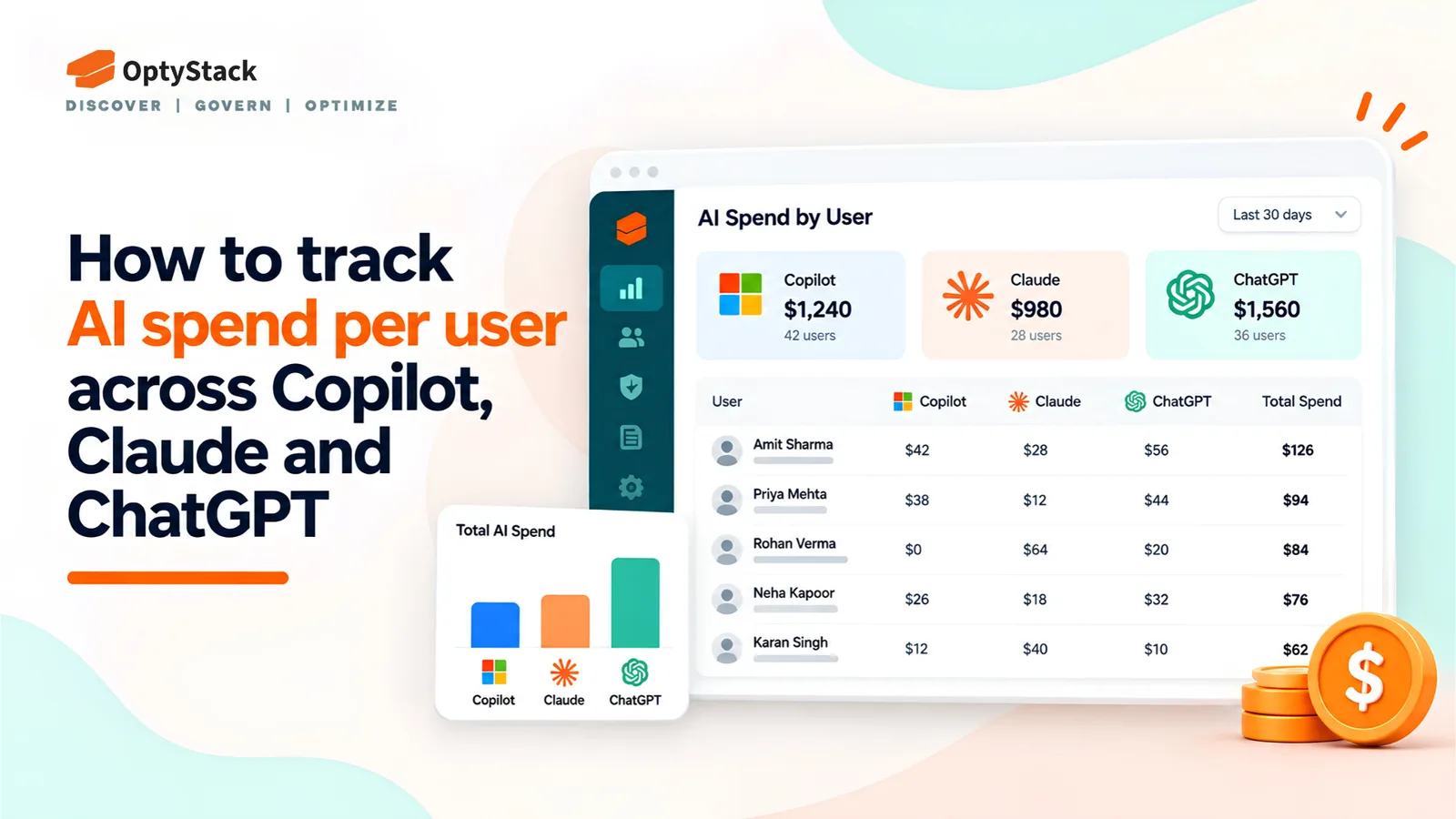
The Missing View: Spend Per User Over Time
Each vendor's administrative console answers questions about its own product. GitHub provides Copilot credit consumption by user through its usage metrics API, while billing records provide the information needed for invoicing. Anthropic offers member-level spending limits and period-to-date spend, with separate analytics APIs for usage and cost reporting. ChatGPT Enterprise provides workspace-level and per-user usage reporting, with additional cost reporting for eligible token-based billing agreements.
These reports are useful, but they do not automatically produce one consolidated financial view across vendors.
Finance needs to know which tools each employee uses, what those tools cost over time, and whether spending is increasing faster than the value delivered. Engineering managers need to understand whether a developer's consumption is unusually high or whether a budget limit could interrupt important work.
A reliable per-user view must combine vendor billing records, usage information, identity data, and company-paid subscriptions. It must also distinguish actual charges from estimated allocations.
Building One Picture From Three Sources
You can build a useful per-user AI spend report by combining three types of data.
1. Identity and SSO logs
Your identity provider helps establish which employees have access to AI applications and which applications they sign in to. This gives you a starting point for matching vendor accounts to company identities.
Identity records also help identify potentially dormant access. For example, someone with no recorded sign-in for 90 days could be a candidate for a license review. Confirm whether the tool is still needed before reclaiming access, because infrequent use does not necessarily mean a license is unnecessary.
Remember that SSO does not capture every AI interaction. Employees may use personal accounts, API keys, browser-based services, or tools that do not integrate with your identity provider.
2. Expense and card data
Some AI subscriptions are paid through company cards, individual reimbursements, or expenses submitted outside the procurement process. Those purchases may not appear in an enterprise vendor's administrative console.
Match available expense records to the employee, vendor, billing period, and subscription. Where a charge covers multiple users, record it as a shared expense until you have a defensible allocation method.
This step helps uncover spending that would otherwise be missing from a report built exclusively from approved vendor accounts.
3. Vendor usage APIs and billing exports
Vendor data is the foundation of the cost calculation. Pull usage and billing records on a consistent schedule, preserving each vendor's original units and reporting period.
GitHub Copilot: The usage metrics API includes the
ai_credits_usedfield in user-level reports. GitHub specifies that this is a consumption metric, not the billed total. Use the relevant billing records to reconcile actual charges. DocumentationClaude Enterprise: The Spend Limits API provides each member's effective spending limit and period-to-date spend. Anthropic's analytics APIs provide additional usage and cost reporting. Documentation
ChatGPT Enterprise: Workspace reporting provides per-user usage metrics. Eligible token-based billing agreements provide additional cost and spending information, with ChatGPT usage reported separately from API usage. Documentation
Microsoft Copilot is a separate product family from GitHub Copilot. If your company also uses Microsoft Copilot Chat agents with pay-as-you-go billing, Microsoft's Copilot Credits report provides user- and agent-level credit consumption. Its documented alerts use credit thresholds, including 2,000 credits, rather than a universal threshold of 2,000 billed messages. Microsoft documentation
Once these records are available, match them to company identities using verified email addresses, account identifiers, or another stable mapping. Then reconcile vendor totals against invoices and finance records.
Actual Spend, Allocated Spend, and Usage Are Different
A consolidated report should not treat every vendor metric as a dollar amount.
Actual spend is the charge attributable to a user according to reliable billing records. Depending on the agreement, this may include consumption charges, seat fees, or other contractual costs.
Allocated spend is a share of a group or organization-level cost assigned to an individual using a documented rule. For example, a company may distribute a shared subscription fee across active users. This is an accounting decision, not necessarily a vendor-reported figure.
Usage indicators include tokens, AI credits, messages, requests, and activity counts. These help explain consumption, but they are not directly comparable across vendors. One credit or message does not represent the same amount of work or cost in every system.
For each user, report actual charges where available, allocated shared costs separately, and usage metrics in their original units. If a vendor does not expose user-level cost data, label the estimate and document the allocation method.
This approach gives finance a more trustworthy picture without presenting estimates as exact billing data.
Setting Budgets, Alerts, and Owners Before the Meter Runs Out
A spending limit is most useful when it gives the business time to respond before access is interrupted.
Start with three decisions for every tool or budget line.
Set a budget per user or team. Base the limit on expected workload, role, and business importance. Developers running intensive coding agents may need different allowances from employees using AI for occasional writing.
Create alert thresholds. A warning at 75% of the budget and another at 90% can provide time to review consumption. These are useful starting points, not universal requirements. Align internal alerts with the controls each vendor actually supports.
Assign a named owner. Someone must be responsible for reviewing spending, approving increases, and deciding what happens when a limit is reached.
Plan for the mid-sprint problem. If a developer reaches a Copilot budget during a deadline, the resulting interruption may cost more than the additional AI usage. Establish a documented exception process with an approver, a reason for the increase, and a review date.
Do not solve every budget breach by raising the cap. Investigate whether the increase reflects valuable work, a change in model usage, an inefficient workflow, or an unexpected spike.
Review actual spending monthly. Compare it with the budget, examine material changes, and adjust limits before the next billing cycle. Keep a record of approved increases so temporary exceptions do not quietly become permanent spending commitments.
Implementation Checklist
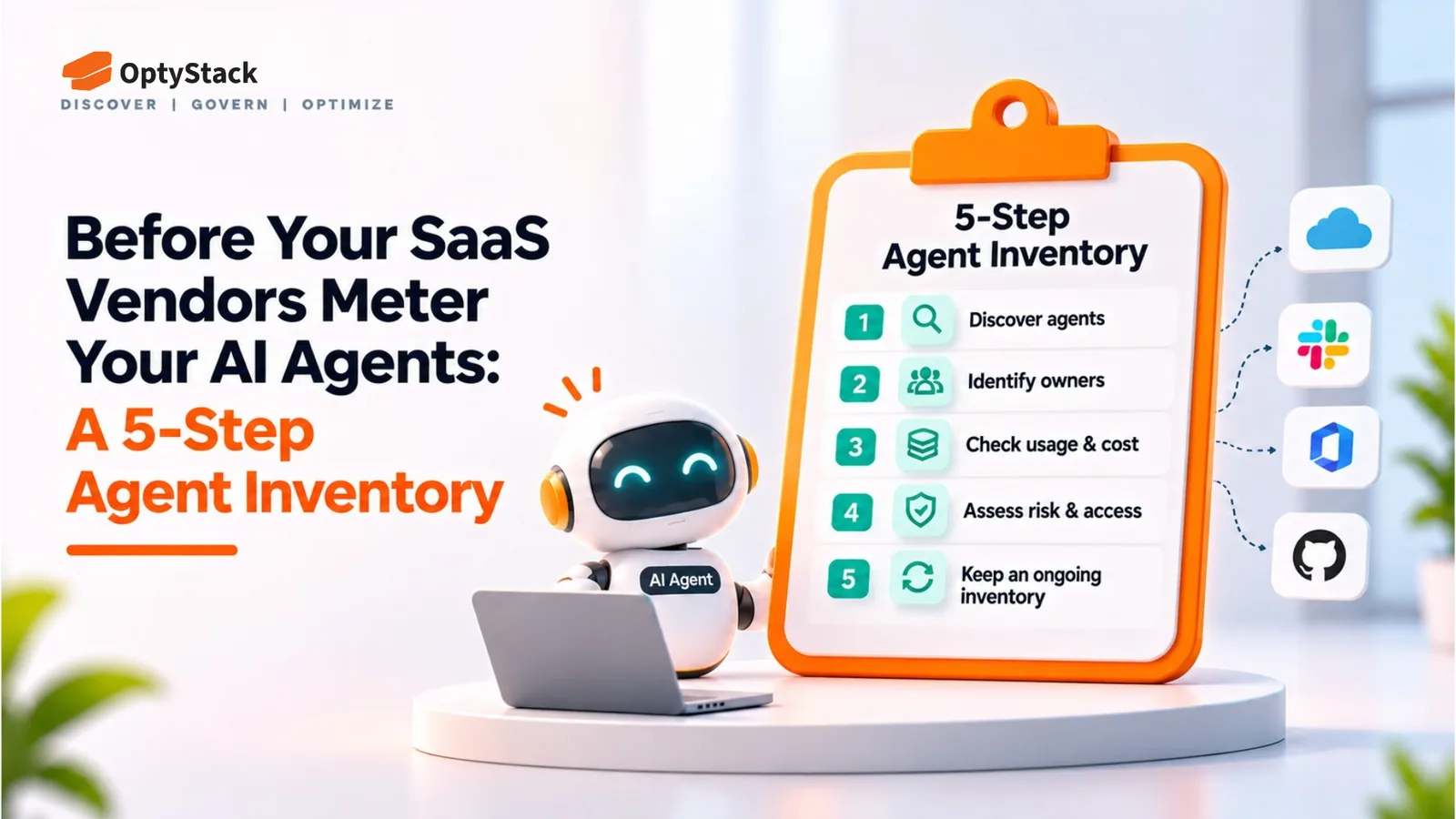
Inventory AI tools and users. Start with identity records, approved applications, expense data, and available discovery signals.
Assign an owner. Give each tool and budget line a person responsible for its continued use and cost.
Connect vendor reporting. Collect billing records, usage exports, or APIs on a consistent schedule.
Match identities. Link vendor accounts to verified company users and document unmatched accounts.
Reconcile financial records. Compare vendor charges with invoices and finance data, investigating unexplained differences.
Separate cost types. Distinguish actual user-level charges, allocated shared costs, and nonfinancial usage indicators.
Set budgets and alerts. Use vendor controls where available and establish internal alerts for the remaining gaps.
Review licenses and exceptions. Investigate dormant access and document budget increases before reclaiming seats or raising limits.
Track trends monthly. Compare per-user spending over time and investigate material changes in cost or usage.
How Optystack Helps
Optystack covers the identity and inventory side of this model. It discovers SaaS and AI tools using signals from spending, single sign-on (SSO), and browser activity, helping organizations identify tools adopted outside formal IT processes.
It also helps teams connect applications with their users, review ownership, and track contract renewal dates. Its renewal management capabilities support timely reviews, while license reclamation helps teams act on identified unused seats.
There is an important boundary: Optystack does not pull token-level consumption from vendors or reconcile their AI credit balances. Use the vendor APIs, billing exports, and financial records described above for those calculations.
Optystack provides the application and user inventory that helps IT, finance, and procurement understand which tools are in use, who has access, and which contracts need attention. Combining that visibility with vendor billing data creates a more complete operational view of AI spend.
If you want to review your user-to-tool inventory, start a free trial, explore contract renewal tracking, or learn about identity management.
The Bottom Line
Tracking AI spend per user requires more than exporting a report from each vendor. It requires a consistent identity map, reliable billing records, documented allocation rules, and spending controls that give teams time to act.
Start by combining identity, expense, and vendor data. Separate actual costs from estimates, reconcile totals against invoices, and assign owners to each budget line. Then review trends monthly to identify unexpected consumption before it becomes a larger financial or operational problem.
The goal is not simply to reduce AI usage. It is to understand where the money goes, which work it supports, and whether the spending delivers enough value to justify its cost.