Agent Traces Are a Credential Store: What the Cursor Breach Teaches About Identity Risk
Ravi Singh · November 16, 2026
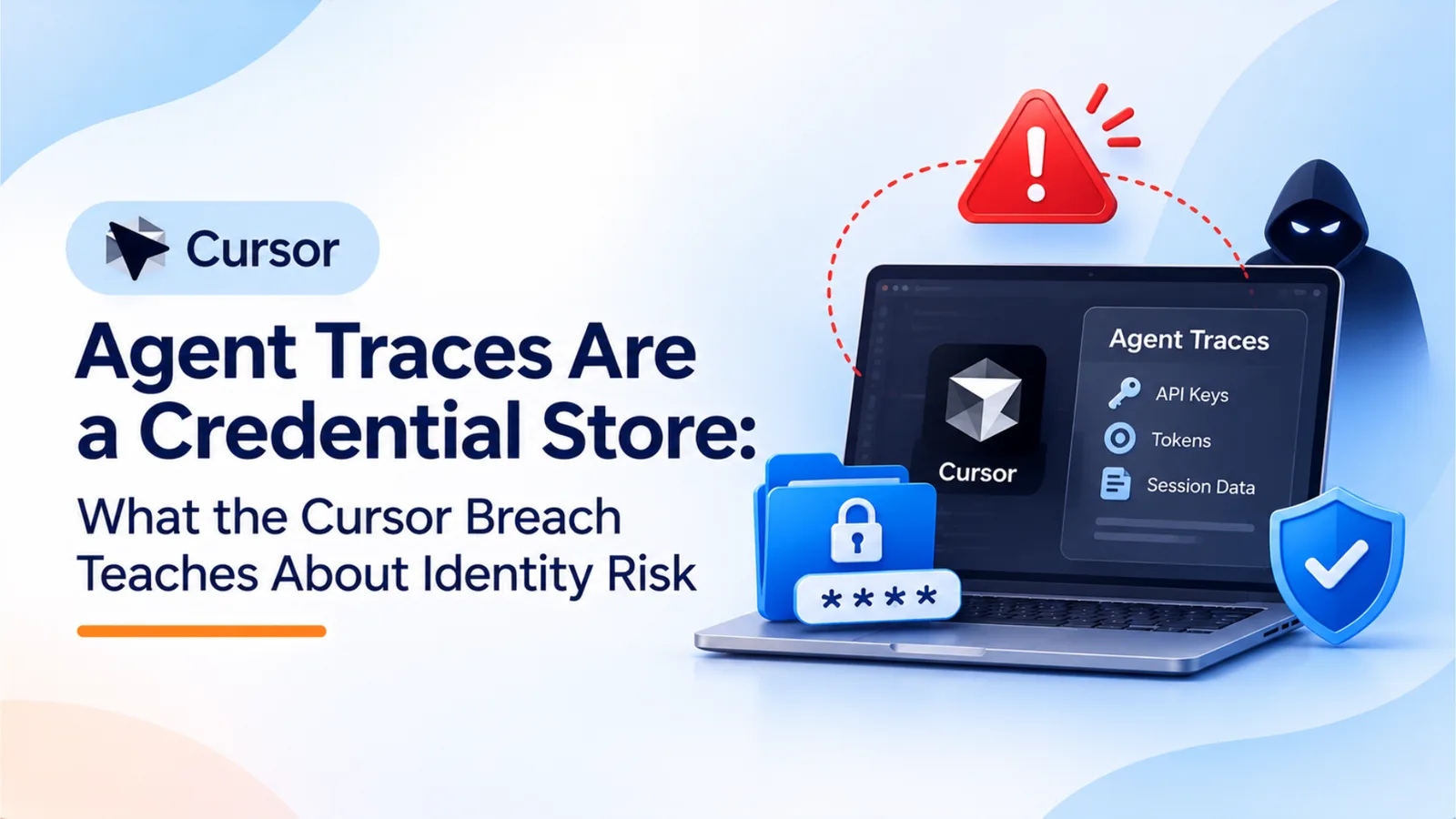
Cursor’s November 2026 incident update shows how a key issued to a vendor led to exposed agent traces, then to access in SaaS tools, then to a malicious extension. The credentials never passed through a human sign-in. This guide walks through the chain and gives a five-point non-human identity checklist.
When a coding agent works on your systems, it sees your secrets. Every log, trace, or transcript of that work can hold them too. Cursor’s November 13, 2026 incident update shows how far that fact can reach. A key issued to a vendor led to exposed agent traces, then to access in Cursor’s SaaS tools, then to malicious copies of an extension. None of the later steps needed a person to sign in.
Last week’s post on the Notion and Fireworks breach covered fourth-party AI vendor risk, meaning the company behind your vendor. This post follows the credentials that move between those companies, and what they can open.
The Chain in Five Steps
Cursor’s account describes five steps.
1. A key was issued to a vendor. Cursor says it issued an access key to Fireworks, its AI infrastructure provider, and that the key was exposed. The attacker used it to copy data from a read-only storage bucket that Cursor had used to share data with Fireworks.
2. The vendor exposed it, and the bucket held traces. The bucket contained coding agent traces, mostly from 2025, from sessions that were not in Privacy Mode. Cursor says some traces contained credentials that had not been redacted. It puts the exposure at fewer than 0.01% of customers with API credentials compromised, and fewer than 0.05% of users outside Privacy Mode with traces exposed.
3. Agent traces leaked credentials. An agent that acts on infrastructure has to read the secrets it uses. Anything that records the agent’s work can capture those secrets too. The traces were a record of the work, and the secrets were inside it.
4. The credentials opened SaaS tools, then data. Cursor says the attacker used the exposed credentials to reach select SaaS tools. From those tools, the attacker accessed archived non-production source code repositories, some containing business contact information, along with limited customer support data and email conversations, product usage metrics and contact details, summaries of some coding agent conversations, and credentials that users had sent to Cursor’s support team.
5. A malicious extension followed. On October 29, Cursor says the attacker used a stolen credential from the exposed internal data to place malicious copies of Anthropic’s Claude Code extension on the cache that serves Cursor’s VS Code extension marketplace. Cursor says Anthropic did not publish the copies and that the flaw was not in Anthropic’s product. It says at most 5,000 users who requested specific cached versions that day may have received the build, which was available for about 11 hours. Cursor identified tampered versions 2.1.312 and 2.1.313. It also says that uninstalling the extension alone may not be enough.
Cursor says the last attacker activity it saw was on November 1, and that it was blocked.
Why MFA and SSO Were Not in the Path
The attack, as Cursor describes it, moved through keys and stored credentials. The first step was a key, and the later steps used credentials found in traces and storage. None of those steps required a user to sign in, so the controls designed for user sign-in did not apply.
Multi-factor authentication and single sign-on protect people who log in. They do not check whether a service accepts a key, whether an integration holds a valid token, or whether a storage bucket was shared with a partner. The same gap appeared in the MSP Process breach, where app credentials reached customer tenants without a user sign-in. In both cases, controls designed for people were not in the path.
That is why identity risk now has to cover non-human identities: the keys, grants, and agents that act without a person present.
Three Blind Spots
Credentials you have handed to vendors. A key issued to a vendor lives outside your environment. You may not know which vendor holds it, how long it lasts, or who inside the vendor can reach it. Cursor’s account shows that a key given to one vendor can become a route into another company’s systems.
Secrets in AI and agent logs. Traces, transcripts, and debugging logs can hold every credential an agent touched. Privacy modes, retention settings, and redaction decide how much of that survives. Cursor says some credentials were not redacted. A redaction process that misses one key is not a control to rely on alone.
OAuth and API grants into SaaS apps. An OAuth grant or API key gives an app standing access to your data. It keeps working after the person who approved it leaves, and it can be used from anywhere the token travels. In Cursor’s case, the attacker reached SaaS tools through credentials, not through a login.
A Five-Point Non-Human Identity Checklist
1. Inventory non-human identities and grants for each vendor. For every vendor, list the keys you issued, the OAuth grants and API connections it holds, and the agents or integrations it runs against your systems. Ask vendors which of their own suppliers hold those credentials, and record the scope of each one.
2. Set an owner and an expiry for each. Every key, grant, and agent needs a named owner who approves it and answers for its use, and an expiry date that forces review. A credential without an owner or an expiry is a standing risk.
3. Flag stale and unused tokens. Review last-used dates each month. Revoke tokens unused for 60 to 90 days, and treat tokens tied to departed employees or ended projects as stale on the day the owner leaves.
4. Be able to revoke everything for one vendor in one action. When a vendor reports a breach, you need to cut off every credential that vendor holds without searching across systems. Test the process on a non-critical vendor and time it. If it takes days, it is not yet a control.
5. Restrict integration access by network. Where a service supports it, limit integration and API access by IP address, device, or region, so a credential used from an unfamiliar network is denied. Cursor says it expanded network access restrictions for its own service providers, which is the same principle. Network restrictions will not stop a key that is already in an attacker’s hands on an allowed network, so pair them with rotation and expiry.
Cursor’s response also shows what to do after a breach. It deactivated the vendor’s key, rotated every exposed credential and, as a precaution, every credential in use internally, added secret scanning across its repositories, and redeployed production services. Those steps belong on your incident runbook, because they are the ones that end an incident.
Where OptyStack Fits
OptyStack covers the discovery and access visibility parts of this checklist. It finds SaaS and AI tools using signals from spend, SSO, and browser activity, and it maps each tool to the people who sign in to it. That gives you a starting inventory of the apps and AI tools connected to your business, with an owner assigned wherever one can be identified.
For access, OptyStack acts as the identity provider for connected third-party apps, according to its identity management page. It applies IP address, device, and region conditions to sign-ins for those apps and denies sign-ins that fail them.
OptyStack does not manage the keys a vendor holds, scan agent traces for secrets, or revoke every credential for one vendor in a single action. Confirm those capabilities in a demo before you rely on them. The inventory and owner steps are where OptyStack helps most. Rotation and revocation remain the work of your engineering and security teams.
To see the apps and AI tools connected to your business, you can start a free trial.