OptyStack LogoOptyStack Logo
Product
Features
Shadow IT DiscoveryDiscover unsanctioned SaaS, shadow AI, and unmanaged subscriptions in one place.Identity Management with Zero Trust SecuritySingle sign-on and conditional access by IP, device, and region for your SaaS apps.Seamless App IntegrationsConnect Microsoft 365, Google Workspace, SSO, and 100+ SaaS brands into one live inventory.Cost OptimizationCut SaaS waste with discovery, usage-backed rightsizing, and renewal leverage—often up to ~30% savings.License ManagementFind unused seats, eliminate zombie accounts, and automate renewals with usage-backed data.Contract Renewal TrackingOne renewal calendar with notice windows, usage context, and negotiation-ready briefs.
ROI Calculator
Resources

Support

  • Support
  • Knowledge Base
  • SaaS Directory
  • Partners

Content

  • SaaS Inflation Index
  • 2026 SaaS Audit Toolkit
  • Blogs
  • Success Stories
  • Events
PricingAboutContact
Start Free Trial
Book Demo
← All postsSaaS Governance

The Integrations Nobody Revoked: What the Todoist and 1Password Breaches Teach About OAuth Grants

Abhishek Sharma · November 26, 2026
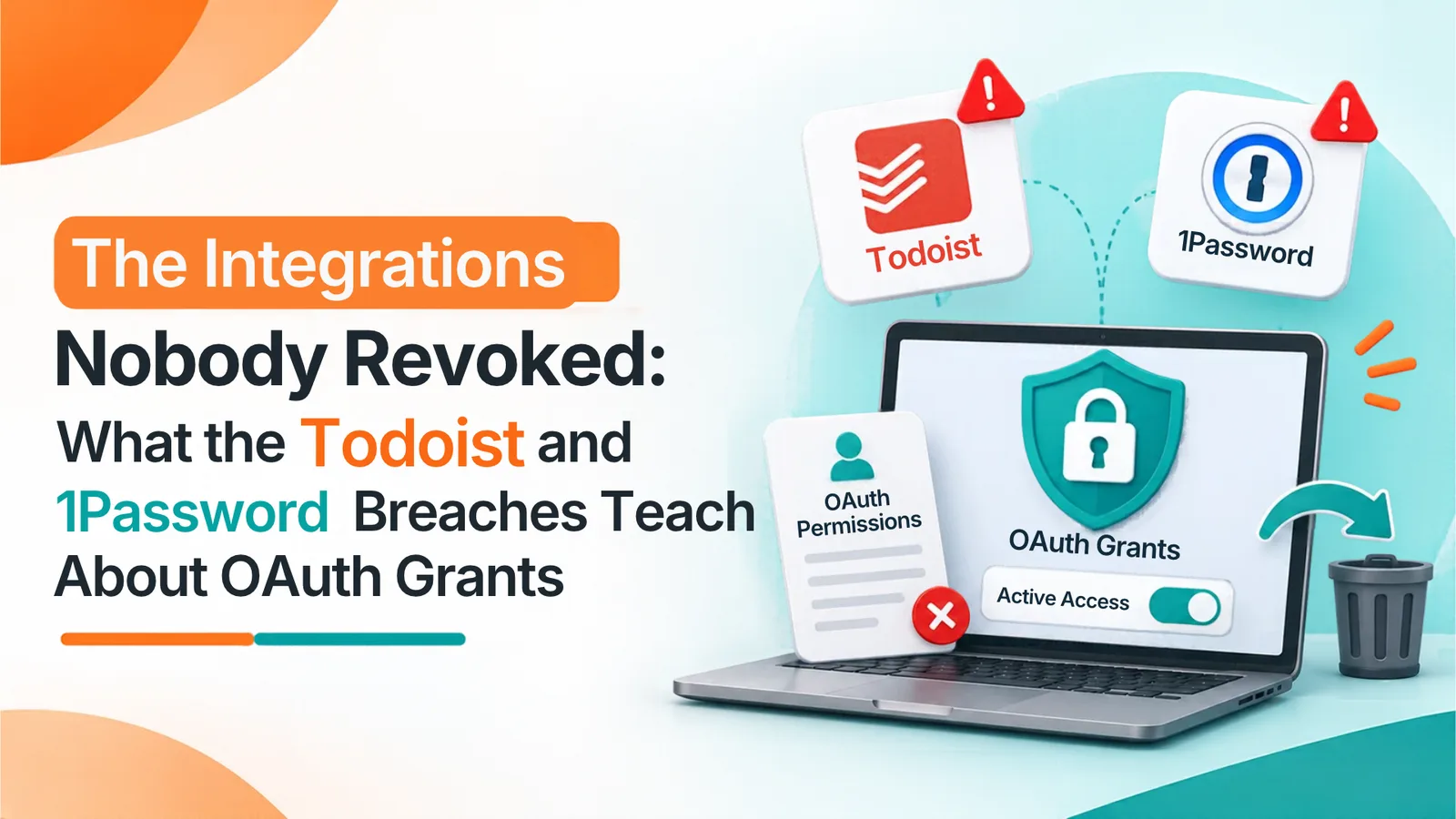
3D cybersecurity infographic highlighting OAuth grant and third-party integration risks, featuring Todoist and 1Password app icons connected to a laptop displaying active OAuth permissions, a security shield, warning alerts, and a revoke-access symbol, illustrating why unused integrations should be reviewed and revoked.
Share
LinkedInX

In late November 2026, a stolen login led to Todoist's API and Slack tokens and to Outlook add-in access, while a hijacked GitHub account gave an attacker a path into 1Password's backend. Integration tokens and add-in permissions are identities too. This guide explains how to find, own, and revoke risky OAuth grants.

In late November 2026, two well-known productivity and security tools disclosed breaches that started with a single stolen credential. In Todoist's case, the attacker used a stolen login to reach the company's code system and then its cloud infrastructure, according to TechCrunch's coverage of the company's disclosure. In 1Password's case, an attacker took over an employee's corporate GitHub account on November 19 and used it to push malicious code to backend systems, as reported by The Hacker News.

Neither incident required an attacker to break a password vault or a core product. Both involved a credential or an integration that was trusted, and neither was owned or reviewed closely enough to stop the attacker.

Related reading

Explore related guides and continue your SaaS optimization research:

  • The Vendor Credential Behind the MoEngage Incident: Third-Party Access Is Identity Risk
  • Know Your Agent: The Question Singapore Just Asked Banks Is the One Every IT Team Should Ask
  • 2,800 Ex-Employees Still Had AI Accounts: Why Offboarding Now Has to Include AI Agents
  • Agent Traces Are a Credential Store: What the Cursor Breach Teaches About Identity Risk

What Happened at Todoist

Todoist said an attacker accessed its production systems between November 22 and 23 using stolen credentials. The attacker took over an employee's work account and reached the cloud environment. From there, it downloaded email addresses, account creation dates, and password hashes from older accounts. About 6% of users were affected.

The more important part for this discussion is the integrations. According to TechCrunch, the attacker retrieved API tokens and Slack integration tokens for about 0.003% of users. For about 0.001%, the attacker searched tasks, comments, and attachment names for text that looked like credentials for other services. The Todoist for Outlook add-in was also used to read emails, addresses, and attachment names in connected accounts that had given it read permission.

Todoist responded by resetting affected passwords, revoking API tokens, disconnecting connected apps, ending sessions, and disabling the Outlook add-in. Users were told to update their tokens and reconnect integrations.

What Happened at 1Password

1Password said that on November 19, an attacker gained access to an employee's corporate GitHub account. The attacker used that access to push malicious code to backend services and to copy source code from private repositories. The attacker also gained access to 1Password's CI/CD system.

1Password reported that customer names, email addresses, account creation and last sign-in times, and some invitation and recovery link tokens were taken for a subset of customers. It said customer vault content was not accessed. The company disabled the GitHub account, revoked the stolen token, hardened GitHub, CI/CD, and endpoint controls, and rotated internal credentials.

The 1Password breach shows a pattern that matters beyond password managers. A developer account with broad access to code and pipelines becomes an identity, and its tokens and permissions can reach production.

Why Integration Tokens Are Identities Too

When a team connects an app, the connection creates an identity. An OAuth grant, an API token, or an add-in permission lets a third-party system act on a user's behalf or inside a company's data. These identities are rarely listed in a directory. They are usually granted once, when an employee clicks "allow," and they keep working until someone removes them.

Three things make them risky:

  • Nobody owns them. The employee who approved an add-in may have changed roles or left. No one assigned to review it.

  • Nobody reviews them. Access reviews focus on people and licenses, not on the tokens an integration holds.

  • They outlive the reason for them. A calendar add-in installed for one project can keep reading mail long after the project ends.

Todoist's Outlook add-in is a clear example. The integration could read email for connected accounts. When the attacker reached that path, the add-in's permissions were the route, not a user login.

Why This Matters More Now

Attackers no longer need to work through each step by hand. Italy's national cybersecurity agency CSIRT Italia has reported large-scale campaigns in which autonomous AI agents chained vulnerabilities, misconfigurations, and compromised credentials to reach internal networks. In one case, a coordinator assigned tasks to five AI agents that moved from reconnaissance to exploitation and persistence. BleepingComputer's report on the Italian and Swiss warnings also describes Switzerland's NCSC reporting its first cases of AI-assisted attacks.

The tools behind these attacks include ARTEX, an open-source autonomous penetration-testing framework released in July 2026. The FBI issued an advisory on ARTEX on November 13, 2026, describing its use in automated reconnaissance, exploitation, and data theft. Google's Mandiant team has said the mechanics of these intrusions have not changed. Attackers still use compromised credentials and unpatched systems. What has changed is the speed and scale. A stale token that once waited for a human to find it can now be found and used in minutes.

That is the reason to review OAuth grants now. An unrevoked integration is a credential that machines can search for.

The Fix: Five Steps for OAuth Grants

1. Discover every connected app and grant. Start with the identity provider's list of connected apps, OAuth grant reports in Google Workspace and Microsoft 365, and the integrations inside your productivity, project, and developer tools. Include add-ons such as Outlook extensions, Slack integrations, and API tokens created by individuals. Ask teams which tools they have connected.

2. Assign an owner to each grant. Every grant needs a named person who approved it and answers for its scope. If the owner has left, the grant is orphaned and should be reviewed or revoked.

3. Review scope and last use. For each grant, check the permissions, such as read email, read files, or write to a repository, and the date it was last used. Reduce scopes that are broader than the task requires.

4. Revoke stale and unowned grants. Remove grants that have not been used for a defined period, such as 60 to 90 days, or that have no owner. After a vendor breach, revoke the vendor's tokens and reconnect integrations deliberately, rather than assuming they are safe.

5. Put developer tools behind a controlled sign-in. Source code platforms and CI/CD systems are the highest-value identity paths. Route access to them through a single sign-on layer with conditions on IP address, device, and region, and enforce strong authentication on accounts that can push code. A personal access token or long-lived key should never be the only control on a repository.

Where OptyStack Fits

OptyStack covers the discovery, ownership, and access parts of this list. It finds SaaS and AI tools using signals from spend, SSO, and browser activity, so connected apps appear in one inventory with the people who use them. Its Growth plan adds AI agent discovery, user lifecycle management, and remediation workflows, and its identity features act as the identity provider for connected third-party apps. OptyStack's identity page names GitHub among the apps that sign-in can be routed through.

OptyStack does not inspect a vendor's token store, revoke tokens inside a vendor's own platform, or review the code a developer pushes. Those controls sit with the vendors, your engineering team, and your security team. OptyStack gives you the list of grants, owners, and access paths those teams need to act on.

To see every SaaS app, AI agent, and OAuth grant connected to your organization, you can run OptyStack's free scan. The scan shows your SaaS and shadow AI estate with no credit card required. You can also review the identity management features or compare plans on the pricing page.

Unlock visibility. Slash SaaS waste.

Get real-time SaaS spend insights, discovery, and optimization in OptyStack Hub—start free, no credit card required.

Sign up for OptyStack Hub
PreviousIs Your SaaS Bill Rising Faster Than Inflation? A Simple Benchmark for Finance

Related articles

  • The Vendor Credential Behind the MoEngage Incident: Third-Party Access Is Identity Risk
    SaaS Governance

    The Vendor Credential Behind the MoEngage Incident: Third-Party Access Is Identity Risk

    MoEngage says a third-party provider's credentials were compromised, disrupting service for nearly a week. ZebPay says some of its customers' data was taken in the same incident. Vendor and service accounts often sit outside SSO and offboarding. This guide explains why and gives a five-step third-party access governance checklist.

    Nov 23, 2026

  • Know Your Agent: The Question Singapore Just Asked Banks Is the One Every IT Team Should Ask
    SaaS Governance

    Know Your Agent: The Question Singapore Just Asked Banks Is the One Every IT Team Should Ask

    On November 19, 2026, Singapore’s central bank set out a “know your agent” protocol built on identity, authority, and mandate. Those questions apply well beyond banks. This guide shows how IT teams can discover every AI agent, assign a human owner, govern its access, and set the limits it operates within.

    Nov 20, 2026

  • 2,800 Ex-Employees Still Had AI Accounts: Why Offboarding Now Has to Include AI Agents
    SaaS Governance

    2,800 Ex-Employees Still Had AI Accounts: Why Offboarding Now Has to Include AI Agents

    Oleria found more than 2,800 AI tool accounts held by former employees at one Fortune 500 company, plus about 800 unowned access points. Disabling the identity account does not end AI tool access or agent tokens. This guide explains why, how Microsoft’s agent inactivity policy helps, and gives a leaver checklist for SaaS and AI.

    Nov 19, 2026

  • Agent Traces Are a Credential Store: What the Cursor Breach Teaches About Identity Risk
    SaaS Governance

    Agent Traces Are a Credential Store: What the Cursor Breach Teaches About Identity Risk

    Cursor’s November 2026 incident update shows how a key issued to a vendor led to exposed agent traces, then to access in SaaS tools, then to a malicious extension. The credentials never passed through a human sign-in. This guide walks through the chain and gives a five-point non-human identity checklist.

    Nov 16, 2026

  • Cross-Tenant Sync Offboarding: What Microsoft’s Known Issues Mean for Your Checklist
    SaaS Governance

    Cross-Tenant Sync Offboarding: What Microsoft’s Known Issues Mean for Your Checklist

    Cross-tenant sync removes only the users it provisions, and deletion behavior depends on a setting many admins miss. This guide explains Microsoft’s documented limits, adds a Microsoft 365 offboarding checklist, and covers the February 2027 SMS and voice MFA retirement to plan for now.

    Nov 13, 2026

Keep reading

More guides on SaaS visibility, spend, and governance—jump between topics without leaving the blog.

View all posts →
  • Is Your SaaS Bill Rising Faster Than Inflation? A Simple Benchmark for Finance
    SaaS Renewals Management

    Is Your SaaS Bill Rising Faster Than Inflation? A Simple Benchmark for Finance

    SaaS vendors raised prices at a record pace in mid-2026, and the increase a company receives at renewal depends on when it negotiates. This guide gives finance teams a four-step benchmark to compare each contract's increase with a market index and India CPI, and to decide where to push back.

  • Torii Alternatives and Freshservice SaaS Management Compared
    SaaS Optimization

    Torii Alternatives and Freshservice SaaS Management Compared

    Freshworks has agreed to acquire Torii and extend Freshservice into SaaS and AI spend management. This guide compares Torii alternatives side by side and sets out what to ask vendors about roadmap, pricing, AI spend coverage, and India support.

  • What the AU Small Finance Bank Leak Teaches Indian Companies About Third-Party SaaS Risk
    Vendor Management

    What the AU Small Finance Bank Leak Teaches Indian Companies About Third-Party SaaS Risk

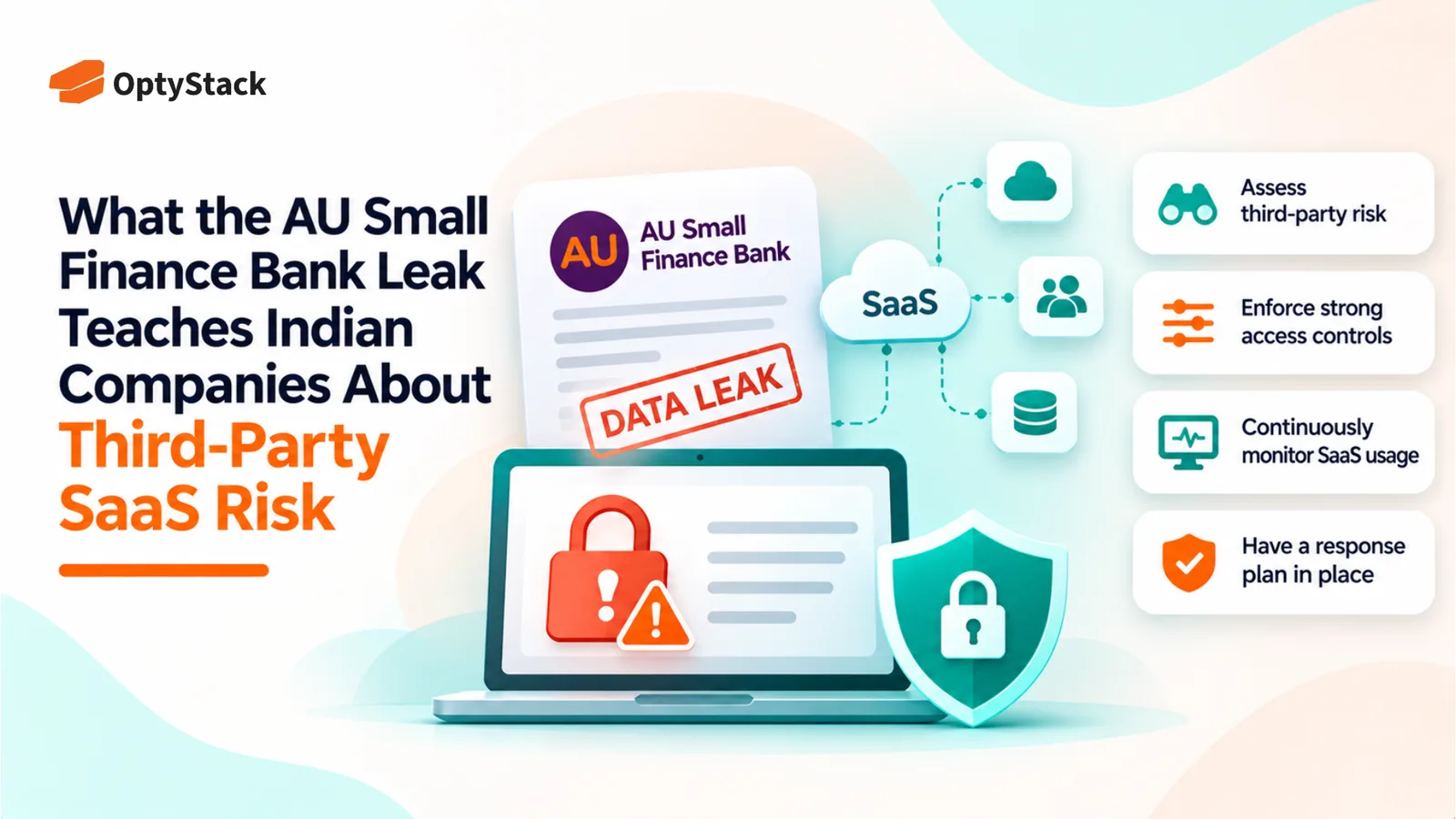
    The AU Small Finance Bank data leak investigation highlights the risks of relying on third-party SaaS platforms. Explore the November 2 disclosure, five essential security checks, and a practical 30-day plan to strengthen SaaS visibility, access controls and vendor risk management.

  • Stolen AI Keys Are the New Shadow AI Bill

    Stolen AI Keys Are the New Shadow AI Bill

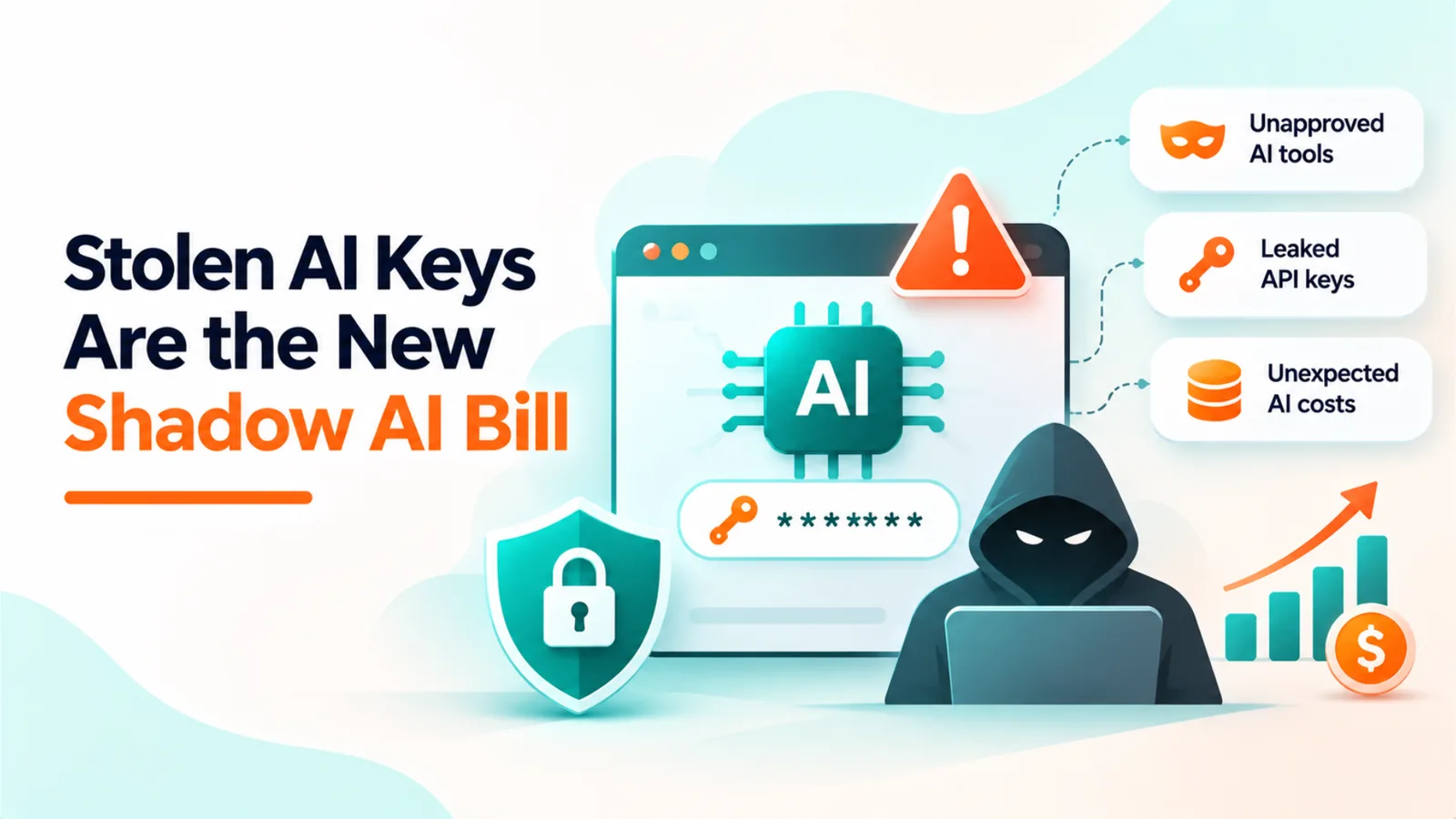
    Stolen AI API keys can turn hidden security gaps into unexpected bills. Explore the October 2026 AI platform breaches and learn how to inventory AI tools, assign key ownership, monitor spending, and revoke exposed credentials before costs escalate.

  • How to Offboard an Employee's AI Agents: A Checklist for IT Teams
    Best Practices

    How to Offboard an Employee's AI Agents: A Checklist for IT Teams

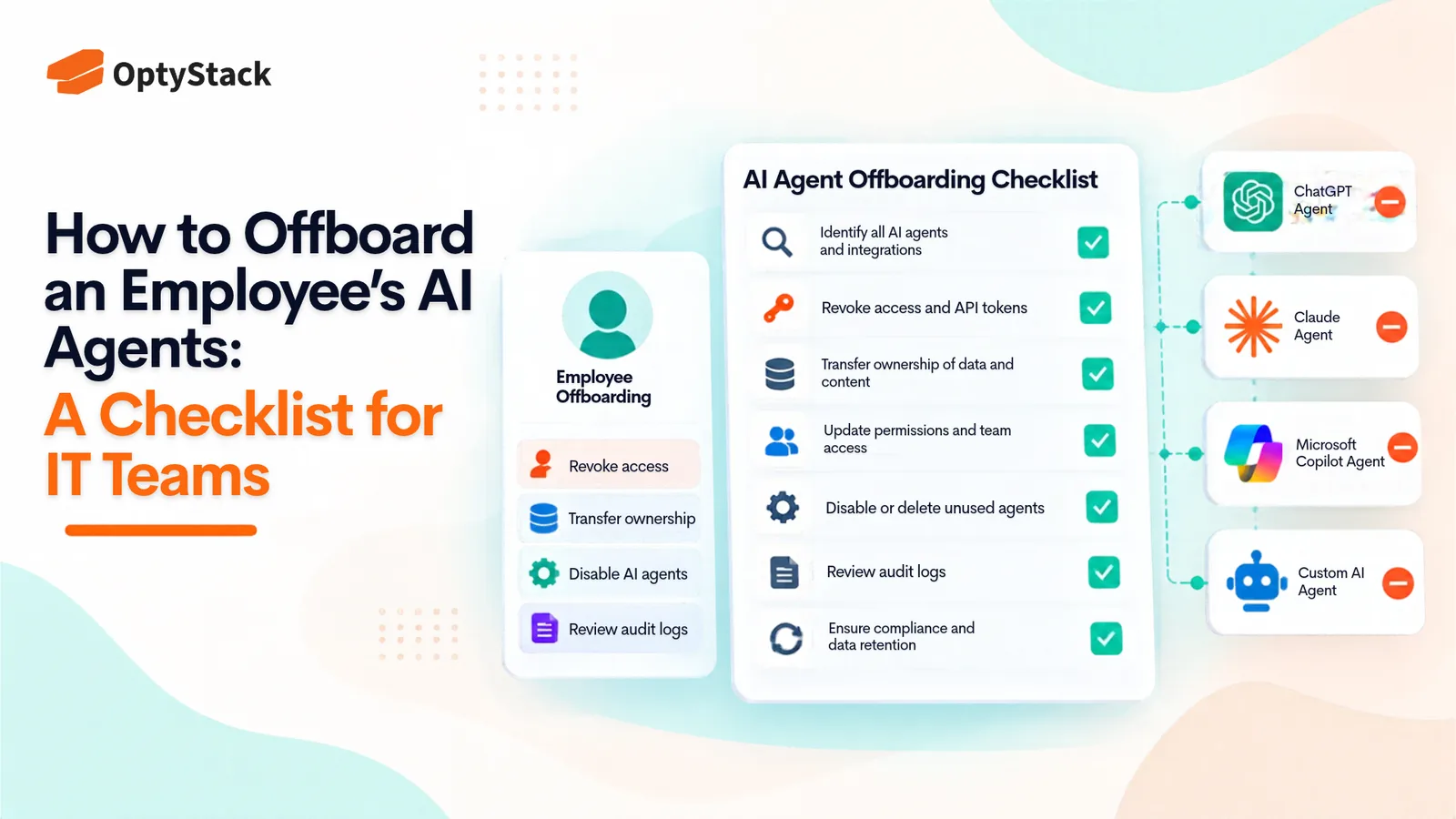
    Employees leave, but the AI agents they created and connected can keep running with active credentials. This checklist helps IT teams find every agent, OAuth grant, and API key tied to a departing employee, reassign or retire it, revoke access, and reclaim unused licenses.

  • AI Security Checklist for Businesses: How to Assess AI Features in SaaS Tools
    Vendor Management

    AI Security Checklist for Businesses: How to Assess AI Features in SaaS Tools

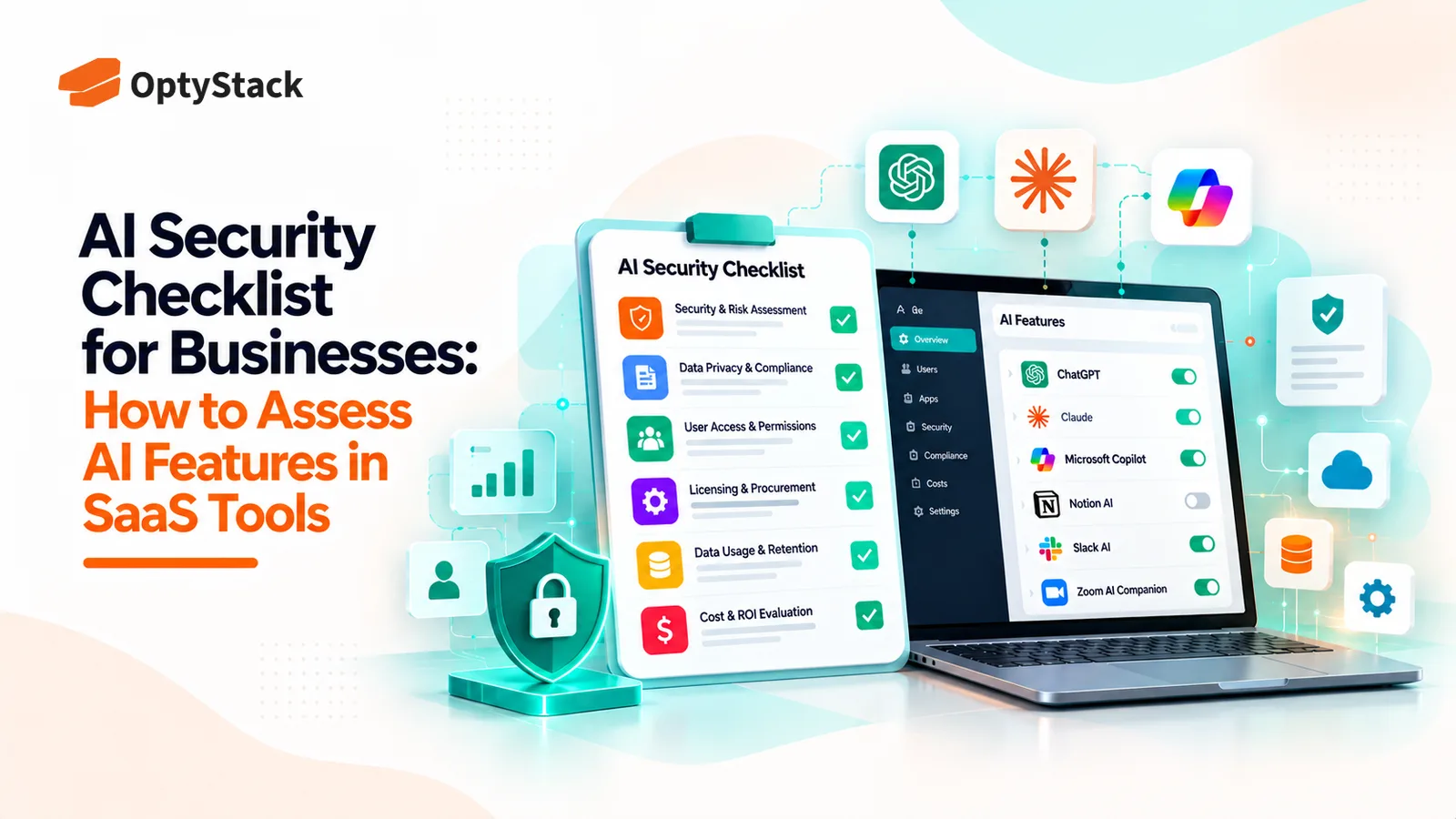
    AI features are appearing inside the SaaS tools businesses already use. Before enabling them, review what data they can access, how vendors process information, which controls are available, and whether the feature introduces new costs or risks.

Ask the smartest LLMs about OptyStack

ChatGPTGeminiClaudePerplexityGrokCopilot
OptyStack LogoOptyStack Logo

The SaaS and AI access governance platform. Import the users you already have, then allow or deny every app sign-in.

Product

  • Features
  • Integrations
  • Pricing
  • API

SaaS Directory

  • Browse All Apps
  • Slack
  • Microsoft 365
  • Salesforce
  • Zoom
  • Zoho One

Features

  • Cost Optimization
  • Shadow IT Discovery
  • License Management
  • Contract Renewals
  • App Integrations
  • Identity & Zero Trust

Tools & Resources

  • ROI Calculator
  • Knowledge Base
  • SaaS Inflation Index
  • Compare Tools
  • Getting started with OptyStack

Company

  • About
  • Blog
  • Success Stories
  • Events
  • Careers
  • Contact
  • Review us on G2

Stay updated

Get the latest insights on SaaS optimization

© 2026 OptyStack. All Rights Reserved.

LegalPrivacy PolicyTerms of Service