The Hidden Cost of Duplicate Tools
Aryan Malik · August 31, 2026
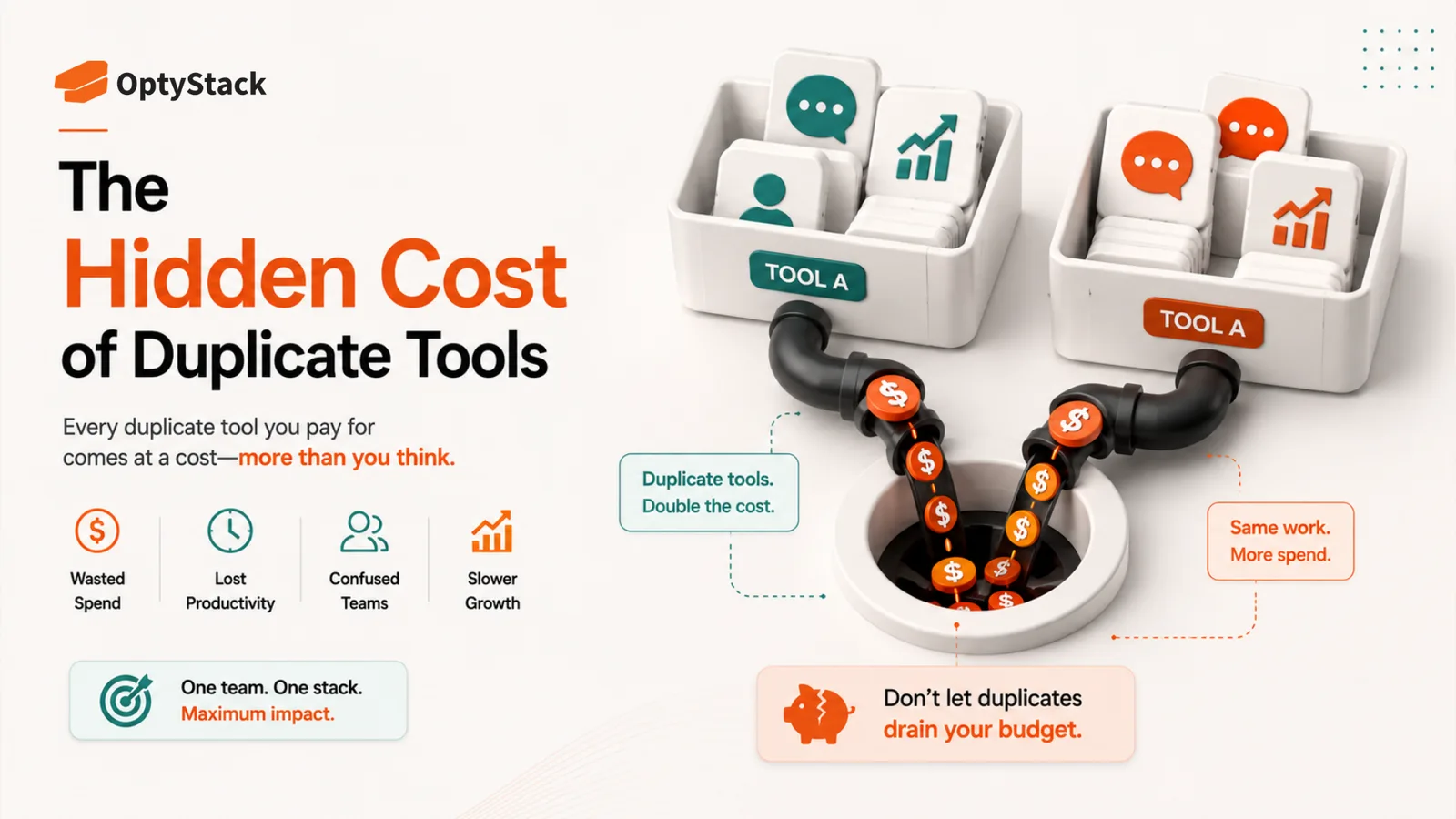
Most companies are paying for two or three tools that do the exact same job, and the subscription fee is the smallest part of what that overlap actually costs. Here's where the hidden costs of duplicate tools really hide, and how to find them in your own stack.
Coommit's 2026 benchmark reports that internal SaaS audits can uncover 30–40% application overlap, meaning a company running 300 applications could have 90 to 120 of them doing a job some other tool already covers. Coommit's 2026 analysis of U.S. companies found frequent duplication across categories such as messaging and video conferencing, with many organizations paying for multiple tools serving similar functions, often without anyone in finance realizing all of them exist at once.
None of that shows up as a single alarming line item. It shows up as a dozen small, unremarkable charges spread across different budgets, each one easy to justify on its own and easy to miss entirely when you're only looking at the total.
Why the direct cost isn't the real cost
Paying twice for the same function is the obvious waste, and it's real. But the subscription fee is usually the smallest part of what duplication actually costs.
Every duplicate tool carries its own admin overhead. Someone has to manage user provisioning, handle support tickets, and stay on top of the contract, twice, for functionally the same job. That's real time, even if it never shows up on an invoice.
Every duplicate tool is a separate security review. Two overlapping tools can expand the number of vendors, permissions, integrations, and access paths the security team has to review, without necessarily adding equivalent business value in return.
Data fragments across every duplicate. When half the company tracks projects in one tool and half in another, nobody has a single accurate picture of what's actually happening. Reporting gets inconsistent, handoffs get messy, and the tools that were each supposed to make a team faster end up making the company slower as a whole.
Decision fatigue compounds with every option. When three teams each champion a different AI assistant, cross-functional work can start with a debate about which tool to use before the actual work even begins.
Why duplicates keep showing up
The pattern isn't random. It comes from a few structural habits repeating across almost every company.
Purchasing is decentralized, and coordination isn't. When any team can sign up for a tool independently, five teams solving similar problems will often land on five different answers, with nobody checking what already exists in the stack.
Feature overlap makes tools look interchangeable. As AI capabilities get added across entire product categories, more tools end up doing roughly the same thing on paper, which makes it easier for different teams to each convince themselves they picked the best option.
Renewal cycles are staggered. A second overlapping tool often gets signed nine to twelve months after the first, well before anyone connects the two purchases. By the time someone notices the overlap, both contracts are already locked in.
Nobody owns cross-team visibility. Finance sees the invoices. IT sees the sanctioned tools. Neither has a complete picture of what every department is actually running, which is exactly the gap duplicates hide in.
How to actually find the overlap
Start by grouping every application in your stack by function rather than by department: communication, project tracking, file storage, design, and so on. Overlap becomes visible almost immediately once tools are sorted this way instead of listed alphabetically or by who bought them.
Cross-reference that list against actual usage where you can get it. A tool with heavy daily use and one with almost none, both doing the same job, makes the decision about which to keep fairly obvious. Where usage data isn't available, a quick conversation with the teams using each tool usually surfaces the same answer faster than any spreadsheet would.
Pay particular attention to categories with naturally high overlap risk: messaging, video conferencing, project management, and AI assistants. These are consistently where the most duplication concentrates, because they're broadly useful tools that almost every team independently decides it needs.
What to do once you've found it
Not every overlap needs to end in a cancellation right away. Some tools genuinely serve a specific team's workflow in a way the "main" platform doesn't. The goal isn't zero redundancy, it's making sure every tool still in the stack is there because someone can explain why, not because nobody's looked closely enough to ask.
For the tools that are genuinely redundant, bring the teams involved into the decision before making the call. A consolidation made without their input is the kind that quietly gets undone six months later when someone routes around it and buys the old tool back.
Where OptyStack fits
Spotting overlap across a hundred-plus applications by hand means manually grouping tools by function and cross-checking usage across every department, which is exactly the kind of project that starts strong and stalls halfway through.
OptyStack surfaces potential overlap through application and usage data, giving teams a starting point for deciding what should be consolidated, instead of requiring a manual audit across every department to even see where the redundancy is.
It's free to start and doesn't require a credit card.
Find out how much duplicate tools are actually costing you. Start free with OptyStack.