SaaS Benchmarking: Are You Overpaying?
Aryan Malik · August 28, 2026
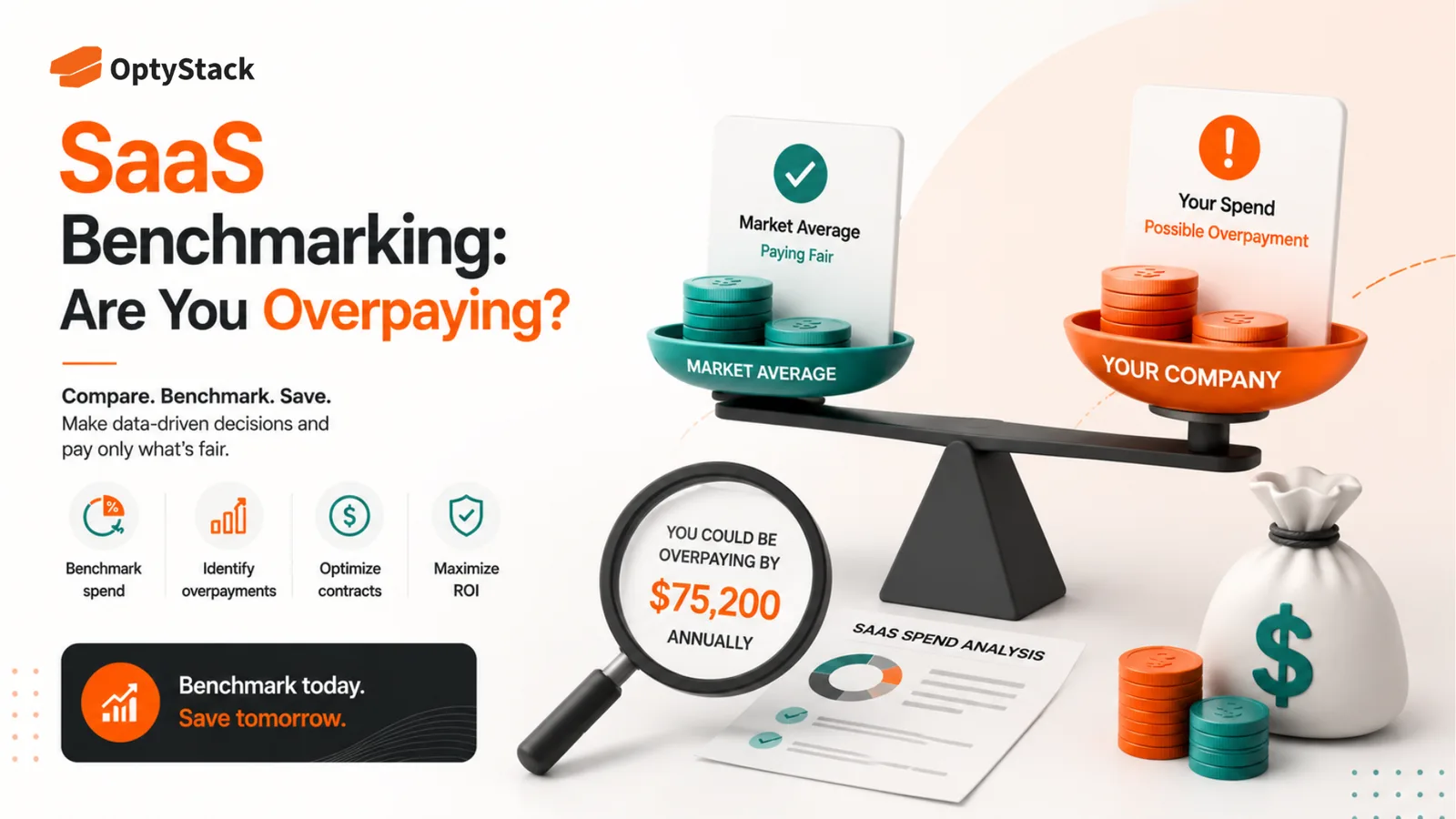
SaaS pricing can vary widely between contracts, making it difficult to know whether you're getting a fair deal. Learn how to benchmark SaaS pricing, compare usage and spend, identify overpayment, and use better data in vendor negotiations.
Most companies negotiate SaaS contracts without knowing what a fair price actually looks like.
A vendor sends over a renewal quote. The price is higher than last year, but the increase seems reasonable. Procurement asks for a discount. The vendor offers one. Everyone signs, the renewal is done, and nobody can say with confidence whether the company got a good deal or simply a smaller version of the price it was originally quoted.
That's the problem with SaaS pricing. The number on your contract doesn't tell you whether you're paying a competitive rate.
SaaS benchmarking gives you another reference point: what similar organizations pay for comparable software, with comparable license quantities, plans, and purchasing conditions. Used properly, that information can improve renewal negotiations, budget planning, and software-buying decisions.
What SaaS benchmarking actually means
SaaS benchmarking is the process of comparing your software costs, licensing, usage, and portfolio against relevant market or peer data.
Pricing is only one part of it.
You can benchmark:
Price: what you're paying per seat or unit
Discount: how your negotiated discount compares with other deals
Spend: how much your organization spends on SaaS overall
Portfolio: how many applications you have compared with similar companies
Utilization: how much of what you've purchased is actually being used
The key word is relevant.
Comparing your 500-seat enterprise contract with the publicly listed price for a small-business plan won't tell you whether you're overpaying. The comparison needs to account for the product edition, quantity, term, geography, support level, and other commercial factors that affect the actual deal.
Why SaaS buyers often don't know if they're overpaying
Vendors see more pricing data than individual buyers do
A SaaS vendor negotiates hundreds or thousands of contracts. It knows what customers ask for, what discounts are accepted, which features are easy to bundle, and where there is room to move.
Most buyers don't have that same view.
A procurement team may know what it paid last year. It may know what the vendor quoted this year. It may even know what another department pays for a different product.
That still doesn't answer the most useful question:
Is this price competitive for a company like ours?
Zylo's benchmarking research makes the same point: external price data can give procurement and IT teams a reference point when evaluating new purchases and renewals. Its benchmark methodology compares pricing by application and license quantity rather than treating every SaaS deal as interchangeable.
List price is rarely the real market price
A SaaS website may show a public price of $20 per user.
That doesn't mean every company pays $20.
Enterprise agreements can include volume discounts, negotiated rates, different feature tiers, implementation fees, support packages, multi-year terms, and other commercial conditions.
That's why saying “we received a 30% discount” doesn't prove that you got a good deal. The vendor could have started from a price that was never realistic for your size or contract.
The useful number is the effective price you are paying compared with genuinely comparable deals.
The benchmarks that matter most
Price per seat
Start with the simplest number: what does each active or contracted seat actually cost?
But make sure you're comparing the same thing. A basic plan and an enterprise plan shouldn't sit in the same benchmark bucket simply because both are called “per user.”
Discount from list price
Discount percentage can be useful, but don't make it the headline metric.
A 40% discount on an inflated starting price isn't automatically better than a 20% discount on a lower negotiated base.
Use discount as supporting information alongside the actual unit price.
Spend per employee
At the portfolio level, spend per employee can show whether your software budget is moving unusually quickly compared with your workforce.
Zylo's 2026 SaaS Management Index reports median SaaS spend of $9,455 per employee in its benchmark data. That's a useful reference point, not a target every company should try to hit. Your industry, workforce mix, and software requirements can make a large difference.
Application count and duplication
Benchmarking isn't only about pricing.
If a company has far more applications than comparable organizations, that can point to fragmented purchasing or overlapping tools. Zylo's 2026 research puts the average enterprise portfolio at 305 applications, with the median at 240.
A portfolio benchmark can therefore tell you something a price benchmark can't: whether the problem is the price of each tool or the number of tools you're carrying.
Utilization
A good price for an application can still be a bad investment if large parts of the purchase go unused.
Benchmark the number of purchased seats against active usage. An application with a competitive unit price can still be costing too much if the company bought more capacity than it needs.
How to benchmark your SaaS spend properly
1. Start with your actual contract
Pull the current contract, quote, invoice, and seat information.
Record the plan, license quantity, current price, discount, term, renewal date, and any usage-based charges.
Don't rely on what someone remembers paying.
2. Normalize the comparison
Before comparing your price with anything else, make sure the deals are comparable.
Check:
Same product or edition?
Same number of users?
Same term length?
Same support level?
Same geography and currency?
Same implementation or add-on costs?
Without that normalization, a benchmark can create false confidence in either direction.
3. Build an internal benchmark first
External market data is useful, but don't overlook your own organization.
Compare what different departments or business units pay for similar products. You may discover that two teams bought the same software at different prices or under different plans.
That gives Procurement something immediately actionable, even before looking outside the company.
4. Compare against the market
Use reliable peer or industry data where it is available.
The objective isn't to find one magic number. It's to understand whether your pricing sits within a reasonable range and where you may have leverage.
A benchmark should support a negotiation, not replace judgment.
5. Bring usage into the conversation
Price without usage creates an incomplete picture.
A vendor may offer a strong unit price, but if 25% of the purchased seats aren't used, the company still has an optimization opportunity.
Before a renewal, compare:
contracted seats → assigned seats → active users → business need
That sequence tells you whether the problem is price, quantity, or both.
What to do when the benchmark says you're overpaying
Don't walk into the vendor conversation with “another company pays less.”
That isn't enough.
Bring the evidence that matters:
your current price
your actual usage
your required seat count
your contract history
comparable market pricing
alternative vendors or products where relevant
Then negotiate the whole deal.
You may be able to reduce the unit price. Or the bigger opportunity might be reducing seats, moving to a different tier, changing the term, removing unused add-ons, or consolidating separate contracts.
Benchmarking works best when it tells you where to push, not just that the current number looks high.
Where OptyStack fits
The hard part of SaaS benchmarking isn't understanding what a benchmark is. It's getting your own data into a shape that makes benchmarking useful.
OptyStack brings application, spend, identity, usage, and license information into one environment, giving teams a clearer view of what they currently pay and what they actually use. Its platform is designed to surface savings opportunities around unused licenses, duplicate applications, and renewals, while connecting those findings to the underlying spend.
That gives Procurement and Finance a stronger starting point for a benchmark conversation. Instead of negotiating from the invoice alone, you can walk into the discussion knowing the current seat count, usage level, renewal timing, and where the contract may have room for optimization.
OptyStack is free to start and doesn't require a credit card.
Find out whether you're paying fairly for your SaaS stack. Start free with OptyStack.
Frequently asked questions
What is SaaS benchmarking?
SaaS benchmarking means comparing your software pricing, spend, usage, and application portfolio against relevant market or peer data to understand where your organization stands.
How do I know if I'm overpaying for SaaS?
Compare your effective unit price with comparable deals while accounting for plan, license quantity, term, geography, support, and other commercial factors. Then compare the price with your actual usage.
Is a bigger SaaS discount always better?
No. A large discount can still result in a poor deal if the starting price is high or the company has purchased more seats or features than it needs.
What should I benchmark before a SaaS renewal?
Review current price, seat count, active usage, plan level, discount, contract term, renewal terms, and comparable market pricing. Look at all of them together rather than negotiating on discount alone.
Can SaaS benchmarking reduce software spend?
It can identify where pricing, seat counts, plans, or duplicate applications may be costing more than necessary. The actual savings depend on what the benchmark reveals and what the company can negotiate or change.
Benchmarking Gives You Something Better Than a Guess
You don't need to prove that every SaaS contract is overpriced.
You need enough information to know when a quote deserves a second look.
A fair benchmark gives Procurement and Finance a reference point. Usage data tells them whether the company needs everything it is buying. Contract information shows what can still be changed before the renewal locks it in.
Put those together and the conversation with a vendor changes. You're no longer asking for a discount because the number feels high. You can explain what you're paying, what you're actually using, and why the proposed price needs another look.
Start free with OptyStack and see where your SaaS spend has room to move.