SaaS Consolidation Without Hurting Productivity
Aryan Malik · August 24, 2026
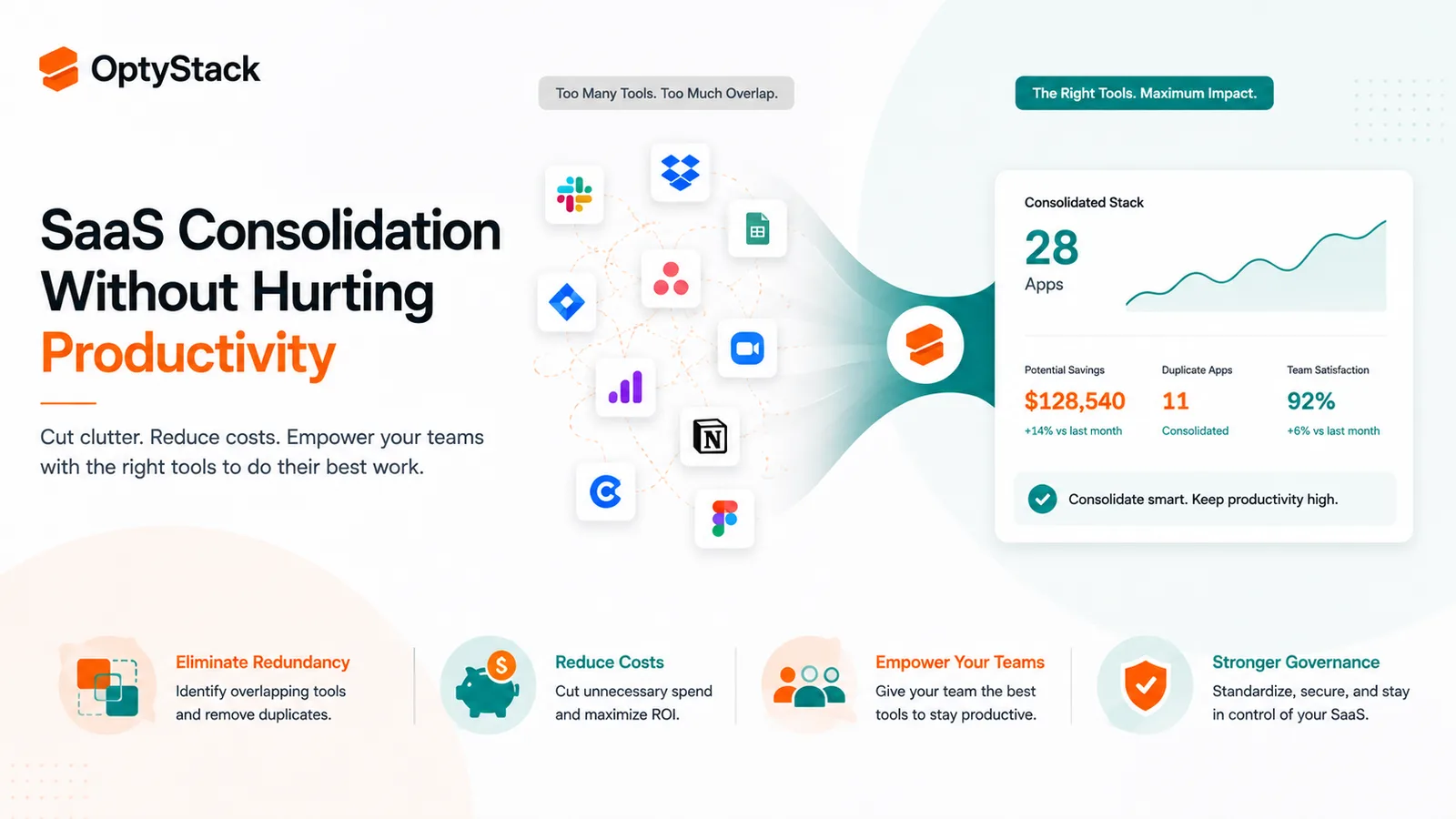
Most companies fear that cutting software will slow their teams down, but the real productivity drain is usually the duplicate tools they haven't consolidated yet. Here's how to cut overlap without breaking the workflows people actually depend on.
Companies worry more about the wrong risk when they think about cutting software. The instinct is to protect every tool just in case, because nobody wants to be the one who cut something a team actually needed. But most SaaS stacks aren't full of tools people depend on. They're full of duplicates: the same job done by three or four different apps because three or four different teams each picked their own without checking what already existed. Consolidating that kind of overlap doesn't hurt productivity. Leaving it in place does.
Why stacks end up this bloated in the first place
Nobody sets out to buy the same tool five times. It happens because each team is optimizing for its own immediate need, one purchase at a time, without visibility into what other teams already have.
Zylo's research has consistently found this pattern: in its 2024 SaaS Management Index, the average organization ran 15 duplicative online training apps, 11 project management tools, and 10 team collaboration apps. Those aren't outliers. They're categories where redundancy is basically structural, because collaboration and project tracking are things every department thinks it needs its own version of.
Marketing buys its own AI writing tool. Sales buys its own dialer. Engineering picks up two different coding assistants. Each decision makes sense from inside the team making it. Add them all up and you get a stack where a huge share of the spend is paying twice, or three times, for the same underlying function.
The productivity cost people don't see coming
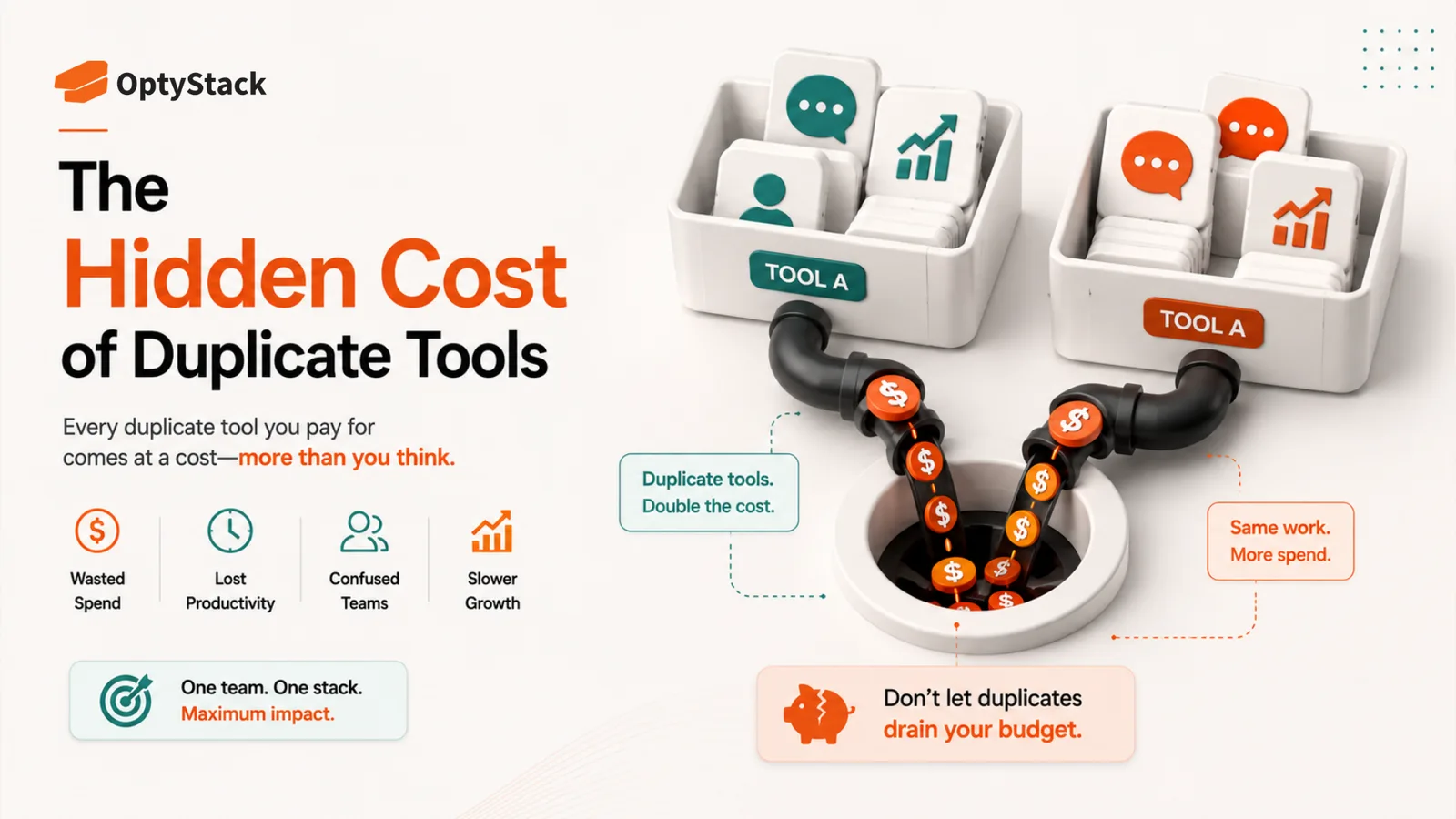
The instinct to protect productivity by keeping every tool actually has it backwards in most cases. Switching between multiple tools that do the same job costs real time and focus, and that's before counting the time spent figuring out which of three project management tools actually has the file someone's looking for.
When a company runs multiple tools for the same job, data fragments across all of them. Reporting gets inconsistent because half the team is pulling numbers from one system and half from another. Dependencies get lost because nobody has a single place to see the whole picture. The tools that were each adopted to make a team faster end up making the company, as a whole, slower.
That's the real productivity risk in most stacks: not the tools you'd consolidate, but the ones you haven't yet.
How to consolidate without breaking anything people rely on
Start with a full map, not a guess. You can't consolidate what you haven't inventoried. Pull every application the company pays for, including the ones bought outside IT, and group them by function rather than by department. This is where duplicates become visible, sometimes for the first time.
Sort every tool into a small number of categories. A simple version: core platforms that stay no matter what, tools that genuinely extend a core platform with something it doesn't offer, tools whose function overlaps with something you already have, and tools with usage low enough that they're candidates for outright removal. Sorting first keeps the decision from becoming an argument about every single app at once.
Check what your existing platforms already include before buying anything new. A lot of duplication traces back to teams not realizing a capability was already sitting inside a suite they were already paying for. Microsoft 365 alone bundles collaboration, file storage, and workflow tools that plenty of companies pay separately for elsewhere.
Bring the actual users into the decision, not just the budget owner. A tool that looks redundant on a spreadsheet might have a specific feature a team genuinely depends on. Consolidation decisions made without asking the people using the tool are the ones most likely to backfire and cause real disruption.
Negotiate before you cut, not after. When two overlapping vendors are both up for renewal, that's leverage. Bringing a competing quote to the table, even for a tool you plan to keep, tends to get a better price than negotiating in isolation.
Migrate on a real timeline, not overnight. Give teams time to move their data and adjust their workflow before shutting the old tool off. A consolidation that saves money on paper but breaks someone's workflow in the process just trades one problem for another.
Put a policy in place so the overlap doesn't quietly rebuild. Without some kind of check before a new tool gets purchased, the same redundancy that got cleaned up this year tends to reappear within twelve months. A lightweight approval step for anything that duplicates an existing category is usually enough.
What good consolidation actually looks like in practice
Done well, this isn't about cutting every tool down to a single company-wide platform. It's about making sure every tool in the stack is there because it's earning its place, not because nobody's checked. Some categories genuinely benefit from a specialized tool. Others are paying for the same function five times over for no real reason.
The goal is a stack where every application has a clear job and someone can actually explain why it's there, not a smaller stack for its own sake.
Where OptyStack fits
Finding every instance of overlap by hand means someone manually cataloging a hundred-plus applications, grouping them by function, and cross-checking usage across every team, which is exactly the kind of project that gets started and then stalls.
OptyStack surfaces overlapping and duplicate tools automatically by mapping your full application inventory against actual usage, so the redundancy shows up on its own instead of requiring a manual audit across every department. You see where the real overlap is before deciding what to consolidate, rather than guessing from a spreadsheet.
It's free to start and doesn't require a credit card.
See where your SaaS stack overlaps. Start free with OptyStack.