Stop Trying to Ban Shadow IT. Manage It Instead
Anand Kumar · February 20, 2026
Banning unapproved apps doesn't stop Shadow IT; it just pushes it further into the dark. Learn how modern IT teams are transitioning from the "Department of No" to a secure, permissive framework using automated vetting.
Introduction: The "Department of No" is Obsolete
For decades, the IT department operated with a simple mandate: control the perimeter. If a software tool wasn’t purchased by procurement, vetted by security, and installed by a systems administrator, it simply didn't enter the network. IT was famously known as the "Department of No."
But the cloud revolution broke the perimeter, and the product-led growth (PLG) motion of modern SaaS companies changed the buyer entirely. Today, the buyer isn't the CIO; it’s the marketing manager who needs a better email formatting tool, or the junior developer who wants an AI code assistant.
When these employees hit an IT roadblock, they don't give up. They just bypass it. They use a personal credit card, sign up with their corporate email, and get to work.
The uncomfortable truth for modern security teams is this: Banning tools doesn't eliminate Shadow IT. It just makes your employees better at hiding it.
It is time to transition from a strategy of prohibition to a strategy of management. Here is how to embrace a "Permissive but Secure" framework.
The Psychology of the Bypass: Why Employees Go Rogue
To manage Shadow IT, you have to understand why it happens. Employees rarely use unsanctioned tools maliciously. They do it because the authorized tools are failing them in one of three ways:
The Speed Deficit: If the official IT procurement process takes six weeks to approve a $15/month PDF editor, the employee will simply buy it themselves in six minutes. Speed is the currency of modern business.
The UX Gap: Legacy enterprise software is often clunky. If the company-mandated project management tool requires ten clicks to update a task, but a free SaaS tool requires two, employees will migrate to the path of least resistance.
Niche Functionality: Blanket enterprise suites (like Microsoft 365 or Google Workspace) are great generalists, but they often lack the hyper-specific features that specialist teams (like design, ops, or development) need to excel.
When you drop the "Ban Hammer" on these user-chosen tools, you aren't just improving security you are actively degrading your team's productivity and morale.
The Fallacy of the Ban Hammer
What happens when you use a web filter to block an unsanctioned SaaS application?
In a traditional office setting, the employee might have submitted a ticket. In today's hybrid and remote-first world, the employee simply disconnects from the corporate VPN, switches to their personal Wi-Fi, or transfers the corporate data to their personal Macbook to complete the task.
By trying to block the application, you have inadvertently pushed corporate data onto unmanaged, unsecured personal devices. You have transformed a manageable visibility problem into a critical data leakage crisis.
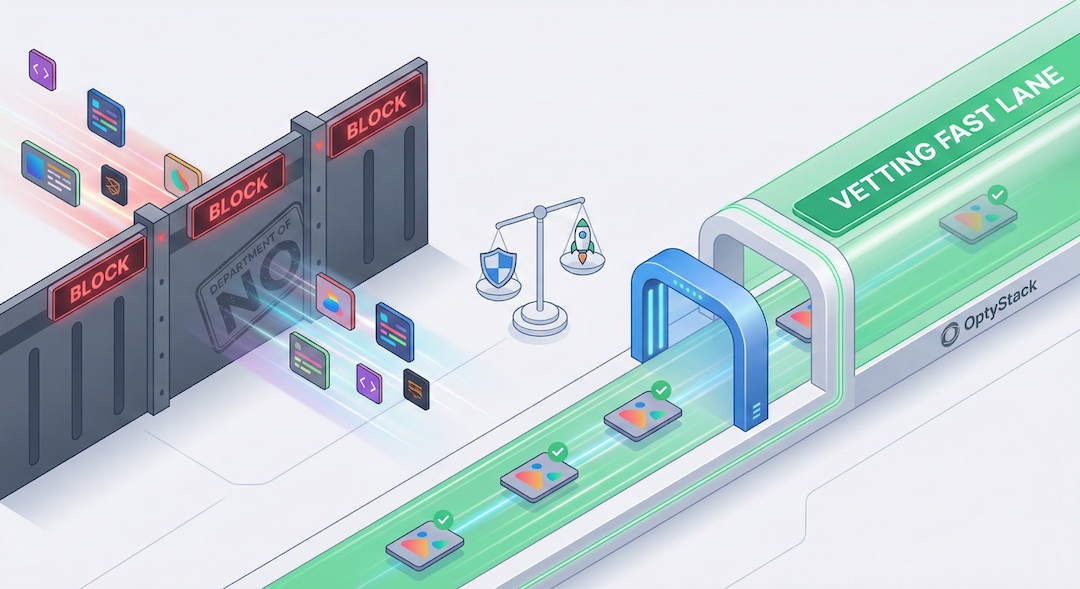
The Solution: Building a "Vetting Fast Lane"
The goal is no longer "Zero Shadow IT." The goal is Zero Unknown IT.
To achieve this, IT leaders must implement a "Vetting Fast Lane" a system designed to approve low-risk tools rapidly, saving the heavy scrutiny for applications that actually pose a threat.
Step 1: Categorize the Risk Profile Not all Shadow IT is created equal. You need to establish clear, automated criteria to sort discovered applications into three buckets:
Sanctioned & Managed: The core stack (Salesforce, Slack, AWS). Fully managed via SSO and IT provisioning.
Tolerated (The Gray Zone): Low-risk productivity tools (e.g., a specific brainstorming whiteboard or a scheduling link app). These tools might not need SSO or enterprise licenses, but IT needs to know they exist, ensure they aren't processing PII (Personally Identifiable Information), and monitor their costs.
High Risk (Blocked): Applications that request dangerous OAuth scopes (e.g., "Read and delete all emails"), lack basic compliance certifications (SOC2), or are known vectors for malware.
Step 2: The 24-Hour SLA for Low-Risk Tools If an employee requests a tool that falls into the "Tolerated" category, IT should have a Service Level Agreement (SLA) to approve it within 24 hours. By proving to employees that IT is a facilitator rather than a roadblock, you encourage them to bring new tools to your attention before they upload sensitive data.
How OptyStack Enables "Permissive Security"
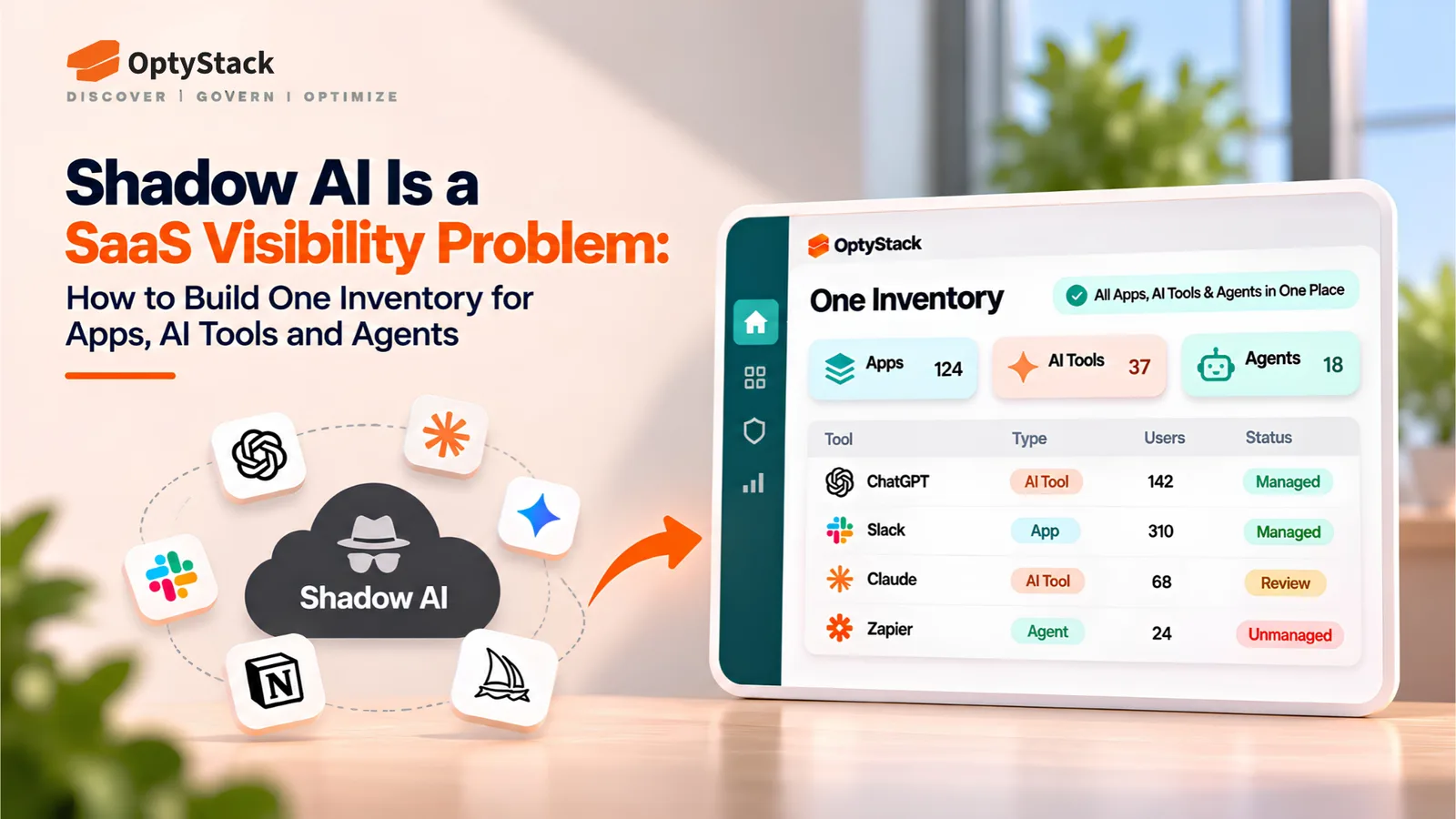
You cannot manage what you cannot see. The entire "Vetting Fast Lane" framework relies on having a real-time, accurate inventory of what your employees are actually using.
This is where traditional financial audits fail (they only catch paid apps) and where network firewalls fall short (they miss off-network remote work).
OptyStack bridges this gap by operating at the browser level the actual endpoint where modern SaaS is consumed.
Silent Discovery: OptyStack’s lightweight extension detects when an employee logs into a new SaaS application, without logging keystrokes or invading personal privacy.
Instant Risk Context: When a new app is discovered, OptyStack provides immediate context. Is this a known, safe application? Are 15 other people in the company already using it?
Automated Action: Instead of manually hunting down the user, IT can use OptyStack to automatically send a Slack ping: "We noticed you're using App X. Click here to submit a 30-second approval request."
Conclusion: Embrace the Agility
Shadow IT is actually a massive decentralized Research & Development engine. Your employees are out there finding the best, fastest, and most innovative tools to get their jobs done.
Instead of fighting that innovation, IT can harness it. By deploying tools like OptyStack to gain visibility, and building a fast-lane for safe approvals, you transform IT from the "Department of No" into the engine of secure agility.