How to Plan Your 2027 SaaS Budget: A Practical Guide for Finance and IT Teams
Aryan Malik · October 20, 2026
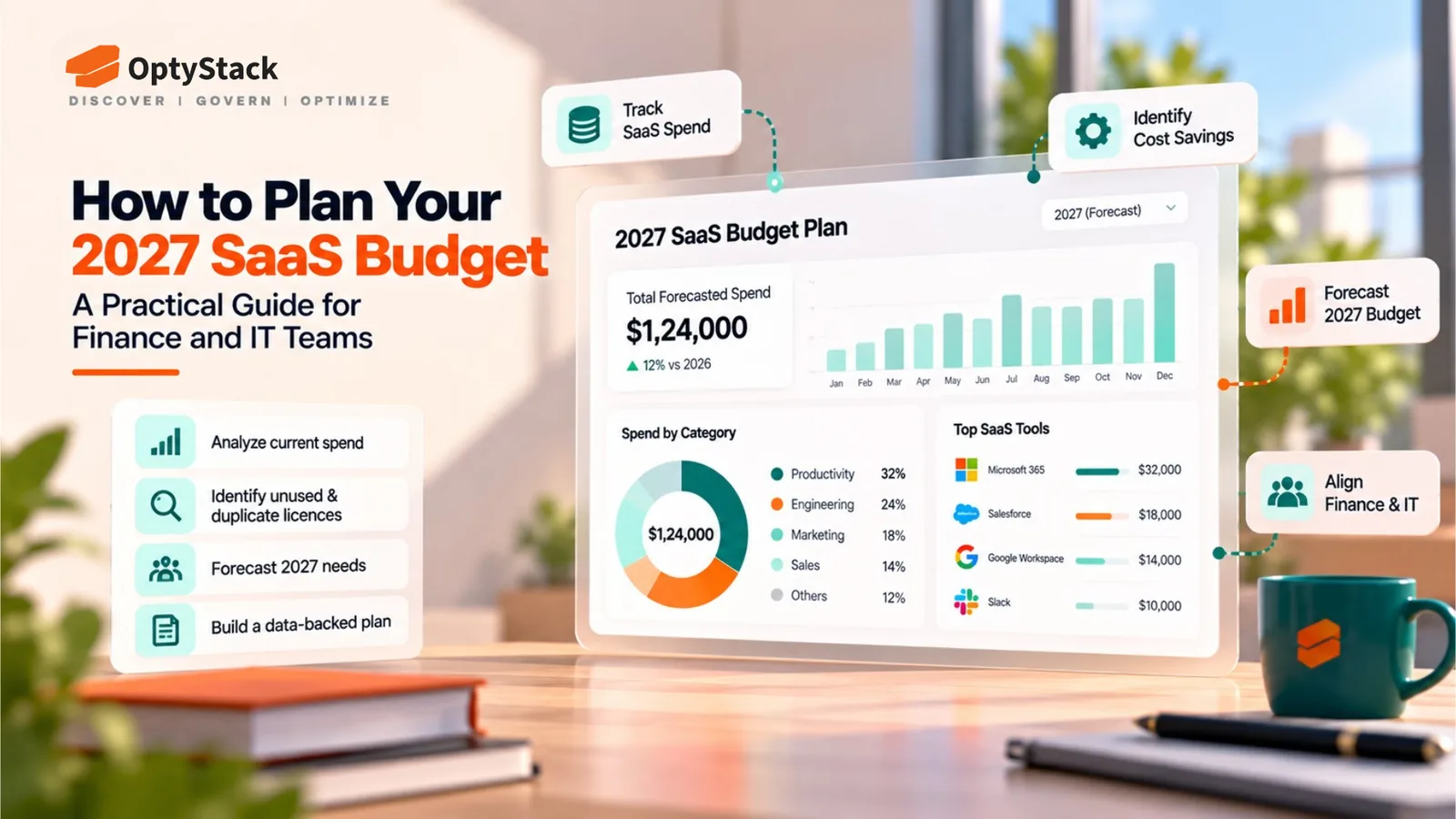
Build a reliable 2027 SaaS budget by consolidating software spending, reviewing renewals, identifying unused licenses, and forecasting AI and subscription costs. Use this practical guide to align Finance and IT before committing to new software expenses.
Planning your 2027 SaaS budget requires more than adding last year's software expenses to a spreadsheet and applying an increase. Your application portfolio may have changed, employees may be adopting new AI tools, existing contracts may be approaching renewal, and some licenses may no longer be used.
When Finance and IT plan independently, these changes can lead to duplicate subscriptions, unexpected renewals, and budget estimates that do not reflect actual usage.
A better approach is to build your budget around a reliable SaaS inventory, verified spending data, renewal commitments, license utilization, and realistic forecasts. This guide explains how to create that plan and where SaaS management tools can help.
1. Establish Your Current SaaS Spending Baseline
Start by calculating how much your organization currently spends on SaaS. Use invoices, procurement records, corporate card statements, expense claims, vendor contracts, and information from department heads to assemble the initial picture.
Do not rely exclusively on your accounting system. It may capture payments without showing which applications are actively used, how many licenses are assigned, or when contracts renew.
For each application, record:
Application name and business purpose
Department and accountable owner
Monthly or annual subscription cost
Number of purchased and assigned licenses
Active users and available usage information
Contract start date and renewal date
Cancellation notice period and auto-renewal terms
Payment frequency and billing model
Include applications purchased directly by departments, not just software approved by central IT. This helps uncover duplicate tools and spending that may otherwise be missed.
The result should be a shared baseline that Finance, IT, and procurement can use for planning.
2. Build a Complete SaaS Inventory
A spending baseline tells you how much you pay. An inventory helps explain what you are paying for and who is responsible.
Consolidate the information into one working register. Standardize application names so that different vendor descriptions do not create duplicate entries. Record the business owner and identify whether each tool is approved, under review, redundant, or no longer required.
Also look for applications that are being paid for but are missing from your official software register. Expense records, application integrations, identity systems, and other discovery signals can help identify gaps, although each source has limitations.
This is where a SaaS management platform can become useful. OptyStack brings application, spending, identity, and usage information into a more centralized view, helping teams understand their software environment and investigate applications that need attention.
For organizations not yet using a dedicated platform, a structured spreadsheet is a reasonable starting point. The important thing is to establish a consistent inventory before committing to next year's spending.
3. Review Renewals Before They Lock In Spending
Renewals are among the most important inputs to a SaaS budget because many subscription costs are already committed before the new financial year begins.
Review every contract due to renew in 2027, including its price, license quantity, renewal terms, notice period, and cancellation deadline. Flag contracts that require a decision well before their renewal date.
For each renewal, decide whether to:
Renew: The application is necessary and its cost is justified.
Renegotiate: The organization needs the tool but should review pricing, tiers, or license quantities.
Reduce: Some licenses or features can be removed.
Consolidate: Another application already meets the same business need.
Cancel: The tool is no longer required, subject to contractual obligations.
Assign an owner and a decision deadline to every significant renewal. A renewal calendar helps teams act before automatic extensions or notice periods limit their options.
OptyStack's renewal calendar, available on its Pro plan, helps teams organize upcoming renewals as part of their SaaS management workflow. It supports the review process by making renewal commitments easier to track. Contract terms and final renewal decisions still need to be validated by the responsible team.
4. Identify License Waste and Optimization Opportunities
A 2027 budget should not assume that every existing license must be purchased again.
Compare purchased seats with assigned seats and available usage information. Investigate inactive accounts, unused licenses, oversized plans, duplicate applications, and subscriptions that no longer match the team's needs.
For each potential saving, estimate the financial impact and verify that the change will not disrupt an important business process.
For example, if 20 licenses cost ₹1,500 each per month and can genuinely be removed, the theoretical annual saving is:
20 × ₹1,500 × 12 = ₹3,60,000
This is an illustrative calculation, not a guaranteed saving. Check minimum seat commitments, cancellation rules, taxes, and any replacement costs before including the amount in your forecast.
OptyStack supports license optimization by helping teams identify unused licenses and review user and application information. Its license reclamation capabilities can help teams act on those findings.
Finance should count a saving in the budget only after the proposed reduction has been validated and the relevant commitment can actually be changed.
5. Forecast AI and Usage-Based Software Costs Separately
AI tools can make SaaS budgeting more difficult because not all costs follow a fixed per-user subscription model. Organizations may pay for seats, consumption, API usage, credits, premium features, or a combination of these.
Separate AI-related expenses from conventional subscriptions in your budget. For each tool, document its pricing model, current spend, expected users, usage limits, and any planned expansion.
Build three estimates:
Base case: Existing adoption continues at an expected level.
Growth case: More employees or teams adopt the tool, increasing subscription or consumption costs.
High-cost case: Usage rises faster than expected, or additional features and capacity become necessary.
For usage-based services, use actual billing and consumption records where available. A per-employee allocation can help with internal planning, but it should not be mistaken for a technical spending cap or a guarantee that costs cannot exceed the allocation.
Also account for AI tools purchased outside approved procurement processes. Application discovery can help reveal parts of this environment, but discovering an application is not the same as measuring all its AI consumption costs. Budget owners should validate billing information directly with vendors or the systems that record usage.
OptyStack can help teams improve visibility into their SaaS application environment, including applications that warrant further review. Use that visibility alongside vendor billing records and consumption reports when forecasting AI expenses.
6. Create Three Budget Scenarios for 2027
Once you have the baseline, renewals, and optimization opportunities, prepare three forecasts instead of relying on one number.
Budget scenario | What to include |
|---|---|
Lean | Confirmed commitments, essential renewals, and verified reductions |
Expected | Planned headcount, anticipated adoption, normal renewals, and approved projects |
Growth | Additional teams, new applications, higher AI usage, and strategic initiatives |
Separate unavoidable commitments from discretionary spending. This gives leadership a clearer view of which costs are fixed, which can be changed, and which depend on future decisions.
Document the assumptions behind each scenario, including hiring plans, contract increases, currency exposure where relevant, and expected usage changes. Do not include speculative savings as confirmed budget reductions.
A centralized view of applications, spending, licenses, and renewals can help Finance and IT investigate the assumptions behind their forecasts. OptyStack can support that SaaS management workflow, while final budget calculations and financial approvals remain with the organization.
7. Align Finance, IT, Procurement, and Department Owners
SaaS budget planning works best when responsibilities are explicit.
Finance should validate spending data, establish budget limits, and approve the forecast. IT should review application usage, access, duplication, and technical requirements. Procurement or legal teams should verify contract terms and renewal obligations. Department owners should confirm whether each application is still necessary and explain expected changes in demand.
A shared inventory makes these conversations more productive because teams can work from the same information instead of reconciling separate spreadsheets every time a renewal comes up.
For larger portfolios, OptyStack can help centralize SaaS application, spending, user, license, and renewal information. This gives stakeholders a more consistent starting point for reviewing costs and deciding where further investigation is needed.
Explore OptyStack's SaaS management platform to see how application visibility and license management can support this process.
8. Review the Budget Throughout 2027
Budget planning should not end when the forecast is approved. New applications, changes in headcount, contract renewals, and increasing usage can quickly make the original estimate outdated.
Set a monthly review to compare actual spending with the budget. Investigate material variances, update renewal forecasts, check whether approved license reductions occurred, and record new applications or commitments.
Track a small set of useful measures:
Actual SaaS spend versus budget
Forecast spending for the remainder of the year
Renewals due in the next 90 days
Unused or underused licenses requiring review
New applications and unplanned spending
Verified savings compared with the original forecast
Assign an owner and next action to every significant variance. This turns the budget into an ongoing management process rather than a spreadsheet that is revisited only when costs exceed expectations.
A SaaS management platform can help maintain visibility as your portfolio changes. Combined with regular financial reviews, it can help teams spot issues earlier and make more informed decisions about renewals, licenses, and new software requests.
Turn Your 2027 SaaS Budget Into an Action Plan
A reliable SaaS budget starts with visibility into the applications your organization uses, the commitments it has made, and the licenses employees actually need. From there, teams can forecast growth, review renewals, investigate waste, and make better-informed spending decisions.
The OptyStack SaaS Audit Toolkit provides an Excel workbook with a SaaS inventory, a 25-point audit checklist, a renewal calendar, and an audit summary. Use it to organize your initial review, identify gaps, and prioritize the subscriptions that deserve attention before the next budget cycle.
Replace the toolkit's illustrative sample data with your own application, spending, usage, and contract information before using the results for financial decisions.
Start your 2027 budget review with a clearer view of your SaaS portfolio.