AI Credits at Renewal: A Finance Checklist for Usage-Priced SaaS
Aryan Malik · October 21, 2026
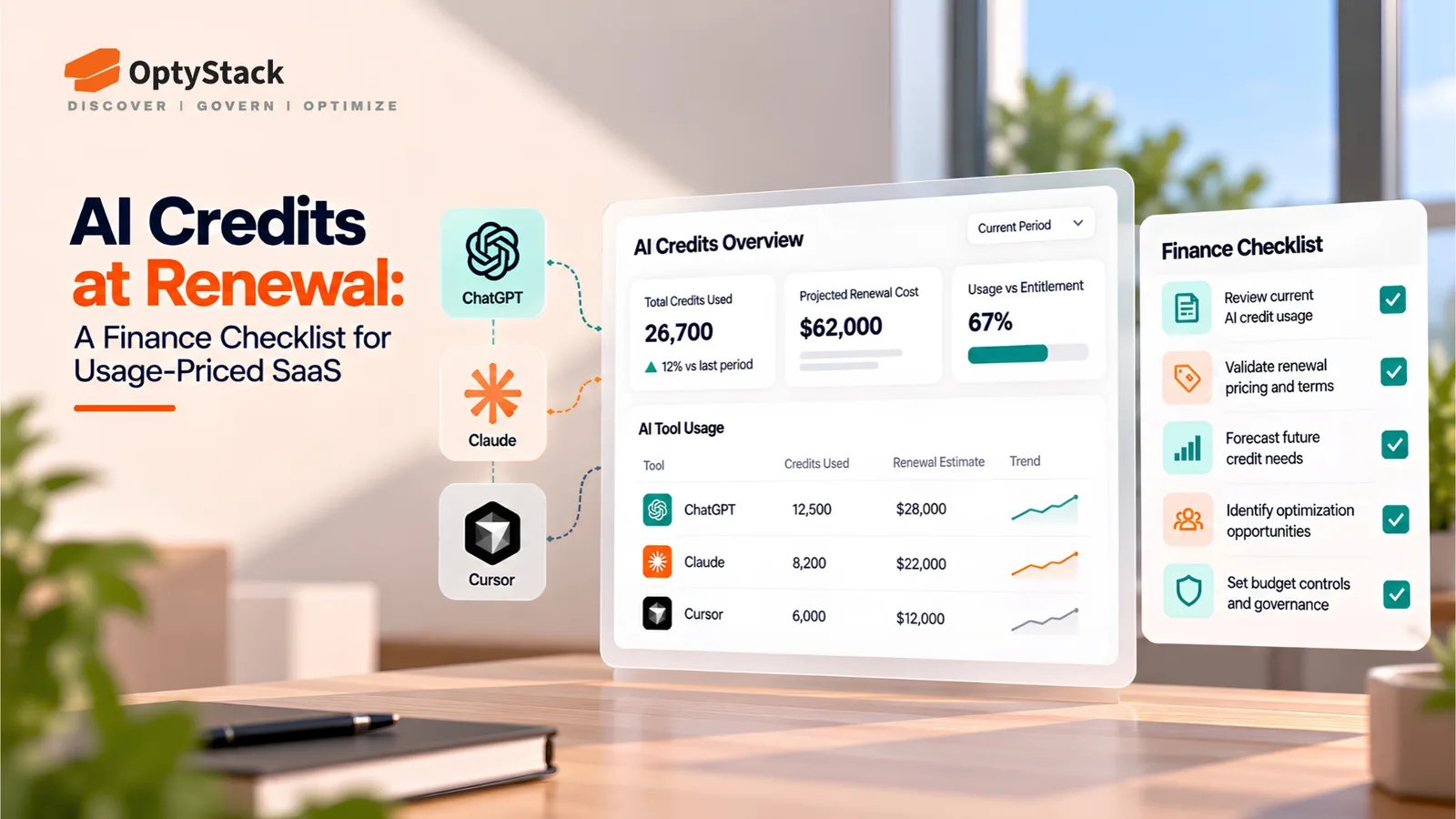
AI credits and usage-based pricing make SaaS renewals harder to forecast. Learn how Finance and Procurement can review allowances, control overages, and prepare 90 days before renewal.
SaaS renewals used to be relatively straightforward: confirm the number of seats, review the subscription price, and negotiate the next contract term. With AI features increasingly priced through credits, tokens, and consumption-based add-ons, that process needs another layer of scrutiny.
A vendor may include AI features in a premium subscription, allocate a monthly credit allowance, or charge additional fees when usage exceeds the agreed limit. If Finance reviews only the headline subscription price, the actual cost of using the software can be difficult to predict.
For teams responsible for SaaS renewal management, the priority is to review consumption alongside contract terms, understand which teams are using the credits, and establish appropriate spending controls before the renewal quote arrives.
Why Seat-Based SaaS Pricing Is Giving Way to Credits
Traditional per-seat pricing ties a large part of software spending to the number of people with access. That model becomes less representative of cost when AI features perform different amounts of work for different users.
One employee might use an AI assistant occasionally, while another runs hundreds of queries, generates code, or automates complex workflows. Both may hold identical licenses but generate very different consumption costs.
Vendors are responding with hybrid pricing models that combine a base subscription with usage-based charges, prepaid credits, or consumption tiers.
Two industry sources illustrate the shift:
G2: Its 2026 Buyer Behavior Report, based on a survey of more than 1,000 B2B software buyers and decision-makers, found that 49% of surveyed buyers had been offered variable-cost pricing based on outcomes, consumption, or tokens instead of a traditional seat license or subscription. Another 42% said they had been told such changes were coming.
Stripe: Its 2026 usage-based pricing guidance reports that 74% of suppliers had adopted usage-based models and 56% expected usage-based revenue to grow by 2027. These are supplier-side adoption and growth expectations, not measures of buyer preference.
Together, these findings illustrate why Finance and Procurement need to scrutinize more than the annual subscription fee. Usage-based pricing can align costs more closely with consumption, but only when buyers can understand, forecast, and manage that consumption.
Where Unexpected AI Costs Come From
Three pricing patterns deserve particular attention during a renewal review.
1. AI features bundled into premium tiers
A vendor may advertise AI features as included in a higher-priced plan. However, included does not necessarily mean unlimited. The plan might provide a monthly credit allowance, restrict access to advanced models, or apply separate limits to particular features.
What Finance should check: Which AI capabilities are included, how credits are allocated, what counts as billable usage, and whether the allowance resets monthly or annually.
2. Credit allowances that do not match actual usage
Prepaid credits can simplify purchasing, but an allowance based on estimated demand can become expensive in either direction. Too few credits may trigger additional purchases, while too many may leave the organization paying for capacity it never uses.
Credit units can also be difficult to compare across vendors. One provider's credit might represent a fixed operation, while another's varies by model, task complexity, or consumption.
What Finance should check: Historical consumption, unused balances, expiration rules, rollover eligibility, and the price of additional credits. Ask the vendor to explain how typical workflows translate into credits and currency.
3. Mid-term overages and changing contract terms
Some contracts permit additional usage charges once an allowance is exhausted. Others require a credit top-up, a plan upgrade, or a change to the billing arrangement.
A low introductory allowance may therefore make the initial quote attractive while leaving the organization exposed to higher costs later.
What Finance should check: Overage rates, alert thresholds, automatic top-ups, spending limits, price changes, and approval procedures for additional consumption. Confirm whether the vendor can change credit rates or packaging during the contract term.
The central question is not simply how much the vendor charges today. It is how the total cost changes as adoption grows.
Five Controls to Evaluate Before Accepting Variable AI Spend
The following five controls provide a practical framework for evaluating AI-enabled SaaS pricing. Their availability varies by provider, so buyers should confirm which controls are supported, which require additional configuration, and which are not available.
1. Usage dashboards
Finance and IT need visibility into consumption against the purchased allowance. A useful dashboard should show usage over time, remaining credits, projected exhaustion dates, and spending by application or team where the underlying data is available.
Ask how frequently the dashboard updates and whether usage and billing records can be exported for independent analysis.
2. Spending alerts and enforceable caps
Alerts warn teams when usage approaches a threshold. They do not necessarily stop additional charges.
A hard spending cap is different: it must be technically enforced by the provider or an appropriate control layer. Even then, buyers should confirm whether the cap applies to all billable usage, how quickly it takes effect, and what happens when the limit is reached.
Ask about configurable alerts, automatic top-ups, approval requirements, and enforceable limits. Do not assume that a notification prevents overages.
3. Cost per outcome
Raw credit consumption does not establish whether the expense is worthwhile. Where practical, compare the cost of completing a meaningful task—for example, resolving a support request, reviewing a document, or completing a coding workflow.
Agree on the measurement method before comparing vendors. A cheaper task is not necessarily better if it produces lower-quality results or requires substantial human rework.
4. Lower-cost model routing
Some AI products can direct different tasks to different models. A less expensive model might handle routine requests, while a more capable model is reserved for tasks that require it.
Ask whether model routing is available, what determines model selection, and whether the vendor can report the associated costs. Treat it as an option to evaluate, not a capability every AI application provides.
5. Forecasting before deployment
Before rolling out an AI feature or expanding access, estimate likely costs under different adoption and usage scenarios.
Use historical consumption where available, then model expected, high-growth, and high-cost cases. Document assumptions about employee numbers, task frequency, credit rates, and overage charges.
A forecast will not eliminate uncertainty, but it can expose a pricing model that becomes difficult to manage as usage scales.
The 90-Day Pre-Renewal Checklist
Starting 90 days before renewal gives Finance and Procurement time to gather evidence, question assumptions, and negotiate alternatives before the decision becomes urgent.
Days 90–61: Establish the facts
Gather the current contract, pricing schedule, and renewal quote if available.
Record the base subscription, credit allowance, overage rates, and renewal date.
Export available usage and billing data for the previous 6–12 months.
Identify the application owner, budget owner, and teams using AI features.
Check credit expiration, rollover, and automatic top-up rules.
Confirm the contractual notice period and cancellation deadline.
Days 60–31: Model cost and value
Compare purchased credits with actual consumption.
Calculate average monthly spend and identify peak usage periods.
Estimate expected and high-cost scenarios for the next contract term.
Review cost per outcome where reliable outcome data exists.
Compare alternative tiers, credit bundles, and competing offers.
Ask the vendor for transparent pricing and documented spending controls.
Identify any credits or features that may be unnecessary for the next term.
Days 30–0: Negotiate and approve
Negotiate the credit allowance, overage rates, renewal increase, and commitment length.
Request alerts, enforceable caps, or approval controls where available.
Confirm what happens to unused credits and whether pricing can change mid-term.
Obtain approval from the budget owner and relevant technical stakeholders.
Record the agreed terms, renewal decision, and next review date.
Check the contract's actual notice period before using this timeline. If cancellation or renegotiation requires more than 90 days' notice, begin earlier.
How OptyStack Helps Map SaaS Spending to People and Teams
A vendor's usage report is only one part of the renewal picture. Finance also needs to understand which application the charges belong to, which departments rely on it, who has access, and whether the purchased licenses are still justified.
OptyStack helps teams centralize SaaS application and spending information, review spend by application and department, and connect application records with user and license information. Its usage analytics and identity mapping can help identify inactive accounts, potentially unnecessary licenses, and applications that warrant further investigation.
Before a renewal quote arrives, this visibility can help teams:
Identify ownership: Determine which department and accountable owner should validate the application's business need.
Review license utilization: Find inactive users or potentially unnecessary seats before renewing the same allocation.
Understand spending patterns: Examine application-level and department-level spend to identify changes that warrant investigation.
Prioritize renewal reviews: Bring upcoming commitments into the same SaaS management process as application and license reviews.
There is an important distinction: application-level spending and user-level license visibility do not automatically provide complete token-by-token AI consumption data. Finance should reconcile OptyStack's available application, spending, and user information with the AI vendor's credit reports, billing exports, and consumption records wherever detailed metering is required.
This combined approach gives teams a more complete basis for evaluating a renewal. Instead of reviewing the quote in isolation, they can examine the proposed commitment alongside application ownership, license utilization, and available spending data.
Explore OptyStack's SaaS management platform and pricing plans to review its available capabilities.
Make AI Credits Part of SaaS Renewal Management
AI credits should be reviewed with the same discipline as subscription seats, contracts, and renewal dates—but they require additional attention to consumption, allowances, overages, and business outcomes.
Start 90 days before renewal. Establish the actual cost, map application usage to accountable teams, forecast likely demand, and negotiate the controls needed to keep spending manageable throughout the contract term.
The OptyStack SaaS Audit Toolkit provides an Excel workbook with a SaaS inventory, a 25-point audit checklist, a renewal calendar, and an audit summary. It can help organize the information required for a structured SaaS review.
Replace the toolkit's illustrative sample data with your own application, spending, usage, and contract information before using the results for financial decisions.
Enter every renewal with evidence of usage, a defensible cost forecast, and a clear understanding of the value your organization expects to receive.