Shadow AI Discovery Beyond the Identity Provider: What Your SSO Can’t See
Aryan Malik · October 12, 2026
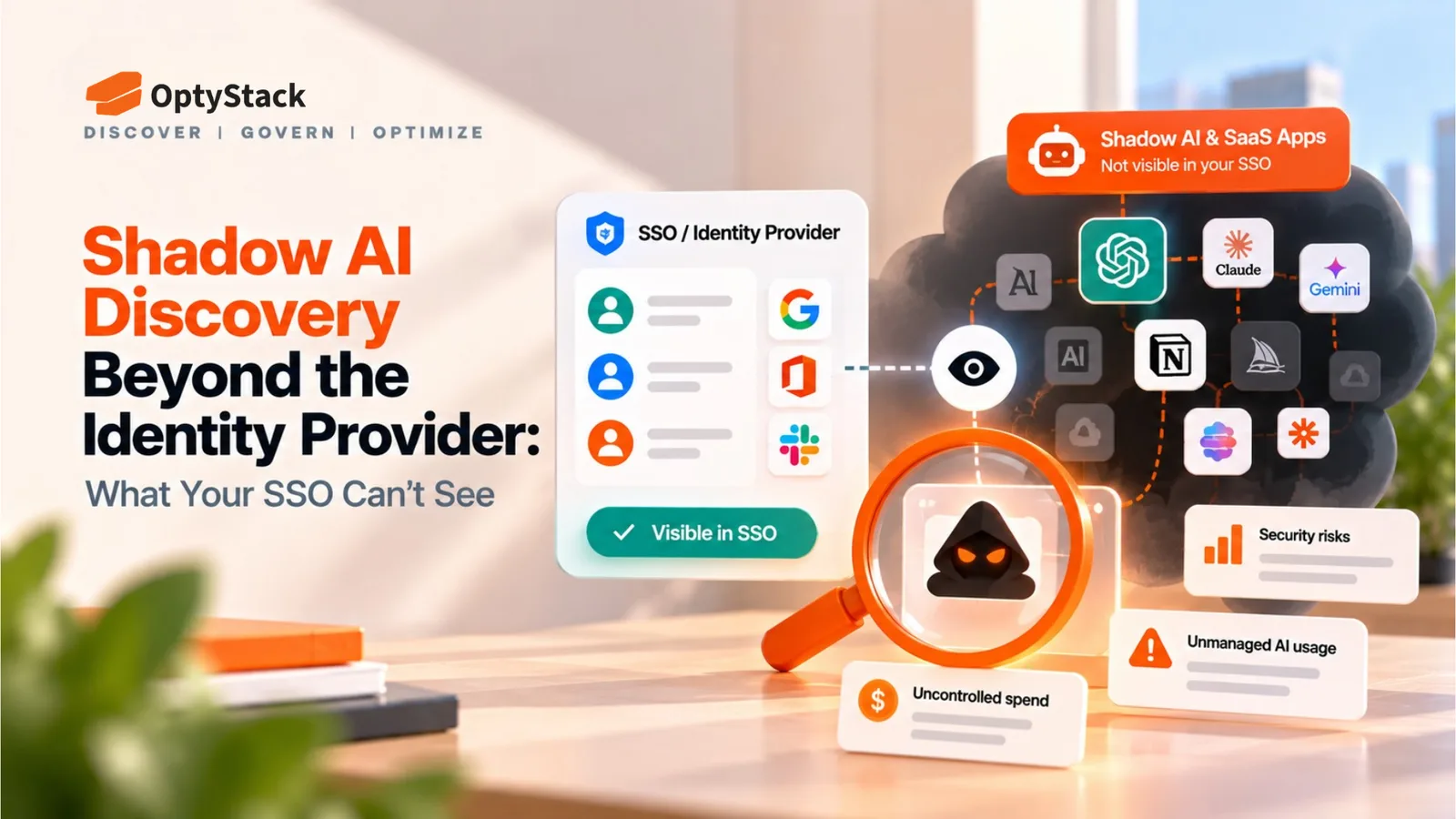
Nearly half of enterprise AI conversations run through personal accounts, according to Akamai’s 2026 telemetry. Here’s why SSO logs miss them and how to find shadow AI through spend, browser and OAuth signals.
Your SSO log lists what people signed into through the identity provider. It doesn’t list what people use. That gap matters more for AI than for earlier SaaS, because AI tools are easy to reach with a personal login, an API key, or an OAuth grant that never touches the identity provider.
Akamai’s Enterprise AI Usage Risk Report 2026, built on usage telemetry rather than a survey, found that 47.11% of enterprise AI conversations ran through personal identities instead of corporate-managed accounts. Another 14.4% came through corporate email addresses tied to personal freemium subscriptions, which can look like sanctioned use in a domain-based access report.
What your SSO logs actually show
An identity provider records authentication events for the applications connected to it. For those apps, the data is accurate and detailed. For everything else it’s silent: a tool someone signs up for with a personal email, a service with its own username and password, or an app connected to a work account through an OAuth grant.
That makes SSO a good baseline and a poor boundary. Anything on the list is known. Anything off the list is unknown, which isn’t the same as absent.
Why agents and AI features slip past the identity provider
Agents use credentials that aren’t a person’s login. An agent typically authenticates with an OAuth grant, an API key or a service account. In JumpCloud’s 2026 survey, 63% of agent environments still mixed in higher-risk authentication, such as shared service accounts and long-lived API keys. SailPoint’s research puts AI agents at 22% of all non-human accounts, and 85% of organizations still rely on legacy identity tools not designed for agent identities.
OAuth grants don’t need an SSO assignment. An employee can connect an AI app to a work account with a consent click, and the app then holds standing access to mail, files or calendars. Okta’s documentation describes shadow AI apps in these terms: apps users connect to company accounts without going through IT, many of them agents holding OAuth grants.
New AI features arrive inside tools you already approved. A product update can add AI to an application that passed review last year, and the SSO log looks the same because the login didn’t change. Whether a new feature is on by default varies by vendor and plan, so check admin settings after major updates rather than assuming.
What two 2026 surveys say about agent governance
Two reports from the first week of October frame the governance gap. SailPoint’s 2026-27 Horizons of Identity Security report, a survey of 340 senior identity, IT, cybersecurity and risk leaders, found that 79% of organizations run AI agents in production while only 2% use identity security tools purpose-built to govern them. JumpCloud’s Enterprise AI Access Is Outpacing Control, a survey of 250 IT leaders in the US and UK, found that among organizations using agents, 59% haven’t fully integrated them into the IAM policies that cover human users. It also found that 72% report a moderate-to-large gap between what AI may access and what they can prove it accessed.
Read these with care. Both describe agents organizations run on purpose, both come from companies that sell identity products, and both are self-reported surveys. Neither measures shadow AI directly. They do show that even sanctioned agents often sit outside identity governance. It’s reasonable to infer that unsanctioned ones are no better covered, but that is an inference, not a finding.
How to discover shadow AI through spend, browser and OAuth signals
No single signal finds everything, because each one sees a different slice. The table reflects general behavior, not any one product.
Signal | What it can show | What it misses |
|---|---|---|
SSO logs (baseline) | Apps behind the identity provider | Everything outside it |
Spend records | Paid AI subscriptions, API and usage invoices | Free tiers and personal accounts |
OAuth grants | AI apps connected to work accounts, with scopes and last activity | Tools used with a separate login |
Browser signals | AI sites and extensions in monitored browsers | Unmanaged devices, mobile, apps outside the browser |
Compare each list against the SSO baseline. An app that appears in spend or OAuth data but not in SSO is a candidate for review. OAuth review also surfaces forgotten access. In Material Security’s analysis of 22,332 OAuth-connected apps, 47.2% had recorded no active usage in 90 days or more while their authorizations stayed intact, and more than half of the AI-connected apps held sensitive or restricted scopes.
A shadow AI discovery checklist
1. Export your SSO app list as the baseline. Everything you find later gets compared against it.
2. Pull twelve months of card, expense and invoice data. Flag AI vendors and usage or API invoices that aren’t on the baseline. Some AI adoption appears on expense claims rather than through procurement.
3. Review OAuth grants in Google Workspace and Microsoft 365. What you can see depends on the platform, configuration and connection type. Note scopes and last activity, and revoke grants for apps nobody uses.
4. Add browser signals where you manage browsers. Expect gaps on unmanaged devices and mobile.
5. List non-human credentials. Inventory API keys, service accounts and agents, and give each a named owner.
6. Check admin settings for AI features in approved apps. Do it after major product updates.
7. Repeat on a schedule. Compare each run with the last to see what’s new.
Where OptyStack fits
A shadow AI scan means comparing three lists: what’s paid for, what’s connected, and what’s signed in through SSO. OptyStack brings identity, billing and usage signals into one inventory, so the gaps between those lists are easier to see. It’s a discovery and inventory layer. It doesn’t replace identity governance for agents, DLP or runtime monitoring.
OptyStack is free to start and doesn’t require a credit card. The pricing page shows which plan includes shadow AI app discovery.
Run a shadow AI scan with OptyStack.