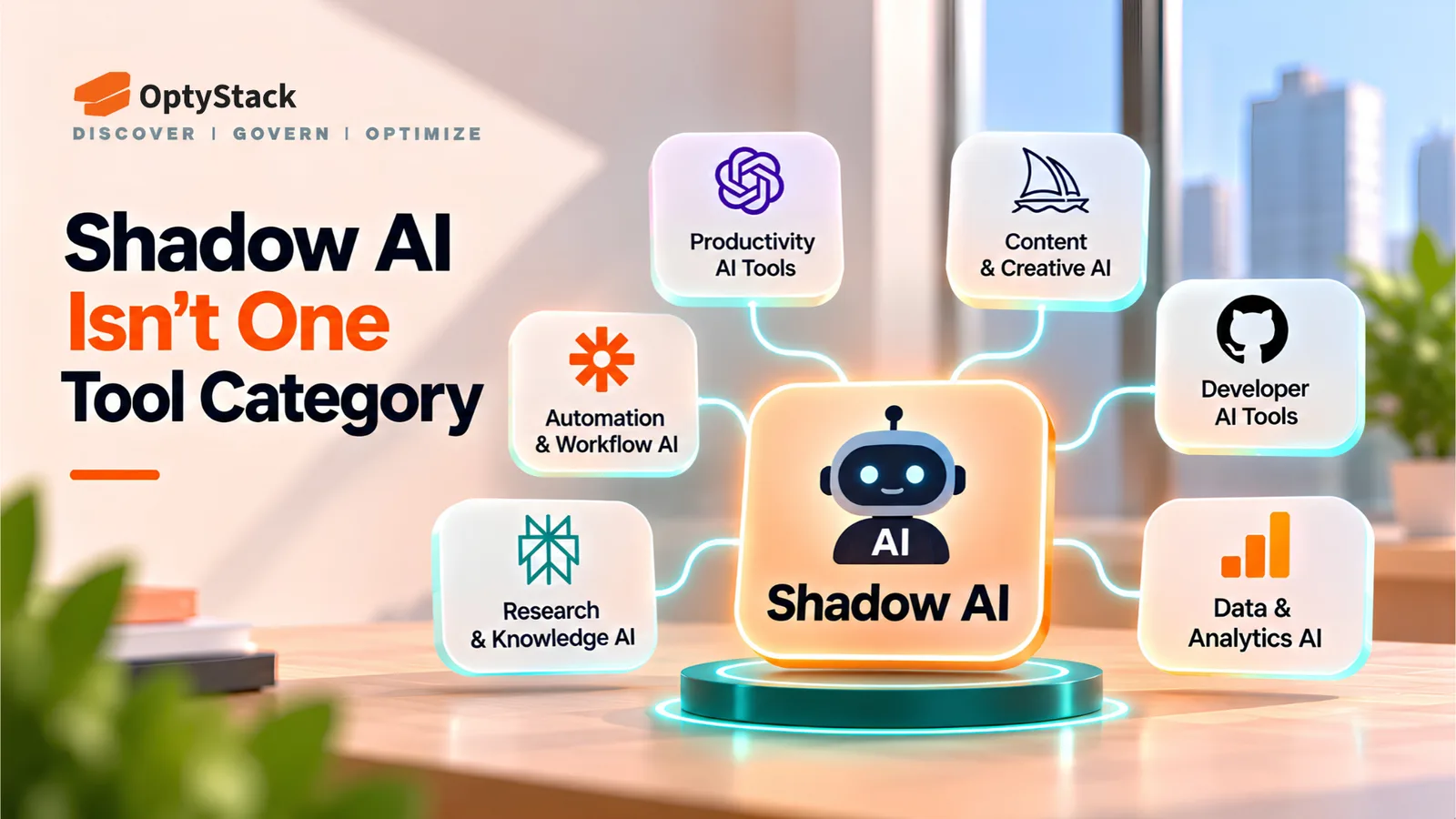
Shadow AI Isn't One Tool Category (And That's the Point)
Aryan Malik · October 16, 2026
NordLayer and Fleet announced new AI visibility capabilities on October 15, 2026, while Veeam launched an adjacent data resilience offering. Darktrace's SECURE AI became generally available in September. Here's how these products differ and what to ask before choosing a tool.
AI adoption is creating a visibility problem for IT and security teams. Employees may use public AI assistants, install coding agents, connect tools through Model Context Protocol (MCP), or adopt AI-enabled applications before anyone has reviewed the business need or security implications.
Several recent product launches show why Shadow AI discovery is no longer one tool category. NordLayer and Fleet announced new AI visibility capabilities on October 15, 2026. Veeam announced a data resilience product for Microsoft 365 on the same date. Darktrace's SECURE AI reached general availability on September 22.
These products address different questions. Some identify which applications employees use. Others inspect activity on endpoints, analyze AI interactions, monitor behavior, or help recover data changed by AI agents.
Comparing them on a single feature checklist can obscure the most important difference: what each product can actually see, and what it can do with that information.
What the recent product launches cover
Vendor | Announcement date | Main capabilities | Primary area |
|---|---|---|---|
NordLayer | October 15, 2026 | AI Scout provides visibility into sanctioned and unsanctioned AI use across web and desktop, prompt-level AI DLP, and visibility into MCP servers and agent skills | Endpoint, browser and prompt protection |
Fleet | October 15, 2026 | AI governance capabilities for discovering AI tools, agents, skills, plugins and MCP servers across macOS, Windows and Linux; additional capabilities cover usage, spend and governance workflows | Endpoint and MCP |
Darktrace | September 22, 2026 | SECURE AI provides behavioral security, AI usage visibility, Shadow AI detection, prompt analysis and policy-based response capabilities | AI behavior and runtime security |
Veeam | October 15, 2026 | Intelligent ResOps for Microsoft 365 identifies known and unknown AI agents interacting with data, helps locate sensitive information, tracks AI-driven file changes and supports recovery | Data resilience and recovery |
The dates refer to the vendors' announcements, not necessarily the start of development or the first availability of every capability. Fleet describes some capabilities as new or upcoming. Veeam's generally available Microsoft 365 offering is an add-on to Veeam Data Cloud; other parts of its Intelligent ResOps portfolio have separate preview availability.
Sources: NordLayer AI Scout announcement, Fleet AI governance announcement, Darktrace SECURE AI announcement, and Veeam Intelligent ResOps announcement.
Four layers buyers often confuse
These layers overlap, but they are not interchangeable. An organization may need more than one to build a useful picture of its AI environment.
1. SaaS application inventory
The question: Which AI and SaaS applications exist, who uses them, and what do they cost?
An inventory layer combines signals from sources such as billing records, expense systems, identity providers, application integrations and browser activity. It can help teams identify unauthorized subscriptions, duplicate applications, unused licenses and tools without a clear business owner.
This is where SaaS management platforms such as OptyStack fit. The aim is to connect applications with ownership, spending, usage and access information so IT and finance teams can decide what to review or remediate.
An inventory does not necessarily reveal everything happening inside an AI interaction. It may identify an application without showing what an employee submitted in a prompt, what data an agent accessed, or what actions the agent performed.
Typical blind spot: Local AI tools and activity that the configured discovery sources cannot observe.
2. Identity and access
The question: Who can access an application, and is that access appropriate?
Identity and access management helps teams understand which users authenticate to applications, what permissions they hold and how access should change when employees join, move roles or leave.
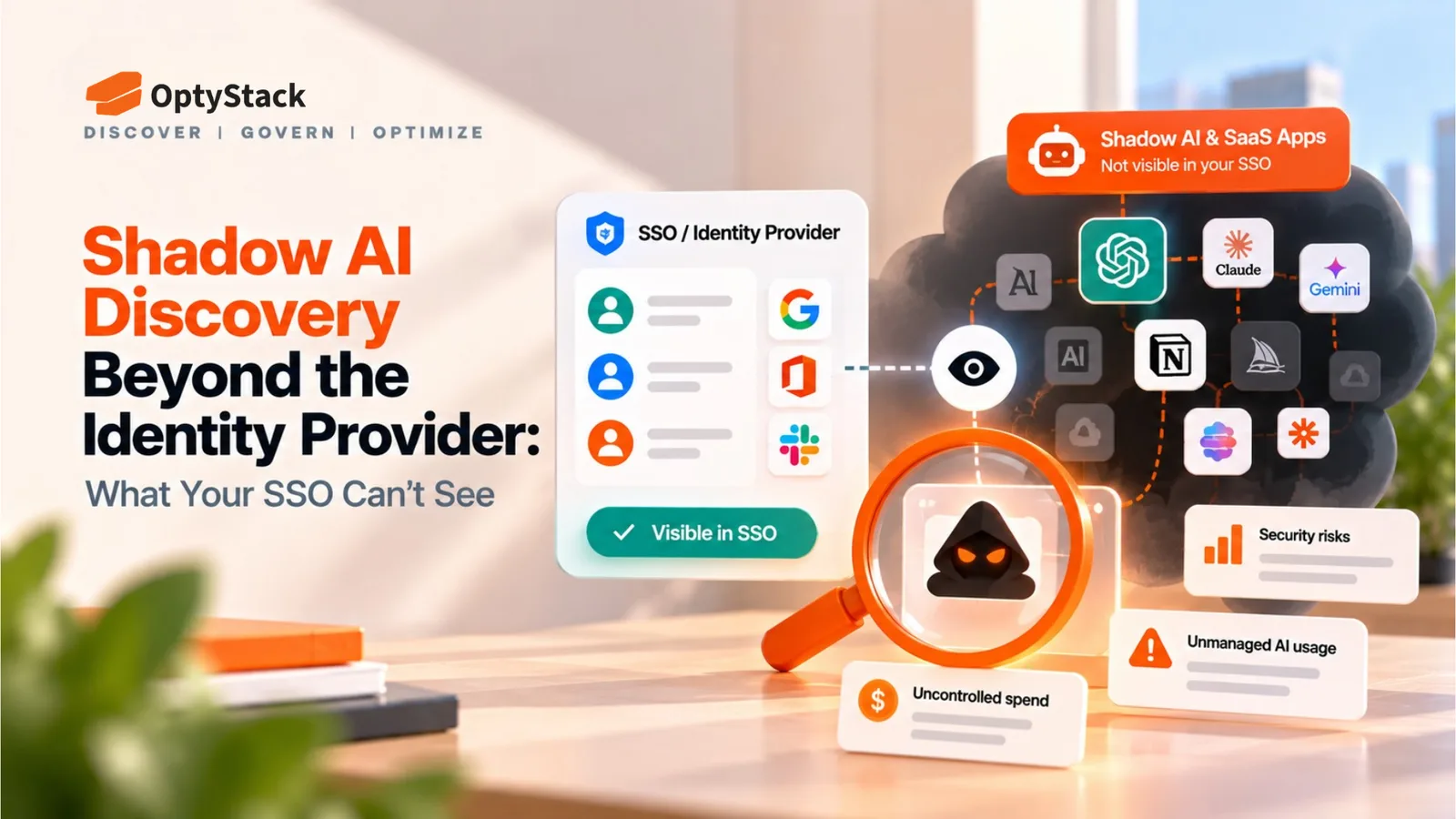
Single sign-on (SSO) is a useful source of application and authentication information, but it is not a complete inventory of every tool employees use. An application with its own login, a personal account, an OAuth authorization or a locally installed agent may not appear in the same way as an application provisioned through the corporate identity provider.
Identity governance and administration (IGA) adds controls such as access reviews, approvals and policy enforcement. These capabilities are especially important where access decisions must be documented and audited.
Typical blind spot: Tools and identities outside the systems connected to the organization's identity infrastructure.
3. Endpoint and MCP discovery
The question: What AI software and agent infrastructure is running on managed devices?
AI tools do not always operate as ordinary web applications. Employees may install desktop assistants, coding agents, local models, browser extensions, plugins or packages. MCP servers can connect AI clients to tools, resources and data sources.
Fleet's October 15 announcement highlights this endpoint problem. Its new AI governance capabilities are designed to inventory AI tools, agents, skills, plugins and MCP servers across macOS, Windows and Linux. Fleet also describes capabilities for AI usage, spend, session context and governance workflows; availability can differ by capability.
NordLayer AI Scout approaches the problem through AI activity across web and desktop, with visibility into prompts, agent connections, MCP servers and skills.
These approaches can help security teams see activity that an SSO-based inventory may miss. Coverage still depends on the device, sensor, operating system, configuration and data the product can access.
Typical blind spot: Unmanaged devices, unobserved execution environments and the business context needed to connect endpoint findings with application owners, contracts and renewals.
4. Runtime and behavioral AI security
The question: What are AI tools and agents actually doing, and when should the organization intervene?
Discovery establishes what exists. Runtime and behavioral security focuses on activity: prompts, agent behavior, potential data exposure, policy violations and actions that may require intervention.
Darktrace's SECURE AI reached general availability on September 22, 2026. The product is positioned around behavioral security, visibility into AI use, Shadow AI detection, prompt analysis and response capabilities, with integrations including AWS, Anthropic, Microsoft and OpenAI.
NordLayer also describes prompt-level AI data loss prevention. Its AI Scout can inspect prompts before submission and warn, redact or block them in supported scenarios.
These capabilities should not be treated as identical. Buyers need to establish which activities each product observes, which controls it can enforce, and which integrations are required.
Typical blind spot: Activity outside the product's supported sensors or integrations, along with ownership, procurement and renewal information that a runtime security tool may not be designed to manage.
An adjacent layer: AI-related data changes and recovery
Veeam's October 15 announcement addresses a related but distinct problem: what AI agents do to business data and how an organization can recover from unwanted changes.
Its Intelligent ResOps offering for Microsoft 365 is designed to identify known and unknown AI agents interacting with data, help locate sensitive or regulated information, track AI-driven file changes and support recovery.
This complements discovery and security controls rather than replacing them. Knowing that an agent exists does not establish what files it changed. Likewise, being able to recover a file does not replace the need to govern access or prevent inappropriate data exposure.
Where OptyStack fits
OptyStack focuses on the SaaS management and discovery layer, connecting application, spending, usage and identity-related information to help teams understand their software estate.
It can help organizations investigate questions such as:
Which SaaS and AI applications are being used?
Which applications have unclear ownership or sit outside the approved inventory?
Where are licenses unused or subscriptions potentially redundant?
Which renewals are approaching?
Which users are associated with particular applications?
OptyStack also offers user lifecycle management and Shadow AI application discovery. According to its published pricing, unlimited Shadow AI app discovery is included in the Pro plan; the Free plan includes unlimited application discovery, up to three app integrations and basic savings suggestions.
The distinction matters: discovering an AI application is not the same as inspecting its prompts, inventorying every MCP server on an endpoint, or monitoring an agent's behavior at runtime. OptyStack should not be treated as a replacement for endpoint security, prompt-level DLP, runtime agent controls or data recovery products.
For organizations that lack a reliable inventory of SaaS and AI applications, this layer provides a practical starting point. It helps teams establish what is in use, who owns it, what it costs and which issues need further investigation.
Explore OptyStack's product capabilities or review the pricing plans.
How should teams prioritize the layers?
There is no universal sequence that fits every company. A software business with many unmanaged AI subscriptions may have a different first priority from a regulated organization deploying autonomous agents against sensitive data.
A practical way to decide is to start with the risk or operational question you cannot currently answer.
If your main problem is… | Start by evaluating… | What to verify |
|---|---|---|
Unknown AI apps, duplicate subscriptions or unclear ownership | SaaS inventory and discovery | Discovery sources, app ownership, spend visibility and renewal data |
Excessive or undocumented access | Identity and access governance | Access reviews, lifecycle workflows, approvals and audit evidence |
Locally installed AI tools, coding agents or MCP servers | Endpoint and MCP discovery | Operating system coverage, sensor requirements and inventory detail |
Sensitive information entering AI prompts or risky agent behavior | Runtime security and AI DLP | Prompt visibility, policy enforcement, response actions and data handling |
AI agents changing or exposing business data | Data resilience and recovery | Change tracking, recovery granularity, supported workloads and recovery testing |
For many organizations, the right answer will be a combination of tools. The objective is not to buy every category; it is to identify the blind spots that matter to your environment and cover them without unnecessary duplication.
Eight questions to ask any Shadow AI vendor
Before purchasing a platform, use these questions to establish what its claims mean in practice.
Which layer do you cover? Ask the vendor to distinguish application discovery, identity, endpoint visibility, runtime security and recovery. Request a clear list of what the product does not cover.
What does “discovery” mean? Does it detect observed activity, provisioned accounts, installed software, prompts, agent connections or something else? Ask for examples from a real deployment.
Where does the product run? Determine whether it relies on a browser extension, desktop sensor, endpoint agent, identity integration, network telemetry or application connectors. Ask what happens on unmanaged devices and mobile platforms.
What can it see about an AI agent? Can it identify the agent, its owner, connected tools, permissions, MCP servers and actions? Do not assume that every product provides all of this information.
What information does it collect and retain? Ask whether prompt content is stored, where it is processed, how long it is retained and which administrators can access it. Review the vendor's privacy and security documentation.
Can it enforce controls, or only raise alerts? Confirm whether the product can block activity, redact sensitive content, revoke access or trigger remediation. Ask which integrations and permissions are required for each action.
Can it connect findings to owners and spending? A list of installed AI tools may be useful, but an inventory connected to users, departments, contracts and renewals helps teams make operational decisions.
What support and compliance arrangements apply to your region? For teams operating in India, ask about support hours in IST, escalation contacts, GST invoicing, data hosting locations and applicable contractual commitments. Confirm each item directly rather than assuming it is included.
Build a map of your current gaps
You do not need to buy a new product simply because a vendor has announced one. First, map your existing controls against the four layers.
List your current SaaS management, identity, endpoint, runtime security and recovery products. For each layer, document what data you collect, which systems are covered, who reviews findings and how issues are remediated.
Look for two types of gaps:
Coverage gaps: You cannot answer an important question about applications, identities, agent activity or data exposure.
Workflow gaps: You can see the issue, but nobody owns the response or the necessary remediation process is missing.
Also look for unnecessary overlap. Two tools may both discover AI applications while only one connects those findings to spending and renewals. That overlap may be useful, but it should be a deliberate decision.
For an inventory-first review, start with the OptyStack SaaS Audit Toolkit. It can help organize your application inventory, renewal calendar and audit checklist before you decide which additional controls are necessary.
Final takeaway
Shadow AI discovery is not one product category because organizations need to answer several different questions: which tools exist, who can access them, what runs on employee devices, what agents do and how to recover when something goes wrong.
NordLayer and Fleet's October 15 announcements highlight different approaches to AI visibility and governance. Darktrace's September general availability launch shows the role of behavioral security, while Veeam's Microsoft 365 offering addresses data resilience and recovery.
The right stack depends on the gaps you need to close. Start by identifying what your current tools can and cannot see, then evaluate new products against those specific requirements. For teams that first need a reliable view of SaaS and AI applications, ownership and spending, the inventory layer is a practical place to begin.
Map the gaps in your current SaaS estate before adding another tool.