SaaS Audit Checklist: 25 Questions to Ask
Aryan Malik · September 21, 2026
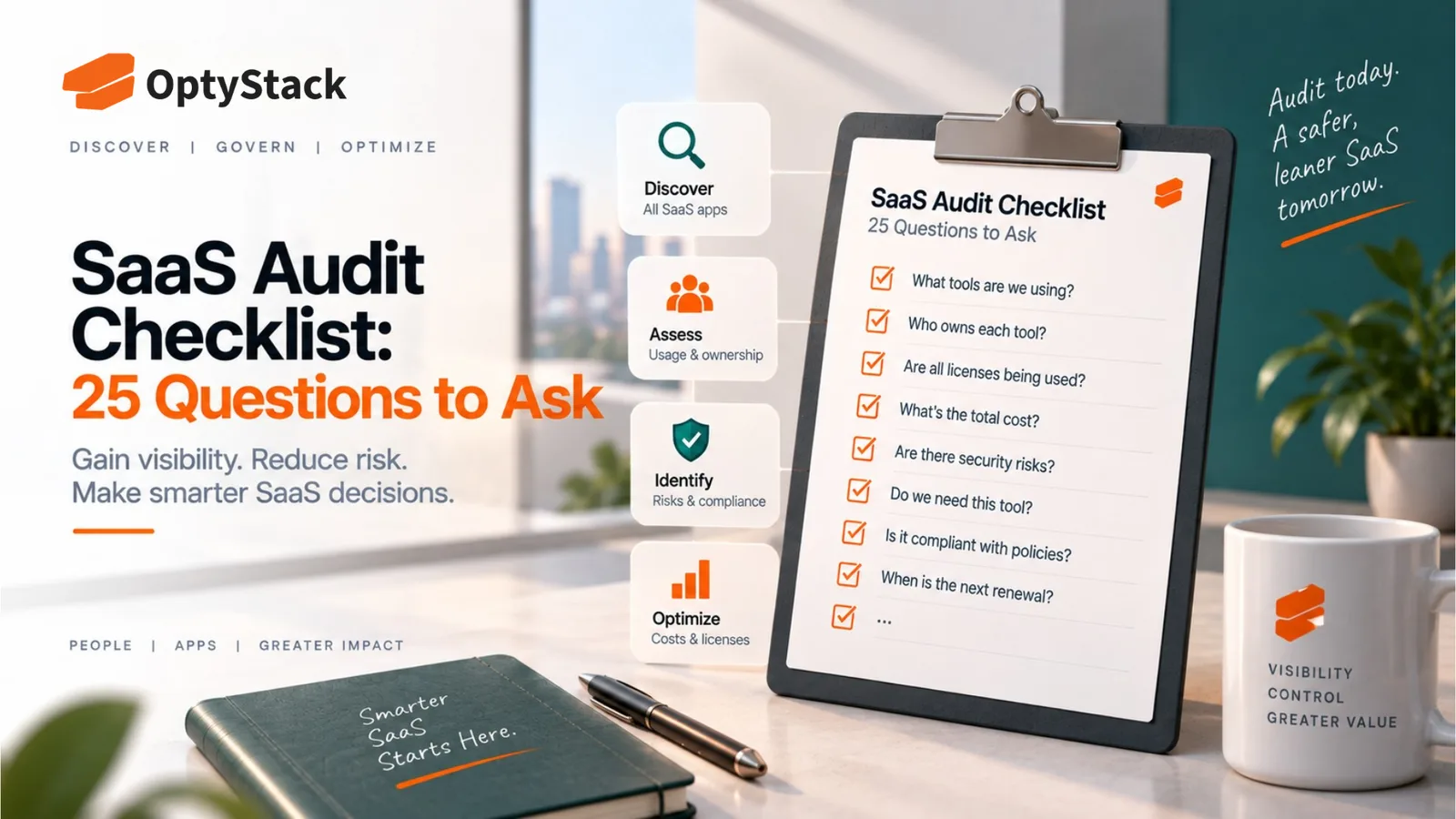
A SaaS audit is only as thorough as the questions behind it. Here are 25 questions covering discovery, ownership, spend, usage, renewals, and security, organized so you can work through a complete audit systematically.
A SaaS audit is only as good as the questions driving it. Pulling a list of applications and calling it an audit misses almost everything that actually matters: who's using each tool, whether the spend still makes sense, and whether access has drifted somewhere it shouldn't be. The 25 questions below are organized around the areas a thorough audit needs to cover, grouped so you can work through them systematically rather than trying to remember everything at once.
Discovery: do you actually know what's in your stack
1. What is the complete list of applications the company pays for, including anything purchased outside a formal process? Corporate card statements and expense reports often surface tools that never went through procurement at all.
2. Which applications were discovered through identity logs or OAuth connections rather than a known purchase record? These are frequently the ones with the least oversight, since nobody formally decided to adopt them.
3. Are there any applications with duplicate or overlapping functionality? Two teams independently buying the same category of tool is one of the more common, avoidable sources of waste.
4. Which applications have no clearly documented business purpose? A tool nobody can explain the reason for is a tool that's hard to evaluate honestly at renewal.
5. Are there any free-tier or trial accounts still active that were never converted or canceled? These tend to be forgotten entirely once the initial evaluation period ends.
Ownership: who is actually accountable
6. Does every application have a named individual owner, not just a department? A tool owned by a team rather than a person is effectively unowned, since no one specifically has to answer for it.
7. Is the listed owner still with the company or in the same role? Ownership recorded at the time of purchase often goes stale as people change teams or leave.
8. Who is responsible for deciding whether each application gets renewed? If the answer isn't clear, renewals are likely happening by default rather than by decision.
Spend: what are you actually paying for
9. What is the total annual spend for each application, including any usage-based or overage charges? A flat subscription number alone can understate the real cost of a consumption-priced tool.
10. Has spend for any application changed significantly since the last review, and is the reason known? An unexplained jump in cost is worth investigating before it's simply accepted as the new normal.
11. Are there any applications billed to multiple departments or cost centers separately? This can obscure the true total cost of a tool that looks cheaper when its spend is split across several budgets.
12. Does actual invoiced spend match the signed contract terms for each vendor? Discrepancies between what's billed and what was agreed to are more common than most companies expect.
Usage and licenses: is the spend justified
13. What percentage of purchased licenses are actively being used for each application? This is usually the single most revealing number in the entire audit.
14. Are there licenses assigned to employees who have left the company? This is one of the most common and most avoidable forms of ongoing waste.
15. Are any applications running on a higher-tier plan than the actual feature usage requires? A team using only basic features on a premium plan is a clear downgrade candidate.
16. Has usage for any application dropped meaningfully since the last review? Declining usage is often the earliest signal that a tool is becoming a candidate for cancellation.
Contracts and renewals: what's coming up
17. What is the renewal date and notice period for every active contract? The notice deadline, not the contract's end date, is the one that actually matters for avoiding an unwanted auto-renewal.
18. Which contracts are renewing in the next two quarters, and has preparation started for each one? Waiting until a renewal is imminent generally means negotiating from a weaker position.
19. Do any contracts include an uncapped or unusually high automatic price escalation clause? These terms compound quietly over multiple renewal cycles if they're never renegotiated.
20. What are the actual terms for exiting each contract, including data return or deletion? This is worth knowing before it becomes urgent, not after.
Access and security: where is the risk
21. Are there any active accounts tied to employees who have left the company? This overlaps with the license question above, but it's also a distinct security risk, not just a cost one.
22. Which applications have the broadest access to sensitive company or customer data? This should shape how much scrutiny each tool gets, rather than treating every application the same way.
23. Are there third-party OAuth connections that haven't been reviewed recently? A connection authorized months ago for a project that's since ended is a common, overlooked source of standing access.
24. Does each vendor handling sensitive data have a current, verified security certification on file, such as SOC 2 or ISO 27001? A certificate that's expired or was never actually confirmed provides false reassurance.
25. Is there a documented plan for what happens if a vendor discloses a security breach? Knowing what data a vendor could access, and how you'd respond, is far more useful worked out in advance than during an actual incident.
Turning the answers into action
Working through these 25 questions typically surfaces more findings than any single review cycle can act on immediately. A practical next step is sorting the results into a few categories: issues to fix now, like reclaiming licenses tied to former employees; issues to address at the next renewal, like right-sizing a plan tier; and issues that need further investigation, like an application with unclear ownership or purpose. Not every finding needs the same urgency, but every finding deserves a decision, rather than sitting unresolved until the next audit surfaces the same question again.
Where OptyStack fits
Answering these questions manually means pulling data from billing records, identity logs, and individual vendor admin panels, then reconciling all of it by hand, which is realistic for a small stack and increasingly difficult as the number of applications grows.
OptyStack brings spend, usage, and identity data together across your SaaS estate, so many of these questions can be answered directly from existing data instead of requiring a fresh manual pull each time an audit comes around.
It's free to start and doesn't require a credit card.
Get the data behind these 25 questions automatically. Start free with OptyStack.