OptyStack LogoOptyStack Logo
Product
Features
Cost OptimizationCut SaaS waste with discovery, usage-backed rightsizing, and renewal leverage—often up to ~30% savings.Shadow IT DiscoveryDiscover unsanctioned SaaS, shadow AI, and unmanaged subscriptions in one place.License ManagementFind unused seats, eliminate zombie accounts, and automate renewals with usage-backed data.Contract Renewal TrackingOne renewal calendar with notice windows, usage context, and negotiation-ready briefs.Seamless App IntegrationsConnect Microsoft 365, Google Workspace, SSO, and 100+ SaaS brands into one live inventory.Identity Management with Zero Trust SecuritySingle sign-on and conditional access by IP, device, and region for your SaaS apps.
ROI Calculator
Resources

Support

  • Support
  • Knowledge Base
  • SaaS Directory
  • Partners

Content

  • SaaS Inflation Index
  • 2026 SaaS Audit Toolkit
  • Blogs
  • Success Stories
  • Events
PricingAboutContact
Start Free Trial
Book Demo
← All postsBest Practices

Quarterly SaaS Review: A Practical Template

Aryan Malik · September 14, 2026
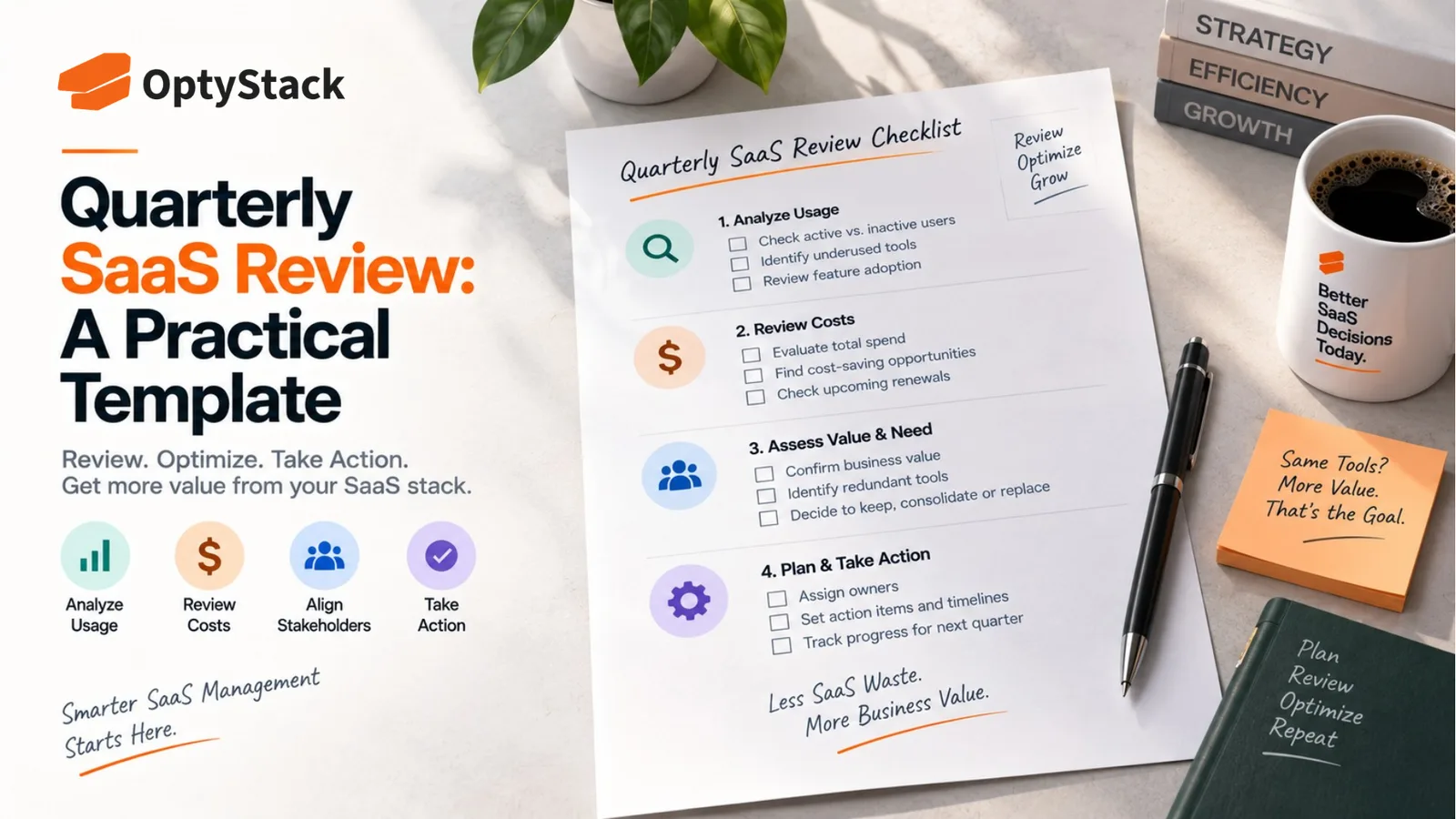
OptyStack quarterly SaaS review concept featuring a practical checklist for analyzing usage, reviewing costs, assessing tool value, aligning stakeholders, and planning SaaS optimization actions.
Share
LinkedInX

An annual SaaS audit catches problems after months of buildup. A quarterly review catches them early. Here's a practical, repeatable template covering spend, usage, renewals, and access, plus who should be in the room and where the cadence tends to break down.

An annual SaaS audit catches problems that have already been building for months. A quarterly review catches them while they're still small enough to fix without much friction. The two aren't competing processes, they operate at different depths, but most companies only run the deep one and skip the lighter, more frequent check that would have caught the same issues earlier.

A quarterly SaaS review is a recurring, structured look at spend, usage, renewals, and access across your software stack, run every three months rather than once a year. It's meant to be lighter than a full audit, focused on what's changed since the last review rather than reconstructing the entire estate from scratch each time.

Related reading

Explore related guides and continue your SaaS optimization research:

  • Microsoft Entra MemberOf Retirement: What IT Teams Must Fix Before November 3
  • AI Agents Shouldn't Hold the Keys to Their Own Audit Log
  • Running a SaaS Audit Without a Dedicated IT Team
  • SaaS Audit Mistakes That Cost Companies Money

Why quarterly, specifically

Software changes faster than an annual cycle can track. New tools get adopted, usage shifts as teams change how they work, and pricing terms evolve, sometimes mid-contract as vendors move toward consumption-based models. A review cadence built around a single annual check is already several months out of date by the time most of the year has passed.

Renewals don't wait for your audit schedule. With most SaaS contracts requiring 30 to 90 days' notice before they auto-renew, a review that only happens once a year will frequently either miss an upcoming deadline entirely or catch it too late to actually negotiate.

Small problems are cheaper to fix than accumulated ones. A handful of unused licenses caught after three months is a quick cleanup. The same waste left to compound for a full year, across every application in the stack, becomes a much larger and more disruptive fix.

What belongs in the review

A quarterly review works best built around four consistent sections, each with a specific, repeatable set of questions rather than an open-ended discussion.

Spend since the last review. Total SaaS spend for the quarter, how it compares to the prior quarter and to budget, and which categories or departments drove any meaningful change. The goal here isn't a full financial audit, it's catching a spend trend early enough to ask why before it becomes a surprise at year-end.

Usage and license utilization. Which applications show meaningfully low utilization since the last review, which licenses are tied to employees who've since left or changed roles, and whether any tool's usage pattern suggests it's a candidate for a tier downgrade or removal. This section is where most of the quarter's actual savings tend to surface.

Upcoming renewals. Every contract with a notice deadline falling in the next two quarters, not just the current one, since renewal preparation needs real lead time. For each one, note the current cost, whether usage supports renewing at the same size, and who owns starting that conversation.

Access and security posture. New applications discovered since the last review, particularly anything found outside the sanctioned procurement process, plus any high-risk access findings from the period, like licenses tied to departed employees that weren't caught during offboarding.

A working template structure

Section 1: Quarter-over-quarter spend summary. Total spend, variance versus budget, and the two or three biggest drivers of any change, in a few lines rather than a lengthy breakdown.

Section 2: Utilization flags. A short list of applications below a defined utilization threshold, say under 50% of licensed seats actively used, each with a proposed action: reassign, downgrade, or cancel.

Section 3: Renewal calendar for the next two quarters. Vendor, contract value, notice deadline, current utilization, and a status: not yet started, in review, or decision made.

Section 4: New and unsanctioned applications found this quarter. What was discovered, how it was found, whether it's being kept, replaced, or removed, and whether it's now been through a security review if it's staying.

Section 5: Action items from the previous review. A short check on what was committed to last quarter and whether it actually happened. This section is what turns the review from a reporting exercise into something with real accountability behind it.

Who should be in the room

A named owner for the review itself, not a rotating responsibility. Someone needs to own pulling the data together and running the meeting, or the cadence tends to slip the first time something more urgent comes up.

Finance, for the spend and renewal sections. Someone who can speak to budget variance and has the authority to weigh in on renewal negotiation priorities.

IT or a security-adjacent role, for the access and discovery sections. Someone positioned to flag new tools, unresolved access findings, and anything that needs a security review before it's approved to stay.

Department representatives, on a rotating basis rather than every quarter. Bringing in the team that owns a specific tool when it's up for review gives useful context that spend and usage data alone won't show.

Where this tends to break down

The review happens once, then quietly stops. A quarterly cadence that isn't protected on the calendar competes with everything else that feels more urgent in the moment, and it's an easy meeting to deprioritize precisely because nothing usually feels on fire.

Data takes too long to assemble each time. If pulling spend, usage, and renewal data together requires manually reconstructing it from scratch every quarter, the review becomes a burden that eventually gets skipped when time is tight.

Action items get discussed but never tracked. A review that surfaces the same finding for three quarters in a row without anything actually changing isn't a review, it's a recurring status update with no consequence attached.

Where OptyStack fits

Pulling spend, usage, renewal, and discovery data together fresh every quarter is exactly the kind of recurring manual work that tends to get shorter and shorter over time until the review stops happening altogether.

OptyStack keeps this data connected continuously across your SaaS estate, so a quarterly review starts from an already-current picture instead of a data-gathering exercise, leaving the actual review time for decisions rather than reconstruction.

It's free to start and doesn't require a credit card.

Keep your SaaS data current between every review. Start free with OptyStack.
Unlock visibility. Slash SaaS waste.

Get real-time SaaS spend insights, discovery, and optimization in OptyStack Hub—start free, no credit card required.

Sign up for OptyStack Hub
PreviousSaaS Consolidation vs. Specialization: How to DecideNextFree vs Paid SaaS Management Tools Compared

Related articles

  • Microsoft Entra MemberOf Retirement: What IT Teams Must Fix Before November 3
    Best Practices

    Microsoft Entra MemberOf Retirement: What IT Teams Must Fix Before November 3

    Microsoft Entra is ending the preview of the MemberOf rule operator on November 3, 2026. Learn which configurations are affected, how to find them, and what to replace them with before group membership and access assignments stop updating.

    Oct 26, 2026

  • AI Agents Shouldn't Hold the Keys to Their Own Audit Log
    Best Practices

    AI Agents Shouldn't Hold the Keys to Their Own Audit Log

    AI agents can access systems, use credentials, and take actions that are difficult to audit. Learn five practical controls for agent inventories, least privilege, independent logging, access reviews, and secure offboarding.

    Oct 23, 2026

  • Running a SaaS Audit Without a Dedicated IT Team
    Best Practices

    Running a SaaS Audit Without a Dedicated IT Team

    Running a SaaS audit doesn't require a dedicated IT department. Here's a practical approach for small teams using financial records, available identity data, team input, and a lightweight process that can be maintained over time.

    Sep 25, 2026

  • SaaS Audit Mistakes That Cost Companies Money
    Best Practices

    SaaS Audit Mistakes That Cost Companies Money

    A thorough audit and an effective one aren't the same thing. Here are the SaaS audit mistakes that quietly cost the most, from confusing contract end dates with notice deadlines to letting identified savings never turn into realized ones.

    Sep 24, 2026

  • What to Do With Your SaaS Audit Results
    Best Practices

    What to Do With Your SaaS Audit Results

    A finished audit and a useful one aren't the same thing. Here's how to sort your SaaS audit findings, assign real ownership and deadlines, track what actually gets resolved, and fix the process gaps behind recurring waste.

    Sep 24, 2026

Keep reading

More guides on SaaS visibility, spend, and governance—jump between topics without leaving the blog.

View all posts →
  • How to Track AI Spend Per User Across GitHub Copilot, Claude, and ChatGPT
    Cost Management

    How to Track AI Spend Per User Across GitHub Copilot, Claude, and ChatGPT

    Seat counts no longer explain every AI bill. GitHub Copilot, Claude, and ChatGPT offer different usage reports and spending controls. Learn how to combine vendor billing data, identity logs, and expense records into one per-user view.

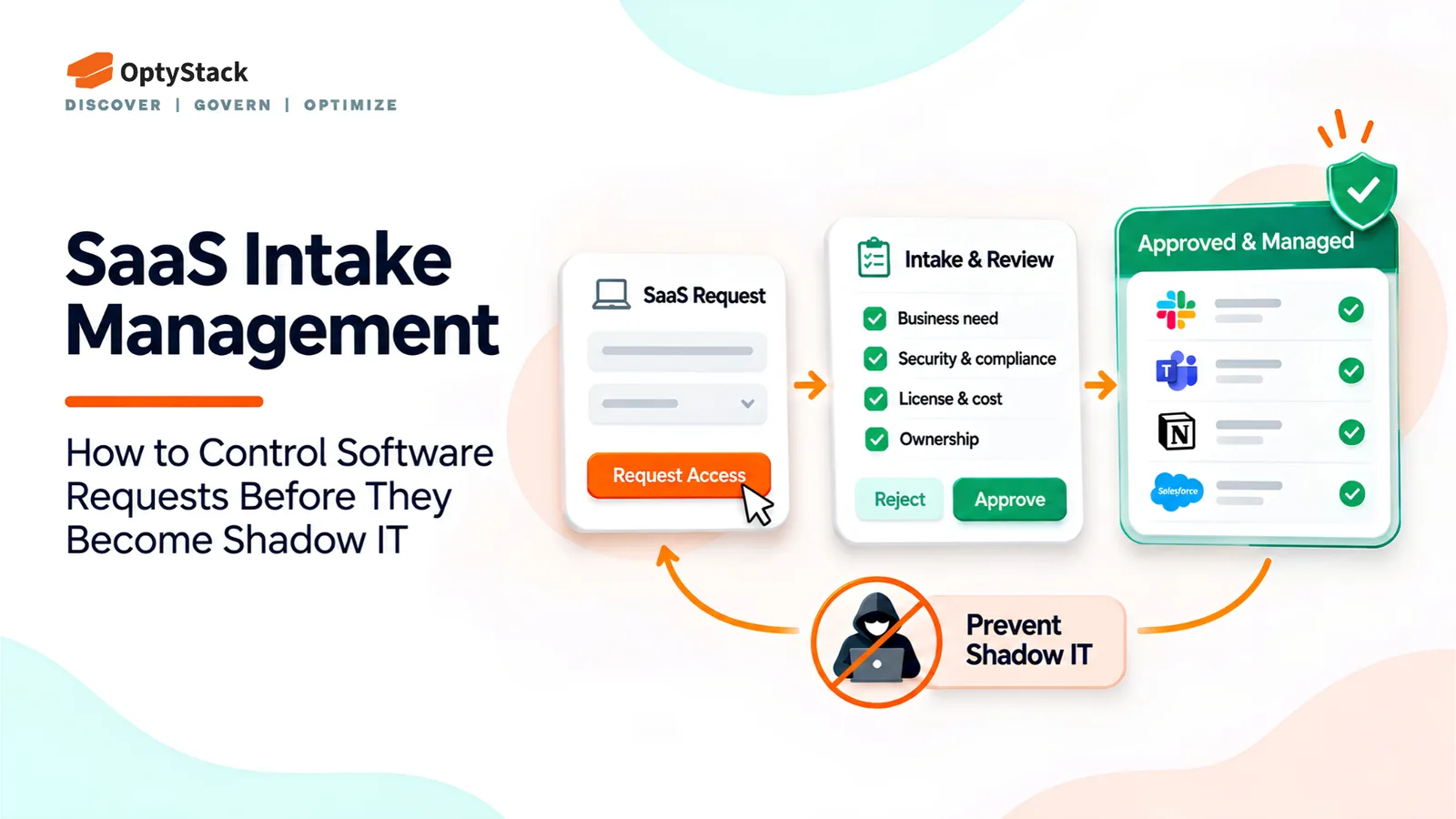
  • SaaS Intake Management in : How to Control Software Requests Before They Become Shadow IT
    SaaS Governance

    SaaS Intake Management in : How to Control Software Requests Before They Become Shadow IT

    New software requests can introduce security risks, duplicate tools, and unexpected costs. Learn how a structured SaaS intake management process helps IT teams evaluate requests, control software adoption, and improve visibility.

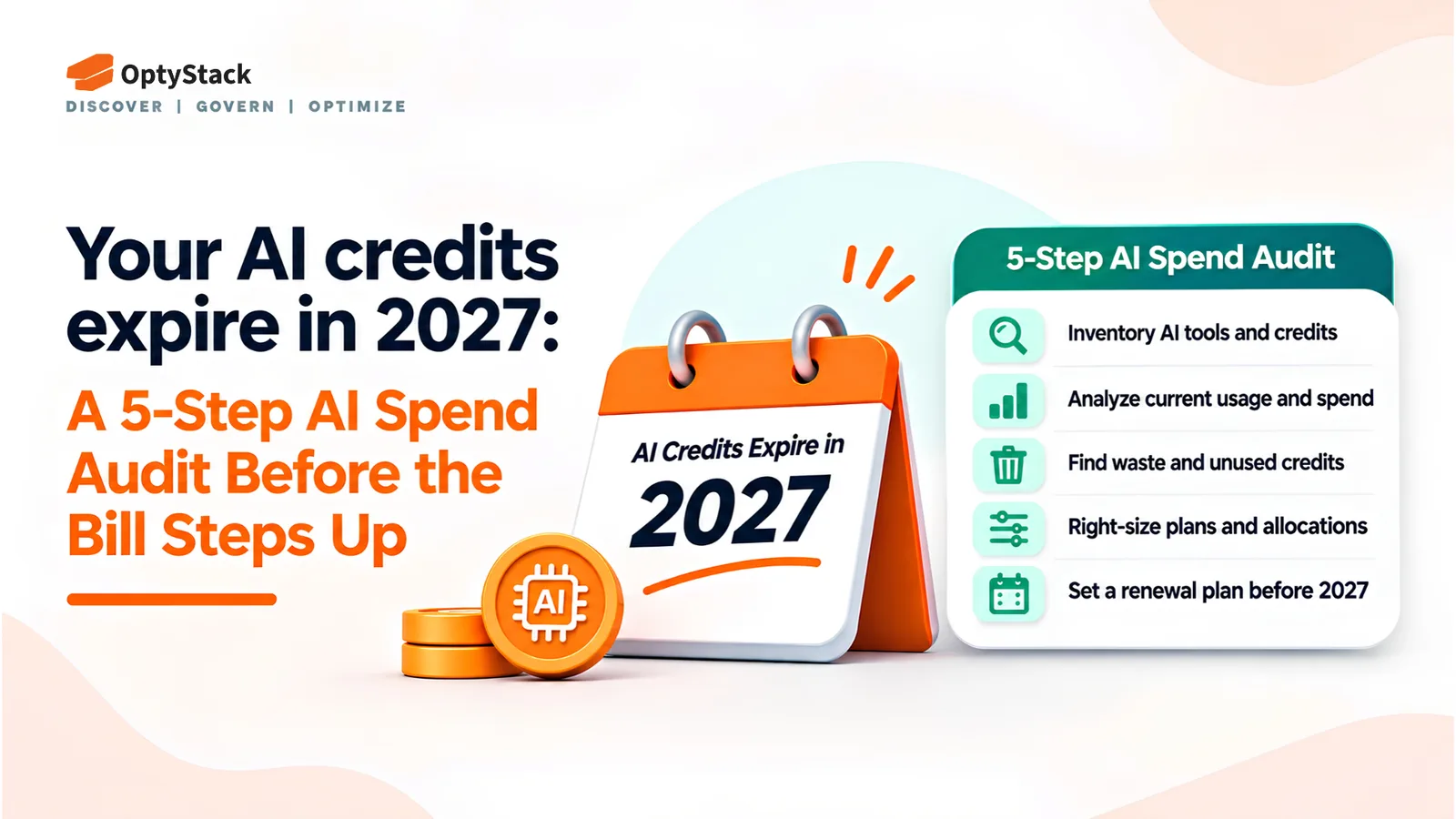
  • Your AI Credits Expire in 2027: A 5-Step AI Spend Audit Before the Bill Steps Up

    Your AI Credits Expire in 2027: A 5-Step AI Spend Audit Before the Bill Steps Up

    AI spend is growing faster than many finance teams can track. This five-step audit helps you discover hidden AI tools, map credit balances and expiry dates, attribute usage, benchmark renewals, and assign clear ownership for AI costs.

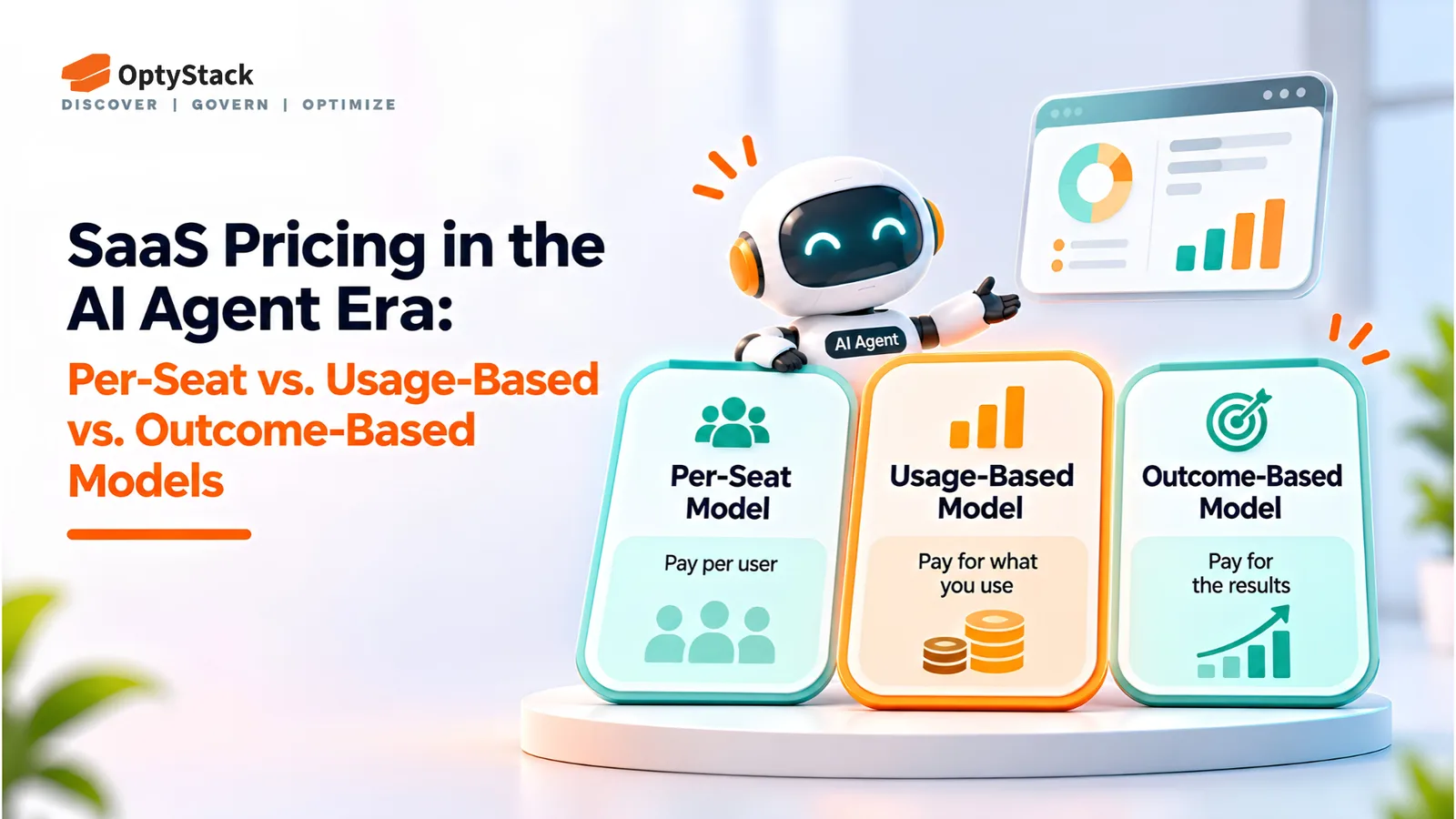
  • SaaS Pricing in the AI Agent Era: Per-Seat vs. Usage-Based vs. Outcome-Based Models
    SaaS Contracts

    SaaS Pricing in the AI Agent Era: Per-Seat vs. Usage-Based vs. Outcome-Based Models

    AI agents are changing how software vendors charge customers. Compare per-seat, usage-based, and outcome-based pricing models, and learn how IT and finance teams can evaluate contracts, forecast costs, and avoid unexpected charges.

  • Who Pays for the Tokens? A Simple AI Cost Allocation Model for Growing Companies
    SaaS Governance

    Who Pays for the Tokens? A Simple AI Cost Allocation Model for Growing Companies

    Seat counts no longer explain AI bills. Learn how to inventory AI tools and agents, assign owners and budgets, track usage against spend, and bring better cost visibility into contract renewals.

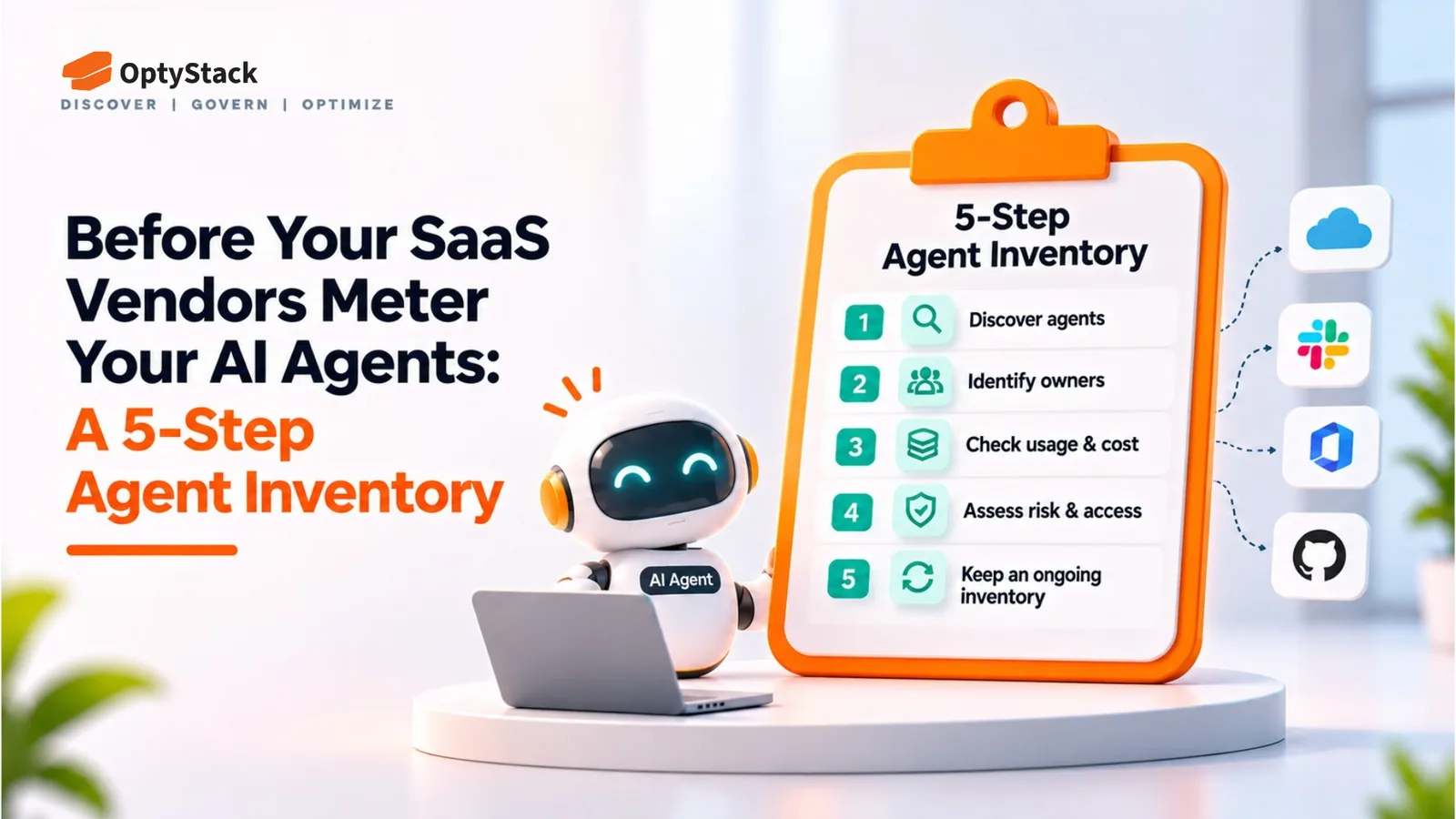
  • Before Your SaaS Vendors Meter Your AI Agents: A 5-Step Agent Inventory
    SaaS Optimization

    Before Your SaaS Vendors Meter Your AI Agents: A 5-Step Agent Inventory

    Salesforce has announced plans to meter registered AI agents' calls through Flex Credits. Other SaaS vendors may introduce similar usage-based models. This five-step guide helps you identify agents, assign owners, review credentials, and prepare for potential billing changes.

Ask the smartest LLMs about OptyStack

ChatGPTGeminiClaudePerplexityGrokCopilot
OptyStack LogoOptyStack Logo

The complete SaaS spend visibility and optimization platform. Connect, analyze, and optimize your entire software stack.

Product

  • Features
  • Integrations
  • Pricing
  • API

SaaS Directory

  • Browse All Apps
  • Slack
  • Microsoft 365
  • Salesforce
  • Zoom
  • Zoho One

Features

  • Cost Optimization
  • Shadow IT Discovery
  • License Management
  • Contract Renewals
  • App Integrations
  • Identity & Zero Trust

Tools & Resources

  • ROI Calculator
  • Knowledge Base
  • SaaS Inflation Index
  • Compare Tools
  • Getting started with OptyStack

Company

  • About
  • Blog
  • Success Stories
  • Events
  • Careers
  • Contact
  • Review us on G2

Stay updated

Get the latest insights on SaaS optimization

© 2026 OptyStack. All Rights Reserved.

LegalPrivacy PolicyTerms of Service