Best SaaS Security Practices : 2026
Aryan Malik · August 26, 2026
Strong SaaS security starts with knowing what applications exist, who can access them, and what data they can reach. Learn the practical SaaS security practices that help reduce access risk, manage Shadow IT, monitor integrations, and keep user permissions under control.
SaaS security gets harder as the number of applications grows. A company might have SSO protecting its main business systems, but employees can still create accounts outside the identity provider, connect third-party applications through OAuth, or start using AI tools that nobody in IT knew existed.
The issue isn't simply whether a SaaS application is secure on its own. It's whether the company knows which applications exist, what data they can access, who has access to them, and whether that access still makes sense.
That makes SaaS security a visibility problem as much as a technical one.
What SaaS security actually involves
SaaS security is the set of practices used to protect company data, identities, accounts, and access across cloud applications.
For most organizations, that means dealing with several things at once: identity and access management, least-privilege permissions, authentication, third-party integrations, employee offboarding, vendor risk, monitoring, and the applications employees adopt outside the normal process.
NIST's cloud access-control guidance specifically covers SaaS and emphasizes managing access to cloud services based on the organization's security requirements. CISA also recommends limiting account permissions to what users actually need to perform their jobs.
The challenge is keeping those controls consistent across dozens or hundreds of applications.
Why SaaS security is easy to lose control of
Employees can adopt software faster than IT can review it
Traditional software procurement assumed IT would know what was being installed.
SaaS changed that. An employee can create an account, start a free trial, connect a work email, and begin using a tool without ever opening an IT ticket.
OptyStack's own SaaS discovery guidance highlights the same visibility gap: SSO does not capture every application because employees can use personal emails, free tiers, local accounts, and other paths outside the company's main identity system.
That means SSO coverage alone isn't proof that the SaaS environment is under control.
Access can stay around after the business need disappears
An employee changes teams. A contractor finishes a project. Someone leaves the company.
Their SaaS access doesn't always disappear at the same speed.
That creates both a security and governance problem. CISA's IAM guidance recommends limiting permissions to what users need for their jobs, while NIST's cloud access-control guidance treats access management as a core part of securing SaaS environments.
A user who had legitimate access six months ago may no longer need it today.
Third-party connections can be easy to overlook
OAuth makes it simple for employees to connect an application to Google Workspace, Microsoft 365, Slack, or another business service.
That's convenient, but the connection can give an application permission to read, modify, or otherwise interact with company data depending on the scopes granted.
This is why checking application accounts alone isn't enough. Security teams also need visibility into the third-party connections attached to those accounts.
Best practices for securing your SaaS environment
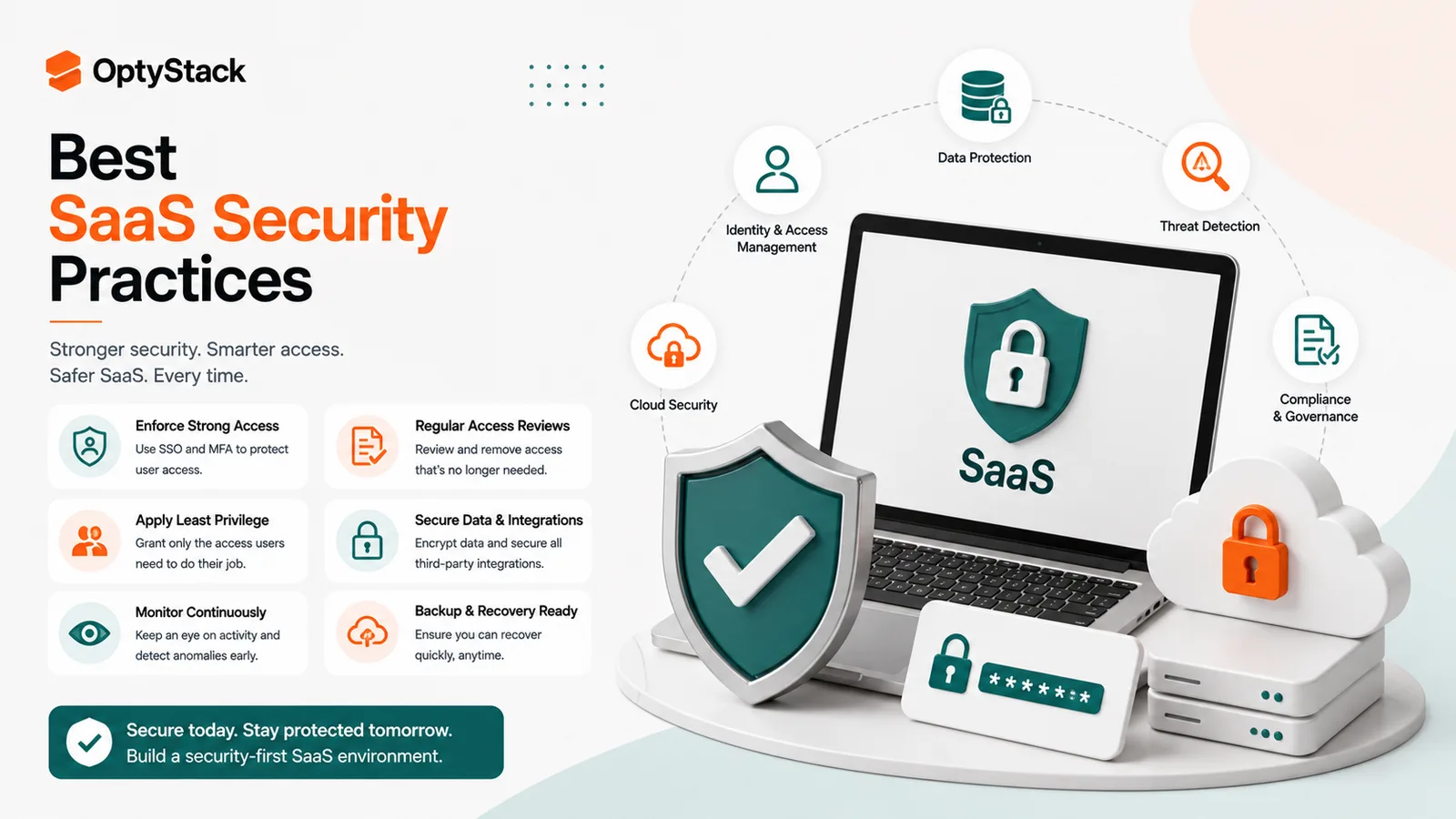
1. Know what SaaS applications you actually have
Security starts with discovery.
Build and maintain an inventory of applications that employees use or the company pays for. Don't rely on procurement records alone. Combine spend information with identity signals, usage data, and application integrations where possible.
This matters because no single source sees everything.
A corporate card can reveal a subscription that never went through procurement. SSO logs can show an application people actively use. OAuth records can reveal a third-party service connected to company data.
OptyStack's discovery workflow follows this multi-signal approach by combining spend, SSO, and browser telemetry to build a broader software footprint.
2. Use least privilege
Not everyone needs the same level of access.
A user who only needs to view reports should not automatically receive administrative privileges. A contractor working on one project shouldn't retain access to unrelated workspaces.
CISA recommends limiting permissions to those necessary for a user's job.
Apply that principle across SaaS applications, especially those containing customer information, financial data, source code, or other sensitive business information.
3. Make SSO and strong authentication the default
Centralized authentication makes access easier to manage and gives security teams better visibility into application usage.
Where applications support it, use your organization's identity provider and require strong authentication. MFA is particularly important for accounts that can access sensitive applications or administrative functions.
SSO isn't a complete security solution, though. Applications outside the identity provider still need to be discovered and reviewed.
4. Review access when employees change roles
Offboarding gets attention. Role changes often don't.
When someone moves from one department to another, review both the access they need and the access they no longer need. The employee may still be trusted, but their business requirements have changed.
This is one of the easiest places for unnecessary permissions to accumulate.
A good review should consider the user's identity, current role, application access, and recent usage rather than relying on the employee's historical permissions alone.
5. Remove access promptly when people leave
Disabling the main corporate account is only part of the process.
Check SaaS applications that aren't connected to the identity provider, direct accounts, privileged access, shared credentials, and third-party connections where applicable.
NIST's security guidance and implementation examples treat termination and deprovisioning as broader access-management activities rather than a single account-disable action.
The sooner unnecessary access disappears, the smaller the window in which a former user can still reach company resources.
6. Review OAuth and third-party app access
A security review should include the applications users have connected to company services.
Look for applications with broad permissions, unexpected vendors, stale connections, and accounts belonging to users who have changed roles or left the company.
You don't need to block every third-party integration. The useful question is whether the permission is still justified.
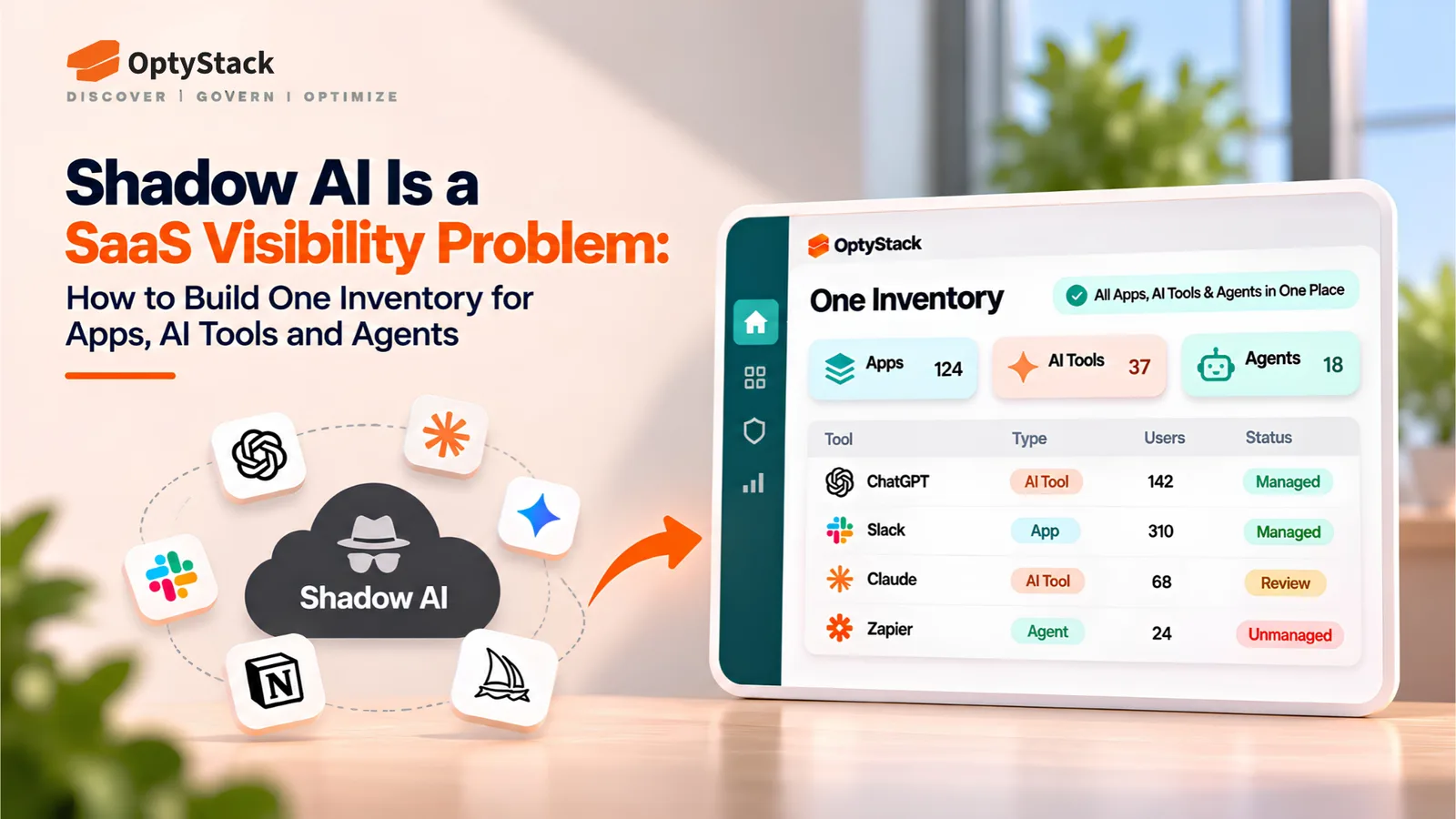
7. Put Shadow IT and Shadow AI on the security radar
Not every unauthorized application is dangerous. But you cannot assess a risk you don't know exists.
Maintain a way to identify software employees adopt outside the approved environment. Then classify what you find based on factors such as data access, user count, business importance, and vendor risk.
OptyStack's current discovery capabilities specifically include Shadow IT and Shadow AI detection, risk assessment, and governance alerts.
That gives security teams a way to prioritize the applications that actually need attention instead of treating every unapproved tool as equally risky.
8. Keep security reviews tied to the lifecycle
Security shouldn't happen only when a tool is first purchased.
Review important applications when contracts renew, when access requirements change, when ownership changes, and when the vendor introduces significant changes to pricing, functionality, or integrations.
The same application can have a very different risk profile a year later if the user base, data flows, or permissions have changed.
Where OptyStack fits
The hardest part of SaaS security is often getting all the relevant signals in one place.
OptyStack connects application, spend, identity, usage, and access information so IT and security teams can see who has access to what, identify inactive or over-provisioned users, and surface Shadow IT and Shadow AI that may need review. Its platform also provides access audit trails, permission reporting, and security-risk visibility across the SaaS environment.
That doesn't replace an identity provider, security team, or vendor-risk process. It gives those teams a better view of the SaaS layer sitting around them.
The result is a more practical security workflow: discover what exists, understand who can access it, investigate what looks unusual, and take action before a forgotten application becomes a larger problem.
OptyStack is free to start and doesn't require a credit card.
See what's exposed across your SaaS environment. Start free with OptyStack.
Frequently asked questions
What are the best SaaS security practices?
Start with application discovery, least-privilege access, strong authentication, regular access reviews, timely offboarding, OAuth monitoring, Shadow IT detection, and ongoing vendor and application reviews.
Is SSO enough to secure SaaS?
No. SSO improves authentication and centralized visibility, but employees can still use applications that aren't connected to the identity provider. Personal accounts, free tiers, local accounts, and third-party integrations can all sit outside the main SSO environment.
Why is least privilege important for SaaS?
It limits what users can access to what they actually need for their work. If an account is compromised, fewer permissions can also limit the potential impact.
How should companies handle Shadow IT?
Discover it first, assess the risk, and then decide what action makes sense. Some applications may need to be blocked or removed, while others may simply need to go through the approved security and procurement process.
How often should SaaS access be reviewed?
Critical and privileged access should be reviewed regularly, with additional reviews triggered by role changes, offboarding, major application changes, or other relevant security events. The exact cadence should match the organization's risk and compliance requirements.
SaaS Security Starts With Knowing What's There
You can't secure an application the security team doesn't know exists.
A strong SaaS security program starts with visibility and then builds controls around it: who has access, what they can do, what data the application can reach, and whether that access still makes sense.
SaaS keeps changing, so security has to keep changing with it. New applications, AI tools, integrations, and user accounts will continue to enter the environment. The companies that handle that growth well are the ones that can see it, assess it, and act on it before it becomes a blind spot.
Start free with OptyStack and bring SaaS security, identity, usage, and application visibility into one place.