SaaS Total Cost of Ownership Explained
Aryan Malik · September 16, 2026
The subscription price on a SaaS vendor's pricing page is rarely the full cost. Here's what actually makes up total cost of ownership, why comparing tools on price alone leads to worse decisions, and how to build a realistic TCO estimate.
The number on a vendor's pricing page is rarely the number that ends up on your books. Subscription cost is the visible part of what a SaaS tool actually costs a company. Implementation, integration, training, ongoing administration, and the waste that accumulates when nobody's tracking usage closely all sit underneath that headline price, and together they often outweigh it.
Total cost of ownership, or TCO, is the practice of accounting for all of that, not just the invoice. Understanding it changes how a vendor comparison, a build-versus-buy decision, or a renewal negotiation should actually be evaluated.
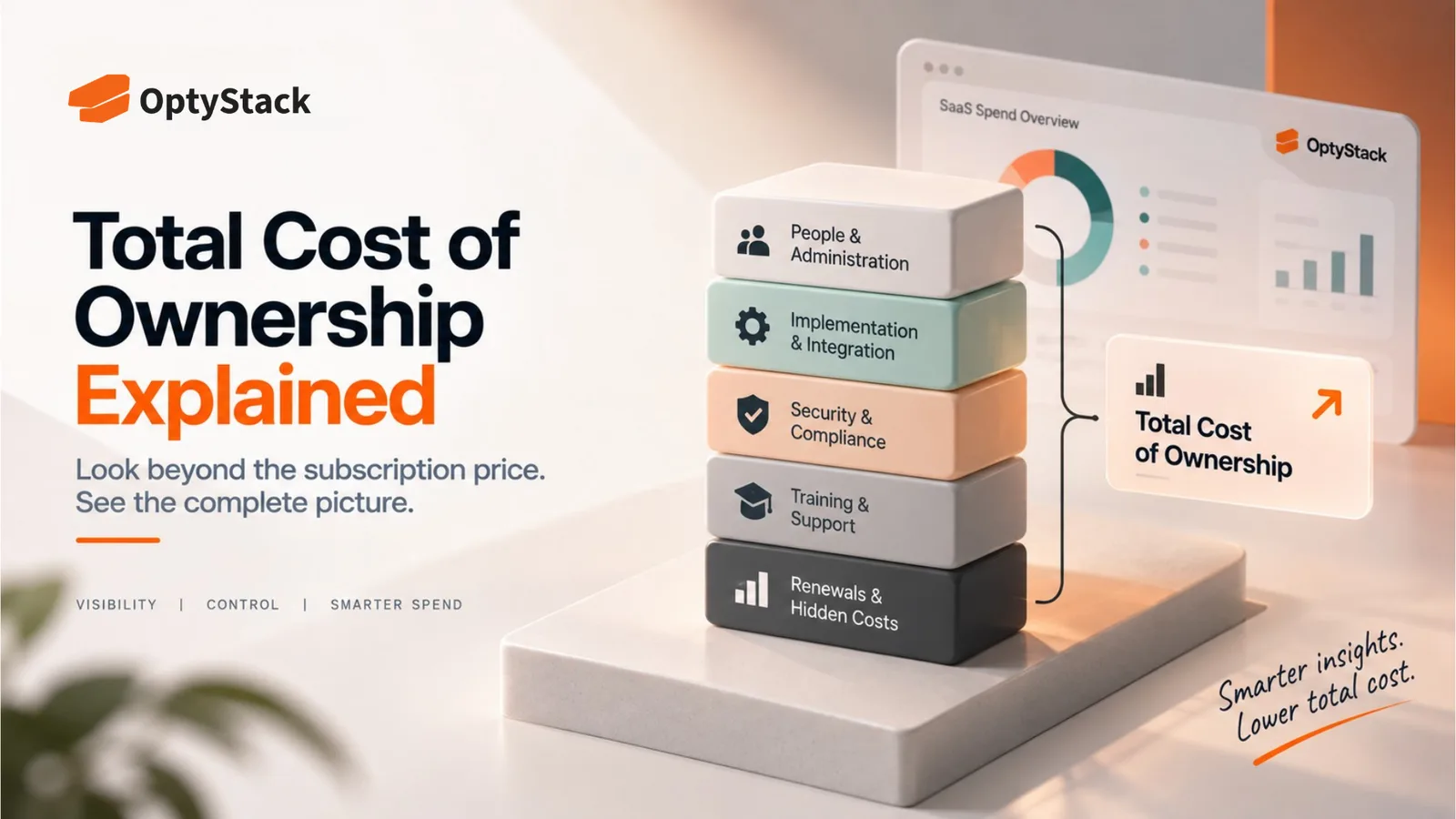
What TCO actually includes
Subscription or license fees. The visible, contracted cost, per seat or per usage tier, that shows up on the invoice. This is the number most comparisons start and stop at, which is exactly the problem.
Implementation and setup. Configuring a new tool, migrating data from whatever it's replacing, and getting it functional for real use rarely happens for free, whether that cost shows up as a vendor's professional services fee or as internal staff time diverted from other work.
Integration. Connecting a new tool to the rest of your stack, single sign-on, data pipelines, other platforms it needs to talk to, carries its own cost, sometimes a one-time build and sometimes an ongoing maintenance burden as connected systems change on either side.
Training and onboarding. Getting a team from "has access" to "actually uses it effectively" takes real time, and that ramp-up period has a cost even when no line item captures it directly. A tool with a steep learning curve carries this cost repeatedly, every time someone new joins the team.
Ongoing administration. Someone has to manage licenses, handle support tickets, keep the tool configured correctly, and track its renewal, on top of whatever work the tool was purchased to do. This cost scales with the number of tools in your stack more than with any individual tool's price tag.
Waste from under-provisioning or over-provisioning. Licenses purchased but never assigned, seats assigned but rarely used, and plan tiers that don't match actual usage all represent real spend that a subscription price alone doesn't reveal.
Switching and exit costs. What happens if you leave this vendor: data migration effort, retraining on a replacement tool, and any contractual penalties for early termination. A tool that looks cheap to adopt can be expensive to leave, and that asymmetry is worth knowing before signing, not after.
Why subscription price alone is a misleading comparison
Two tools with identical subscription pricing can have very different total costs. A tool with a simple interface and strong native integrations might carry almost no implementation or training cost beyond the subscription itself. A functionally similar tool that requires weeks of configuration and a dedicated administrator to run well can cost meaningfully more in practice, even at the same sticker price.
This is part of why a genuinely cheaper-looking option sometimes turns out to be the more expensive choice once implementation, training, and ongoing administration are factored in, and why a comparison based on subscription price alone can lead to a worse decision than no comparison at all.
How to actually build a TCO estimate
Separate one-time costs from recurring ones. Implementation and initial training are largely one-time expenses that get amortized over the life of the contract. Subscription fees, ongoing administration, and support are recurring. Keeping these distinct makes it possible to compare tools over a consistent time horizon, typically two to three years, rather than mixing them into a single confusing number.
Estimate administrative time honestly, even when it's hard to quantify precisely. If managing a tool requires a few hours a month of someone's time, that has a real cost even if it never appears as a separate invoice line. A rough estimate here is more useful than ignoring the cost entirely because it's inconvenient to measure.
Include the realistic likelihood of under-utilization. If similar tools in your stack tend to run at partial license utilization, factor a reasonable estimate of that waste into the projection rather than assuming full utilization from day one.
Ask what leaving would actually cost, before signing. A quick estimate of data portability, contractual exit terms, and the effort to migrate to an alternative gives you a realistic picture of how much flexibility you're actually retaining, not just what the tool costs to adopt.
Where this matters most
Vendor comparisons. When two tools are being evaluated side by side, a TCO view frequently changes which one actually looks cheaper, particularly when one requires significantly more setup or ongoing management than the other.
Renewal negotiations. Knowing the full cost of a tool, including the administrative burden and any waste from under-utilization, gives you a stronger, more specific negotiating position than simply asking for a discount on the subscription line.
Build-versus-buy decisions. A TCO view applied to an internally built alternative, factoring in engineering time, ongoing maintenance, and the opportunity cost of that engineering capacity being spent elsewhere, often tells a very different story than a simple headcount-cost comparison.
Where OptyStack fits
The hardest part of a real TCO calculation is usually the administrative and utilization side, since implementation and subscription costs are easy to find while ongoing management burden and license waste are scattered across usage data nobody's actively tracking.
OptyStack surfaces usage and license utilization data across your SaaS estate, so the waste and administrative overhead that TCO calculations often estimate roughly can instead be measured directly from real usage patterns.
It's free to start and doesn't require a credit card.
See the real cost of what's in your stack. Start free with OptyStack.