How to Find Every SaaS App Your Company Uses
Aryan Malik · September 23, 2026
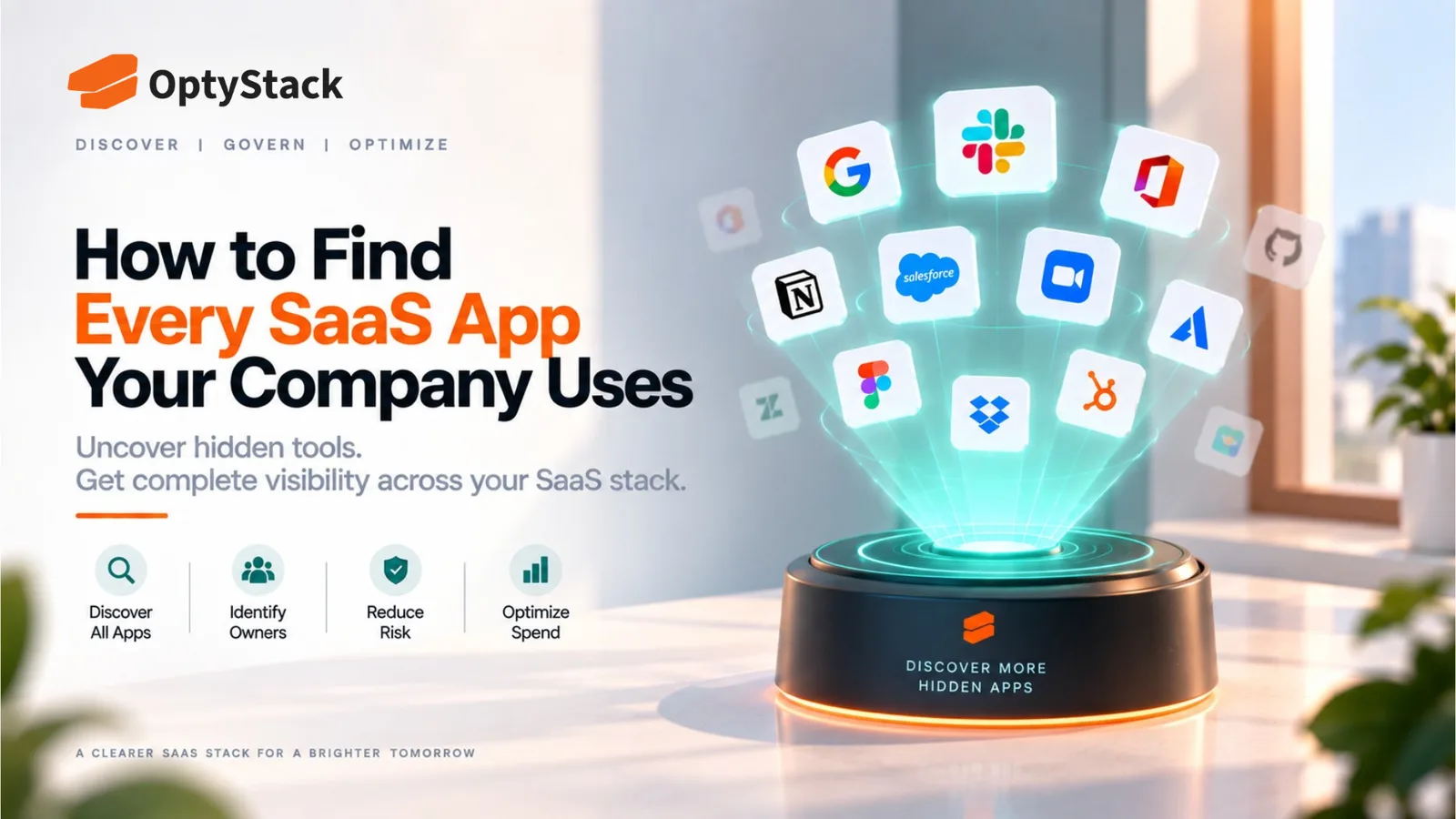
No single discovery method reveals every SaaS application a company uses. Here's how financial records, identity data, OAuth connections, browser signals, and team input work together to build a more complete SaaS inventory.
Most companies can name their major software platforms without much effort. Producing a genuinely complete list is much harder, and the gap between what leadership assumes exists and what's actually being used can be significant.
No single source shows the full picture. Financial records reveal purchases, identity systems reveal authentication and access, browser or endpoint telemetry can reveal application activity, and conversations with teams provide context that automated systems may miss. Finding the full SaaS estate therefore requires combining several discovery methods and reconciling what each one finds.
Why No Single Discovery Method Finds Everything
Every discovery method has limitations built into how it works.
Financial records can reveal software that generated a charge, but they won't necessarily show free tools. Identity systems can show applications connected to single sign-on, but they won't capture every service employees access with separate credentials. Browser or endpoint telemetry can reveal direct application activity on managed devices, but coverage depends on deployment.
The practical approach is to treat each source as one part of the discovery process rather than assuming any single source is complete.
Financial and Expense Data
What it catches
Corporate card statements, expense reports, and accounts payable records can surface subscriptions that generated a charge, including software purchased outside a formal procurement process.
This can reveal significant surprises because an application may have been purchased by an individual employee or department without ever appearing in the company's central software inventory.
What it misses
Free-tier applications and tools paid for personally without an expense claim may never create a financial record.
An employee using an AI application on a free plan, for example, may leave no trace in corporate billing systems.
How to use it well
Start with roughly twelve months of transactions and look for recurring charges, annual payments, unfamiliar vendor names, and transactions that could represent software.
Then compare those findings with the applications already in your inventory. Anything that appears in the financial data but not in the inventory should be investigated.
Identity and Single Sign-On Logs
What it catches
Applications integrated with your identity provider can provide a useful record of authentication activity and the users associated with an application.
This makes identity data particularly useful for confirming which applications are connected to the organization's authentication infrastructure and which users are associated with them.
What it misses
Applications that use separate credentials and aren't integrated with the organization's identity provider may generate no corresponding SSO record.
This can include free tools, consumer applications, departmental software, and services that employees signed up for independently.
It's also important to distinguish authentication from actual application usage. A login event can show that someone authenticated, but it doesn't necessarily tell you what they did inside the application or how much value they got from it.
How to use it well
Export application and authentication data from your identity provider and compare it with the existing SaaS inventory.
An application that appears in identity data but isn't in the inventory should be treated as something to investigate. It may be a legitimate application that was never properly recorded, or it may require a governance or ownership review.
OAuth and Third-Party App Connections
What it catches
Google Workspace and Microsoft 365 provide administrative visibility into many third-party applications and delegated permissions associated with employee accounts.
These connections can reveal applications linked to organizational accounts as well as the permissions those applications were granted.
That makes OAuth and delegated-access reviews particularly useful for finding applications that may not appear in financial records or formal procurement systems.
What it misses
OAuth and third-party connection data are not a complete SaaS inventory.
An application accessed with separate credentials, without a relevant organizational connection, may not appear in these records. Coverage also depends on how the application authenticates and what administrative visibility is available.
How to use it well
Review connected applications and delegated permissions on a defined cadence, with closer attention for higher-risk applications and connections that have broad permissions.
When an unfamiliar application appears, check who authorized it, what permissions it has, why it was needed, and whether the access is still justified.
Browser and Endpoint Activity
What it catches
Browser or endpoint telemetry, where deployed, can help identify applications accessed from managed devices, including some free-tier and consumer tools that may not appear in SSO or financial records.
This can be particularly useful for identifying direct-login applications that have never entered the formal procurement or identity-management process.
What it misses
Coverage depends on where monitoring is actually deployed.
Personal devices, unmanaged endpoints, mobile access, and devices outside the monitoring environment may not be visible. Different tools also collect different levels of application activity.
For that reason, browser or endpoint data should be treated as a complementary discovery source rather than as a complete picture of the organization's SaaS usage.
How to use it well
Use the available telemetry to identify applications being accessed on managed devices, then cross-reference those applications against your existing inventory.
Pay particular attention to applications that repeatedly appear in activity data but aren't represented anywhere else.
Direct Conversations With Teams
What it catches
A short conversation with department leaders or employees can surface context that automated systems cannot.
Teams may know about a specialized application used for a narrow workflow, a temporary project, a free tool, or an application accessed through a process that doesn't create a clear financial or identity record.
What it misses
This approach depends on people remembering what they use and being willing to report it.
That makes conversations unreliable as a primary discovery method, but useful as a supplement.
Ask specific questions rather than broad ones.
“What tools do you use for customer research?” is more likely to trigger a useful answer than “Are you using any software we don't know about?”
How the Discovery Sources Compare
No source is complete on its own. The value comes from combining them.
Discovery Source | Paid Apps | Free Apps | SSO Apps | Direct-Login Apps | Activity Signals |
|---|---|---|---|---|---|
Financial / expense data | Strong | Limited | Sometimes | Sometimes | No |
SSO / identity data | Sometimes | Sometimes | Strong | Limited | Authentication activity |
OAuth connections | Sometimes | Yes | Sometimes | Limited | Connection and permission data |
Browser / endpoint telemetry | Yes | Yes | Yes | Yes | Depends on deployment |
Team conversations | Yes | Yes | Yes | Yes | Self-reported |
The table shouldn't be read as a strict technical rule for every environment. Coverage varies by system configuration and how each application is used. The important point is that the sources overlap without being interchangeable.
How to Combine the Sources Into One SaaS Inventory
The real work isn't running each discovery method separately. It's reconciling the results into one consistent picture.
1. Establish a baseline
Start with the sources that are easiest for your organization to access, often financial and expense data. Use that as a baseline rather than treating it as the finished inventory.
2. Layer in identity and OAuth data
Compare applications and users found through the identity provider and third-party connections with the baseline.
This often reveals applications that have users or organizational access but don't appear in financial records.
3. Add browser and endpoint signals
Use available browser or endpoint telemetry to identify applications that don't appear in financial, identity, or OAuth records.
This is particularly useful for direct-login, free-tier, and consumer-style tools.
4. Validate with teams
Take the remaining unfamiliar or ambiguous applications to the relevant business teams.
Ask who uses the application, what it supports, why it was adopted, whether it is still needed, and who should own it.
5. Reconcile duplicates
When the same application appears in several sources, combine the records instead of creating multiple inventory entries.
If an application appears in only one unexpected source, investigate whether it is a legitimate tool, a duplicate record, a personal account, or an application operating outside the normal procurement process.
6. Turn discoveries into decisions
Every newly discovered application should lead to a defined outcome:
Keep it → Assign ownership → Review it → Restrict it → Remove it
The exact action depends on the business purpose, usage, cost, security exposure, and ownership.
7. Repeat the process
SaaS discovery shouldn't be treated as a one-time cleanup project.
New applications can appear after the initial audit, employees can adopt new tools, and existing applications can change ownership or usage. A recurring discovery process keeps the inventory closer to reality.
Common SaaS Discovery Mistakes
Treating one method as sufficient
Relying solely on SSO, expense records, or any other individual source creates predictable blind spots.
The discovery source determines what you can see, so relying on one source means accepting the limitations of that source.
Doing the exercise once and calling it finished
A list built during one review reflects what was visible at that point in time. Applications adopted afterward won't automatically appear in it.
The inventory needs an ongoing process for discovery and validation.
Adding everything discovered without investigation
Finding an unfamiliar application isn't the end of the process.
An unexpected application may be legitimate, duplicated, outdated, low-risk, or genuinely unmanaged. The important step is to investigate it and make a decision.
Collecting information without assigning ownership
An application can be discovered perfectly and still remain unmanaged if nobody is accountable for it.
Every application that remains in the environment should have a clear owner who can answer questions about purpose, users, spend, and renewal.
Where OptyStack Fits
Running multiple discovery methods separately and manually reconciling the results can work for a small SaaS estate. As the number of applications grows, repeating that process becomes increasingly difficult.
OptyStack brings application, spend, identity, and usage signals together across your SaaS estate, helping teams reconcile discovery sources and maintain a more current view of the applications in use.
That reduces the need to rebuild the same picture manually every time the organization wants to understand what's in its stack.
It's free to start and doesn't require a credit card.
Get a clearer view of every application in your SaaS estate. Start free with OptyStack.