Your AI Credits Expire in 2027: A 5-Step AI Spend Audit Before the Bill Steps Up
Vinay Rathore · October 28, 2026
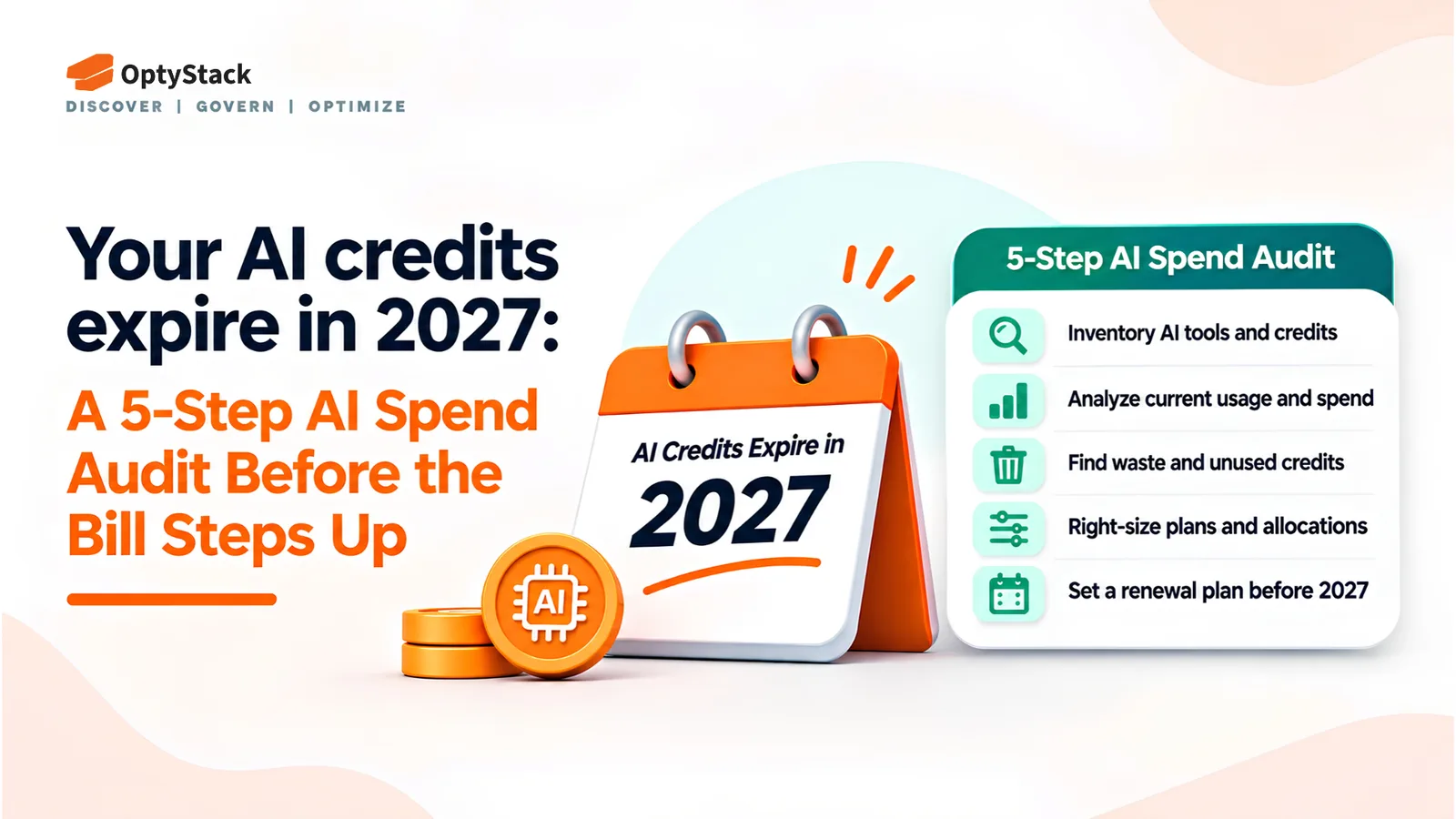
AI spend is growing faster than many finance teams can track. This five-step audit helps you discover hidden AI tools, map credit balances and expiry dates, attribute usage, benchmark renewals, and assign clear ownership for AI costs.
Most finance teams did not budget for AI as a separate line item. It arrived through a company card, a pilot, an add-on, or a team's free trial that quietly became a paid plan. Now the bill appears in pieces: a credit pool here, a consumption charge there, and a renewal that bundles both.
The pressure is measurable. The FinOps Foundation's 2026 State of FinOps report found that 98% of practitioners now manage AI spend, up from 63% in 2025 and 31% in 2024. But managing spend does not necessarily mean controlling it effectively.
A June 2026 survey by DoiT found that 89% of organizations that rated themselves very mature or leading-edge in FinOps had experienced AI-related cost overruns in the preceding year. This is a survey finding, not proof that mature FinOps practices cause overruns. It does show that experience with cost management does not eliminate the need for AI-specific controls.
Zylo's 2026 SaaS Management Index adds another warning: 78% of IT leaders reported unexpected charges tied to AI features or consumption-based pricing during the previous year. As AI becomes embedded in existing software, even established contracts can produce less predictable bills.
The challenge is connecting tools, usage, credit commitments, owners, and renewal dates in one view. This five-step audit gives finance, IT, and procurement teams a practical starting point.
Step 1: Find Every AI Tool, Including the Ones Nobody Approved
Start with the applications and connections missing from your procurement records. AI tools typically enter the business through several routes:
Company and personal cards: Employees subscribe to AI writing, research, or coding tools and expense them later.
Embedded AI features: Existing software vendors introduce AI add-ons or consumption charges under contracts that were originally priced by seat.
OAuth grants and integrations: Employees connect assistants to productivity platforms, repositories, or internal systems without a formal review.
API keys and agents: Developers create AI-powered scripts, workflows, and agents that consume services outside the standard application inventory.
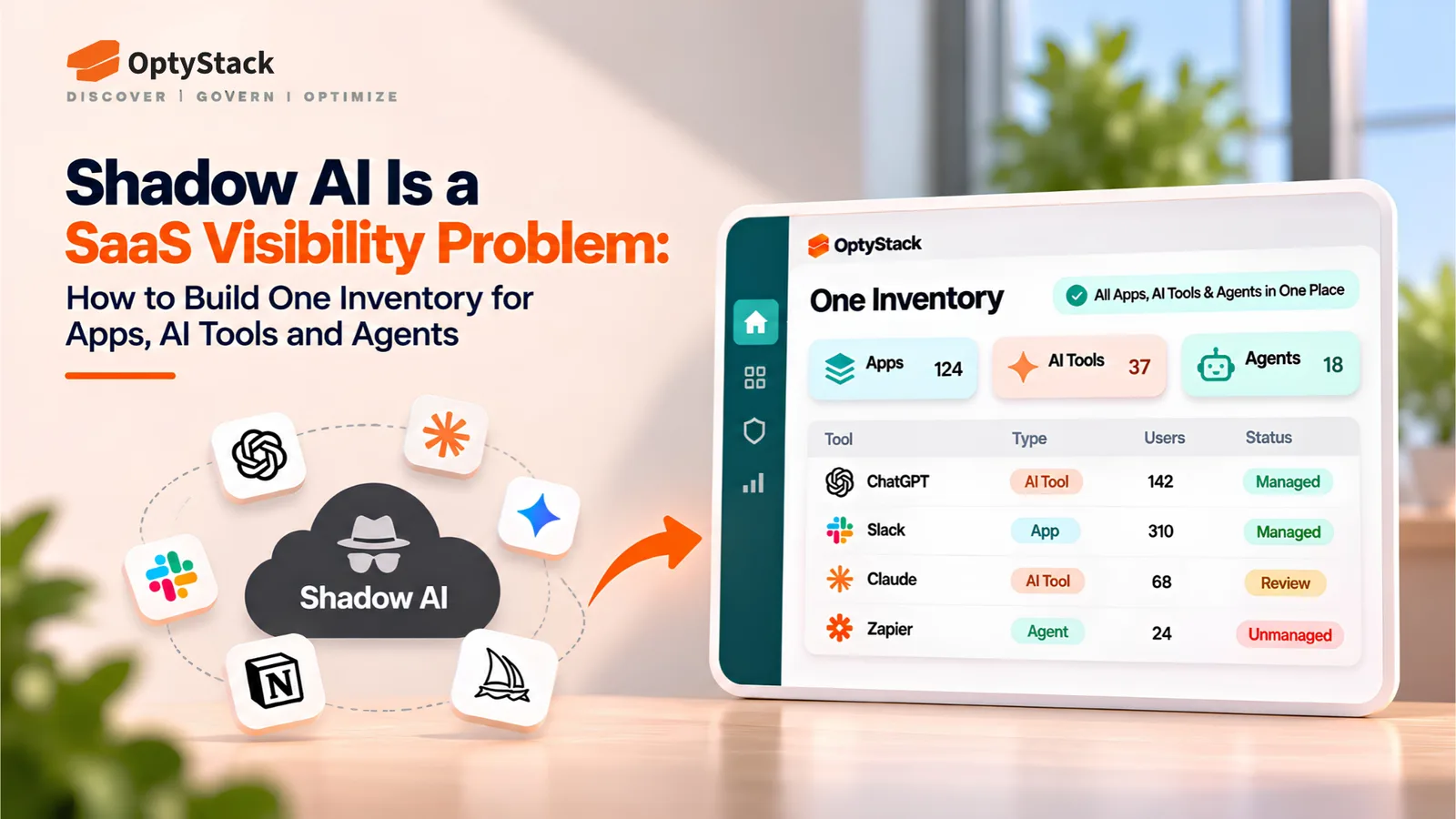
Search identity-provider logs, expense data, accounts-payable records, and available browser activity signals for AI products. Compare the findings with the approved application list. Any tool in use but absent from that list should be recorded as a potential Shadow AI finding.
Do not assume that every AI connection creates a direct charge. Some are included in existing subscriptions, while others consume separately billed credits or API usage. Record the commercial arrangement alongside the tool.
Reconcile discovery signals with provider accounts, API keys, projects, and billing exports where available. The result should be a single inventory showing the tool, its business purpose, its known users, its owner or proposed owner, and the available evidence of usage and spend.
Step 2: Map Credits, Commitments, and Expiry Dates
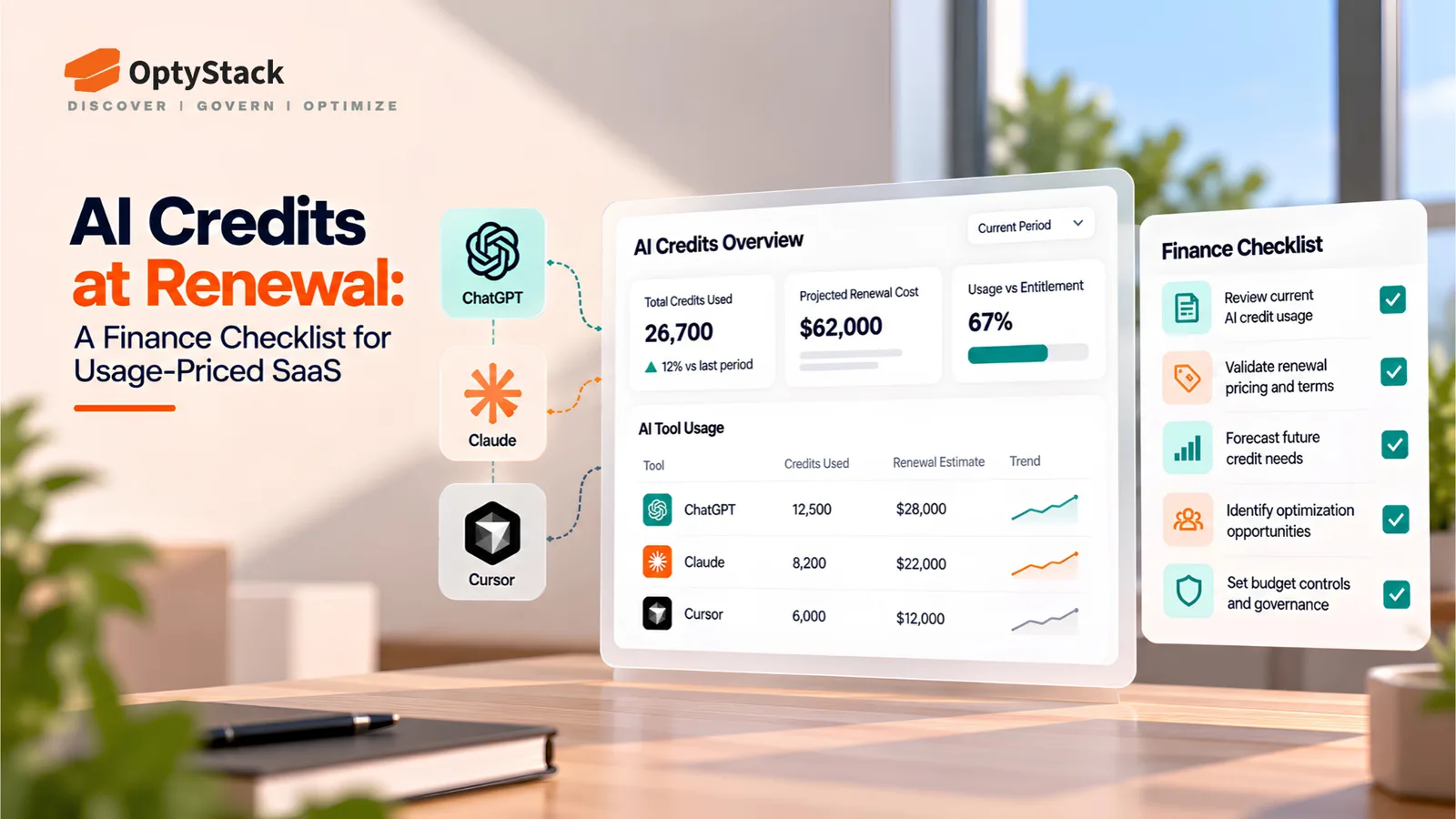
Credit pools can make AI contracts difficult to budget. An allowance may look like a discount, but its value depends on what consumes credits, how quickly usage grows, and what happens to unused balances at the end of the term.
For every contract that includes AI features or consumption commitments, record:
The commitment: Base subscription, minimum spend, seat fees, or prepaid amount.
The credit pool: Allowance size, applicable usage units, and the actions that consume credits.
The expiry rules: Whether unused credits expire, roll over, or qualify for a refund.
The overage terms: Rates, limits, and billing arrangements after the allowance is exhausted.
The decision dates: Credit expiry, renewal date, cancellation notice deadline, and any contractual review window.
Salesforce's Flex Credits illustrate why the details matter. Credits are consumed according to the actions performed, and the applicable consumption rate depends on the action. A credit balance alone therefore cannot tell finance how long the allowance will last.
Map each credit pool to the workflows and teams using it. Then identify which balances are likely to expire unused, which commitments could be exhausted early, and which contracts require a decision before renewal.
Do not assume that every AI credit pool expires in 2027. Use the actual terms of each contract to identify balances and commitments that require attention during 2027, or sooner.
Step 3: Attribute Usage to Teams and Review Dormant Seats
Once the inventory and contract terms are mapped, connect usage to the people and teams responsible for it. Two questions matter most.
Who is using each tool?
Compare assigned licenses with recent sign-ins and available activity records. A license with no recorded sign-in for 90 days is a candidate for review, not automatic reclamation. Some applications support infrequent but critical work, and login activity alone may not capture actual usage.
Before removing a license, check with the owner, confirm the user's role, and establish whether access is still needed. Where appropriate, reclaim unused seats and adjust the subscription before renewal.
Which teams generate the spend?
Break AI consumption down by team, workflow, project, or API key where vendor reporting supports it. Some providers expose usage only at account or project level. Where detailed attribution is unavailable, use the narrowest reliable reporting unit and document the limitation.
For each budget line, compare spending with a useful measure of output, such as tickets resolved, documents processed, or development tasks completed. This helps distinguish productive consumption from unexplained increases.
The goal is not simply to minimize usage. It is to identify where the money goes, who benefits from it, and whether the spending is justified by the results.
Step 4: Benchmark Before Renewal, Not After
Renewal is one of the best opportunities to improve commercial terms, but meaningful negotiation requires preparation before the quote arrives.
Build your case around three questions:
What do you actually use? Document active seats, consumption, credit utilization, and the features your teams depend on.
What does the market offer? Compare genuinely equivalent products, usage limits, support, and pricing models.
How is the vendor changing its pricing? Check whether the contract is moving from fixed seats to usage-based or outcome-based charges.
Intercom illustrates this shift. Its published pricing for Fin includes a $0.99 charge per Fin AI agent resolution alongside applicable seat-based pricing. That means buyers need to evaluate both the subscription and the outcome-based charges rather than comparing seat prices alone. Confirm the current pricing and the definition of a billable resolution directly with the vendor before negotiating.
Avoid relying on generic discount claims. Discounts vary by vendor, commitment length, volume, product tier, and negotiation circumstances. Benchmark against comparable commercial terms rather than list price alone.
Before renewal, ask the vendor for a written breakdown of the proposed charges, credit expiry rules, overage rates, minimum commitments, and any changes to usage limits. Confirm which terms are locked for the contract period and which can change.
Start the review at least 90 days before the contractual notice deadline, or earlier if the agreement requires more lead time. This gives finance, IT, procurement, and business owners time to assess usage, compare alternatives, and make a decision before the cancellation window closes.
Step 5: Put One Owner on AI Cost, End to End
The first four steps can fail if responsibility is spread across finance, IT, procurement, and individual business teams without one person accountable for the overall process.
Assign an AI cost owner who coordinates the inventory, budget reviews, usage reporting, and renewal calendar. This person does not need to operate every tool or manage every technical integration. They need the authority to bring the right people together and escalate spending that lacks a clear business purpose.
The owner's responsibilities should include:
Maintaining the inventory of AI tools, integrations, and known owners.
Ensuring each budget line has an approved purpose and spending limit.
Reviewing monthly usage, costs, and significant deviations.
Tracking credit expiry dates, renewal notice windows, and upcoming commitments.
Coordinating decisions to right-size, consolidate, renegotiate, or discontinue tools.
Set a recurring monthly review with finance and IT, and involve procurement before material contracts renew. Use spending thresholds to trigger investigation, but tailor those thresholds to each workflow rather than applying one universal limit.
With clear ownership, the audit becomes an operating process rather than a one-time exercise. New tools are identified, credit balances are reviewed, dormant seats are assessed, and renewals start with evidence instead of guesswork.
Where Optystack Fits
The first step in controlling AI spend is knowing which tools are being used and which contracts need attention. Optystack helps organizations discover SaaS and AI tools using signals from spending, single sign-on (SSO), and browser activity. Its Shadow AI visibility and risk-ranking capabilities help teams identify tools adopted outside formal IT processes.
Optystack also supports contract and renewal management, helping teams connect applications with ownership and upcoming deadlines. Its renewal tracking features include alerts at 30, 60, and 90 days. Pro plans include unused-license reclamation capabilities to help teams act on identified license waste.
There is an important distinction: Optystack does not meter vendor tokens or track credit balances inside vendor billing systems. Use provider usage exports and billing records for that information. Optystack's role is to help teams understand which tools are in use, where associated spending and contracts sit, who is responsible, and when a decision is due.
If you want to improve visibility into your software inventory, start a free trial or learn more about contract renewal tracking.
The Bottom Line
AI spend management is not just about reducing bills. It is about making spending visible, connecting usage to business outcomes, and avoiding commitments that no longer match what teams need.
Start by discovering every AI tool, mapping its credit and contract terms, attributing usage where the data allows, benchmarking before renewal, and assigning one accountable owner.
With those five steps in place, finance, IT, and procurement can make better decisions about AI investment without unnecessarily restricting useful work. And for contracts with credit pools or renewal decisions coming up in 2027, the best time to begin the audit is before the next deadline arrives.