OptyStack LogoOptyStack Logo
Product
Features
Cost OptimizationCut SaaS waste with discovery, usage-backed rightsizing, and renewal leverage—often up to ~30% savings.Shadow IT DiscoveryDiscover unsanctioned SaaS, shadow AI, and unmanaged subscriptions in one place.License ManagementFind unused seats, eliminate zombie accounts, and automate renewals with usage-backed data.Contract Renewal TrackingOne renewal calendar with notice windows, usage context, and negotiation-ready briefs.Seamless App IntegrationsConnect Microsoft 365, Google Workspace, SSO, and 100+ SaaS brands into one live inventory.Identity Management with Zero Trust SecuritySingle sign-on and conditional access by IP, device, and region for your SaaS apps.
ROI Calculator
Resources

Support

  • Support
  • Knowledge Base
  • SaaS Directory
  • Partners

Content

  • SaaS Inflation Index
  • 2026 SaaS Audit Toolkit
  • Blogs
  • Success Stories
  • Events
PricingAboutContact
Start Free Trial
Book Demo
← All postsSaaS Governance

Password Resets Don't Offboard AI: How to Revoke AI Tokens, Agent Configs, and App Connections

Aryan Malik · November 10, 2026
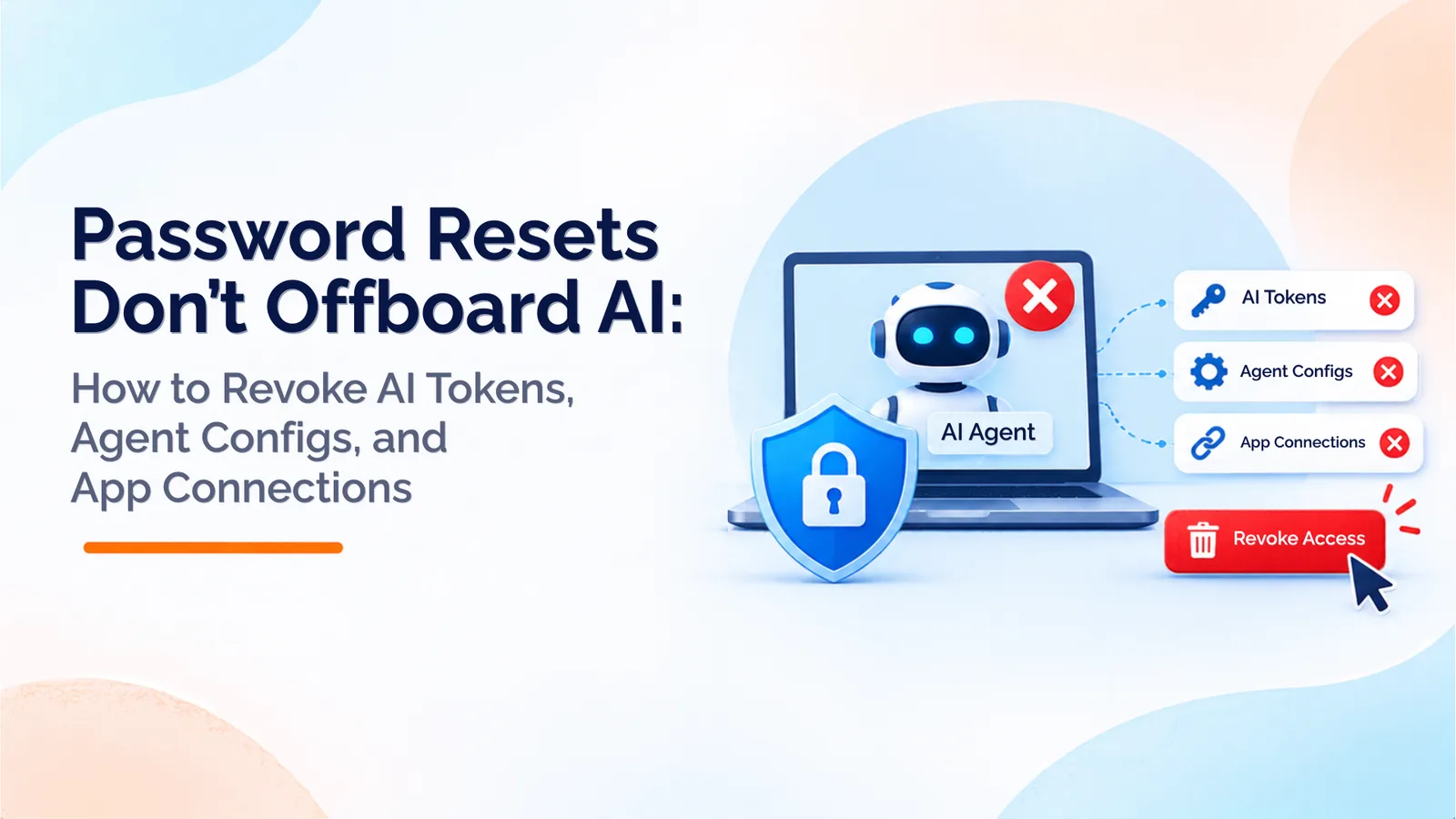
A clean, modern graphic featuring the headline “Password Resets Don’t Offboard AI” and subtitle “How to Revoke AI Tokens, Agent Configs, and App Connections.” An AI robot displayed on a laptop is protected by a blue security shield and padlock, while red X icons indicate revoked AI tokens, agent configurations, and app connections. A prominent red “Revoke Access” button reinforces the importance of fully revoking AI agent access during employee offboarding.
Share
LinkedInX

Researchers found 2,539 secrets exposed through Claude Code settings files and infostealer logs holding AI tokens that survive password resets. This guide explains why disabling a user at the identity provider leaves live tokens behind, and gives a five-step AI offboarding checklist.

In early November 2026, the security firm Apiiro reported that developers' approved commands in Claude Code were being saved in plain text in a settings file. When those files were committed to public GitHub repositories, they exposed passwords, API keys, and SSH logins. Apiiro's broader count reached 2,539 secrets across 1,994 public repositories. The company did not test the credentials, and some of the exposure came from git history and saved transcripts, not only current files.

The same month, other researchers reported that infostealer malware is collecting AI tool tokens. Those tokens can keep working after a password reset. A reset changes the password. It does not end a session, a refresh token, or an API key that already exists.

Related reading

Explore related guides and continue your SaaS optimization research:

  • Shadow AI Discovery: Browser vs Endpoint vs SSO/OAuth vs Spend Data
  • Microsoft Entra's 90-Day Inactivity Rule: Is Your AI Agent Offboarding Ready?
  • Conditional Access for AI Agents: What Mid-Market Teams Without Microsoft E7 Should Do
  • Shadow AI Is Not a Tool List: What One in Five Surveyed Organisations Reveals About AI Risk

That is the gap in most offboarding processes. They assume a disabled account means a disabled person. For AI tools, it often does not.

Why Disabling the Identity Account Is Not Enough

Identity providers control whether someone can sign in. They do not always control what has already been issued.

Okta's own documentation shows the limit. In its Privileged Access product, deactivating a workload connection stops new tokens from being issued, but tokens already issued remain valid. Okta also states that individual access tokens cannot be revoked one at a time. For API keys, revocation can take up to five minutes to take effect because the token issuer caches the key.

Okta's AI-agent materials describe the same problem and a remedy. Its Okta for AI Agents blog describes a kill switch that prevents new token requests and future authorizations when an agent behaves unexpectedly. The fact that a kill switch is needed is the evidence. Disabling a person does not automatically stop the agents, tokens, and grants that person created.

Okta's threat intelligence team reached a similar conclusion from the attacker's side. In September 2026 it reported that an infostealer-log dump from August contained unexpired AI-service session tokens. Attackers could replay those tokens to enter accounts without a password or a multi-factor prompt. A password reset does not invalidate them.

The Five Places AI Access Hides

An AI offboarding process has to check five places:

  • Session tokens issued to a browser or desktop app, which can survive a password change.

  • OAuth grants to productivity suites and business apps, which often stay active until the user revokes them.

  • API keys stored in repositories, scripts, CI pipelines, and developer tools.

  • Agent configuration files that store approved commands, credentials, or connection details.

  • Paid seats and credits attached to the departing person's account.

Each place needs its own step.

A Five-Step AI Offboarding Checklist

1. Find every AI app, OAuth grant, and agent per user. For the departing employee, list the AI tools they signed in to, the third-party apps they authorized, and the agents or automations they created. Use SSO logs, OAuth grant reports from Google Workspace or Microsoft 365, browser signals, and expense data for AI subscriptions. Ask the employee's manager which automations and bots the person set up. Record the system each one touches and the date it was last used.

2. Revoke tokens and grants. Revoke OAuth grants at the app or the identity provider. Revoke active sessions and refresh tokens. Deactivate agent connections so they cannot request new tokens. For each one, record the time of revocation. Then test the result: try the old token against the real service. If it still works, revocation is not complete.

3. Rotate secrets in repositories and configs. Search repositories, git history, CI logs, and shared folders for the employee's keys and for agent configuration files, such as .claude/settings.local.json. Rotate every key found, including keys that appear only in history. Remove the committed files from the repository, and block them with .gitignore and secret scanning. Treat agent folders and memory files as containing secrets, the same way you treat .env files.

4. Remove seats and credits. Compare each AI tool on the list with its license assignments in the vendor's admin console. Remove the seat or credit allocation, then confirm that the charge stops on the next billing cycle. Check whether unused credits return to the pool or stay attached to the departed account.

5. Log it for the audit. Record each item found, the owner, the revocation time, the rotation date, the seat removal, and the test result. Keep the record with the leaver's offboarding ticket. Auditors will ask for it, and an incident responder will need it if a token is later abused.

The India Angle: The Six-Hour Clock

Indian companies have a specific timing constraint. Under CERT-In's 2022 Directions, covered entities must report listed cyber incidents to CERT-In within six hours of noticing them or being told about them. The listed incidents include unauthorized access to IT systems or data, and data leaks.

A leaked AI credential can fall within those categories, depending on what the credential allowed and whether it was used. If a key is found exposed in a public repository, or an employee's token is used from an unknown location, the six-hour period may start before anyone has finished investigating. That is why the offboarding checklist needs a named person who can decide quickly whether an incident is reportable. Involve legal counsel early, because the classification is a legal judgment, not a technical one.

Where OptyStack Fits

OptyStack covers several parts of this workflow, and each one is a separate capability.

Discovery. OptyStack finds SaaS and AI tools using signals from spend, SSO, and browser activity. It shows which AI apps exist, which people sign in to them, and which were adopted outside IT. It flags shadow AI and ranks each finding by risk.

Lifecycle. The Pro plan includes user lifecycle management, so access can be managed when someone joins, moves, or leaves.

Clean-up. The Pro plan also includes unused license reclamation, which helps remove paid seats that remain after an employee leaves.

Access. According to OptyStack's identity management page, OptyStack acts as the identity provider for connected third-party apps and applies IP address, device, and region conditions to sign-ins. These controls cover sign-ins through OptyStack. They do not revoke tokens that developers store in repositories or agent configuration files.

OptyStack does not rotate keys in your repositories, scan git history for secrets, or revoke tokens issued by vendors. Those steps belong to your engineering and security teams, with the vendor's own controls. OptyStack helps with the inventory and the seat clean-up.

Ask OptyStack to show, in a demo, how discovery, lifecycle, and license clean-up work together for one departing employee. If you want to see the AI tools in your environment first, you can start a free trial.
Unlock visibility. Slash SaaS waste.

Get real-time SaaS spend insights, discovery, and optimization in OptyStack Hub—start free, no credit card required.

Sign up for OptyStack Hub
PreviousMicrosoft Entra's 90-Day Inactivity Rule: Is Your AI Agent Offboarding Ready?NextShadow AI Discovery: Browser vs Endpoint vs SSO/OAuth vs Spend Data

Related articles

  • Shadow AI Discovery: Browser vs Endpoint vs SSO/OAuth vs Spend Data
    SaaS Governance

    Shadow AI Discovery: Browser vs Endpoint vs SSO/OAuth vs Spend Data

    Shadow AI discovery tools start from different places: the browser, the endpoint, SSO and OAuth grants, or spend data. Each one catches something and misses something. This guide compares the four methods and shows how OptyStack combines SSO, OAuth, browser, and finance signals.

    Nov 10, 2026

  • Microsoft Entra's 90-Day Inactivity Rule: Is Your AI Agent Offboarding Ready?
    SaaS Governance

    Microsoft Entra's 90-Day Inactivity Rule: Is Your AI Agent Offboarding Ready?

    Microsoft's Entra Agent ID inactivity policy notifies owners and sponsors after 60 days, disables inactive identities after 90 days and deletes them after 455 days. This guide explains the policy's preview status, why it does not cover every external credential, and how to build a joiner-mover-leaver process for AI agents.

    Nov 9, 2026

  • Conditional Access for AI Agents: What Mid-Market Teams Without Microsoft E7 Should Do
    SaaS Governance

    Conditional Access for AI Agents: What Mid-Market Teams Without Microsoft E7 Should Do

    Microsoft has announced dynamic permissions and agent risk controls, while Entra Conditional Access policy plans are in preview. This guide explains the licensing routes and shows mid-market teams how to inventory applications, OAuth grants and agents, apply least privilege, enforce SSO and review access.

    Nov 6, 2026

  • Shadow AI Is Not a Tool List: What One in Five Surveyed Organisations Reveals About AI Risk
    SaaS Governance

    Shadow AI Is Not a Tool List: What One in Five Surveyed Organisations Reveals About AI Risk

    A DNSFilter survey found that 20.1% of surveyed organisations said an unapproved AI connection had caused a security incident. This guide explains why Shadow AI discovery needs more than an app list, examines recent third-party security incidents and provides a four-step checklist for mapping applications, access and data exposure.

    Nov 5, 2026

  • NIST's 10 AI Agent Identity Tenets: A Practical Checklist for Indian IT and Security Teams
    SaaS Governance

    NIST's 10 AI Agent Identity Tenets: A Practical Checklist for Indian IT and Security Teams

    NIST has proposed ten design tenets for AI agent identity, treating agents as distinct, least-privilege, and revocable identities with human oversight and tamper-evident logs. This guide explains each tenet, maps it to a practical control, and gives a five-step starting checklist.

    Nov 4, 2026

Keep reading

More guides on SaaS visibility, spend, and governance—jump between topics without leaving the blog.

View all posts →
  • Torii Alternatives and Freshservice SaaS Management Compared
    SaaS Optimization

    Torii Alternatives and Freshservice SaaS Management Compared

    Freshworks has agreed to acquire Torii and extend Freshservice into SaaS and AI spend management. This guide compares Torii alternatives side by side and sets out what to ask vendors about roadmap, pricing, AI spend coverage, and India support.

  • What the AU Small Finance Bank Leak Teaches Indian Companies About Third-Party SaaS Risk
    Vendor Management

    What the AU Small Finance Bank Leak Teaches Indian Companies About Third-Party SaaS Risk

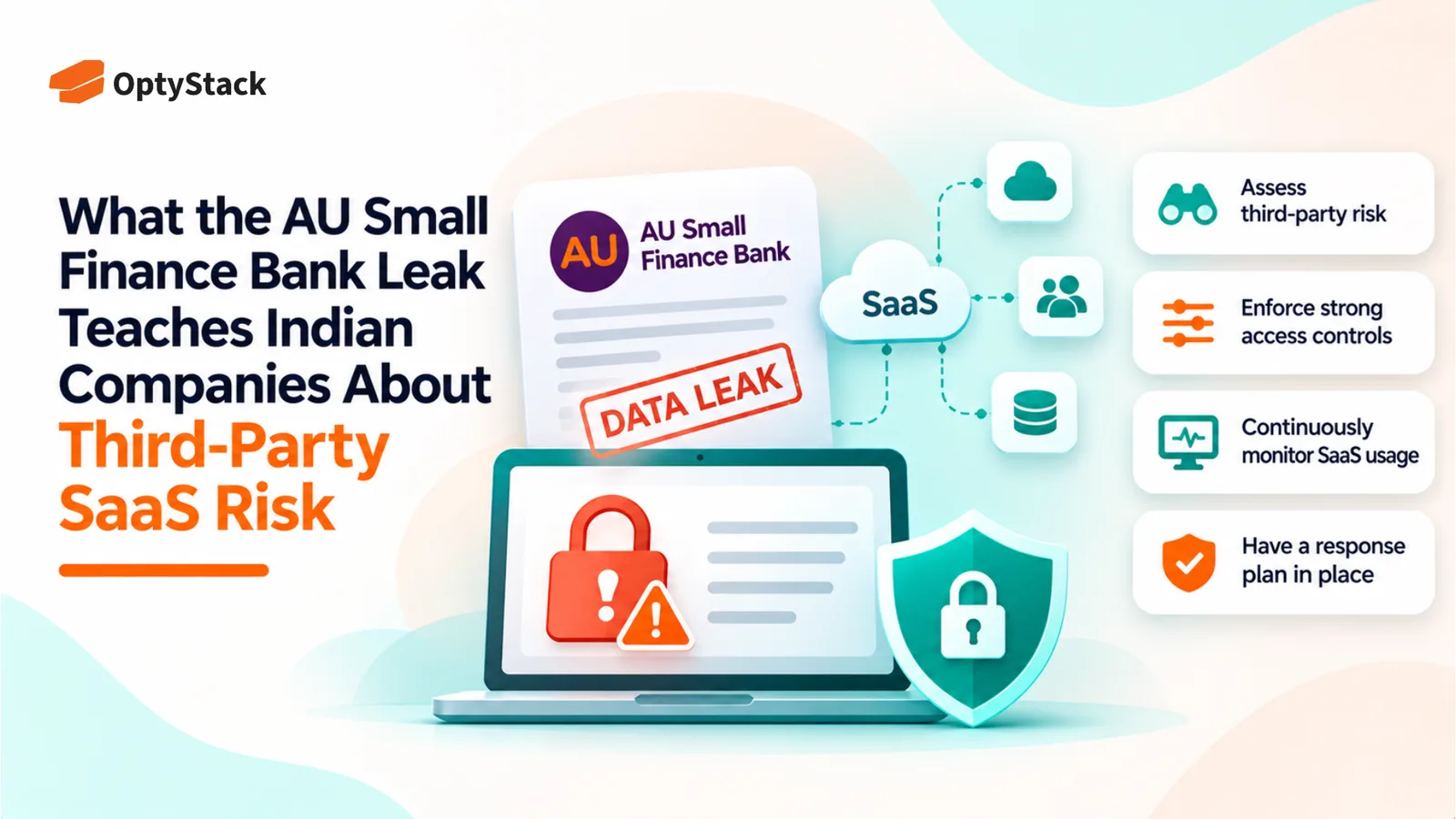
    The AU Small Finance Bank data leak investigation highlights the risks of relying on third-party SaaS platforms. Explore the November 2 disclosure, five essential security checks, and a practical 30-day plan to strengthen SaaS visibility, access controls and vendor risk management.

  • Stolen AI Keys Are the New Shadow AI Bill

    Stolen AI Keys Are the New Shadow AI Bill

    Stolen AI API keys can turn hidden security gaps into unexpected bills. Explore the October 2026 AI platform breaches and learn how to inventory AI tools, assign key ownership, monitor spending, and revoke exposed credentials before costs escalate.

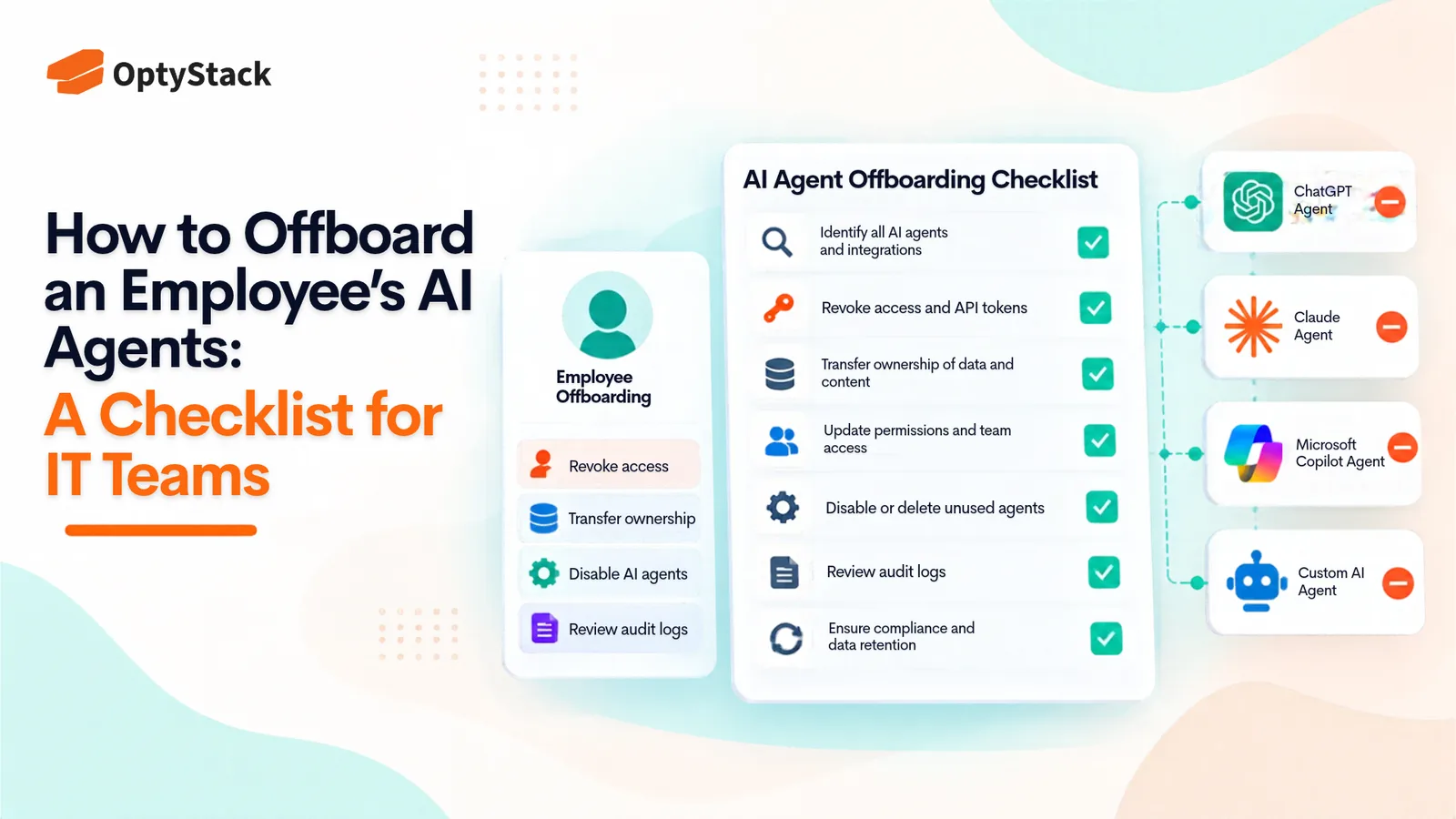
  • How to Offboard an Employee's AI Agents: A Checklist for IT Teams
    Best Practices

    How to Offboard an Employee's AI Agents: A Checklist for IT Teams

    Employees leave, but the AI agents they created and connected can keep running with active credentials. This checklist helps IT teams find every agent, OAuth grant, and API key tied to a departing employee, reassign or retire it, revoke access, and reclaim unused licenses.

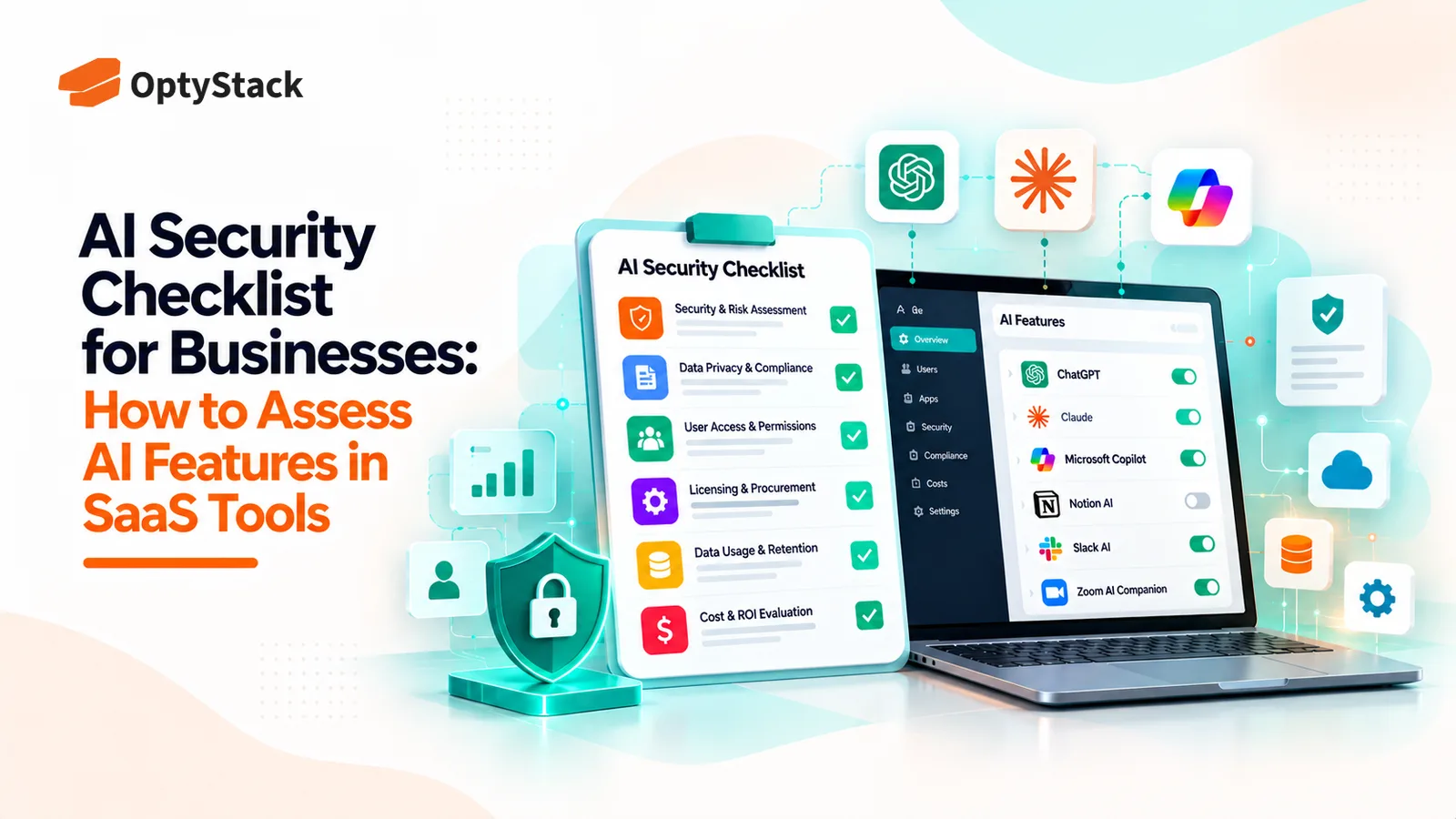
  • AI Security Checklist for Businesses: How to Assess AI Features in SaaS Tools
    Vendor Management

    AI Security Checklist for Businesses: How to Assess AI Features in SaaS Tools

    AI features are appearing inside the SaaS tools businesses already use. Before enabling them, review what data they can access, how vendors process information, which controls are available, and whether the feature introduces new costs or risks.

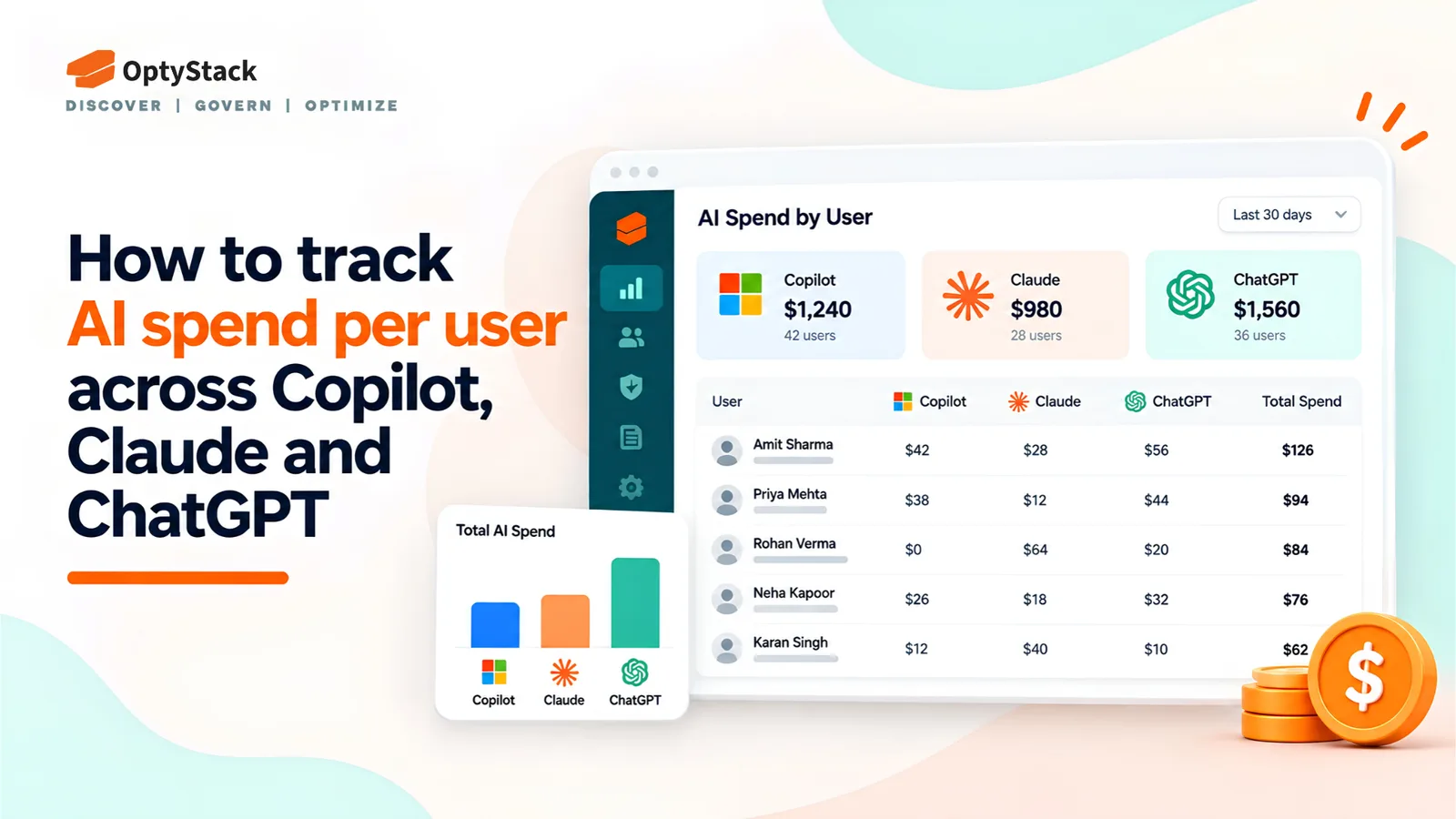
  • How to Track AI Spend Per User Across GitHub Copilot, Claude, and ChatGPT
    Cost Management

    How to Track AI Spend Per User Across GitHub Copilot, Claude, and ChatGPT

    Seat counts no longer explain every AI bill. GitHub Copilot, Claude, and ChatGPT offer different usage reports and spending controls. Learn how to combine vendor billing data, identity logs, and expense records into one per-user view.

Ask the smartest LLMs about OptyStack

ChatGPTGeminiClaudePerplexityGrokCopilot
OptyStack LogoOptyStack Logo

The complete SaaS spend visibility and optimization platform. Connect, analyze, and optimize your entire software stack.

Product

  • Features
  • Integrations
  • Pricing
  • API

SaaS Directory

  • Browse All Apps
  • Slack
  • Microsoft 365
  • Salesforce
  • Zoom
  • Zoho One

Features

  • Cost Optimization
  • Shadow IT Discovery
  • License Management
  • Contract Renewals
  • App Integrations
  • Identity & Zero Trust

Tools & Resources

  • ROI Calculator
  • Knowledge Base
  • SaaS Inflation Index
  • Compare Tools
  • Getting started with OptyStack

Company

  • About
  • Blog
  • Success Stories
  • Events
  • Careers
  • Contact
  • Review us on G2

Stay updated

Get the latest insights on SaaS optimization

© 2026 OptyStack. All Rights Reserved.

LegalPrivacy PolicyTerms of Service