Google Just Gave AI Agents a Front Door to Workspace. Who's Watching It?
Satvik Bansal · November 27, 2026
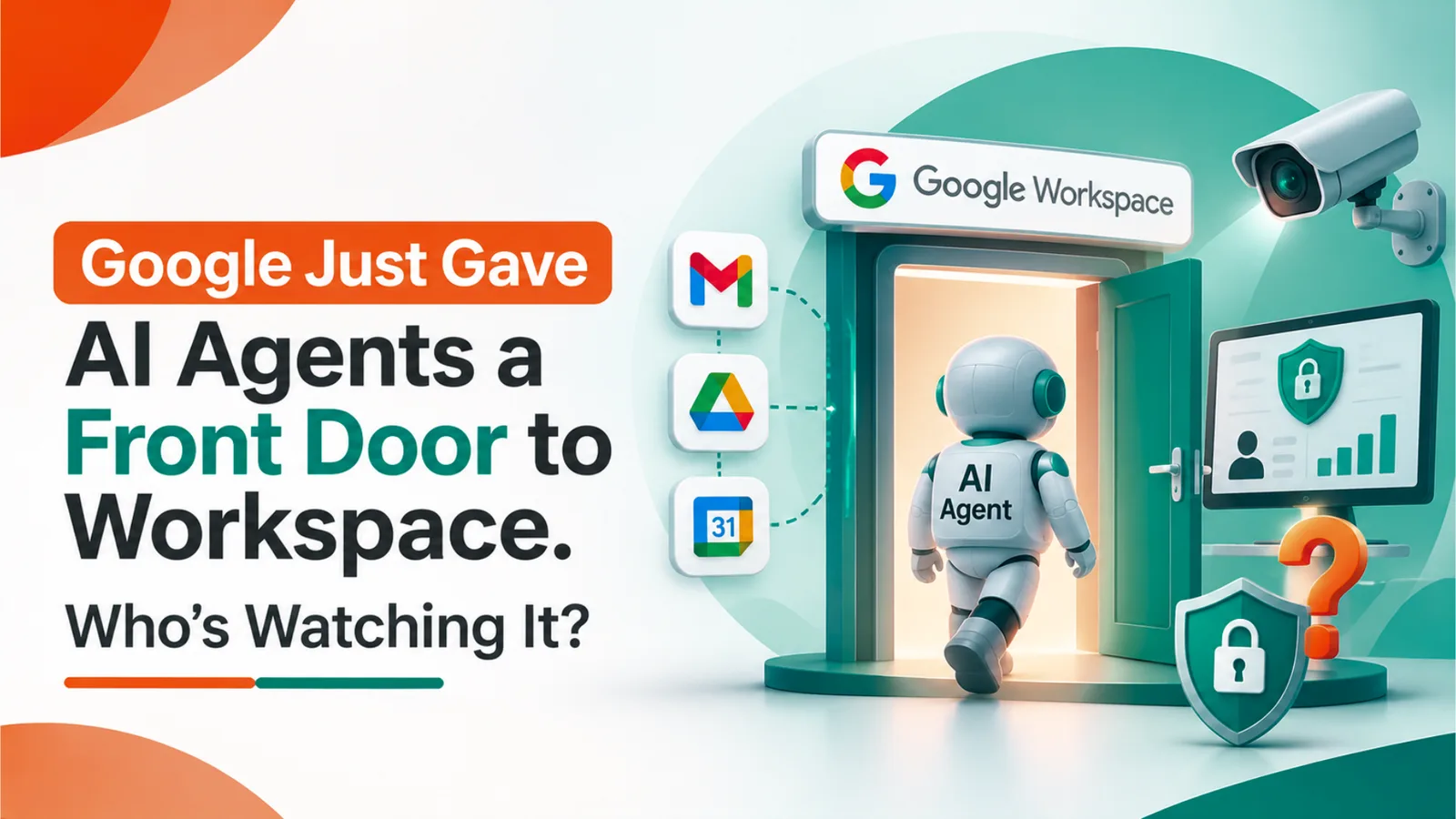
Google's Workspace MCP servers and CLI give AI agents one approved path into Gmail, Drive, and Calendar, with enforcement starting February 1, 2027. The path covers only the agents that use it. This guide explains what changed, what sits outside it, and a four-step checklist for finding the rest.
AI agents have connected to Google Workspace through many routes: direct REST calls, third-party integrations, scripts with OAuth tokens, and local tools on laptops. Google now asks them to use one approved path. Under its Workspace AI Tools Addendum, AI agents must connect through Workspace MCP servers or the Workspace CLI, and technical enforcement begins on February 1, 2027. Conventional applications can keep using REST APIs.
A single approved path makes agent activity easier to see, scope, and limit. It does not make every agent visible, and it does not settle who owns each one. This article explains what changed, what sits outside the new path, and how to inventory the agents that reach Workspace.
What Changed, and When
Three dates matter.
November 24, 2026: quota tiers begin. Google's Calendar API quota guide describes the change. Projects with higher limits keep running, but they cannot request more quota without enrolling in the Scaled Tier or attesting to the internal-use exception. The Standard Tier stays free, with published limits.
November 25, 2026: the front door is announced. Google introduced general availability for its Workspace MCP servers and a Workspace CLI, along with the addendum that makes them the required path for AI agents. The CLI supports locally deployed agents and terminal-based automation through scoped OAuth sign-in. Workspace MCP servers and the CLI also ask for user confirmation before sensitive operations, such as sending email, changing Drive sharing, or making bulk edits. Infosecurity Magazine reported that Google described REST APIs as built for human-paced apps, where a valid OAuth token implied user intent.
February 1, 2027: enforcement begins. From that date, AI agents connecting to Workspace must use the MCP servers or the CLI. Conventional apps can continue using REST APIs. Help Net Security reports that Google plans least-privilege OAuth scopes and usage quotas to limit agent permissions. Time-limited approvals will come in a later release.
What the Front Door Makes Visible
A single approved path helps in three ways. Agent activity can be tied to a defined connection. Scopes can be narrower by design. Quotas make unusual volume easier to notice.
Each benefit applies only to agents that use the path. Four categories stay outside it:
Local agents and scripts. An agent running on a laptop with a personal OAuth token may reach Workspace data through a route the new path does not mediate. Discovery has to come from the device, the identity provider, or the grant list, not only from Google's logs. Whether the CLI covers every local agent a team runs is not something the public announcements settle, so verify it with Google before relying on it.
Other SaaS apps. A project tool, CRM, or automation service may hold its own Workspace connection and call Gmail or Drive on an employee's behalf. Those integrations need inventory in the tools that hold them.
Legacy OAuth grants. Grants approved years ago for mail or file access can still exist. They may never use the new path, and they stay valid until someone revokes them.
Agents built outside Google. A coding assistant, desktop tool, or browser extension may connect to other services that then reach Workspace. Those chains are hard to see from inside one vendor's console.
The front door narrows the problem. It does not replace the inventory.
Scaled Tier Billing: What the Change Covers
Google's billing change has a narrow scope. Under the Scaled Tier, Calendar and Gmail MCP usage begins incurring charges on April 1, 2027. Calendar MCP usage has no daily no-charge allowance under that tier, so charges apply from the first successful request. Projects that do not enroll revert to Standard Tier limits on the same date, and excess requests are throttled.
Charges appear on the Google Cloud bill of the project that enrolls, not on a per-user Workspace line. The Standard Tier stays free within published limits. Whether a given team incurs any charge depends on its volume and enrollment decisions.
Finance should therefore ask two questions: which projects are enrolled, and which agents each project supports. Knowing that before April makes the cost visible in the same place as other AI spend.
A Checklist for Workspace Agent Access
1. Inventory the agents hitting Workspace. Start with Google Cloud projects and their enrolled MCP and API usage, OAuth grants in the Workspace admin console, and the connected-app lists in your identity provider. Add the agents and integrations that teams report running. Record the credential each one uses: a personal login, a shared account, or its own identity.
2. Assign an owner to each agent and each project. Every agent needs a named person who approves its scope and answers for its activity. Every Google Cloud project that calls Workspace APIs needs an owner who manages its tier, quotas, and billing.
3. Enforce conditional access where you can. Route agent sign-ins through an identity layer that checks IP address, device, and region. Where the platform allows it, deny sign-ins from unapproved networks and devices, and require stronger verification for sensitive scopes.
4. Revoke the leftovers. Remove OAuth grants that no owner claims, that have not been used in 60 to 90 days, or that belong to people who have left. Confirm each revocation by testing whether the old token still works. Decide before April 1 which projects will enroll in the Scaled Tier, and let the rest revert deliberately.
Where OptyStack Fits
OptyStack is a SaaS and AI access governance platform, and it covers the discovery and access parts of this checklist. It finds SaaS and AI tools using signals from spend, SSO, and browser activity, so connected apps and AI tools appear in one list with the people who sign in to them. Its Growth plan adds AI agent discovery and user lifecycle management. Its identity features apply IP, device, and region conditions to sign-ins for connected apps, according to its identity management page.
OptyStack does not monitor Workspace MCP traffic, see inside a Google Cloud project's usage, or decide which projects enroll in the Scaled Tier. Those decisions belong to your Google Workspace and Google Cloud administrators. OptyStack's role is to show which apps, grants, and people are involved, so those administrators have an accurate list to work from.
To see every SaaS app, AI agent, and identity using them in one place, you can run OptyStack's free scan, with no credit card required. You can also compare plans on the pricing page.