Shadow AI: The IT Blind Spot of 2026
Aryan Malik · August 27, 2026
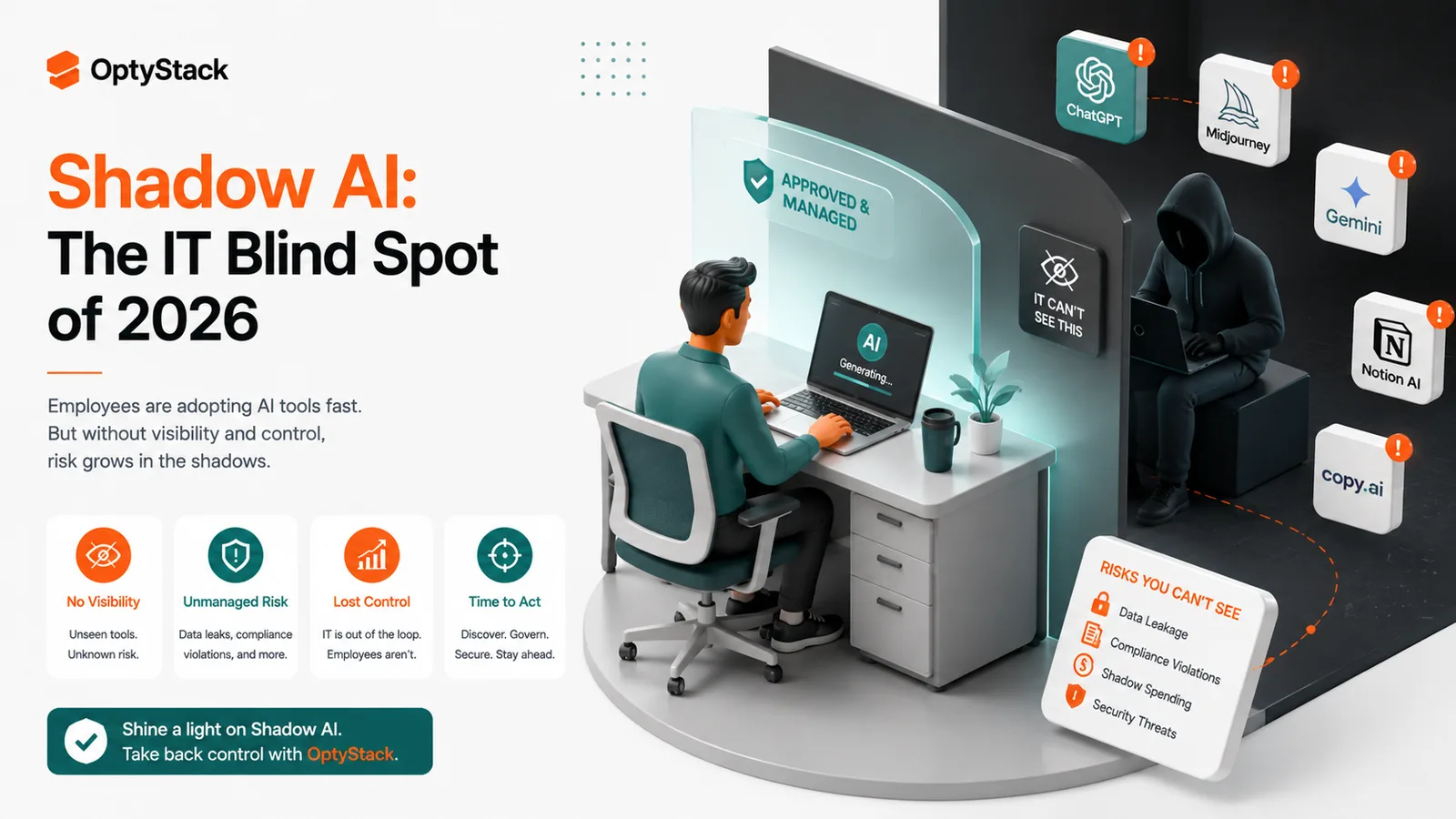
Employees are adopting AI tools faster than IT can review them, creating a new visibility and security problem. Learn what Shadow AI is, why it happens, what risks it creates, and how companies can manage it without blocking useful AI.
Employees don't need IT to start using most AI tools anymore. They can create an account, paste in a prompt, upload a document, and get useful work done before anyone has asked whether the tool is approved.
That's what makes Shadow AI different from the older Shadow IT problem. The software is faster to adopt, the tools are increasingly capable, and some of them look more like everyday productivity apps than traditional enterprise software. By the time IT discovers one, employees may already be relying on it for real work.
The problem isn't that employees are using AI. It's that the company may have no idea which AI tools are being used, what information is going into them, or who is responsible for reviewing them.
What is Shadow AI?
Shadow AI is the use of AI applications or capabilities by employees without the organization's knowledge, approval, or security oversight.
That can mean signing up for a standalone AI service with a personal account, using an unapproved AI coding assistant, uploading company documents to a public chatbot, or connecting an AI application to another business system without going through the normal review process.
It can also happen inside software the company already approves. An application may introduce a new AI feature or integration that employees start using without anyone revisiting the original security assessment.
That makes Shadow AI harder to manage than simply keeping a list of approved applications.
Why Shadow AI is growing so quickly
AI is easier to adopt than traditional software
Employees don't have to install anything or wait for procurement to get started with many AI services.
A designer can use an image generator for a presentation. A salesperson can summarize customer conversations. A developer can ask an AI coding assistant to explain or rewrite a function.
The barrier to experimentation is extremely low.
Zylo's 2026 SaaS Management Index found that spending on AI-native applications increased 108% year over year, while the number of applications in the broader AI category grew 181%, making AI the fastest-growing application category in its dataset.
The important part isn't the growth figure by itself. It's what happens when adoption moves faster than the company's ability to review it.
Employees often have a legitimate reason for using AI
Someone using an unapproved AI tool isn't necessarily trying to ignore company policy.
They may have a problem that needs solving today, while the approved AI tool doesn't support the task. Or there may not be an approved alternative at all.
This is one reason blanket bans are difficult to enforce. Employees can still find another tool, and the company may end up with less visibility rather than less AI usage.
A better approach starts by asking why the employee chose that application and what information they were using it with.
What makes Shadow AI a security problem?
Company data can leave through an AI prompt
A normal SaaS login already tells you that a user has access to an application. With AI, the more important question can be what the user puts into it.
An employee might paste customer information into a chatbot to summarize it. A developer might provide source code to an AI coding tool. Someone in Finance might upload a spreadsheet to generate a report.
The application may be outside the company's approved environment, while the information being submitted belongs to the company.
IBM's 2025 research found that one in five organizations studied reported a breach related to Shadow AI. Those organizations also reported average breach costs about $670,000 higher when Shadow AI usage was high compared with organizations with low or no Shadow AI.
That doesn't mean every Shadow AI application will cause a breach. It does show why unmanaged AI usage deserves more than a simple “approved or not approved” label.
AI permissions can be broader than expected
Some AI tools don't just answer prompts. Depending on the product and permissions granted, they can connect to email, documents, calendars, code repositories, customer systems, or other business applications.
An employee may approve an integration because it makes the tool more useful without realizing how much information the connection exposes.
That's where traditional application approval can fall short. The application may be approved, but its capabilities and integrations may have changed since the original review.
Visibility is often the first problem
You can't review an AI tool that nobody knows is being used.
Zylo's 2026 research found that 60% of IT leaders said they lack visibility into all generative AI tools in use, while 77% said they had discovered AI-powered features or applications operating without IT's awareness.
That gap matters because security teams can't assess data access, user permissions, vendor risk, or business necessity when they don't have a reliable picture of what is actually being used.
How to manage Shadow AI without blocking useful AI
Start by finding what's already being used
Don't begin by writing a longer AI policy.
Begin with discovery.
Look at expense data, identity activity, SSO connections, browser or application signals, and other sources that can reveal software employees are using outside the approved stack.
The objective is not to create a list of employees to discipline. It's to understand where AI is already entering the business.
Give employees approved AI options
If the company wants employees to use AI safely, it needs to provide tools that are useful enough for the work people actually do.
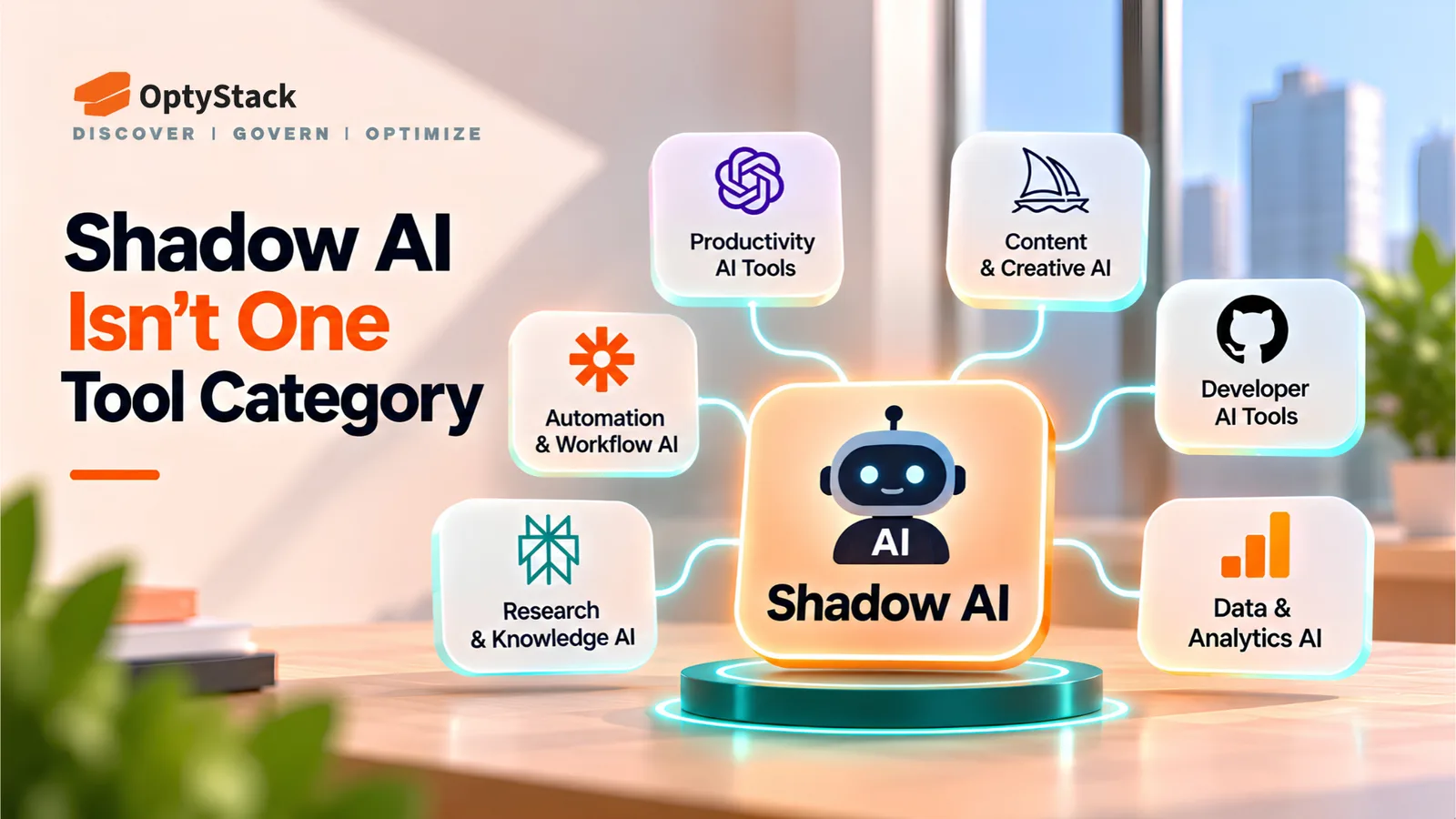
An approved list that contains one general-purpose chatbot won't necessarily cover coding, research, design, customer support, analytics, and other use cases.
Create an AI catalog that tells employees which tools are approved, what they can be used for, and what kinds of information can safely be entered.
Make the approval process faster
An employee who has to wait two weeks for permission to test an AI tool is more likely to find their own solution.
Use a lightweight path for low-risk experimentation and reserve deeper reviews for applications handling sensitive information, connecting to internal systems, or creating significant vendor exposure.
That gives security a chance to focus its attention where it matters instead of reviewing every AI experiment the same way.
Set clear rules around data
Employees need more than a general instruction to “use AI responsibly.”
Tell them what they can and cannot put into external AI services.
Customer personal information, confidential financial information, source code, credentials, regulated data, and intellectual property may require specific controls depending on the company's policies and obligations.
The policy should also explain what happens when an AI tool requests access to company systems or data.
Review AI tools as they change
AI products change quickly. New models, integrations, agents, plugins, and pricing tiers can appear without looking like a completely new application.
A tool approved six months ago may not have the same data flows today.
That means AI governance needs a review mechanism for significant product and integration changes rather than relying only on the original procurement decision.
Where OptyStack fits
The first step in managing Shadow AI is knowing what is actually being used.
OptyStack helps teams discover SaaS applications and Shadow AI across the organization by combining signals such as spend, identity, and application activity. Its platform is designed to surface applications outside the approved environment and give teams more context around the software entering the business.
That visibility makes the next decision easier. Security teams can investigate which applications have access to company information, IT can identify tools that need an approved alternative, and Finance can see where AI-related subscriptions and usage are entering the software estate.
The goal isn't to stop employees from using AI.
It's to make sure the company knows what is being used, what it can access, and whether it belongs in the environment.
OptyStack is free to start and doesn't require a credit card.
Find the AI tools your IT team can't see. Start free with OptyStack.
Frequently asked questions
What is Shadow AI?
Shadow AI is the use of AI tools or AI capabilities without the organization's knowledge, approval, or appropriate security oversight.
Why do employees use Shadow AI?
Usually because they need to solve a problem quickly, the approved tools don't meet their needs, or they aren't aware that a particular AI application requires approval.
Is Shadow AI the same as Shadow IT?
Shadow AI is a specific form of Shadow IT focused on artificial intelligence tools and capabilities. Shadow IT is the broader category covering unauthorized technology use.
Why is Shadow AI risky?
AI tools can receive sensitive company information, connect to business systems, or create new access paths that security teams aren't monitoring. The risk depends on the application, permissions, data involved, and how the organization governs its use.
How can companies reduce Shadow AI?
Discover the tools already in use, provide useful approved alternatives, create a fast approval path for legitimate needs, establish clear data-handling rules, and review AI applications as their capabilities and integrations change.
Shadow AI Is an IT Visibility Problem First
Employees are going to experiment with AI. Trying to eliminate that behavior entirely is unlikely to work.
The more useful approach is to understand what is already happening inside the organization. Which tools are employees using? What data are they connecting? Which applications were approved but have since gained new AI capabilities? Where does IT have no visibility at all?
Once those questions have answers, the company can decide what should be approved, restricted, replaced, or removed.
That's the difference between simply having an AI policy and actually managing AI across the SaaS environment.
Start free with OptyStack and bring Shadow AI into view.