OptyStack LogoOptyStack Logo
Product
Features
Cost OptimizationCut SaaS waste with discovery, usage-backed rightsizing, and renewal leverage—often up to ~30% savings.Shadow IT DiscoveryDiscover unsanctioned SaaS, shadow AI, and unmanaged subscriptions in one place.License ManagementFind unused seats, eliminate zombie accounts, and automate renewals with usage-backed data.Contract Renewal TrackingOne renewal calendar with notice windows, usage context, and negotiation-ready briefs.Seamless App IntegrationsConnect Microsoft 365, Google Workspace, SSO, and 100+ SaaS brands into one live inventory.Identity Management with Zero Trust SecuritySingle sign-on and conditional access by IP, device, and region for your SaaS apps.
ROI Calculator
Resources

Support

  • Support
  • Knowledge Base
  • SaaS Directory
  • Partners

Content

  • SaaS Inflation Index
  • 2026 SaaS Audit Toolkit
  • Blogs
  • Success Stories
  • Events
PricingAboutContact
Start Free Trial
Book Demo
← All postsSaaS Renewals Management

Building a 12-Month SaaS Renewal Calendar

Aryan Malik · September 10, 2026
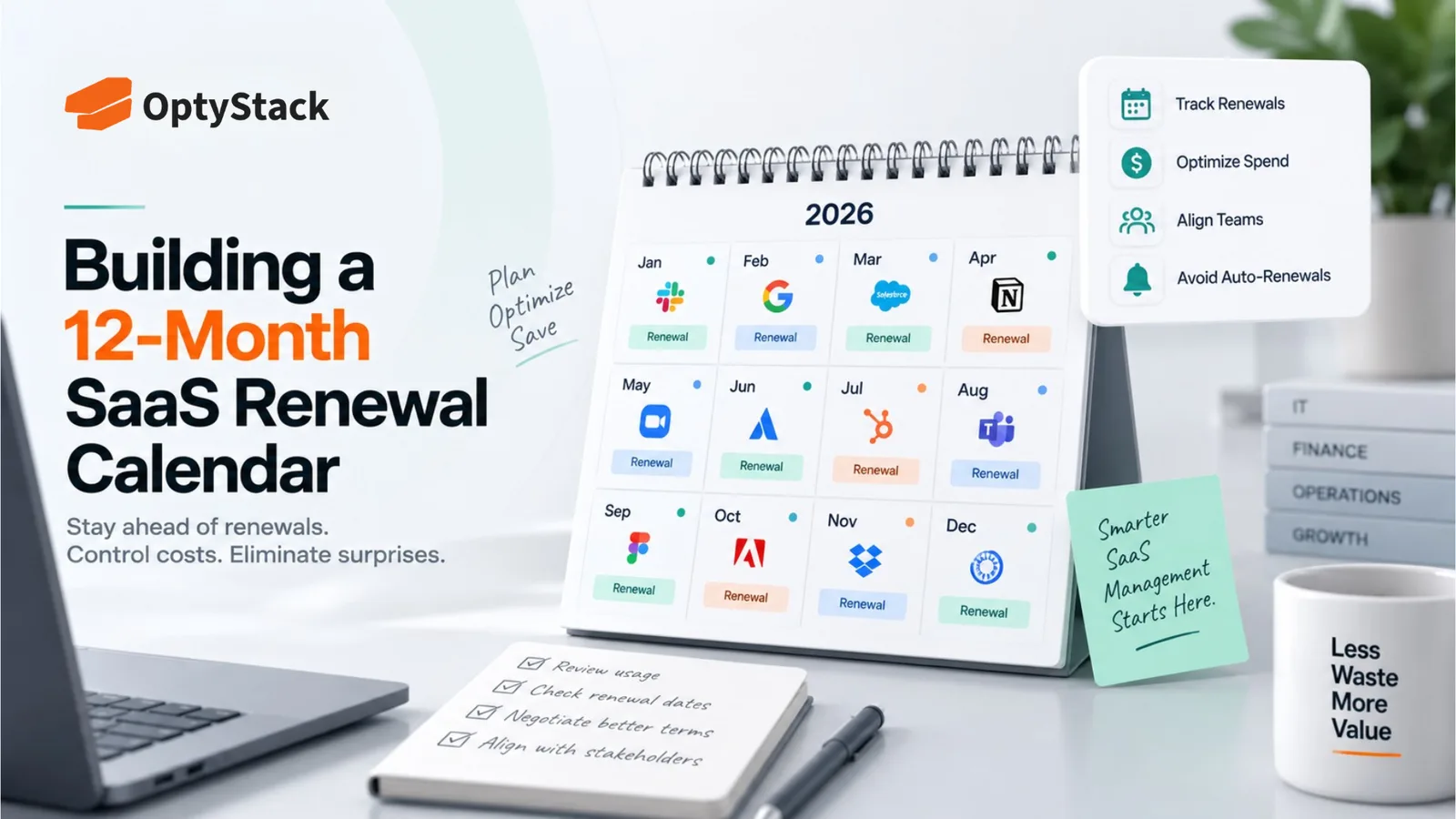
OptyStack SaaS renewal management concept featuring a 12-month renewal calendar, renewal tracking, spend optimization, team alignment, and proactive planning to prevent unexpected auto-renewals.
Share
LinkedInX

About 69% of software contracts carry a 30-to-90-day notice period, and missing that window means losing your ability to negotiate. Here's how to build a 12-month renewal calendar with the right fields, cadence, and ownership to actually keep it current.

Roughly 69% of software contracts carry a notice period of 30 to 90 days before they auto-renew, according to a May 2026 dataset from contract management platform ContractSafe. That window is where most renewal problems actually happen. The contract's end date isn't the deadline that matters. The date by which you have to act, weeks or months earlier, is the one that decides whether you get to negotiate or just accept whatever the vendor sets.

A renewal calendar is the tool that turns that deadline from something you discover after the fact into something you can actually plan around. Building one that survives past the first quarter takes a specific structure, not just a spreadsheet with dates in it.

Related reading

Explore related guides and continue your SaaS optimization research:

  • AI Credits at Renewal: A Finance Checklist for Usage-Priced SaaS
  • SaaS Contract Renewal Management
  • SaaS Renewal Management: How to Stop Auto-Renewals From Draining Your Budget
  • How to Conduct Your First Comprehensive SaaS Audit in 5 Steps

What a working renewal calendar actually needs to track

A calendar with too few fields misses the details that matter. One with too many becomes something nobody keeps updated. A workable structure sits at five to eight fields per contract:

Vendor and contract value. The basic identifying information, plus the annual or total contract cost, so the calendar doubles as a rough spend forecast as renewals approach.

Contract end date, pulled from the actual signed agreement. Not the date in your billing portal, which sometimes reflects the current billing cycle rather than the underlying contract term.

Notice period length, in the exact units the contract states. A clause that says "three months" is not the same as 90 days, and calculating it as though it were can put your deadline off by a few days, which is sometimes exactly enough to miss it.

Calculated notice deadline, meaning the contract end date minus the notice period. This is the single most important field on the entire calendar, and it's the one most manual tracking systems skip because it requires a calculation rather than a value copied straight from the contract.

Owner. One named person, not a department or a team. When responsibility is shared across a group, it's effectively unowned, and unowned renewals are the ones that get missed.

Status. A simple field tracking where each contract stands: upcoming, under review, decided, or completed, so a monthly scan of the calendar shows exactly where attention is needed without reopening every individual record.

Structuring the calendar across a full year

Stagger your review cadence around each notice deadline, not the calendar month. A common structure uses three checkpoints: 90 days before the notice deadline to start the review, 60 days out to gather usage data and pricing benchmarks, and 30 days out as the final decision point before the window closes. Building alerts around the deadline itself, rather than a fixed monthly date, keeps the timing accurate even as new contracts get added throughout the year.

Group your annual review load by quarter, since renewals rarely distribute evenly. Many companies find a disproportionate share of contracts cluster around specific months, often tied to when the company was founded or when a major vendor push happened. Mapping this out for the year ahead shows you which quarters will require heavier renewal attention, so you can plan the workload rather than being surprised by it.

Build in a monthly standing review, separate from the individual contract-specific alerts. A short, recurring block of time each month to scan the full calendar catches contracts that might otherwise slip between individual deadline alerts, particularly ones added mid-year that weren't part of the original build-out.

Plan renewal-heavy months around your broader budget cycle where possible. If your company runs an annual budgeting process, having visibility into which major renewals fall in the months just before or after it lets finance factor those decisions into the budget rather than treating them as a separate, disconnected process.

Building it from scratch

Start by pulling every active contract, not just the ones you remember. Corporate card statements, expense records, and procurement files often surface renewals that never made it onto anyone's radar as an ongoing obligation.

Extract the five core fields for every contract before worrying about anything more sophisticated. A complete, accurate list with just vendor, end date, notice period, calculated deadline, and owner is more useful than an elaborate system with missing or wrong data in half the entries.

Push the calculated deadlines into whatever calendar your team actually checks, not a separate spreadsheet nobody opens outside of renewal season. A notice deadline that only lives in a spreadsheet, with no active reminder, provides very little practical protection.

Where this tends to fall apart

The calendar gets built once and stops being updated. A renewal calendar is only as good as its most recent update. New contracts signed after the initial build-out need to be added the same day, not whenever someone remembers to do it.

Notice periods get approximated instead of read from the actual clause. Assuming every contract uses a standard 30-day window, when the actual language specifies 90, is a common and completely avoidable way to miss a deadline that looked comfortably far away.

Ownership gets assigned to a team instead of a person. A contract marked "IT" or "Procurement" as its owner has no one specifically accountable when the deadline approaches, which is exactly the condition under which renewals get missed.

Shadow IT subscriptions never make it onto the calendar at all. A tool purchased outside a formal procurement process typically has no one tracking its notice period, which means it's likely to auto-renew simply because nobody knew to include it.

Where OptyStack fits

Building and maintaining an accurate renewal calendar by hand means pulling contract data from multiple sources, calculating notice deadlines correctly for each one, and keeping the whole thing updated as new tools get added throughout the year, which is exactly the kind of ongoing maintenance that tends to lapse once the initial build-out is done.

OptyStack keeps renewal dates and application data connected in one place across your SaaS estate, including tools discovered outside a formal procurement process, so notice deadlines stay current without depending on someone manually updating a spreadsheet every time a new contract gets signed.

It's free to start and doesn't require a credit card.

Build a renewal calendar that actually stays current. Start free with OptyStack.
Unlock visibility. Slash SaaS waste.

Get real-time SaaS spend insights, discovery, and optimization in OptyStack Hub—start free, no credit card required.

Sign up for OptyStack Hub
PreviousSaaS Vendor Breach Response: What to Do When a Vendor Is BreachedNextSaaS Consolidation vs. Specialization: How to Decide

Related articles

  • AI Credits at Renewal: A Finance Checklist for Usage-Priced SaaS
    SaaS Renewals Management

    AI Credits at Renewal: A Finance Checklist for Usage-Priced SaaS

    AI credits and usage-based pricing make SaaS renewals harder to forecast. Learn how Finance and Procurement can review allowances, control overages, and prepare 90 days before renewal.

    Oct 21, 2026

  • SaaS Contract Renewal Management
    SaaS Renewals Management

    SaaS Contract Renewal Management

    Most SaaS contracts renew automatically, and most companies find out too late that the window to say no already closed. Here's how to track renewal deadlines, negotiate before you lose leverage, and stop auto-renewal from making decisions for you.

    Aug 23, 2026

  • SaaS Renewal Management: How to Stop Auto-Renewals From Draining Your Budget
    SaaS Renewals Management

    SaaS Renewal Management: How to Stop Auto-Renewals From Draining Your Budget

    Auto-renewals are where known waste becomes permanent. Miss a notice window and you're locked in for another year at full price. Here's how to build a renewal management process that turns every contract into a planned decision instead of a surprise.

    Jul 3, 2026

  • How to Conduct Your First Comprehensive SaaS Audit in 5 Steps
    SaaS Renewals Management

    How to Conduct Your First Comprehensive SaaS Audit in 5 Steps

    Knowing you have a SaaS problem is step one. Fixing it is step two. Follow this practical 5-step guide to conduct your first comprehensive SaaS audit and regain control of your IT landscape.

    Mar 3, 2026

  • Escape the Trap: How to Stop SaaS Auto-Renewals from Bleeding Your Budget
    SaaS Renewals Management

    Escape the Trap: How to Stop SaaS Auto-Renewals from Bleeding Your Budget

    Are you caught in the SaaS auto-renewal trap? Stop being surprised by expensive invoices. Learn how to implement a proactive renewal calendar and save thousands on unwanted software.

    Feb 26, 2026

Keep reading

More guides on SaaS visibility, spend, and governance—jump between topics without leaving the blog.

View all posts →
  • SaaS SSO and Conditional Access Without a Second Directory
    SaaS Optimization

    SaaS SSO and Conditional Access Without a Second Directory

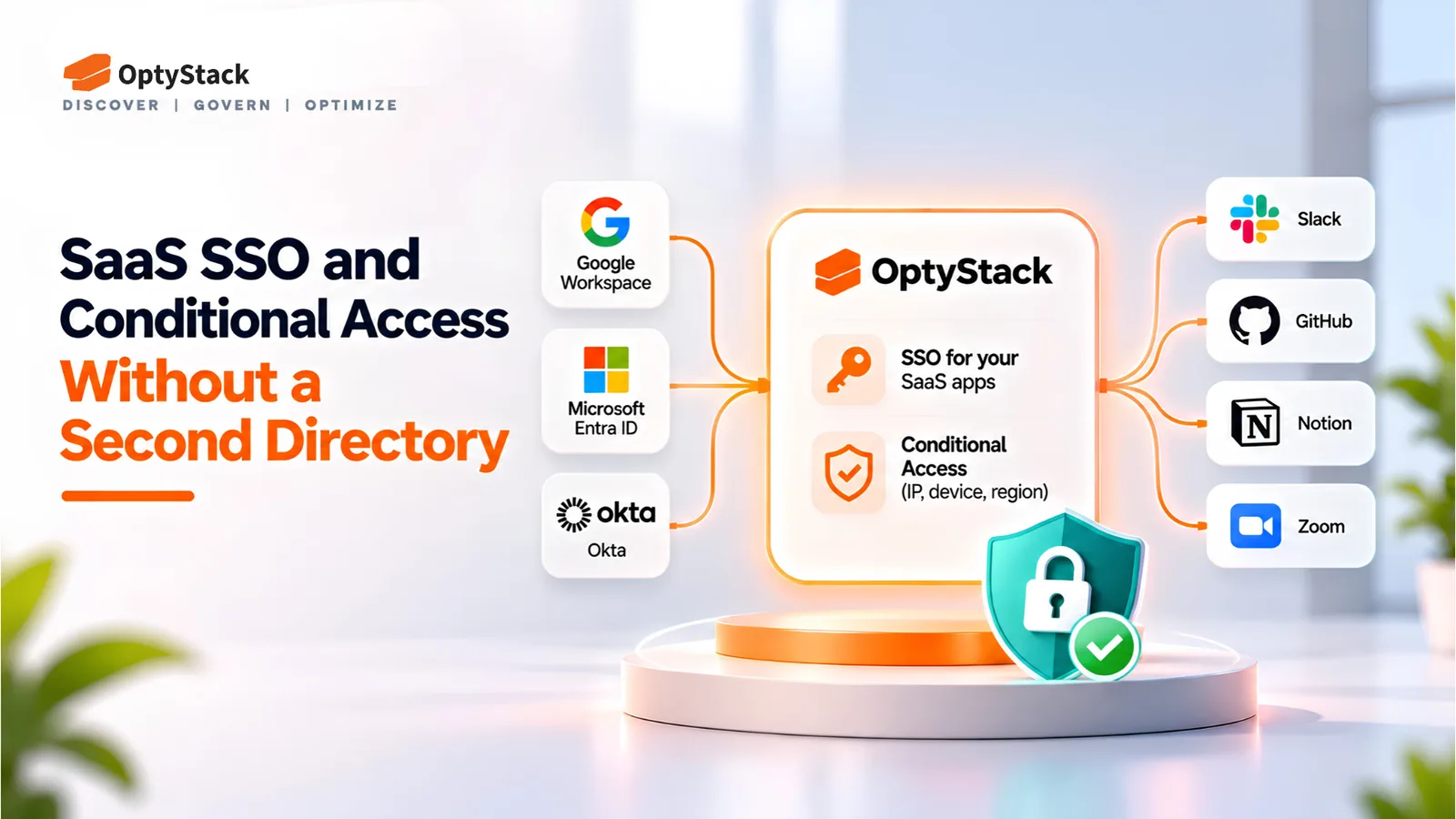
    Another user directory adds one more place to manage access. OptyStack connects to the identity provider you already run, signs users in to your SaaS apps, and checks IP address, device, and region on every sign-in.

  • AI Agents Shouldn't Hold the Keys to Their Own Audit Log

    AI Agents Shouldn't Hold the Keys to Their Own Audit Log

    AI agents can access systems, use credentials, and take actions that are difficult to audit. Learn five practical controls for agent inventories, least privilege, independent logging, access reviews, and secure offboarding.

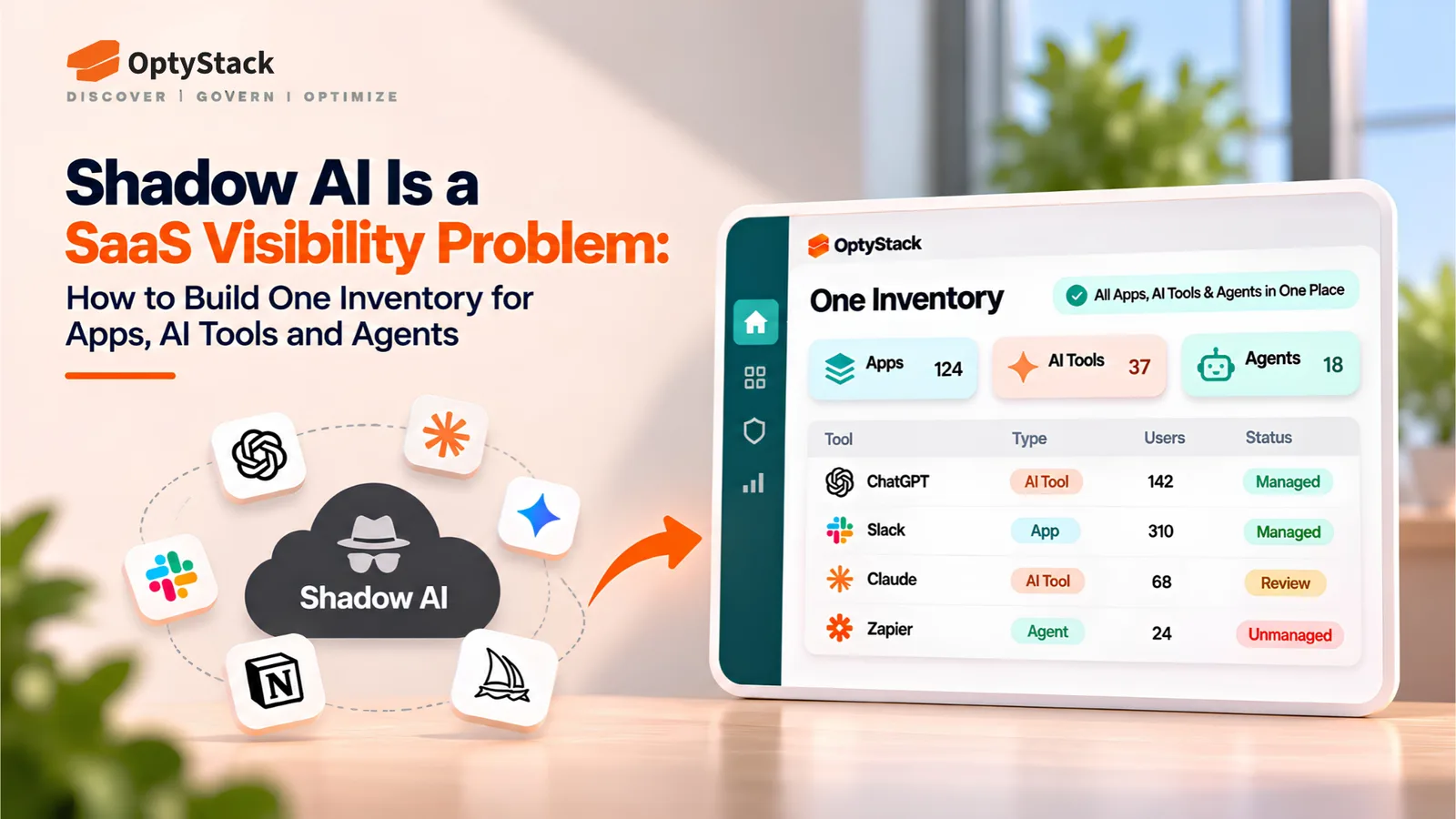
  • Shadow AI Is a SaaS Visibility Problem: How to Build One Inventory for Apps, AI Tools and Agents
    Shadow IT

    Shadow AI Is a SaaS Visibility Problem: How to Build One Inventory for Apps, AI Tools and Agents

    Shadow AI extends beyond chatbots into browser extensions, laptop agents, MCP servers, and OAuth-connected applications. Learn how to build one inventory for ownership, data access, cost, and lifecycle management.

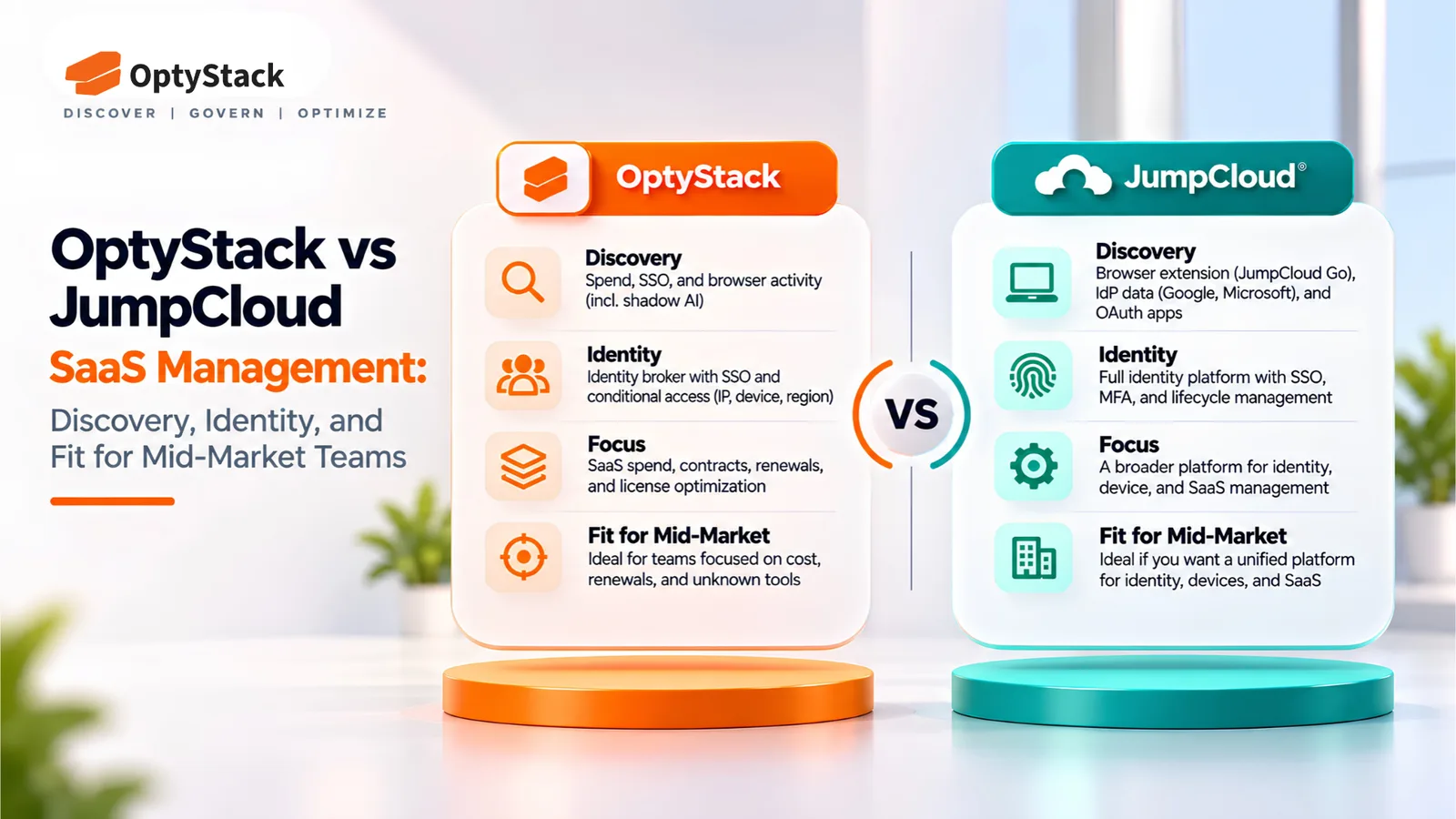
  • OptyStack vs JumpCloud SaaS Management: Discovery, Identity, and Fit for Mid-Market Teams
    Shadow IT

    OptyStack vs JumpCloud SaaS Management: Discovery, Identity, and Fit for Mid-Market Teams

    JumpCloud and OptyStack both find unsanctioned SaaS, but they start from different places. This comparison covers how each discovers apps, how each handles identity, what OptyStack costs in INR, and which team each one suits.

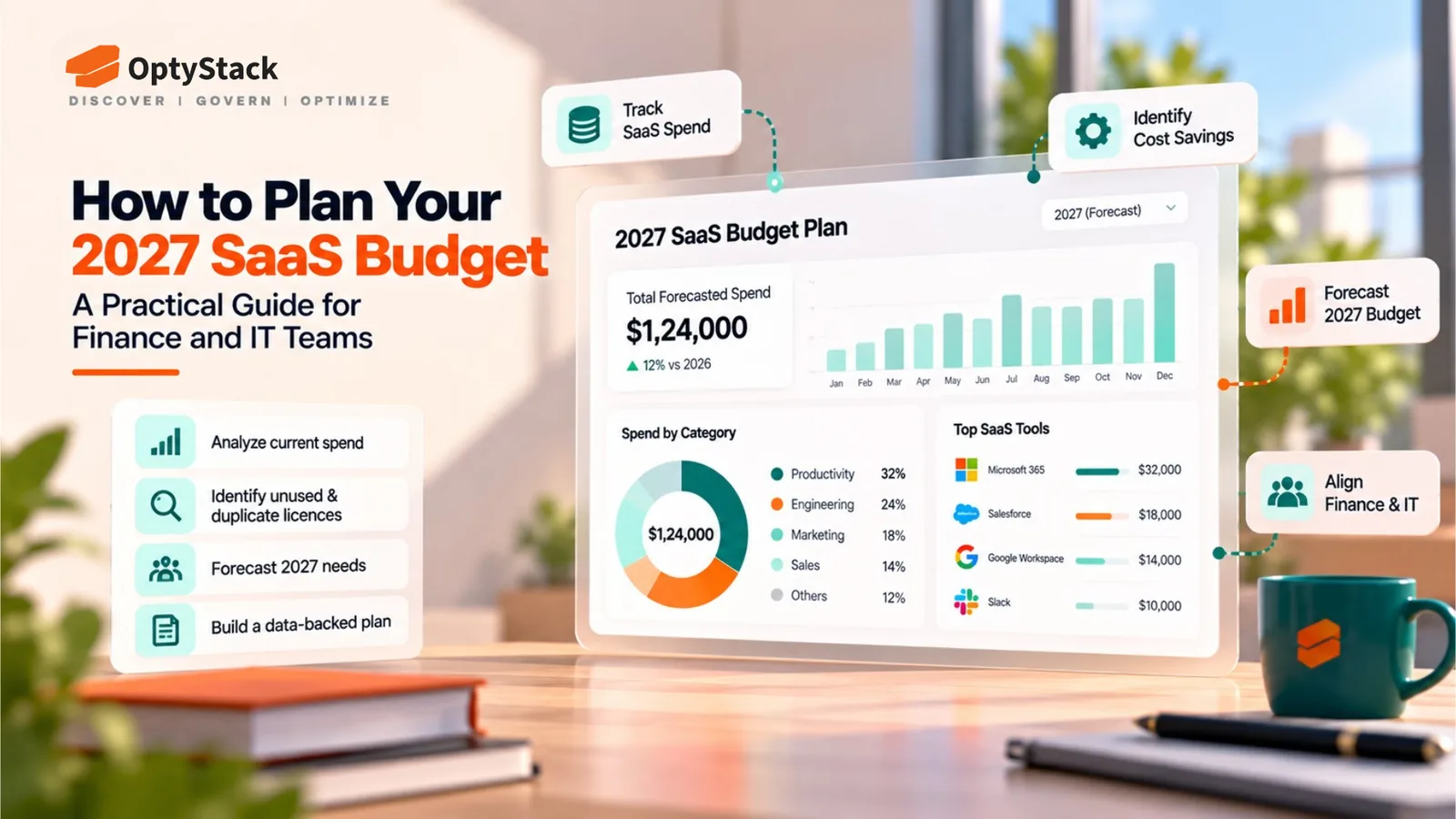
  • How to Plan Your 2027 SaaS Budget: A Practical Guide for Finance and IT Teams

    How to Plan Your 2027 SaaS Budget: A Practical Guide for Finance and IT Teams

    Build a reliable 2027 SaaS budget by consolidating software spending, reviewing renewals, identifying unused licenses, and forecasting AI and subscription costs. Use this practical guide to align Finance and IT before committing to new software expenses.

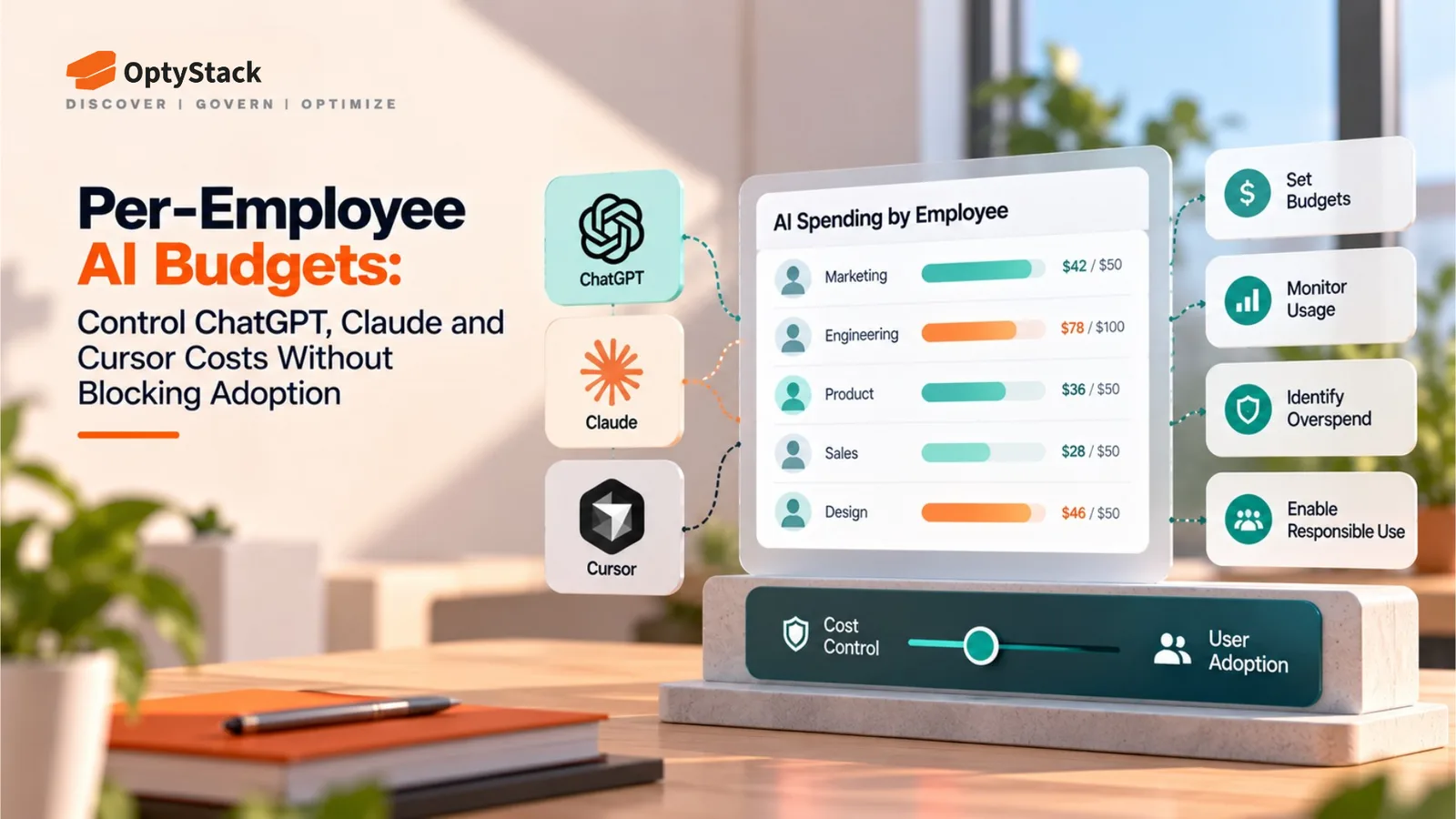
  • Per-Employee AI Budgets: Control ChatGPT, Claude and Cursor Costs Without Blocking Adoption
    Cost Management

    Per-Employee AI Budgets: Control ChatGPT, Claude and Cursor Costs Without Blocking Adoption

    AI bills can be difficult to forecast, but blanket bans can slow productive teams down. Learn how to build per-employee AI budgets with baseline allocations, shared usage pools, spending alerts and provider-level controls.

Ask the smartest LLMs about OptyStack

ChatGPTGeminiClaudePerplexityGrokCopilot
OptyStack LogoOptyStack Logo

The complete SaaS spend visibility and optimization platform. Connect, analyze, and optimize your entire software stack.

Product

  • Features
  • Integrations
  • Pricing
  • API

SaaS Directory

  • Browse All Apps
  • Slack
  • Microsoft 365
  • Salesforce
  • Zoom
  • Zoho One

Features

  • Cost Optimization
  • Shadow IT Discovery
  • License Management
  • Contract Renewals
  • App Integrations
  • Identity & Zero Trust

Tools & Resources

  • ROI Calculator
  • Knowledge Base
  • SaaS Inflation Index
  • Compare Tools
  • Getting started with OptyStack

Company

  • About
  • Blog
  • Success Stories
  • Events
  • Careers
  • Contact
  • Review us on G2

Stay updated

Get the latest insights on SaaS optimization

© 2025 OptyStack. All Rights Reserved.

LegalPrivacy PolicyTerms of Service