OptyStack LogoOptyStack Logo
Product
Features
Cost OptimizationCut SaaS waste with discovery, usage-backed rightsizing, and renewal leverage—often up to ~30% savings.Shadow IT DiscoveryDiscover unsanctioned SaaS, shadow AI, and unmanaged subscriptions in one place.License ManagementFind unused seats, eliminate zombie accounts, and automate renewals with usage-backed data.Contract Renewal TrackingOne renewal calendar with notice windows, usage context, and negotiation-ready briefs.Seamless App IntegrationsConnect Microsoft 365, Google Workspace, SSO, and 100+ SaaS brands into one live inventory.Identity Management with Zero Trust SecuritySingle sign-on and conditional access by IP, device, and region for your SaaS apps.
ROI Calculator
Resources

Support

  • Support
  • Knowledge Base
  • SaaS Directory
  • Partners

Content

  • SaaS Inflation Index
  • 2026 SaaS Audit Toolkit
  • Blogs
  • Success Stories
  • Events
PricingAboutContact
Start Free Trial
Book Demo
← All postsSaaS Governance

Microsoft Entra's 90-Day Inactivity Rule: Is Your AI Agent Offboarding Ready?

Ravi Singh · November 9, 2026
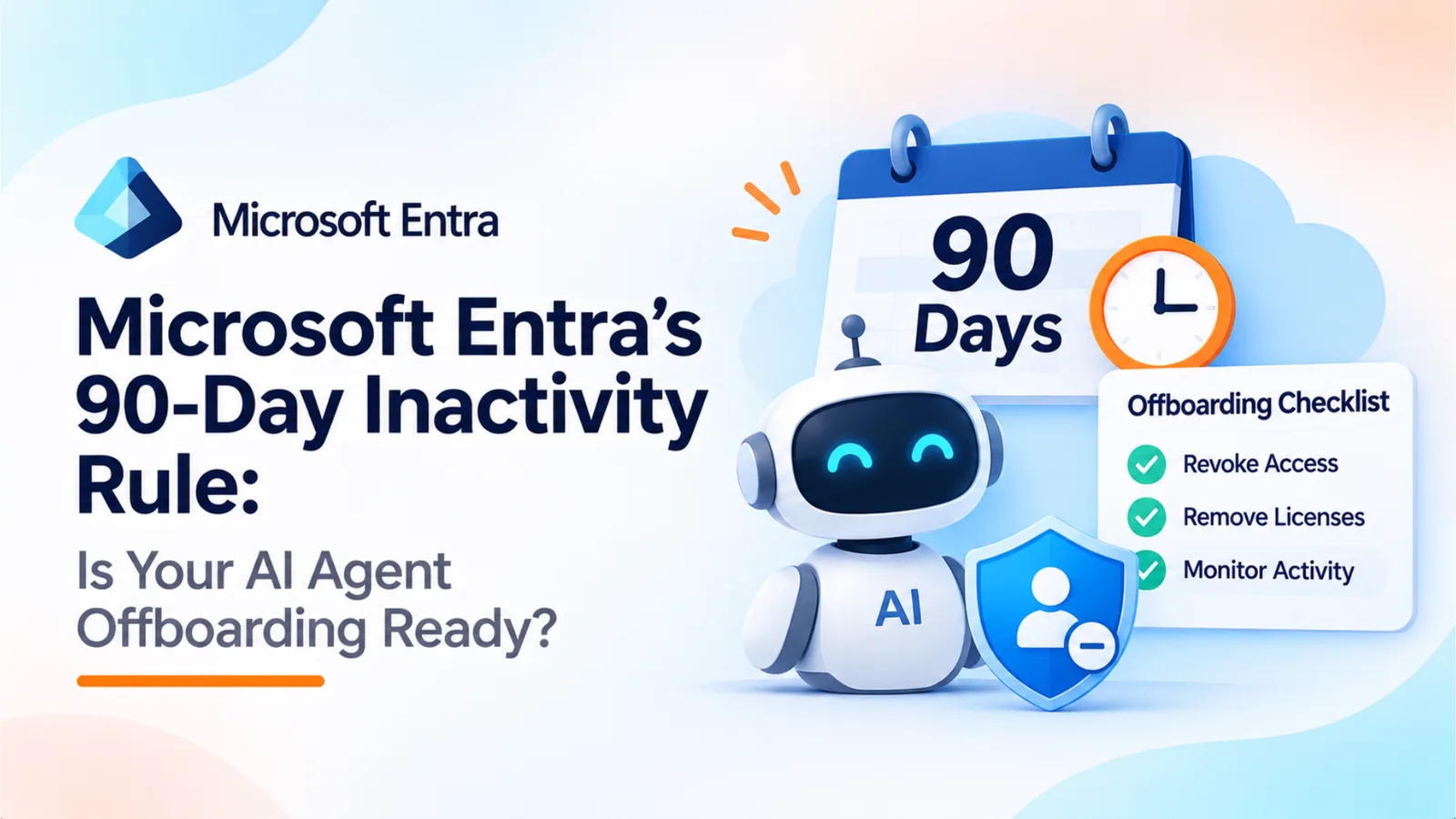
Microsoft Entra infographic about the 90-day inactivity rule for AI agents, featuring an AI robot, a "90 Days" calendar, and an offboarding checklist.
Share
LinkedInX

Microsoft's Entra Agent ID inactivity policy notifies owners and sponsors after 60 days, disables inactive identities after 90 days and deletes them after 455 days. This guide explains the policy's preview status, why it does not cover every external credential, and how to build a joiner-mover-leaver process for AI agents.

Microsoft Entra Agent ID includes a default inactivity policy designed to identify and clean up inactive agent identities. The policy follows three thresholds: notify owners and sponsors after 60 days of inactivity, disable the identity after 90 days, and delete it after 455 days.

There are important qualifications. The policy is currently in preview and must be enabled by an administrator. It applies to agent identities within Microsoft Entra, not every AI agent, OAuth grant or API key across an organisation.

Related reading

Explore related guides and continue your SaaS optimization research:

  • Shadow AI Discovery: Browser vs Endpoint vs SSO/OAuth vs Spend Data
  • Password Resets Don't Offboard AI: How to Revoke AI Tokens, Agent Configs, and App Connections
  • Conditional Access for AI Agents: What Mid-Market Teams Without Microsoft E7 Should Do
  • Shadow AI Is Not a Tool List: What One in Five Surveyed Organisations Reveals About AI Risk

That distinction matters. An agent may stop using its Entra identity while credentials held in third-party applications, scripts or automation platforms remain active. Organisations need an offboarding process that covers those connections too.

What Microsoft's Default Policy Actually Does

Microsoft's default inactivity policy follows three stages:

  • At 60 days: Entra notifies the agent identity's owners and sponsors that it has been inactive.

  • At 90 days: Entra disables the agent identity if it remains inactive.

  • At 455 days: Entra deletes the agent identity.

The default policy's actions and timeframes cannot be customised. Administrators can choose its scope and exclude selected agent identities. This is important for seasonal or infrequently used agents that should not be disabled simply because they have not run recently.

There are three additional details worth understanding:

  • Preview status: The default inactivity policy is in preview and must be enabled by an administrator in the Microsoft Entra admin centre.

  • Licensing: Microsoft states that no licence is required to use the default inactivity policy.

  • Notifications: Owners and sponsors receive notifications when they exist. If neither is assigned, administrators can configure fallback notification recipients.

Microsoft also offers configurable agent lifecycle policies in preview. These can include periodic reconfirmation, minimum sponsor requirements and custom inactivity monitoring. Unlike the default policy, these configurable policies provide additional rules and enforcement options.

Source: Microsoft Entra Agent ID default inactivity policy

Why 90 Days Is Not Enough

A 90-day inactivity threshold is a useful backstop, but it is not a complete offboarding strategy.

An agent that has not used its Entra identity for three months may still have an OAuth grant to a third-party application, an API key inside a scheduled job or a credential stored in an automation platform.

Three gaps deserve attention:

  • Credentials outside Entra: API keys, third-party OAuth grants and platform-held tokens may remain usable after an Entra identity is disabled.

  • Inactivity is not the same as safety: A quarterly reporting agent may be legitimately inactive for months while still holding broad permissions. A frequently running agent may be active but overprivileged.

  • Ownership can disappear: When an employee leaves, the agents they created or sponsored still need a new accountable owner. The inactivity policy does not replace that handoff.

The default policy is a safety net for Entra agent identities. It cannot replace a complete review of an agent's credentials, permissions and connected services.

The Joiner-Mover-Leaver Checklist for AI Agents

Identity programmes already use joiner-mover-leaver processes for employees. The same model can be applied to non-human identities.

1. Joiner: When an agent is created

Record its technical owner and business sponsor where supported. Document its purpose, approved systems, permissions and authentication method before granting access. Set credential expiry or rotation requirements wherever the platform allows it.

2. Mover: When its task or owner changes

Review the agent's permissions against its new responsibilities. Transfer ownership and sponsorship to an active employee, confirm the new owner accepts accountability, and remove access the revised task no longer needs.

3. Leaver: When its owner leaves or its task ends

Reassign or retire the agent promptly. Revoke its credentials, rotate shared keys where necessary, disable scheduled jobs and remove unnecessary application access. Do not wait for an inactivity threshold to trigger.

Across all three stages, maintain five controls:

  • Owner: An accountable person responsible for the agent's operation.

  • Sponsor: A business representative who confirms its continued purpose and need.

  • Scopes: The systems, data and actions the agent is authorised to access.

  • Token lifetime: A defined credential lifetime, with short-lived credentials preferred where supported.

  • Kill switch: A documented process for disabling the agent and revoking its access quickly.

How Fast Should Revocation Be?

Revocation speed should be tested, not assumed.

Okta Privileged Access provides a useful product-specific benchmark. Its documentation says that a revoked API key may still authenticate for up to five minutes while the token issuer's cache expires.

Okta also documents a limitation: individual access tokens cannot be revoked through this workload-authentication mechanism. Setting a workload connection to inactive prevents new tokens from being issued, but previously issued tokens may continue working.

This is not a universal five-minute standard for every identity platform. It is an example of why teams should test revocation against the actual services their agents access.

A practical test is to issue a credential, revoke it, and attempt to use it against the target service. Record how long access remains possible and whether previously issued tokens continue to work. Short credential lifetimes can reduce exposure when immediate revocation is unavailable.

Sources: Okta – Manage API keys | Okta – Workload authentication requirements and limitations

Where OptyStack Fits

OptyStack supports several parts of SaaS and AI application governance.

Discovery: OptyStack uses spend, SSO and browser signals to help identify SaaS and AI applications, including tools adopted outside IT.

Access visibility: Its identity management capabilities import users from Google Workspace, Microsoft or Okta. OptyStack acts as the identity provider for connected third-party applications and applies IP address, device and region conditions to human-user sign-ins.

User lifecycle and cost: OptyStack's Pro plan includes user lifecycle management and unused license reclamation, helping organisations manage employee access and software seats.

These capabilities should not be confused with agent-specific identity lifecycle management. OptyStack does not manage agent identities inside Microsoft Entra or issue and revoke credentials for AI agents. Ask the OptyStack team to demonstrate whether employee offboarding also removes agents, OAuth grants and API keys created by that employee. Do not assume this capability without validating it.

Explore OptyStack identity management and pricing and lifecycle features.

Start With Ownership and Visibility

Microsoft's default inactivity policy provides a useful starting point for cleaning up inactive Entra agent identities. But organisations should not mistake a 90-day threshold for a complete non-human identity offboarding process.

Build an inventory of agents and their connections, assign accountable owners, review permissions, test credential revocation and define what happens when an employee leaves.

The goal is simple: when an agent is no longer needed, its access should not outlive its business purpose.

Create a free OptyStack account to explore SaaS and AI application visibility.
Unlock visibility. Slash SaaS waste.

Get real-time SaaS spend insights, discovery, and optimization in OptyStack Hub—start free, no credit card required.

Sign up for OptyStack Hub
PreviousConditional Access for AI Agents: What Mid-Market Teams Without Microsoft E7 Should DoNextPassword Resets Don't Offboard AI: How to Revoke AI Tokens, Agent Configs, and App Connections

Related articles

  • Shadow AI Discovery: Browser vs Endpoint vs SSO/OAuth vs Spend Data
    SaaS Governance

    Shadow AI Discovery: Browser vs Endpoint vs SSO/OAuth vs Spend Data

    Shadow AI discovery tools start from different places: the browser, the endpoint, SSO and OAuth grants, or spend data. Each one catches something and misses something. This guide compares the four methods and shows how OptyStack combines SSO, OAuth, browser, and finance signals.

    Nov 10, 2026

  • Password Resets Don't Offboard AI: How to Revoke AI Tokens, Agent Configs, and App Connections
    SaaS Governance

    Password Resets Don't Offboard AI: How to Revoke AI Tokens, Agent Configs, and App Connections

    Researchers found 2,539 secrets exposed through Claude Code settings files and infostealer logs holding AI tokens that survive password resets. This guide explains why disabling a user at the identity provider leaves live tokens behind, and gives a five-step AI offboarding checklist.

    Nov 10, 2026

  • Conditional Access for AI Agents: What Mid-Market Teams Without Microsoft E7 Should Do
    SaaS Governance

    Conditional Access for AI Agents: What Mid-Market Teams Without Microsoft E7 Should Do

    Microsoft has announced dynamic permissions and agent risk controls, while Entra Conditional Access policy plans are in preview. This guide explains the licensing routes and shows mid-market teams how to inventory applications, OAuth grants and agents, apply least privilege, enforce SSO and review access.

    Nov 6, 2026

  • Shadow AI Is Not a Tool List: What One in Five Surveyed Organisations Reveals About AI Risk
    SaaS Governance

    Shadow AI Is Not a Tool List: What One in Five Surveyed Organisations Reveals About AI Risk

    A DNSFilter survey found that 20.1% of surveyed organisations said an unapproved AI connection had caused a security incident. This guide explains why Shadow AI discovery needs more than an app list, examines recent third-party security incidents and provides a four-step checklist for mapping applications, access and data exposure.

    Nov 5, 2026

  • NIST's 10 AI Agent Identity Tenets: A Practical Checklist for Indian IT and Security Teams
    SaaS Governance

    NIST's 10 AI Agent Identity Tenets: A Practical Checklist for Indian IT and Security Teams

    NIST has proposed ten design tenets for AI agent identity, treating agents as distinct, least-privilege, and revocable identities with human oversight and tamper-evident logs. This guide explains each tenet, maps it to a practical control, and gives a five-step starting checklist.

    Nov 4, 2026

Keep reading

More guides on SaaS visibility, spend, and governance—jump between topics without leaving the blog.

View all posts →
  • Torii Alternatives and Freshservice SaaS Management Compared
    SaaS Optimization

    Torii Alternatives and Freshservice SaaS Management Compared

    Freshworks has agreed to acquire Torii and extend Freshservice into SaaS and AI spend management. This guide compares Torii alternatives side by side and sets out what to ask vendors about roadmap, pricing, AI spend coverage, and India support.

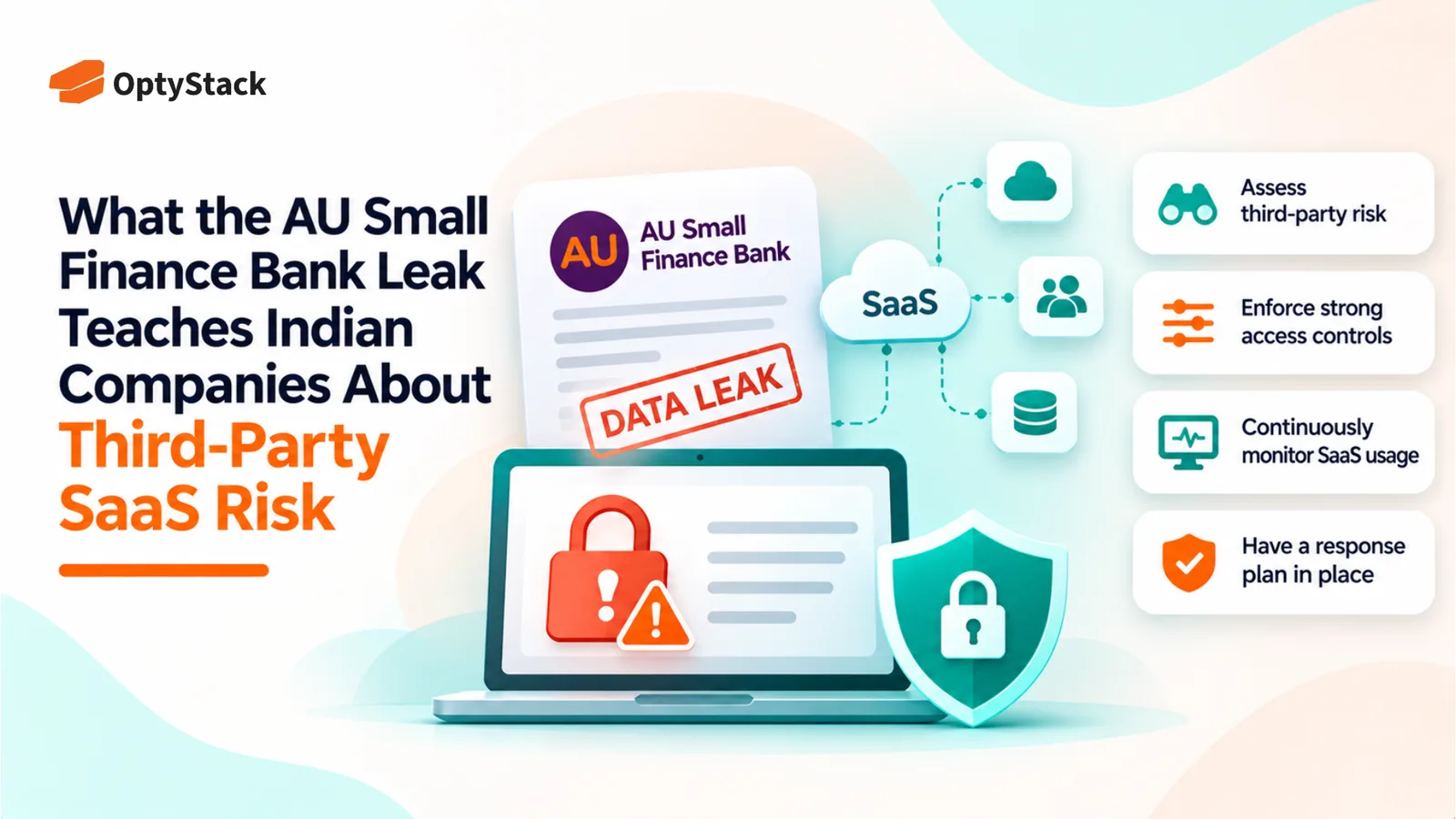
  • What the AU Small Finance Bank Leak Teaches Indian Companies About Third-Party SaaS Risk
    Vendor Management

    What the AU Small Finance Bank Leak Teaches Indian Companies About Third-Party SaaS Risk

    The AU Small Finance Bank data leak investigation highlights the risks of relying on third-party SaaS platforms. Explore the November 2 disclosure, five essential security checks, and a practical 30-day plan to strengthen SaaS visibility, access controls and vendor risk management.

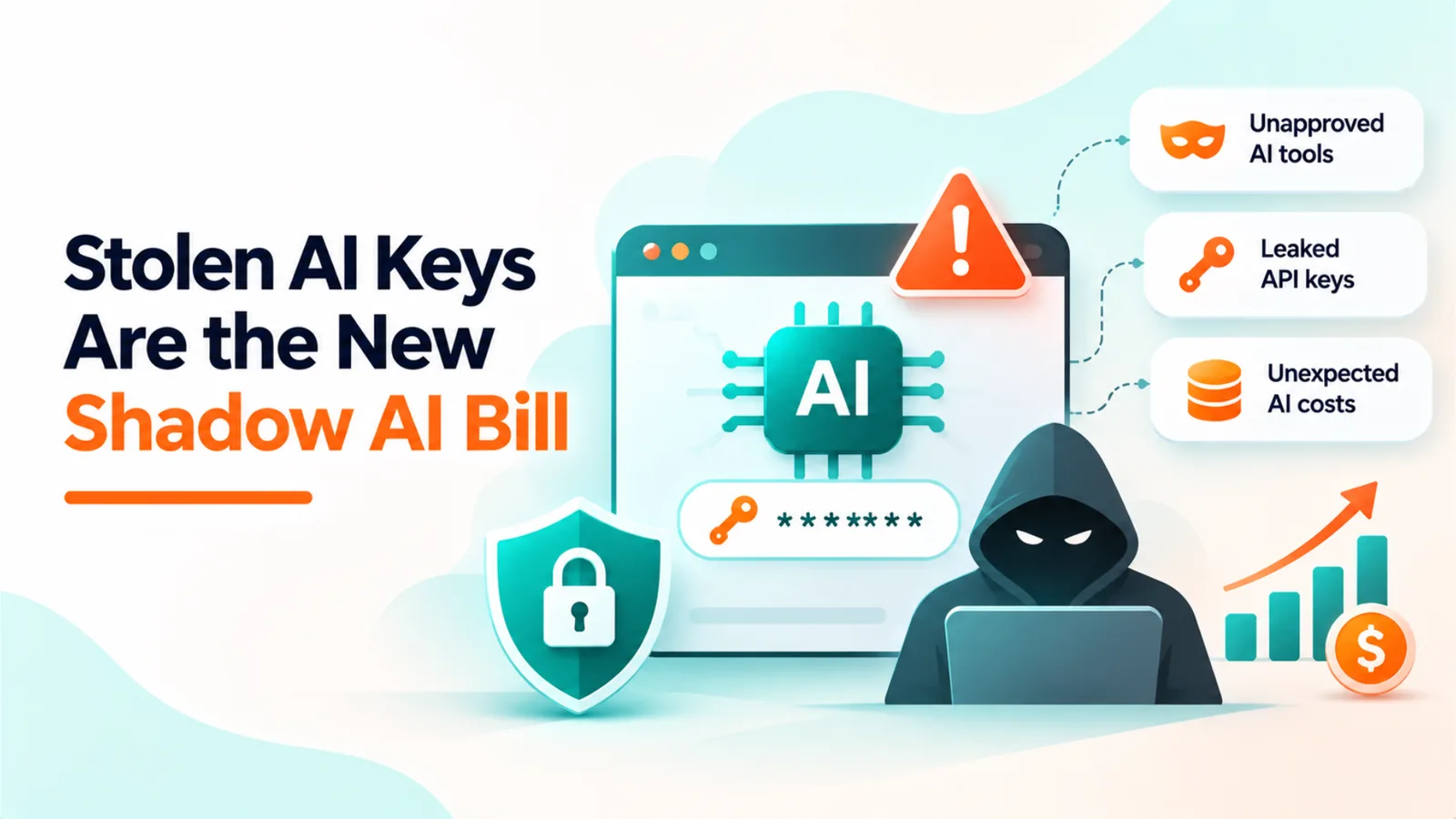
  • Stolen AI Keys Are the New Shadow AI Bill

    Stolen AI Keys Are the New Shadow AI Bill

    Stolen AI API keys can turn hidden security gaps into unexpected bills. Explore the October 2026 AI platform breaches and learn how to inventory AI tools, assign key ownership, monitor spending, and revoke exposed credentials before costs escalate.

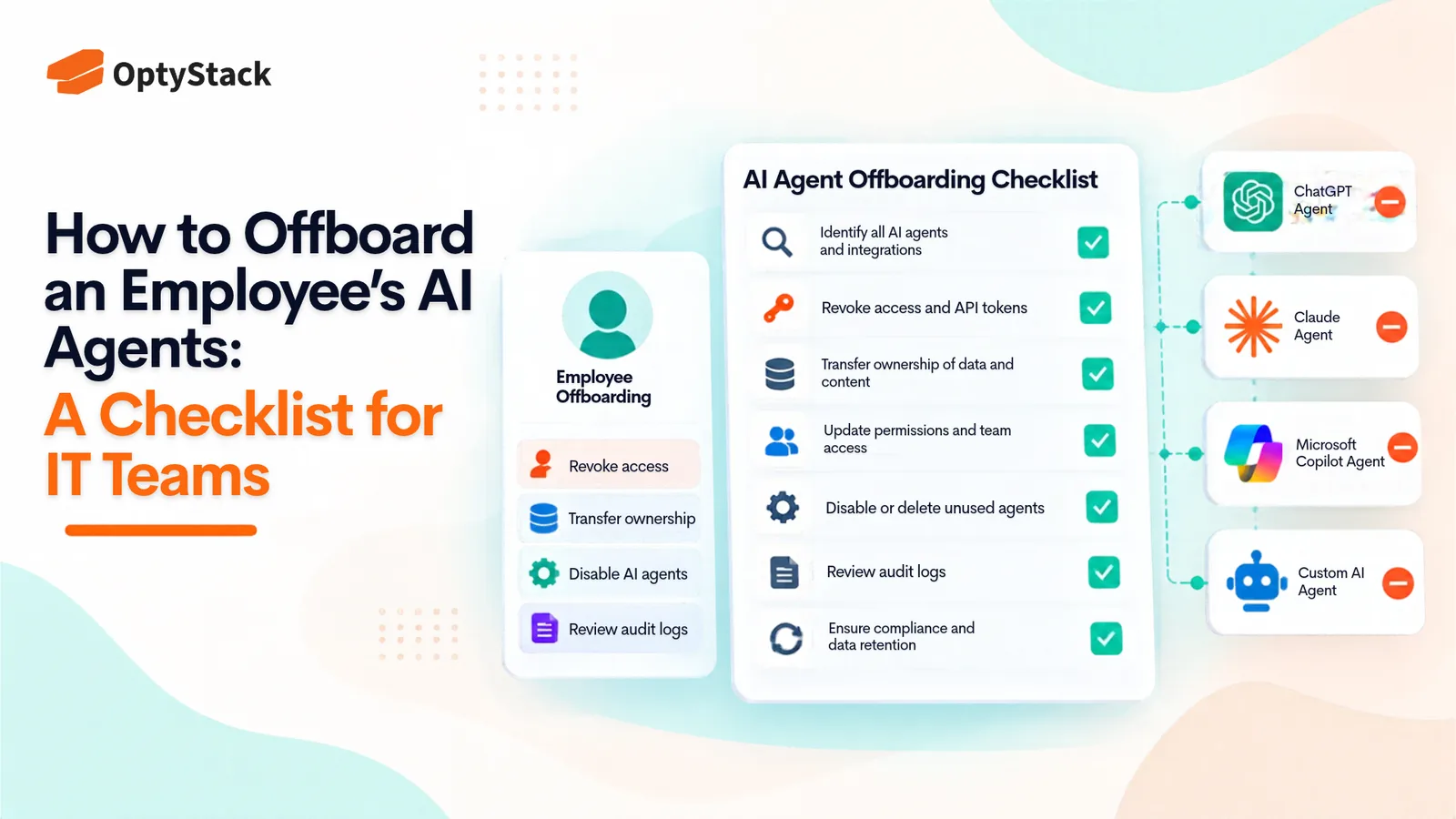
  • How to Offboard an Employee's AI Agents: A Checklist for IT Teams
    Best Practices

    How to Offboard an Employee's AI Agents: A Checklist for IT Teams

    Employees leave, but the AI agents they created and connected can keep running with active credentials. This checklist helps IT teams find every agent, OAuth grant, and API key tied to a departing employee, reassign or retire it, revoke access, and reclaim unused licenses.

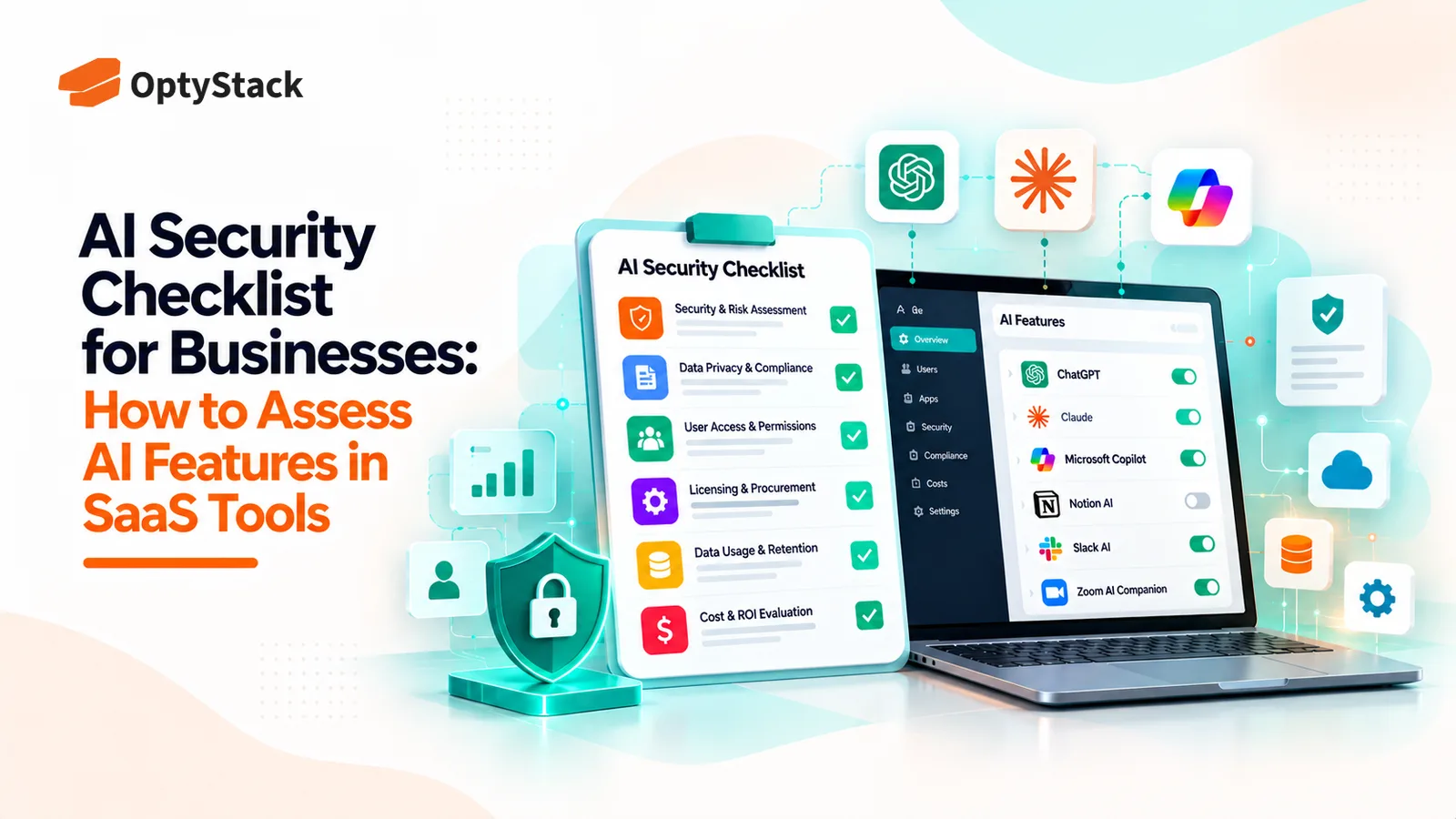
  • AI Security Checklist for Businesses: How to Assess AI Features in SaaS Tools
    Vendor Management

    AI Security Checklist for Businesses: How to Assess AI Features in SaaS Tools

    AI features are appearing inside the SaaS tools businesses already use. Before enabling them, review what data they can access, how vendors process information, which controls are available, and whether the feature introduces new costs or risks.

  • How to Track AI Spend Per User Across GitHub Copilot, Claude, and ChatGPT
    Cost Management

    How to Track AI Spend Per User Across GitHub Copilot, Claude, and ChatGPT

    Seat counts no longer explain every AI bill. GitHub Copilot, Claude, and ChatGPT offer different usage reports and spending controls. Learn how to combine vendor billing data, identity logs, and expense records into one per-user view.

Ask the smartest LLMs about OptyStack

ChatGPTGeminiClaudePerplexityGrokCopilot
OptyStack LogoOptyStack Logo

The complete SaaS spend visibility and optimization platform. Connect, analyze, and optimize your entire software stack.

Product

  • Features
  • Integrations
  • Pricing
  • API

SaaS Directory

  • Browse All Apps
  • Slack
  • Microsoft 365
  • Salesforce
  • Zoom
  • Zoho One

Features

  • Cost Optimization
  • Shadow IT Discovery
  • License Management
  • Contract Renewals
  • App Integrations
  • Identity & Zero Trust

Tools & Resources

  • ROI Calculator
  • Knowledge Base
  • SaaS Inflation Index
  • Compare Tools
  • Getting started with OptyStack

Company

  • About
  • Blog
  • Success Stories
  • Events
  • Careers
  • Contact
  • Review us on G2

Stay updated

Get the latest insights on SaaS optimization

© 2026 OptyStack. All Rights Reserved.

LegalPrivacy PolicyTerms of Service