OptyStack LogoOptyStack Logo
Product
Features
Cost OptimizationCut SaaS waste with discovery, usage-backed rightsizing, and renewal leverage—often up to ~30% savings.Shadow IT DiscoveryDiscover unsanctioned SaaS, shadow AI, and unmanaged subscriptions in one place.License ManagementFind unused seats, eliminate zombie accounts, and automate renewals with usage-backed data.Contract Renewal TrackingOne renewal calendar with notice windows, usage context, and negotiation-ready briefs.Seamless App IntegrationsConnect Microsoft 365, Google Workspace, SSO, and 100+ SaaS brands into one live inventory.Identity Management with Zero Trust SecuritySingle sign-on and conditional access by IP, device, and region for your SaaS apps.
ROI Calculator
Resources

Support

  • Support
  • Knowledge Base
  • SaaS Directory
  • Partners

Content

  • SaaS Inflation Index
  • 2026 SaaS Audit Toolkit
  • Blogs
  • Success Stories
  • Events
PricingAboutContact
Start Free Trial
Book Demo
← All postsVendor Management

SaaS Vendor Breach Response: What to Do When a Vendor Is Breached

Aryan Malik · September 10, 2026
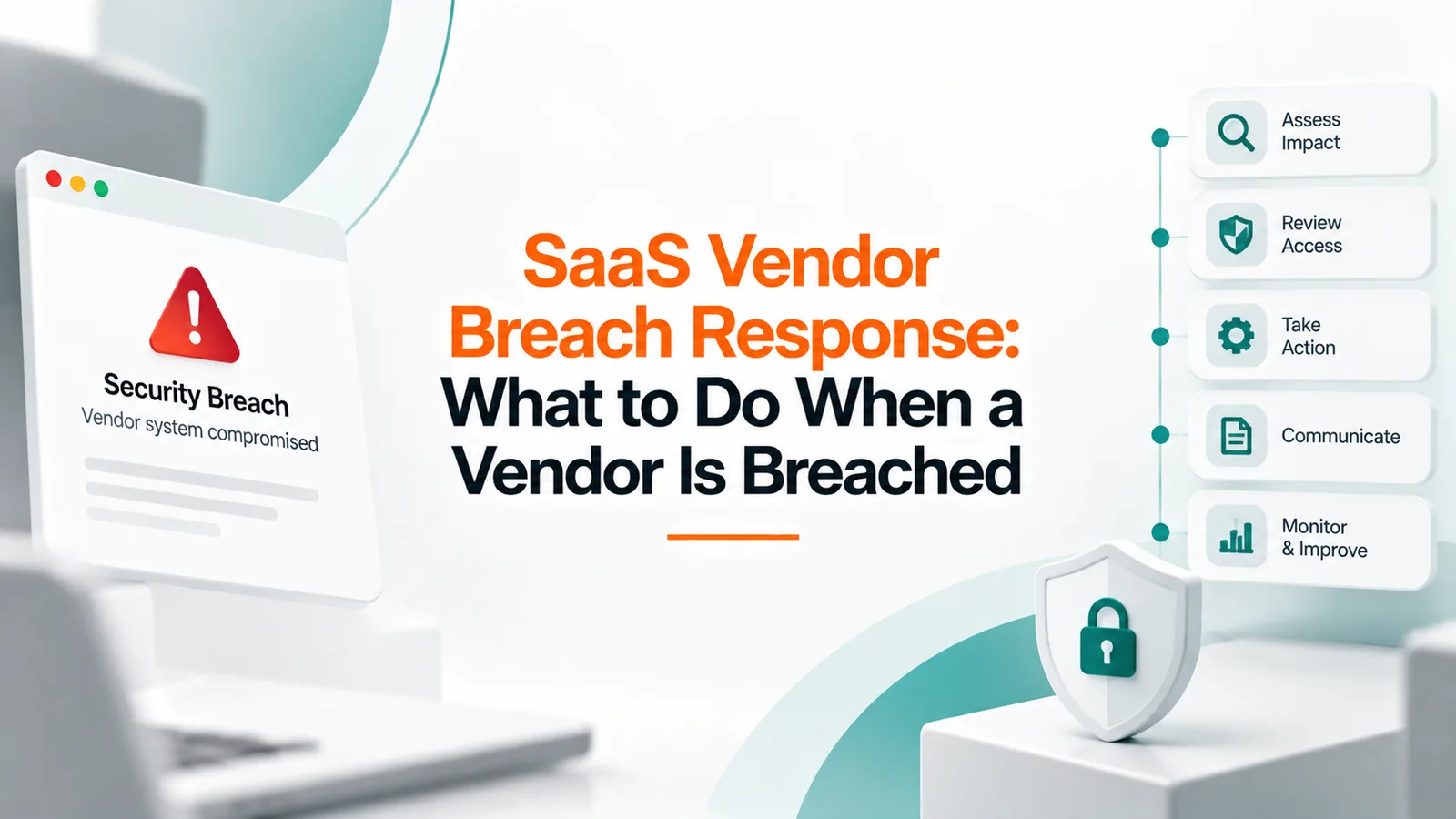
OptyStack SaaS vendor breach response concept illustrating security breach assessment, access review, incident response, stakeholder communication, continuous monitoring, and risk mitigation.
Share
LinkedInX

When Drift was breached in 2025, over 700 downstream organizations were exposed through a connection they trusted. Here's what to actually do in the first 48 hours after learning a vendor was breached, and how to assess your real exposure fast.

In 2025, attackers compromised OAuth tokens tied to the Drift chat integration and used them to access data across more than 700 organizations that had connected Drift to their own systems, according to public breach disclosures from Salesloft and affected companies including Google and Cloudflare. None of those organizations were breached directly. Their exposure came entirely through a vendor they trusted enough to connect.

That's the situation this article is about: not preventing a vendor breach, but knowing what to do in the hours and days after you learn one has happened.

Related reading

Explore related guides and continue your SaaS optimization research:

  • SaaS Vendor Management Best Practices
  • SaaS Security Review: How to Build a Process That Works
  • Third-Party Risk Management (TPRM) for SaaS Vendors: A 2026 Guide
  • Redefining ROI: A CIO’s Guide to Holistic SaaS Procurement

Why vendor breaches require a different response than your own

When your own systems are breached, you control the investigation from the start. When a vendor is breached, you're dependent on their disclosure timeline, their forensic findings, and their willingness to share detail, while still carrying much of the legal and reputational responsibility yourself. In most U.S. states, the organization that owns the data, not the vendor that processed it, holds the primary legal obligation to notify affected individuals and regulators when personal information is exposed, even though the incident happened on someone else's systems.

That mismatch, limited control paired with real obligation, is what makes vendor breach response its own distinct problem rather than a smaller version of standard incident response.

The first 24 to 48 hours

Confirm what the vendor actually told you, and what they didn't. Initial vendor breach notifications are often vague on scope, sometimes deliberately, sometimes because the vendor genuinely doesn't know yet. Note explicitly what's confirmed, what's suspected, and what's still unknown, rather than treating an early notification as a complete picture.

Determine what that vendor actually had access to in your environment. This is the question that decides everything downstream, what data could have been exposed, and it's the one companies most often struggle to answer quickly. If you don't already have a clear record of what permissions and data access this vendor held, reconstructing it after the fact under time pressure is a significantly harder version of the same task.

Revoke or rotate any credentials, tokens, or API keys connected to the vendor immediately, even before the full scope is known. In the Salesloft Drift incident, the exposure spread specifically through OAuth tokens that remained valid, so cutting off that access path early limits how much an already-compromised connection can still be used.

Loop in legal counsel before drafting any external communication. Notification timelines, required language, and even whether notification is legally triggered at all depend on what data was actually exposed and which states or jurisdictions your affected individuals are in. This is not a decision to make from the security or IT side alone.

Start a documented timeline immediately. When the vendor notified you, when you confirmed scope, when you revoked access, and every decision made in between. This record matters for your own legal defensibility and is exactly the kind of evidence a regulator or a later audit may ask to see.

Assessing the actual scope of your exposure

Cross-reference the vendor's disclosed timeline against your own access logs. If the vendor believes the compromise started on a specific date, check what that vendor's connection actually did in your systems during that window, rather than relying solely on the vendor's own account of what happened.

Identify every downstream system connected to the breached vendor, not just the primary integration. A compromised OAuth token or API key connected to one tool can sometimes provide a path into other systems through chained integrations, which is part of why the Drift breach spread across so many organizations through a single point of compromise.

Check whether the vendor's access included any of your other vendors or subprocessors. A breach at one vendor can expose data that flows through to a second vendor downstream, and that fourth-party exposure is easy to miss if your assessment stops at the immediately compromised tool.

Notification and ongoing obligations

Determine your notification obligations based on what was actually exposed, not on how the breach happened. Most state breach notification laws are triggered by exposure of personal information, with specific timelines that vary by jurisdiction, some now requiring individual notification within 30 days of discovery. The fact that the exposure originated at a vendor doesn't generally change whether you're obligated to notify, only who else needs to be included in the response.

Review the vendor contract for what it actually obligates them to provide. A well-negotiated vendor agreement should include a defined breach notification window and cooperation requirements, but many companies discover during an actual incident that these terms are vaguer than they assumed, or missing entirely.

Communicate clearly that the incident occurred in a vendor's environment, without shifting blame or making claims about an investigation you can't yet verify. Affected customers and employees generally respond better to a clear, honest account of what's known and what's being done than to language that reads as deflecting responsibility.

What to change afterward

Revisit which of your vendors hold the kind of access that made this incident possible. A breach at one vendor is a reasonable prompt to check whether similar access exists elsewhere in your stack, not just to close the specific gap that was exploited this time.

Confirm the OAuth tokens and API connections tied to the breached vendor were fully revoked, not just the primary login. Standing connections established through integrations sometimes survive a surface-level account deactivation, which is part of what made the Drift incident persist as long as it did across affected organizations.

Where OptyStack fits

Answering "what did this vendor actually have access to" quickly is the single biggest factor in how fast a company can assess real exposure after a vendor breach, and it's difficult to answer under time pressure without an existing record of vendor connections and access.

OptyStack maintains visibility into the applications and third-party connections across your SaaS estate, including access tied to specific vendors, so that record already exists before an incident happens rather than needing to be reconstructed during one.

It's free to start and doesn't require a credit card.

Know what every vendor in your stack can access, before you need to find out fast. Start free with OptyStack.
Unlock visibility. Slash SaaS waste.

Get real-time SaaS spend insights, discovery, and optimization in OptyStack Hub—start free, no credit card required.

Sign up for OptyStack Hub
PreviousSaaS Offboarding: How HR and IT Can Prevent Access GapsNextBuilding a 12-Month SaaS Renewal Calendar

Related articles

  • SaaS Vendor Management Best Practices
    Vendor Management

    SaaS Vendor Management Best Practices

    Uptime Institute found that 10% of major outages originate with a vendor, and over half cost more than $100,000. Here's how to manage SaaS vendor relationships across the full lifecycle, not just at the point of purchase.

    Sep 20, 2026

  • SaaS Security Review: How to Build a Process That Works
    Vendor Management

    SaaS Security Review: How to Build a Process That Works

    Most SaaS security reviews happen too late, evaluate a self-reported questionnaire instead of real evidence, and aim for a pass or fail when risk isn't actually binary. Here's how to build a review process that catches real risk, including the tools that never go through one at all.

    Sep 8, 2026

  • Third-Party Risk Management (TPRM) for SaaS Vendors: A 2026 Guide
    Vendor Management

    Third-Party Risk Management (TPRM) for SaaS Vendors: A 2026 Guide

    Every SaaS vendor you use is a door into your data — and a majority of breaches now involve a third party. This is the 2026 guide to third-party risk management for SaaS: the lifecycle, how to tier vendors by risk, and why annual SOC 2 collection isn't enough.

    Aug 2, 2026

  • Redefining ROI: A CIO’s Guide to Holistic SaaS Procurement
    Vendor Management

    Redefining ROI: A CIO’s Guide to Holistic SaaS Procurement

    In a SaaS-driven enterprise, procurement is no longer a discrete purchasing event; it is a continuous, strategic IT lever. CIOs must shift from simply approving the vendor invoice to leading a holistic procurement framework that calculates actual Total Cost of Ownership by weighing subscription fees against security liabilities and operational friction.

    Mar 14, 2026

  • SaaS SSO and Conditional Access Without a Second Directory
    SaaS Optimization

    SaaS SSO and Conditional Access Without a Second Directory

    Another user directory adds one more place to manage access. OptyStack connects to the identity provider you already run, signs users in to your SaaS apps, and checks IP address, device, and region on every sign-in.

    Oct 23, 2026

Keep reading

More guides on SaaS visibility, spend, and governance—jump between topics without leaving the blog.

View all posts →
  • AI Agents Shouldn't Hold the Keys to Their Own Audit Log

    AI Agents Shouldn't Hold the Keys to Their Own Audit Log

    AI agents can access systems, use credentials, and take actions that are difficult to audit. Learn five practical controls for agent inventories, least privilege, independent logging, access reviews, and secure offboarding.

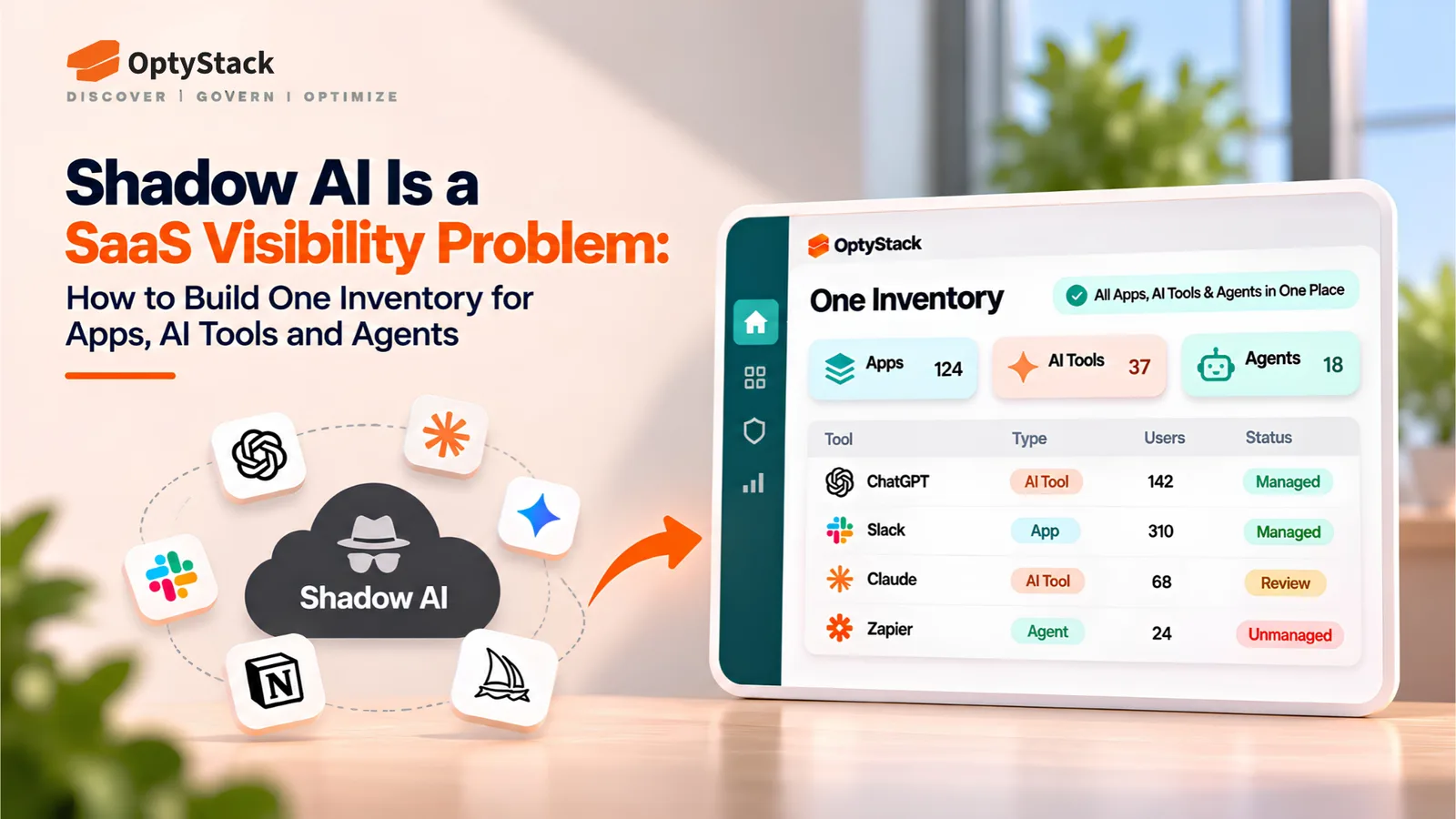
  • Shadow AI Is a SaaS Visibility Problem: How to Build One Inventory for Apps, AI Tools and Agents
    Shadow IT

    Shadow AI Is a SaaS Visibility Problem: How to Build One Inventory for Apps, AI Tools and Agents

    Shadow AI extends beyond chatbots into browser extensions, laptop agents, MCP servers, and OAuth-connected applications. Learn how to build one inventory for ownership, data access, cost, and lifecycle management.

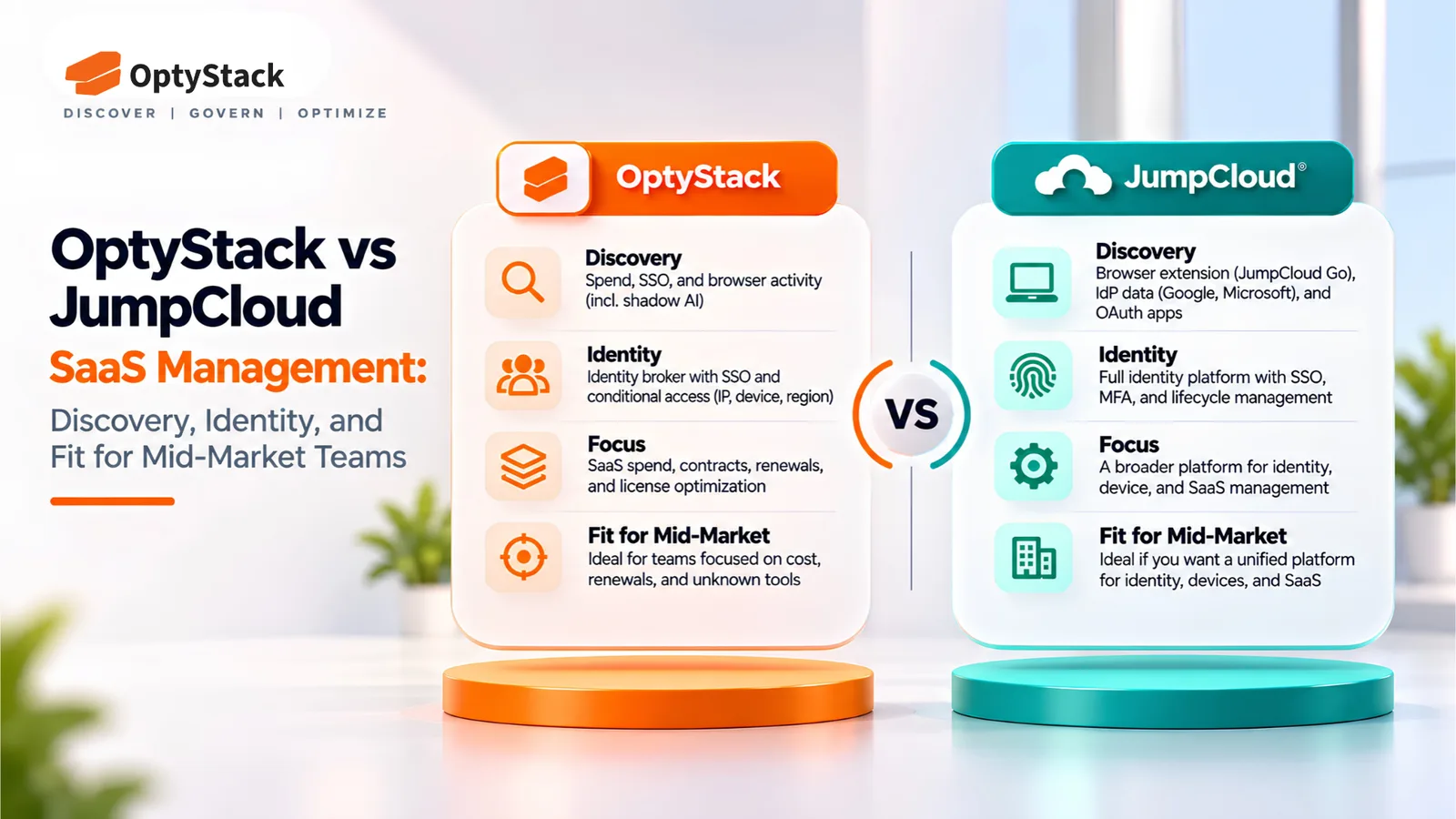
  • OptyStack vs JumpCloud SaaS Management: Discovery, Identity, and Fit for Mid-Market Teams
    Shadow IT

    OptyStack vs JumpCloud SaaS Management: Discovery, Identity, and Fit for Mid-Market Teams

    JumpCloud and OptyStack both find unsanctioned SaaS, but they start from different places. This comparison covers how each discovers apps, how each handles identity, what OptyStack costs in INR, and which team each one suits.

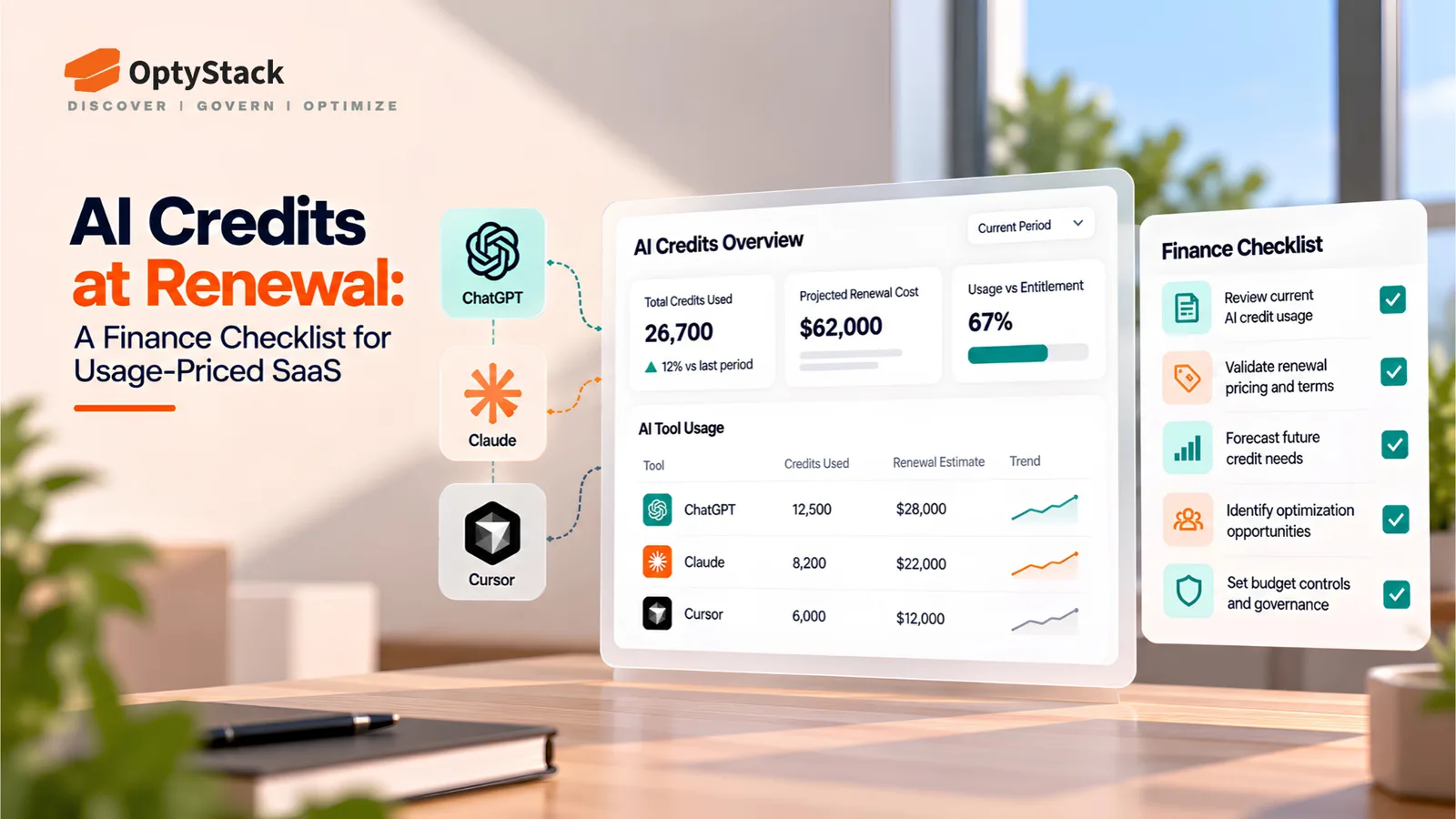
  • AI Credits at Renewal: A Finance Checklist for Usage-Priced SaaS
    SaaS Renewals Management

    AI Credits at Renewal: A Finance Checklist for Usage-Priced SaaS

    AI credits and usage-based pricing make SaaS renewals harder to forecast. Learn how Finance and Procurement can review allowances, control overages, and prepare 90 days before renewal.

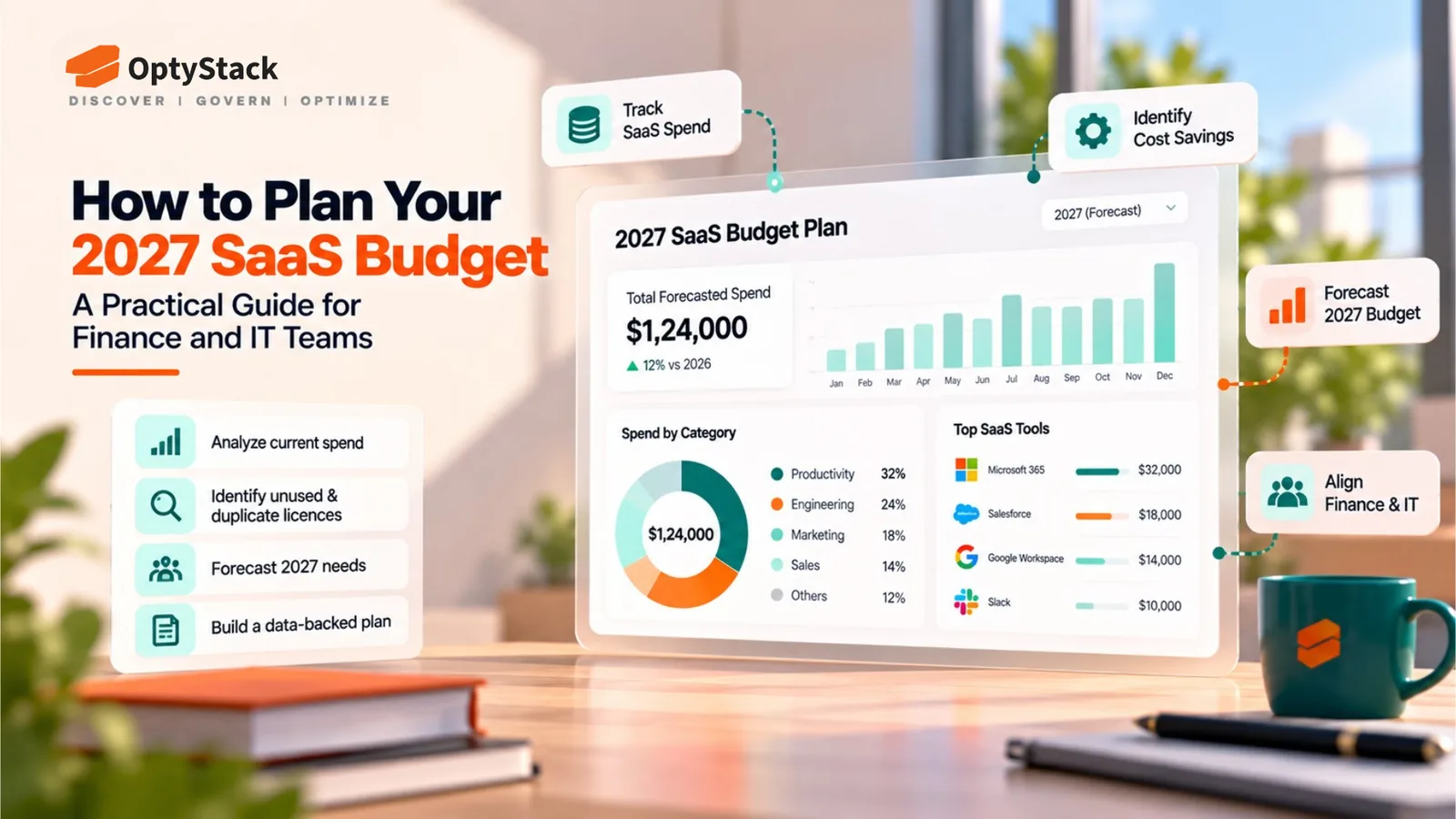
  • How to Plan Your 2027 SaaS Budget: A Practical Guide for Finance and IT Teams

    How to Plan Your 2027 SaaS Budget: A Practical Guide for Finance and IT Teams

    Build a reliable 2027 SaaS budget by consolidating software spending, reviewing renewals, identifying unused licenses, and forecasting AI and subscription costs. Use this practical guide to align Finance and IT before committing to new software expenses.

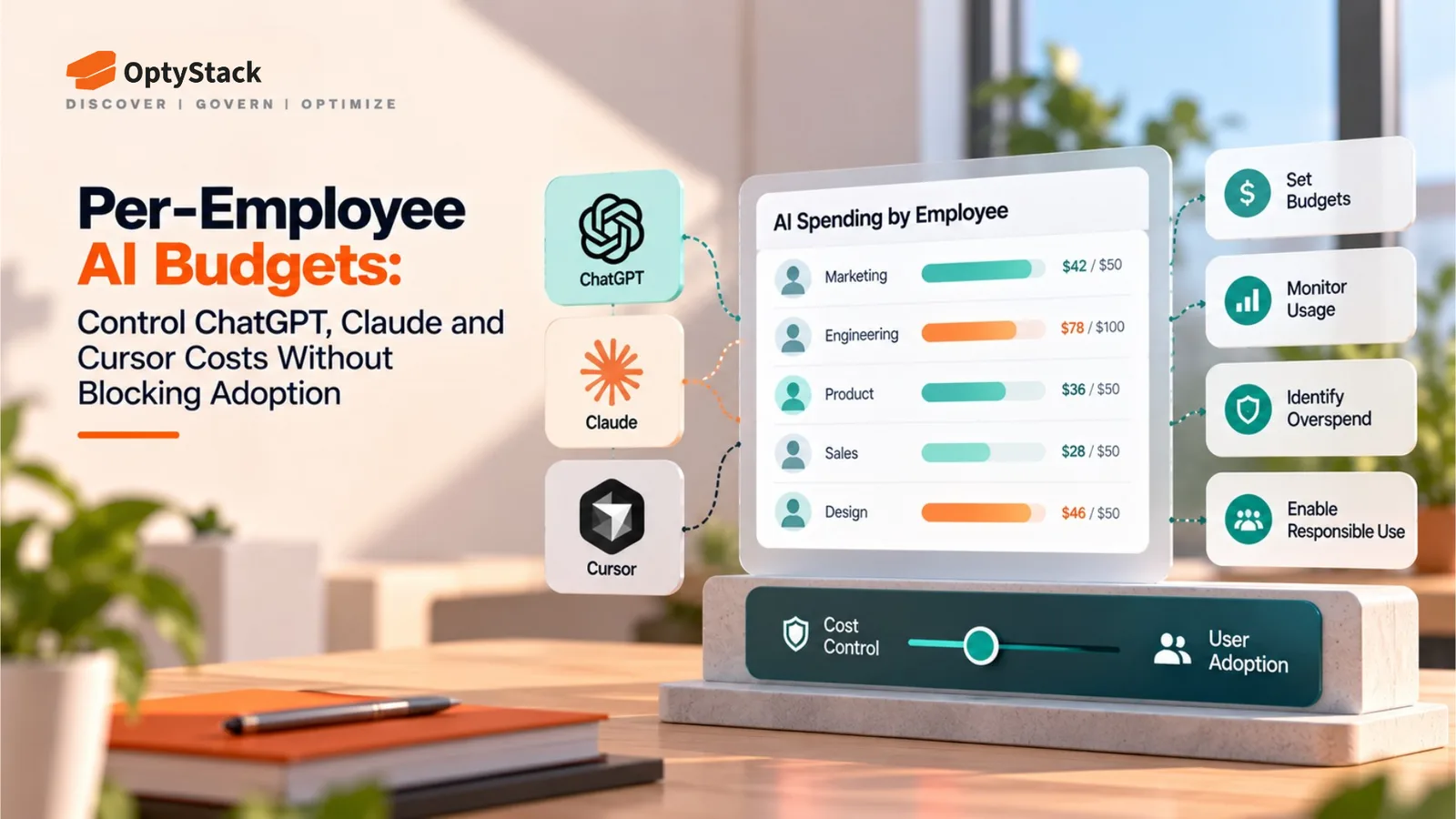
  • Per-Employee AI Budgets: Control ChatGPT, Claude and Cursor Costs Without Blocking Adoption
    Cost Management

    Per-Employee AI Budgets: Control ChatGPT, Claude and Cursor Costs Without Blocking Adoption

    AI bills can be difficult to forecast, but blanket bans can slow productive teams down. Learn how to build per-employee AI budgets with baseline allocations, shared usage pools, spending alerts and provider-level controls.

Ask the smartest LLMs about OptyStack

ChatGPTGeminiClaudePerplexityGrokCopilot
OptyStack LogoOptyStack Logo

The complete SaaS spend visibility and optimization platform. Connect, analyze, and optimize your entire software stack.

Product

  • Features
  • Integrations
  • Pricing
  • API

SaaS Directory

  • Browse All Apps
  • Slack
  • Microsoft 365
  • Salesforce
  • Zoom
  • Zoho One

Features

  • Cost Optimization
  • Shadow IT Discovery
  • License Management
  • Contract Renewals
  • App Integrations
  • Identity & Zero Trust

Tools & Resources

  • ROI Calculator
  • Knowledge Base
  • SaaS Inflation Index
  • Compare Tools
  • Getting started with OptyStack

Company

  • About
  • Blog
  • Success Stories
  • Events
  • Careers
  • Contact
  • Review us on G2

Stay updated

Get the latest insights on SaaS optimization

© 2025 OptyStack. All Rights Reserved.

LegalPrivacy PolicyTerms of Service