What Is a SaaS Management Platform and How Does It Work?
Amit Dangi · April 17, 2026
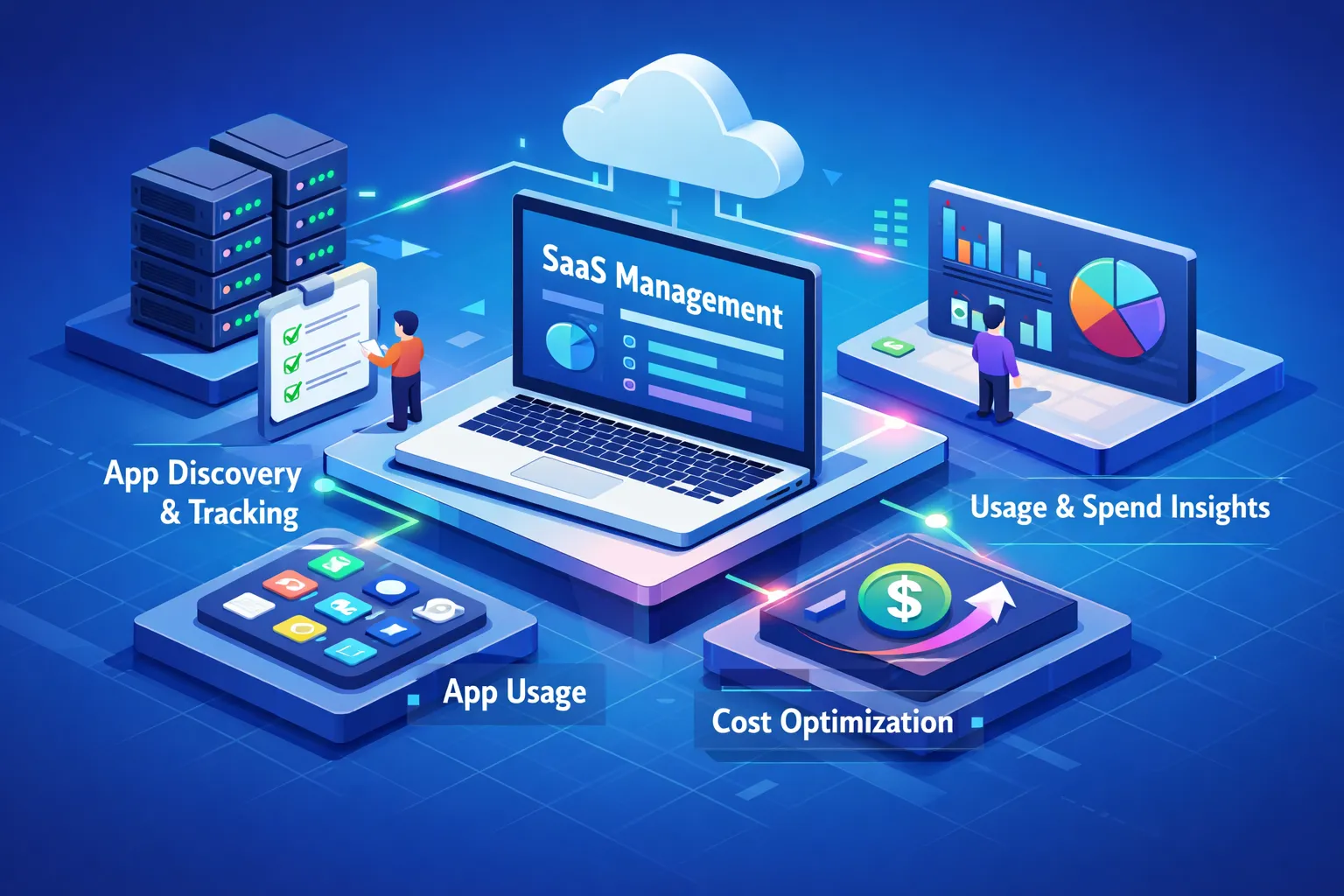
A SaaS management platform (SMP) is the category of software built to fix exactly this. It gives IT and finance teams a live, accurate picture of every application in use, every dollar going out, and every renewal deadline approaching. This article breaks down how these platforms work mechanically, what separates the useful ones from the expensive ones, how top vendors compare, and how to run a real evaluation before you sign anything. OptyStack handles both spend management and shadow AI detection from a single dashboard, a combination that matters more than it sounds, and we'll show you where it fits in the broader landscape.
The average mid-market company is running somewhere between 80 and 100 SaaS tools at any given time. A significant chunk of that spend is completely invisible to IT and finance. Many of those subscriptions were approved by someone who has since left the company, and nobody picked up the thread. Employees have also been quietly adding AI tools, copilots, and browser extensions that often bypass security review, skip procurement entirely, and never appear in any audit.
A SaaS management platform (SMP) is the category of software built to fix exactly this. It gives IT and finance teams a live, accurate picture of every application in use, every dollar going out, and every renewal deadline approaching. This article breaks down how these platforms work mechanically, what separates the useful ones from the expensive ones, how top vendors compare, and how to run a real evaluation before you sign anything. OptyStack handles both spend management and shadow AI detection from a single dashboard, a combination that matters more than it sounds, and we'll show you where it fits in the broader landscape.
What a SaaS Management Platform Actually Does
The core job beyond the marketing language
At the mechanical level, a SaaS management platform connects to your billing systems, SSO providers, expense feeds, and browser agents to build a live inventory of every application your organization is running. The goal is not a prettier spreadsheet. It is a continuously updated system of record that surfaces wasted spend, unauthorized tools, and renewal deadlines automatically, without someone manually chasing down department heads every quarter.
Without this, IT and finance are always working from incomplete data. Someone in marketing signed up for a tool on a corporate card two years ago. The person who approved it left the company. The tool is still running, still billing, and nobody is using it. That scenario is common in organizations that have grown past 50 people, and it tends to repeat across departments in ways that compound quickly. A good platform catches it. A spreadsheet cannot.
How discovery and visibility work in practice
Modern SaaS discovery works by triangulating multiple signals at once. Platforms integrate with identity providers like Okta and Azure AD, parse corporate credit card and expense feeds, analyze SSO login data, and in some cases use browser extension signals to catch apps that employees access directly. No single source tells the full story, which is exactly why good platforms layer them together.
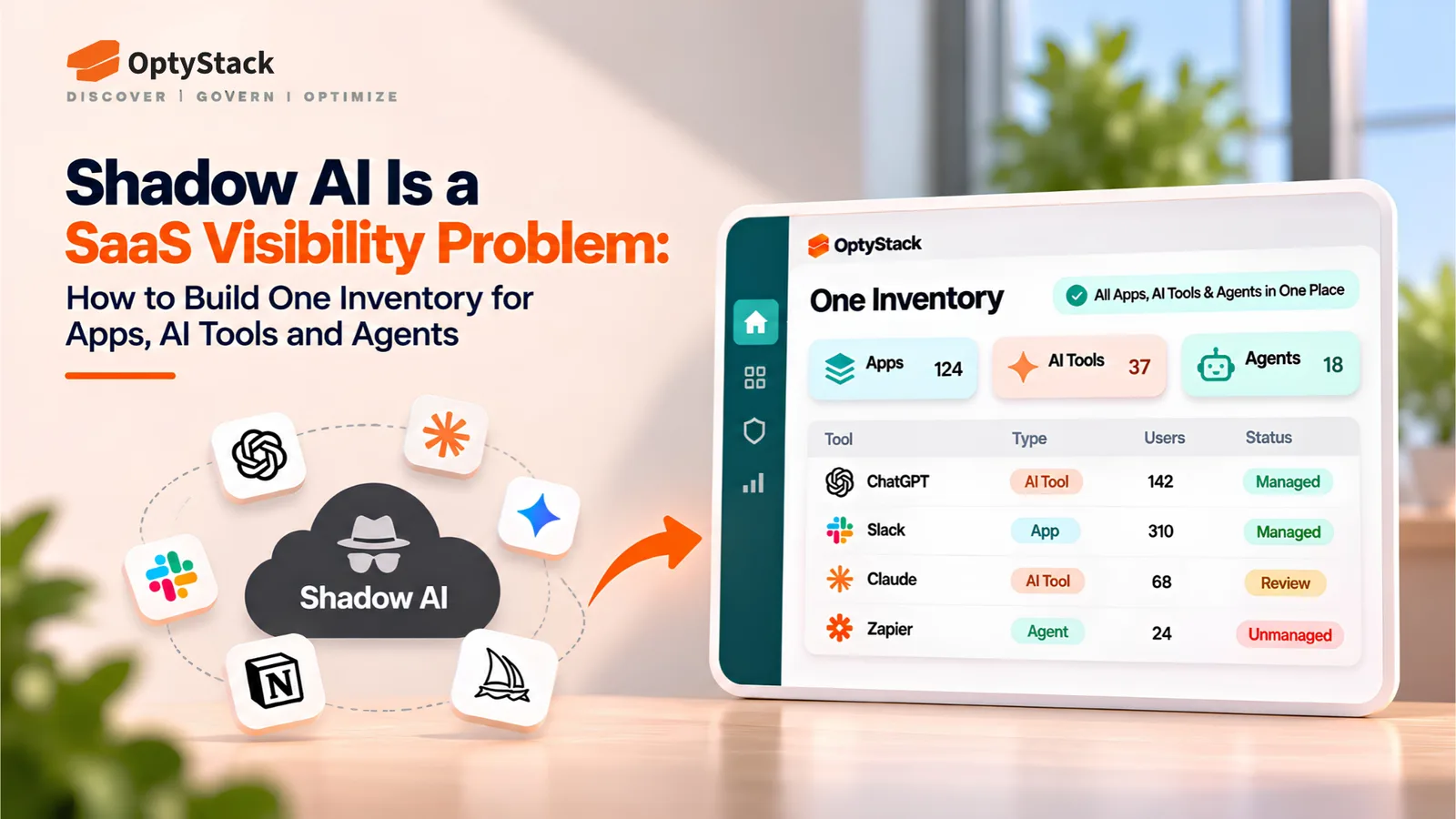
This matters most for the tools employees add quietly. AI copilots, LLM API subscriptions, and browser-based AI extensions rarely touch your SSO layer. They appear on personal or departmental credit cards, run entirely in the browser, and route around every identity control you have in place. A platform that only reads your SSO data will miss them entirely. The ones that parse expense feeds and browser signals will not.
The Capabilities That Separate Useful Platforms from Expensive Dashboards
Automated discovery and shadow IT detection
Passive discovery, which means waiting for integrations to report what they already know, is not enough. Strong subscription management software actively finds unsanctioned apps across every data source available, not just the ones your IT team already recognizes. Shadow IT detection should flag rogue SaaS subscriptions, surface AI tools employees have adopted independently, and catch LLM APIs being called from internal scripts. Browser extensions that bypass procurement entirely belong on that list too.
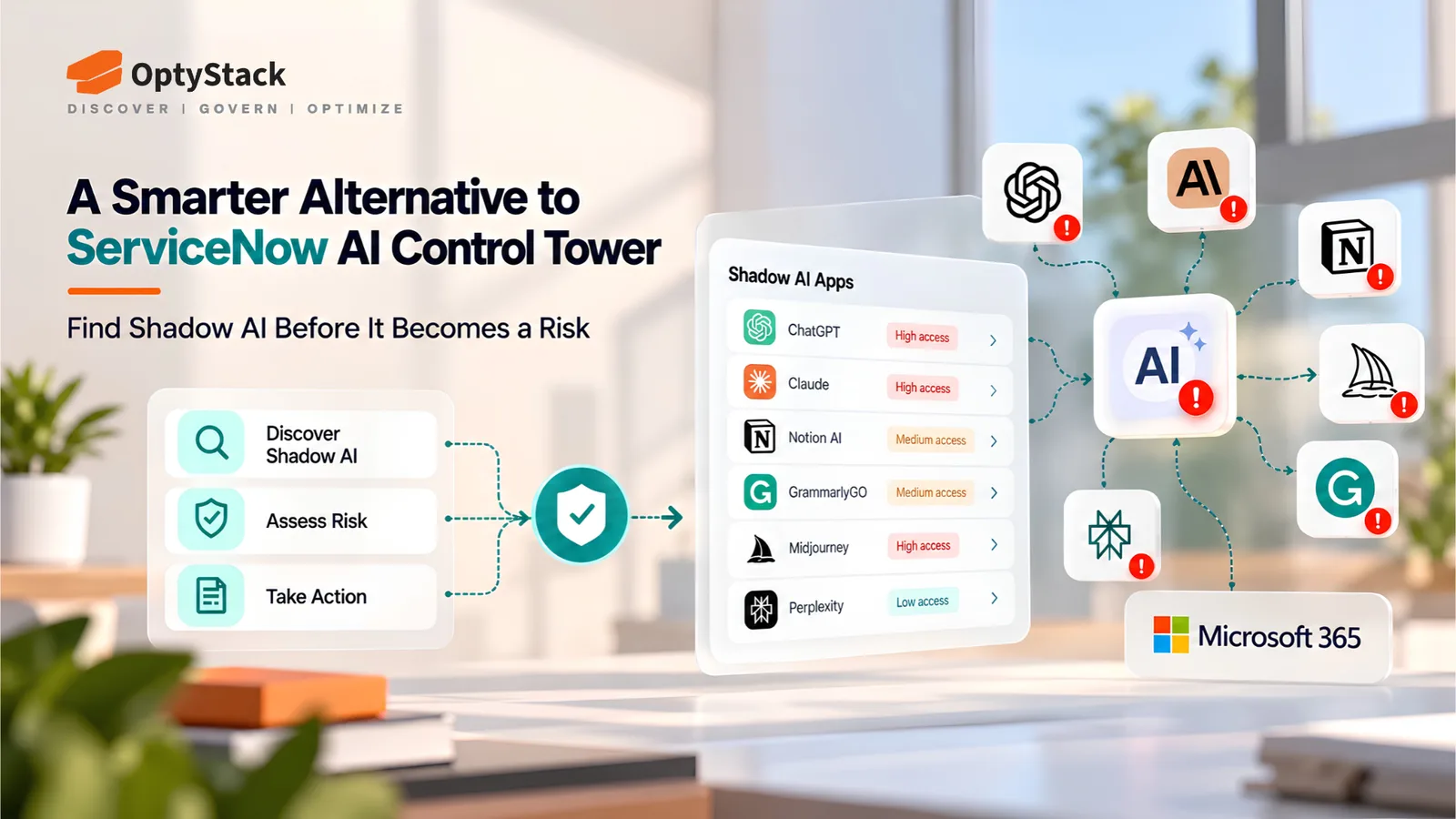
Shadow AI detection is now a distinct capability category, not a checkbox under general governance. Traditional shadow IT discovery operates at the network level, monitoring traffic and domain connections. Shadow AI operates at the browser and data flow level, through copy-paste actions, API calls, and features embedded in already-approved tools. Conventional CASB tools miss this. A cloud app management platform built for where the market is today should not.
License optimization and contract renewal management
Industry estimates, including aggregated ROI data from platforms like Torii, suggest organizations can reclaim 30, 40% of SaaS spend through proper license audits. What platforms consistently surface: unused seats still being billed, duplicate tools doing the same job across different departments, and licenses sized for headcount peaks that no longer exist. The savings are real, but only if your platform can surface them automatically rather than requiring manual analysis.
Contract renewal tracking is closely linked. Many buyers find that 60, 90 days of lead time before a renewal is the practical minimum for entering a renegotiation with leverage. Getting an alert the week before auto-renewal locks in another year at the current rate is not enough time to do anything useful. Renewal management is not a secondary feature. For most organizations, it is where the platform earns back its cost.
Governance, provisioning, and audit trails
Automated deprovisioning is the capability most organizations underestimate until they fail an audit. Every day an ex-employee's access remains active is a security and compliance liability. Research commonly cites a gap of two to three days between an employee's last day and when their SaaS access is fully revoked, and that window grows longer for tools sitting outside the main identity layer.
For any organization operating under SOC 2, HIPAA, or similar frameworks, full audit logging and role-based access controls are not optional features. They are baseline requirements. A platform without automated deprovisioning tied to HR system events, complete access logs, and separation of duties controls is not a governance tool. It is a reporting tool. Those are not the same thing.
How the Top SaaS Management Platforms Compare
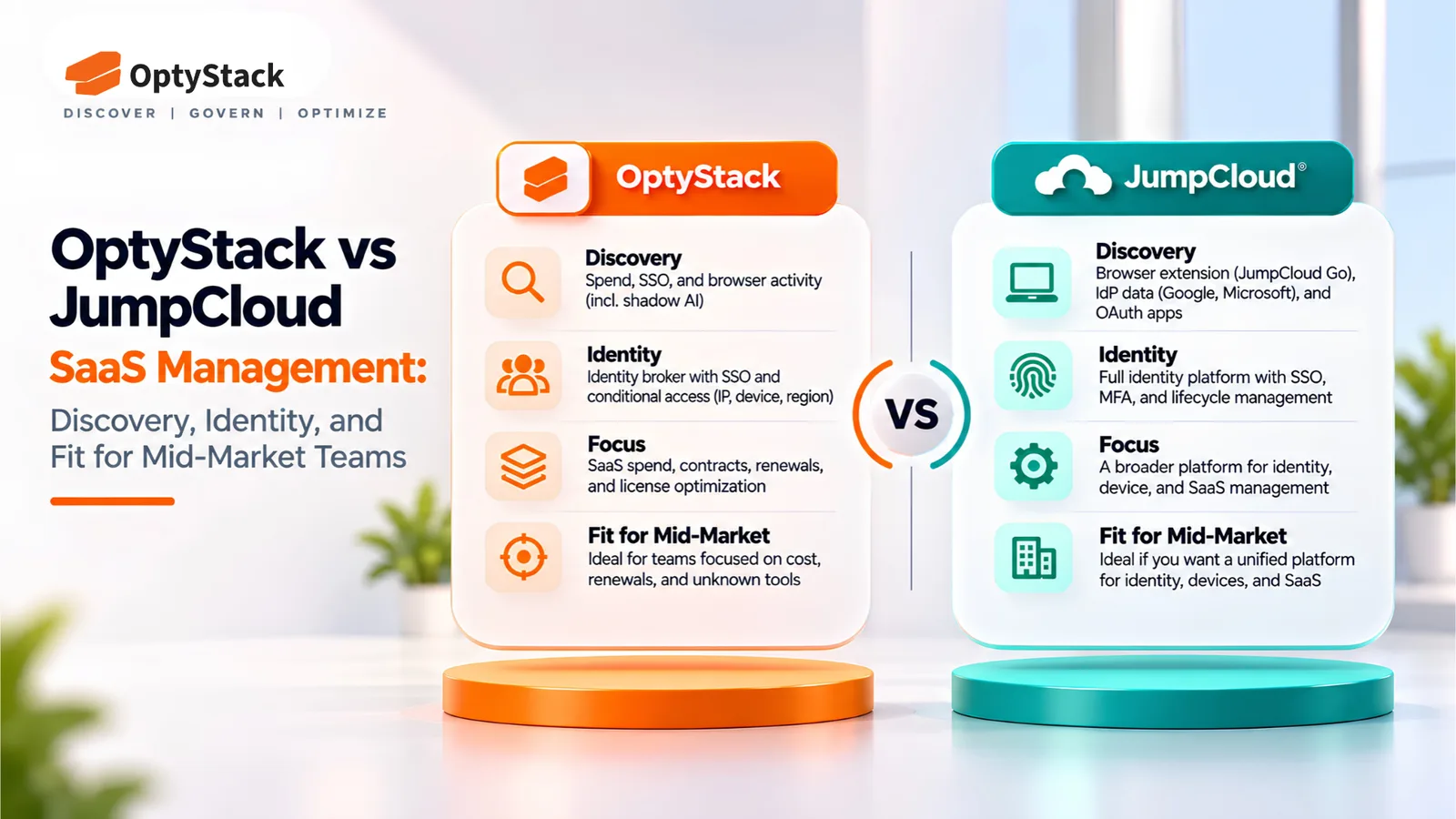
Enterprise-grade options: BetterCloud, Zylo, and Josys
BetterCloud focuses on workflow automation and security posture management, which makes it a reasonable fit for organizations where IT runs complex onboarding and offboarding processes at scale. Zylo's core strength is SaaS inventory and spend management, with integrations into expense systems and SSO logs for broad app detection. Josys emphasizes AI-driven discovery and identity mapping, with lifecycle automation built around deep integration coverage.
All three carry enterprise pricing to match. For organizations still building their governance baseline or managing a stack under a few hundred applications, the cost-to-value calculation is hard to justify. These platforms are built for teams that already know they have a complex problem and have the budget allocated to solve it.
Mid-market favorites: Torii, Zluri, and CloudEagle
Torii is consistently capable on shadow IT discovery and cost-saving recommendations, and regularly surfaces more apps than IT teams expected to find. Zluri and CloudEagle offer broad integration catalogs and modular governance features suited to teams that need solid coverage without full enterprise depth. CloudEagle's 300-plus integrations give it good reach across common SaaS stacks, and both platforms offer trial access, which matters when you are trying to validate fit before committing to a contract.
Pricing for mid-market platforms typically runs between $15 and $50 per user per month, more accessible than the enterprise tier but still meaningful at scale. The modular structures these platforms use can also create upgrade friction: you sometimes need a higher tier for one specific capability, which inflates costs faster than the base pricing suggests.
Where OptyStack fits differently
Most platforms in this space flag shadow IT. A much smaller number treat shadow AI as a distinct, first-class risk category, and that is the gap OptyStack was built to close. While other tools may note that an AI tool is in use, OptyStack surfaces AI copilots, LLM API subscriptions, and AI browser extensions as a separate risk category with its own governance workflow, not buried inside a general unsanctioned app list.
OptyStack combines that shadow AI detection with unused license identification, contract renewal tracking, and AI-powered cost recommendations that attach projected dollar savings to specific actions. It is free to get started, with no credit card required, and surfaces initial savings insights quickly after connecting your stack. For IT and finance teams that need spend visibility and AI governance without running two separate tools, it belongs near the top of the evaluation list.
What SaaS Management Tools Typically Cost
Per-user, tiered, and enterprise custom models explained
Three pricing structures dominate this market. Per-user monthly billing is the most common: straightforward, predictable, and scales directly with headcount. Tiered good-better-best plans gate features at each level, creating clear upgrade paths alongside the frustrating reality that you sometimes need to jump a full tier for one capability. Enterprise custom contracts require negotiation, and you need solid usage data before entering those conversations or you will end up paying whatever the vendor proposes.
Per-user models get expensive fast at scale. A 500-person organization paying $30 per user per month is spending $180,000 annually before any add-ons. Tiered models can look affordable at the base level until you map your actual feature requirements to the plan structure. Neither model is inherently better. The right choice depends on your headcount trajectory and which capabilities you actually need on day one.
What organizations realistically pay by size
Small organizations typically pay between $5 and $20 per user per month. Mid-market teams land in the $15 to $50 range. Enterprise organizations pay $50 per user or more, or negotiate flat annual contracts that often exceed $100,000. Those are wide ranges, and the actual number depends heavily on which features you need, how well you negotiate, and whether you have usage data to support the conversation.
The ROI math on these platforms is fairly straightforward. Industry-reported figures, drawn from vendor ROI summaries and analyst aggregations, point to spend reductions of up to 40% after proper deployment, with operational savings from automated provisioning and offboarding cutting IT effort substantially per request. Many organizations report seeing payback within one audit cycle. The question is not whether it is worth the investment. The question is which platform delivers that return for your specific situation.
Security and Integration Requirements Worth Holding Vendors To
Automated deprovisioning and access governance
Automated deprovisioning tied to HR system events is non-negotiable. When an employee leaves or changes roles, their SaaS access should be revoked automatically, triggered by a Workday or ADP event, not by an IT ticket processed days later. Every hour of orphaned access is a live security risk and a potential compliance finding. Buyers should require RBAC enforcement aligned to actual job roles and separation of duties controls that prevent access violations from accumulating quietly over time.
These are not advanced features. They are the baseline for responsible SaaS governance in any organization that takes compliance seriously. If a vendor positions automated deprovisioning as a premium add-on, that tells you something about how they prioritize security relative to revenue.
Integration depth with SSO, SCIM, ITSM, and beyond
The integration checklist every buyer should run through includes SAML/OIDC-based SSO compatibility, SCIM 2.0 provisioning support with Okta and Azure AD/Entra ID, ITSM connections for routing findings into ServiceNow or Jira, and REST APIs for anything custom. That covers the standard integration layer, but it does not cover the most important question: how does the platform discover apps that employees access without SSO?
Ask every vendor directly how they handle apps that bypass the identity layer. A platform that only reads SSO data is only seeing the authorized portion of your stack. The unauthorized portion, which is exactly where the waste and risk live, requires expense feed parsing, browser signals, or other non-SSO data sources. Vendors that cannot answer this question clearly are telling you their discovery has blind spots.
Building Your Shortlist and Running a Real Evaluation
Three questions to answer before you demo anything
Before you sit through a single demo, answer three questions. First: what is the primary pain, uncontrolled spend, security risk, or both? The answer determines which platform capabilities actually matter for your situation. Second: what does your current tech stack look like, and which identity provider are you on? Integration compatibility is not something to discover during a POC. Third: what is your team's actual capacity to manage a new platform? Automation reduces ongoing effort significantly, but implementation still requires attention, and understaffed IT teams need to account for that honestly.
Those three answers will cut a long vendor list down to three or four real candidates before you spend any time on demos. Most organizations skip this step and run several parallel evaluations that all feel similar, because nobody defined what "good" looks like for their specific situation before the demos started.
A working evaluation checklist for procurement and proof of concept
During any trial or POC, test directly rather than relying on vendor demos. Run the platform's discovery against a known list of apps and measure accuracy. Check how quickly it surfaces actionable waste in your actual environment, since platforms that require weeks of onboarding before delivering any signal are telling you something about how they are built. Test integration reliability with your actual SSO and billing systems, not sample data. Then evaluate the quality of renewal alerts and cost recommendations against what you already know about your stack.
OptyStack's free-to-start model makes it a practical first benchmark for this kind of evaluation. Connect your stack, see what it surfaces, and use that as the baseline against which you measure every other platform. A POC run against your actual data tells you more than any vendor presentation. Start there, and the right platform will prove its value before you spend a dollar.
The Decision That Actually Matters
A SaaS management platform is only worth deploying if it gives you visibility you do not already have and turns that visibility into action. Most platforms do one well. The better ones do both. Discovery without remediation is just a more expensive spreadsheet. Remediation without accurate discovery is automated action on incomplete data. You need both working together, which is a shorter list of vendors than most buyers expect going in.
The shortlist gets shorter still for teams that need to close the shadow AI gap. Most platforms treat AI tool detection as a subset of general shadow IT. A minority surface it as a distinct risk category with dedicated governance workflows, and that group includes platforms like Grip, Zluri, and OptyStack. That distinction is becoming harder to ignore as employees adopt AI tools faster than procurement can evaluate them.
Start your evaluation with your own stack, not a vendor's demo environment. The right SaaS optimization platform will find waste you did not know existed and flag risk you did not know was there. OptyStack is built to do exactly that, with no upfront cost and no extended onboarding before you see results. The evaluation should not be a leap of faith. Run it against real data, and the answer becomes clear fast.