Shadow AI: The New Frontier of Corporate Data Risk
Amit Dangi · February 27, 2026

Your employees are using AI to work faster, but they might be leaking sensitive data in the process. Explore the rise of "Shadow AI" and learn how to govern its use securely.
The generative AI boom is here, and your employees are loving it. Marketing is using Jasper to write copy. Developers are using GitHub Copilot to write code. Sales reps are using Otter.ai to transcribe meetings.
Productivity is skyrocketing. But so is your risk profile.
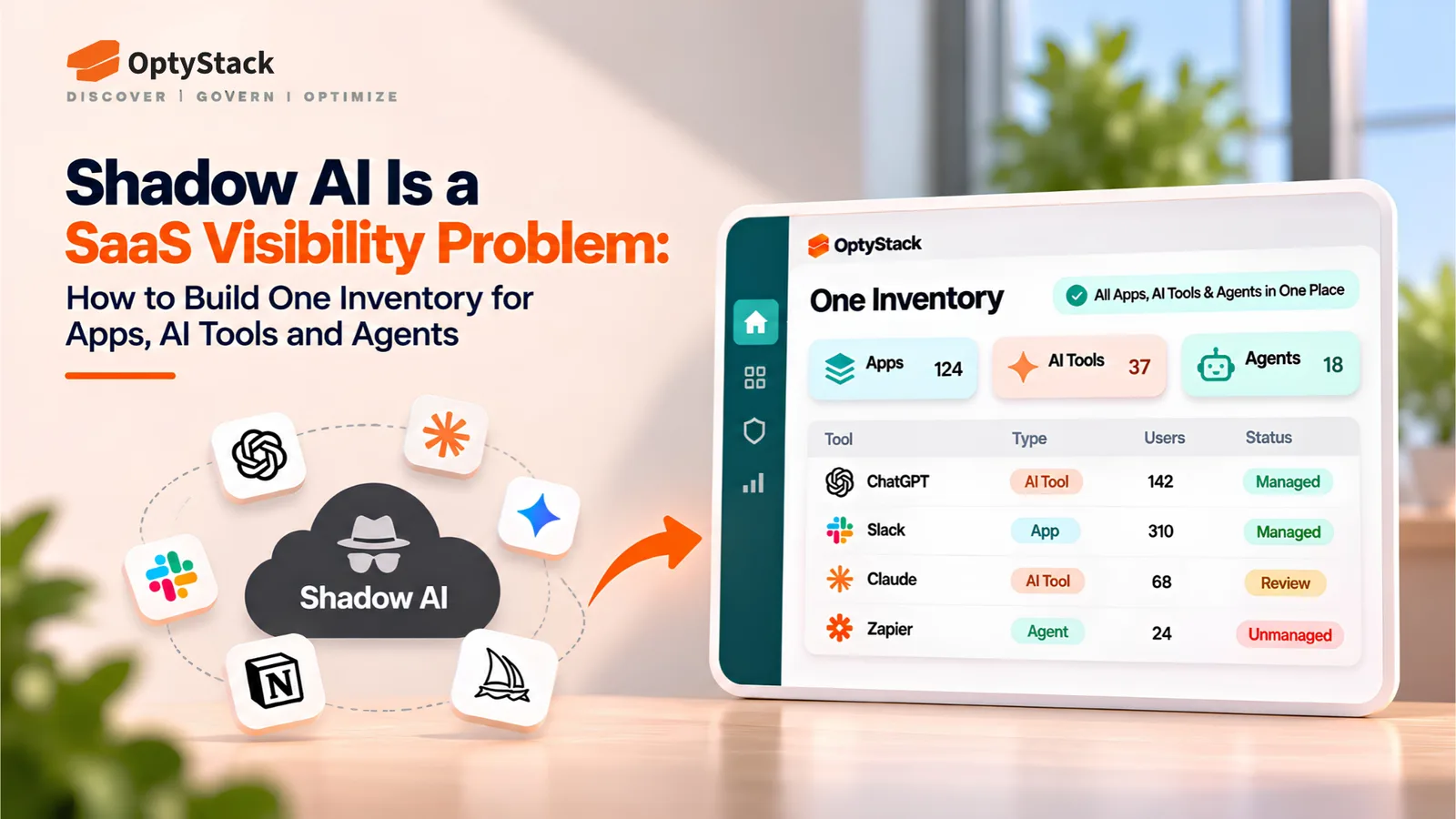
Welcome to the era of Shadow AI. Just like Shadow IT involves unapproved software, Shadow AI involves the unmanaged use of artificial intelligence tools that ingest, process, and potentially learn from your proprietary data.
The Data Leak You Can't See
The danger of Shadow AI isn't just that you’re paying for it; it’s what your employees are feeding it.
Sensitive Code: An engineer pastes a block of proprietary code into a public LLM to debug it. That code may now become part of the model's training data.
Customer PII: A support agent pastes a customer chat log into an AI summarizer. You have just violated GDPR and CCPA.
Strategic IP: An executive uploads a PDF of the 2026 product roadmap to a "Chat with PDF" tool. That strategy is now on a third-party server with unknown security protocols.
Unlike traditional software, where data usually stays within a tenant, public AI models often treat inputs as training material. Once that data is out, you cannot get it back.
Why Traditional Firewalls Fail
You might think, "We’ll just block the domains." It’s not that simple. Shadow AI often lives in browser extensions. A seemingly harmless "Grammar Checker" or "Email Assistant" extension sits in the browser, reading every field your employee types into including fields in your internal CRM or HR portal. Traditional network firewalls often miss this traffic because it looks like standard HTTPS web activity.
Governance, Not Bans
You cannot ban AI. If you block ChatGPT, employees will find a workaround or use a personal device, driving the usage further into the shadows. The solution is Governance.
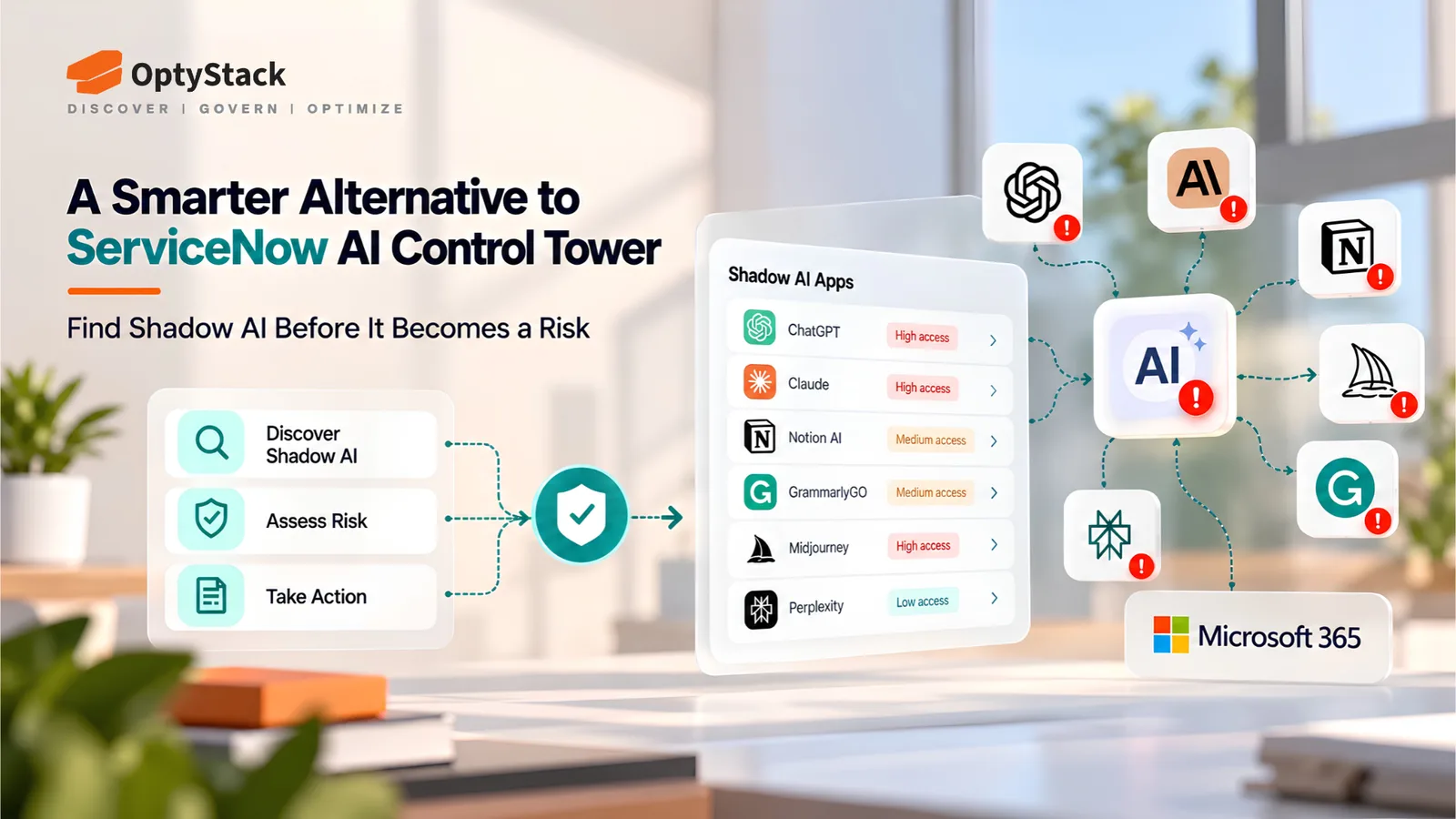
Discover: Use OptyStack to scan for browser extensions and OAuth connections to identify which AI tools are actually running on your network.
Risk Assess: Differentiate between "Enterprise AI" (where data is private) and "Public AI" (where data is used for training).
Policy: Establish a clear "Green/Yellow/Red" list.
Green: Approved Enterprise instances (e.g., ChatGPT Enterprise).
Yellow: Allowed for non-sensitive tasks only.
Red: Strictly prohibited tools that store data insecurely.
AI is a competitive advantage, but only if you control the inputs. Don't let your intellectual property become someone else's training data.